

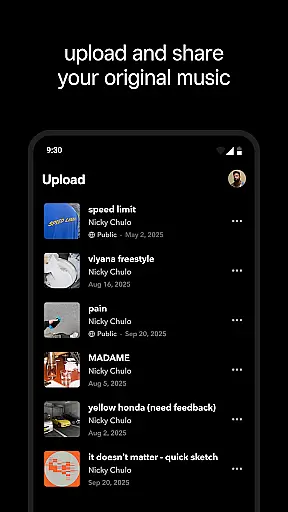

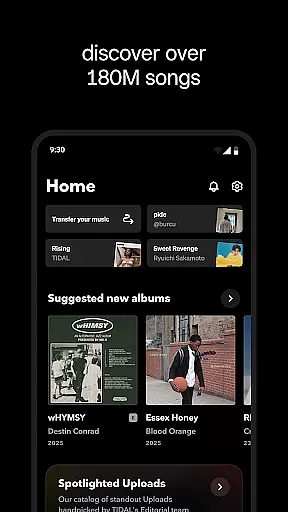
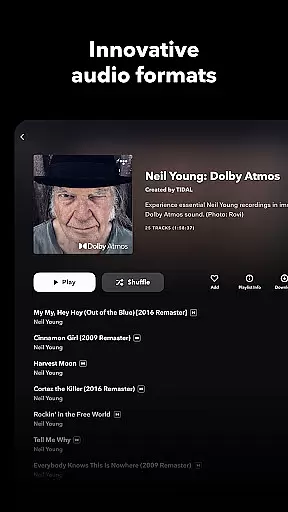
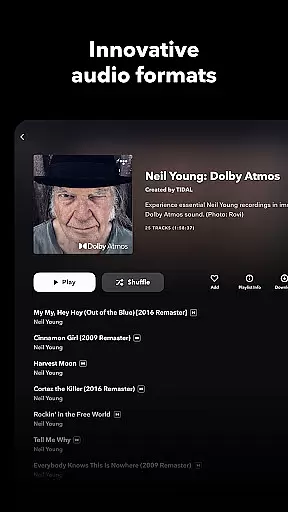
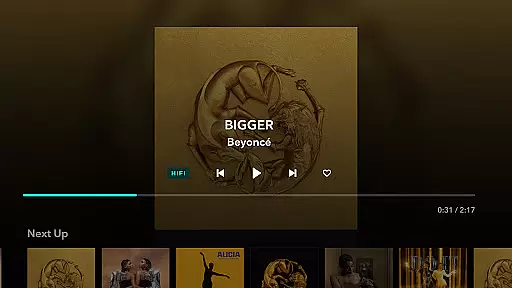

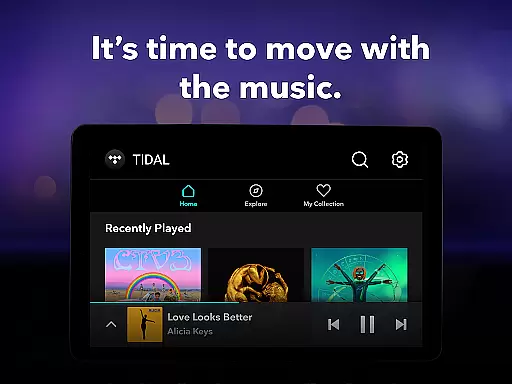
TIDAL Music is a premium music streaming service that stands out for its commitment to high-fidelity sound quality. The app offers an extensive library of millions of tracks in HiRes lossless audio, reaching up to 24-bit, 192 kHz, and supporting Dolby Atmos. This makes it an ideal choice for audiophiles who demand the best possible listening experience.
Beyond just music playback, TIDAL provides users with offline listening capabilities, personalized recommendations, and curated playlists. Whether you're commuting, traveling, or simply relaxing at home, TIDAL ensures uninterrupted access to your favorite songs even without an internet connection. Its user-friendly interface and advanced features cater to both casual listeners and dedicated music enthusiasts.
With flexible subscription plans including Individual, Family, and Student options, TIDAL makes high-quality music accessible to a wide audience. Each plan comes with a 30-day free trial, allowing new users to explore the platform's offerings risk-free before committing to a paid subscription.
TIDAL distinguishes itself through several key features designed to enhance the music listening experience. First and foremost is its high-fidelity audio streaming capability, which delivers studio-quality sound that captures every detail of the original recording. This feature sets TIDAL apart from many competitors who offer only compressed audio formats.
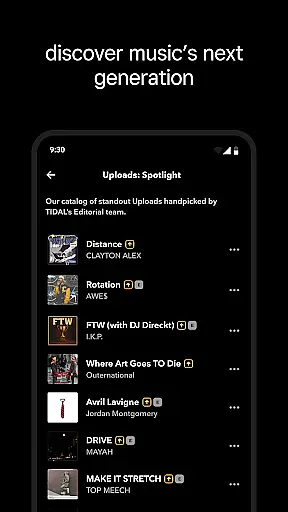
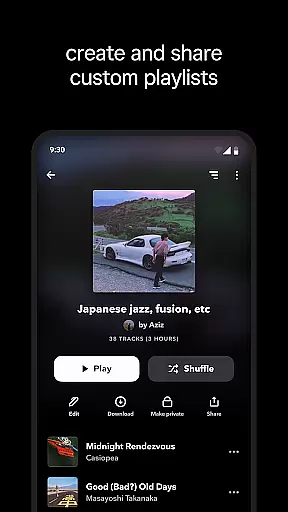
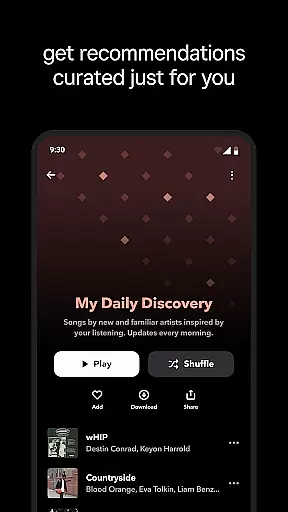
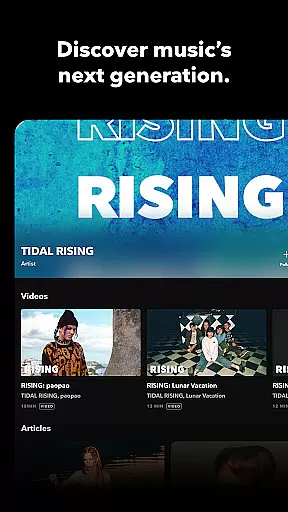
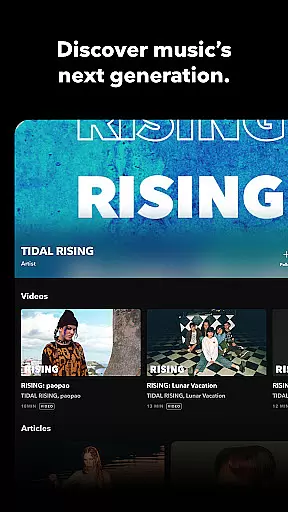
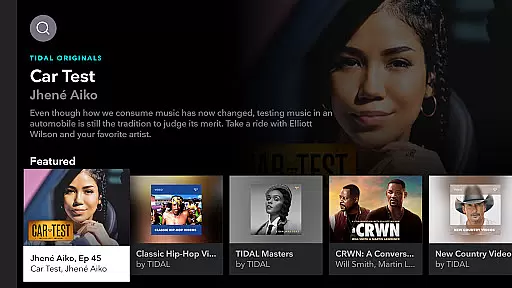
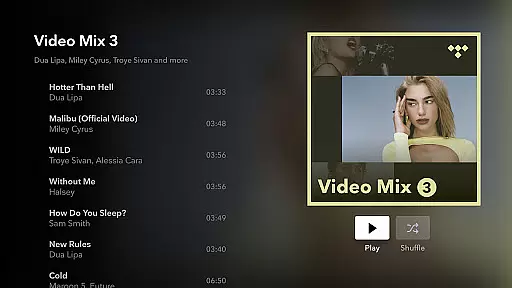
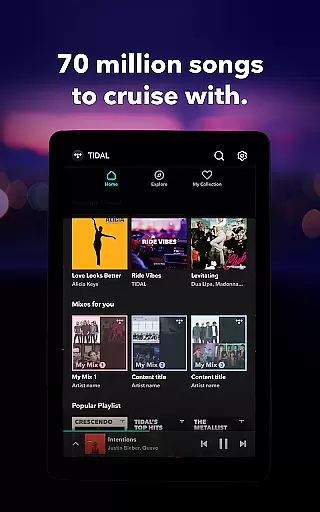
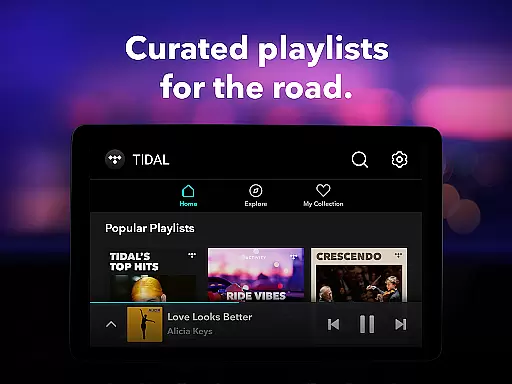
The app also excels in content curation and personalization. Users receive tailored recommendations based on their listening habits, ensuring they continually discover new music aligned with their tastes. Additionally, TIDAL's editorial team creates expertly curated playlists across various genres, providing fresh and engaging content regularly.
Another standout feature is the offline mode, allowing subscribers to download albums, playlists, or individual tracks directly to their devices. This functionality proves invaluable when traveling or in areas with limited connectivity. Furthermore, TIDAL Connect enables seamless playback on compatible devices, maintaining lossless quality throughout the listening session.
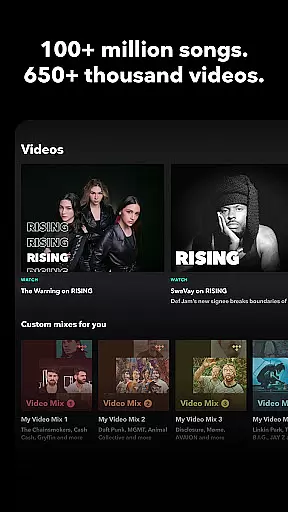
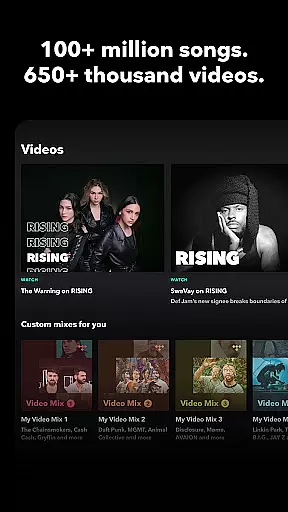
When it comes to digital music platforms, the size and authenticity of the music library are crucial factors for users. TIDAL Music boasts an extensive collection of millions of songs and albums spanning various genres. This vast library ensures that users have access to a diverse range of music, from mainstream hits to niche tracks, catering to all musical tastes.
The platform places a strong emphasis on copyright authenticity, ensuring that all tracks are legally licensed and sourced directly from artists and record labels. This commitment not only supports artists financially but also guarantees users a legitimate and high-quality listening experience. With TIDAL, listeners can enjoy their favorite music with peace of mind, knowing they are accessing authentic content.
Moreover, TIDAL's HiFi sound quality offers lossless audio streams, elevating the listening experience to new heights. The service provides high-fidelity audio up to 24-bit, 192 kHz, and Dolby Atmos, making it a top choice for audiophiles who demand the best sound quality. This dedication to superior audio ensures that every note and beat is reproduced with precision and clarity.
Audio quality is a defining feature of any music streaming service, and TIDAL Music excels in this area by offering multiple audio quality options. Users can choose between different tiers of sound quality, ranging from standard definition to high-fidelity lossless audio. This flexibility allows listeners to tailor their experience based on their preferences and available internet bandwidth.
TIDAL's premium subscription plans unlock access to HiRes audio, delivering unparalleled sound quality with bitrates as high as 24-bit/192kHz. This level of detail ensures that even the most subtle nuances in music production are preserved, providing an immersive listening experience that rivals physical media formats. Additionally, the inclusion of Dolby Atmos technology creates a three-dimensional soundscape that envelops the listener.
For those concerned about data usage, TIDAL also offers adjustable streaming quality settings. Users can select lower bitrate options when using mobile networks or maintain the highest quality when connected to Wi-Fi. Furthermore, the offline download feature maintains the selected audio quality, allowing subscribers to enjoy premium sound even without an internet connection. This combination of flexible quality options and consistent performance makes TIDAL a standout choice for discerning music enthusiasts.
High-fidelity audio streaming
Extensive music library
Offline listening mode
Personalized recommendations
Multiple subscription options
Higher subscription cost
Limited podcast selection
No free tier available
Interface can be complex
Occasional connectivity issues

Full-featured, High-Quality Groovebox Workstation, perfect for Live Performance!
 4.80
4.80
The only true audiophile music player with Hi-Fi audio rendering and DSP engine
3.90
Enjoy singing any song, no matter how high or low it is
4.30
No wifi music app. Mp3 offline. Tuner radio, young radio music. Music downloader
4.20
Music, News & Sports Radio Tuner App. Tune in Live FM & AM Radio Stations.
4.80
Make songs with AI! Any genre, custom lyric, song generator for music creation!
4.80
Learn the notes on the guitar fretboard fast with this easy and fun app
4.60
Travel To The Music Universe
3.40
Uninterrupted Tunes, Unmatched Vibes
3.90
More downloads than any other metronome. Includes drum machine & tempo trainer.
4.80 4.70
4.70
Record, Mix & Master with all n-Track effects, 64-bit audio and Stem Separation.
4.70
Offline Music Player&MP3 Player with themes, equalizer, lyrics, music play mode
4.60
A complete sound package for the sound engineer or enthusiast
4.60
DJ Music Mixer Pro is a real DJ controllers and DJ Music Studio to remix DJ.
4.40
Your HD audio recorder on the go for music, meetings, ambience, animal sounds…
4.30
A High-Precision Audio Spectrum Analysis App
4.20
The ultimate media player for Android devices
3.90
The Minimalistic Premium Music Player. Handmade with passion for music
2.20


User Reviews