
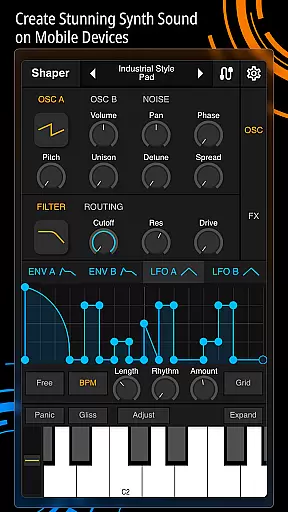
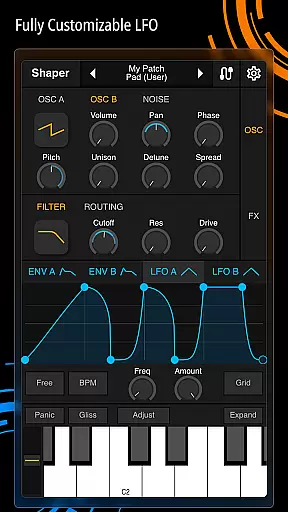
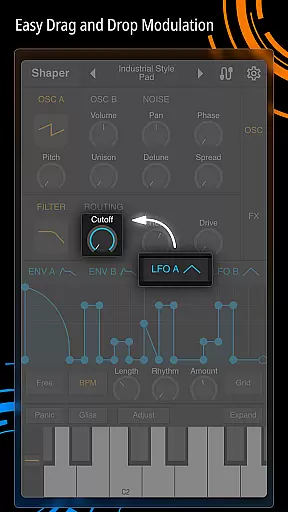
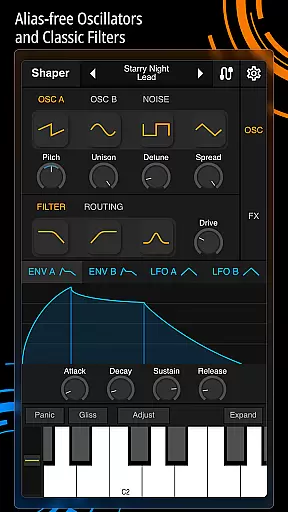
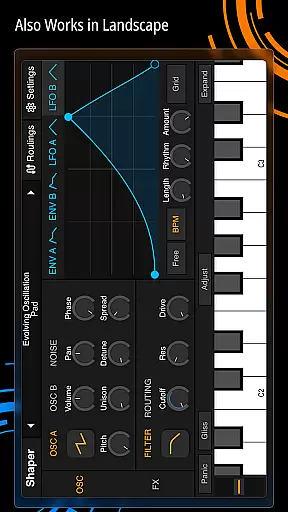
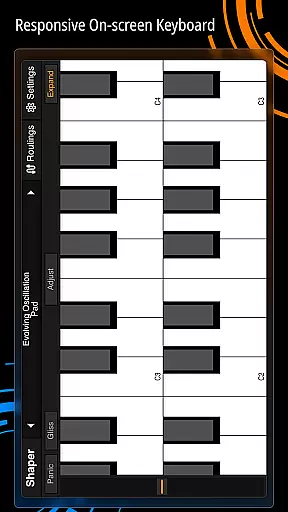
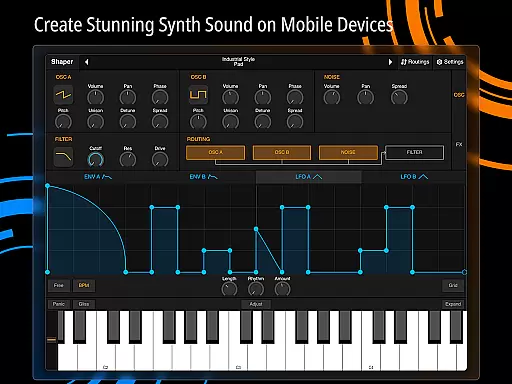
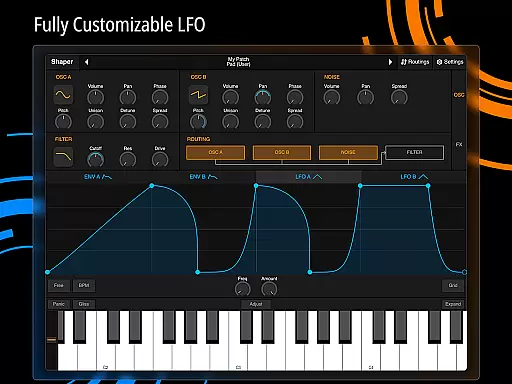
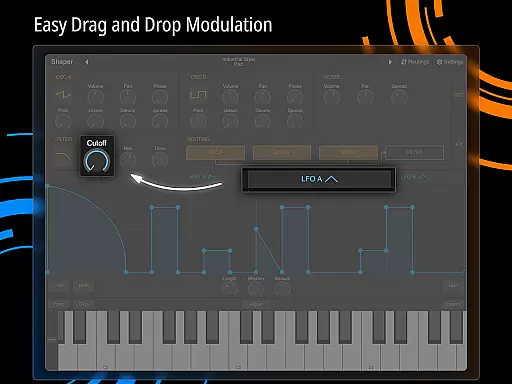
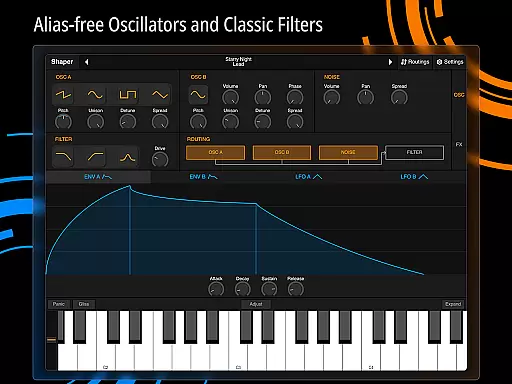
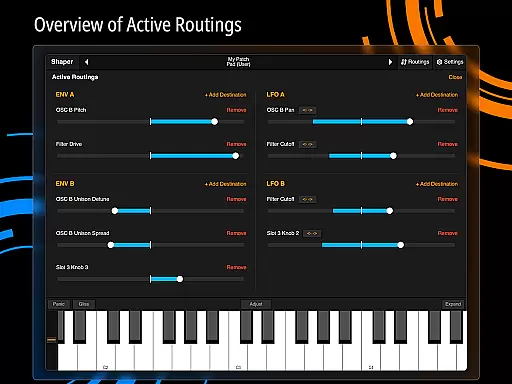
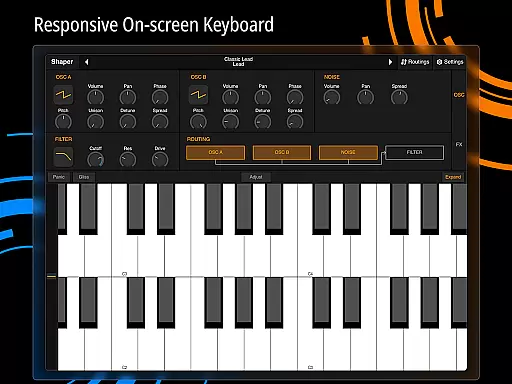
Shaper is a professional-grade subtractive synthesizer designed specifically for mobile platforms. This app empowers musicians and sound designers to create dynamic sounds through an advanced feature set. The core functionality lies in its powerful modulation capabilities, including a fully configurable LFO graph and an intuitive drag-and-drop modulation assignment system.
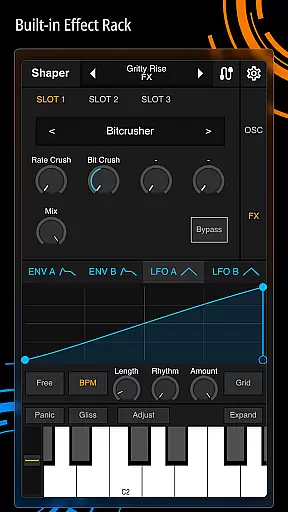
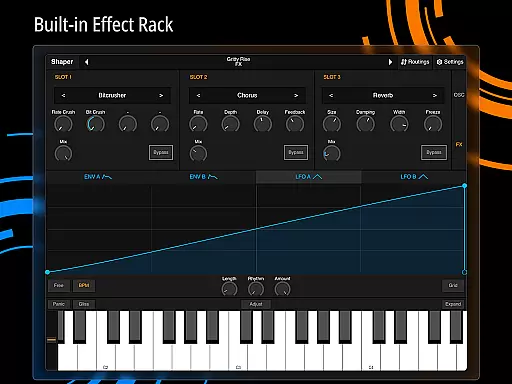
In addition to its robust synthesis engine, Shaper offers a classic analog filter and eight built-in effects such as Bitcrusher, Chorus, Delay, and Reverb. These features make it suitable for both studio production and live performances. Whether you're crafting intricate soundscapes or designing simple melodic lines, Shaper provides the tools needed to bring your musical ideas to life.
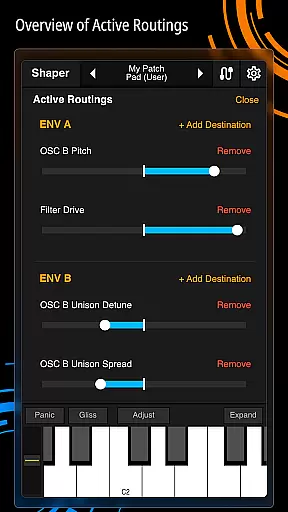
Shaper stands out with its comprehensive suite of sound design tools. The app includes an advanced modulation matrix that allows users to create complex sound interactions. Its fully configurable LFO graphs enable precise control over modulation parameters, while the drag-and-drop interface simplifies the assignment process.
The app also features a classic analog filter known for its rich, warm sound quality. Alongside this, users can access eight additional effects, including Bitcrusher, Chorus, Delay, Groove Delay, Distortion, Filter, Phaser, and Reverb. These effects expand creative possibilities and allow for detailed sound customization. With its thoughtful design and powerful features, Shaper delivers a truly inspiring music production experience on mobile devices.
Shaper offers a comprehensive suite of sound design tools that allow users to create an extensive range of dynamic sounds. The app includes eight built-in effects such as Bitcrusher, Chorus, Delay, Groove Delay, Distortion, Filter, Phaser, and Reverb.
These features ensure that the music library within Shaper is not only vast but also varied in its offerings. Users can craft unique audio experiences with advanced modulation options and configurable LFO graphs.
The synthesizer's interface is designed for intuitive drag-and-drop modulation assignment, making it easy to use while maintaining professional-grade quality. This guarantees that all created content is original and authentic, avoiding any copyright issues.
With these capabilities, musicians and sound designers have the freedom to explore new sonic landscapes without worrying about legal constraints or lack of variety in their compositions.
Shaper provides amazing-sounding classic analog filters along with fully configurable LFO graphs, ensuring high-quality audio output. These features enable users to produce pristine soundscapes with precision control over every aspect of the synthesis process.
In addition to its core functionalities, Shaper includes eight additional built-in effects like Bitcrusher, Chorus, Delay, Groove Delay, Distortion, Filter, Phaser, and Reverb. Each effect enhances the overall audio quality by adding depth and texture to the synthesized sounds.
The appu2019s advanced modulation matrix allows intricate adjustments, giving producers the ability to fine-tune each parameter for optimal performance. Such detailed customization ensures that the final product meets industry standards for excellence.
Overall, Shaper stands out as a powerful tool for creating rich, immersive audio experiences on mobile devices, offering unparalleled flexibility and superior sound fidelity.
Intuitive user interface
Powerful modulation options
Wide range of built-in effects
Seamless creative workflow
Professional-grade sound quality
Steep learning curve
High system requirements
Limited free features
No MIDI support
Occasional performance issues

Simply convert wav to mp3. Clear. Reliable. Safe.
 4.5
4.5
Your HD audio recorder on the go for music, meetings, ambience, animal sounds…
4.30
Over 100 million tracks available for high quality streaming and download
4.60
JBL PartyBox APP works with 110/310/710/120/320/520/Encore/Encore 2/Encore Ess 2
4.80
Record, Mix & Master with all n-Track effects, 64-bit audio and Stem Separation.
4.70
Versatile MP3 recorder with auto-backup to Dropbox and Google Drive
4.10
MilkDrop for Android TV
3.00
Full featured mp3 and audio player with Chromecast and Android Auto support.
4.40
Travel To The Music Universe
3.40
Super Sound Editor, Song Maker & Mixer, Vocal Remover, Voice Recorder & Changer!
4.60
Offline Music Player&MP3 Player with themes, equalizer, lyrics, music play mode
4.60
Fun & Easy Voice Changer – Record, Edit & Add Hilarious Effects!
4.50
Enhance the sound quality of your devices, listen to what you want
4.50
Guzheng Master supports many playing techniques as an acoustic Guzheng
4.50
A High-Precision Audio Spectrum Analysis App
4.20
Network/Cloud Streaming, Visualization, Graphic Equalizer and Sound Effects.
4.20
The original SP-1200 experience on your iPad
4.20
PowerAudio is a powerful offline music player.
4.20
The Cubase remote control app
3.60


User Reviews