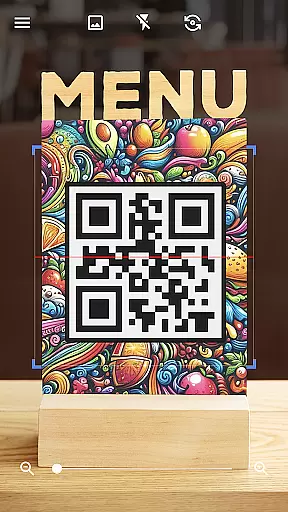
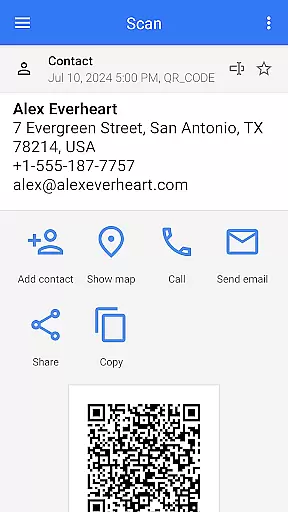
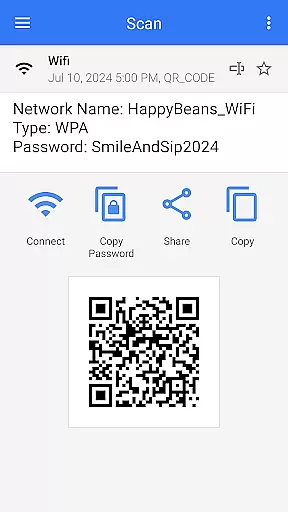
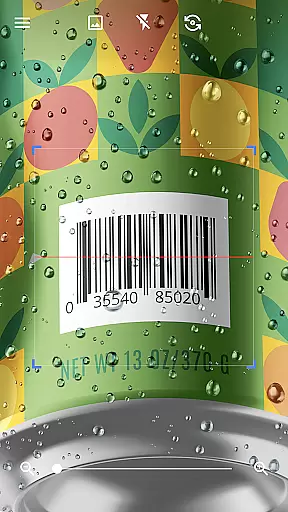
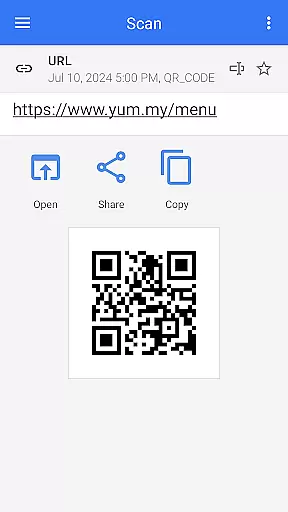
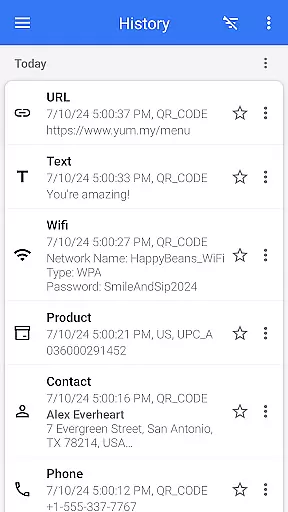
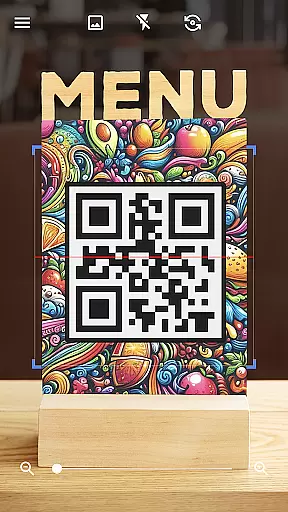
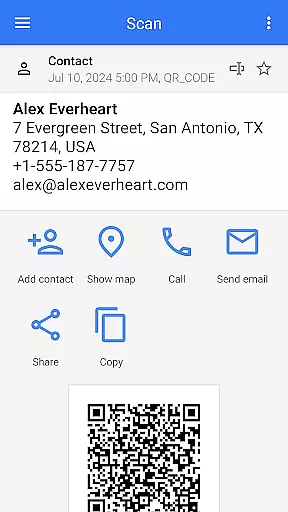
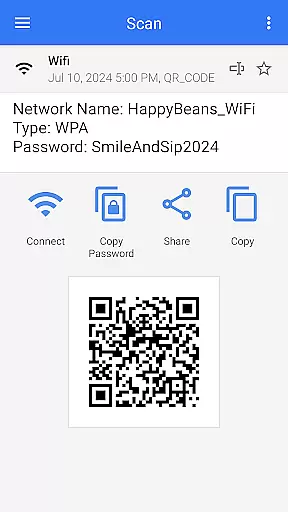
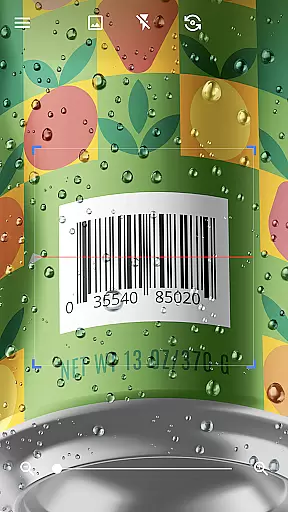
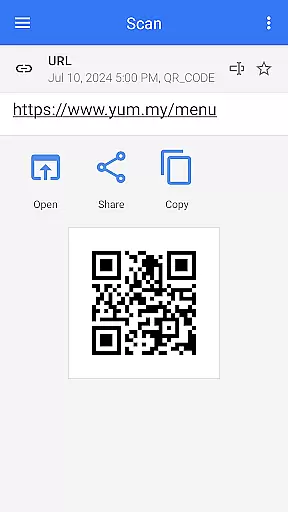
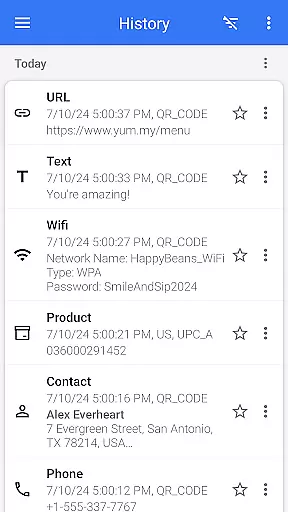
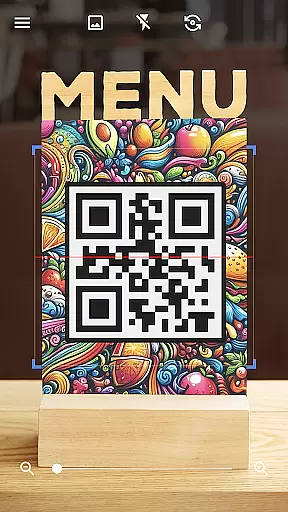
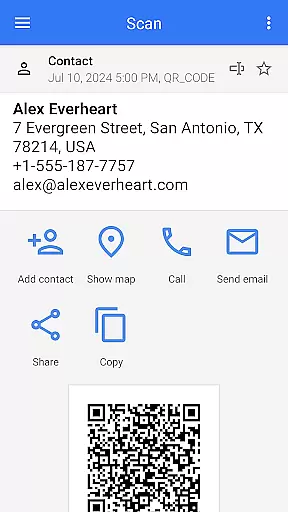
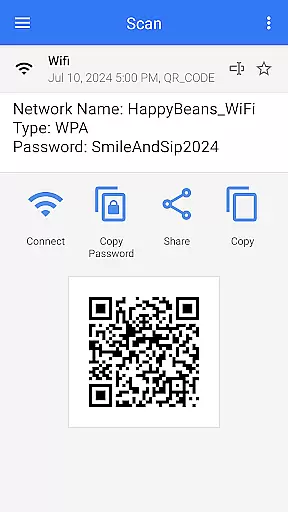
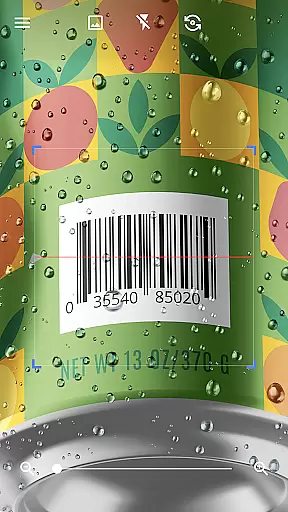
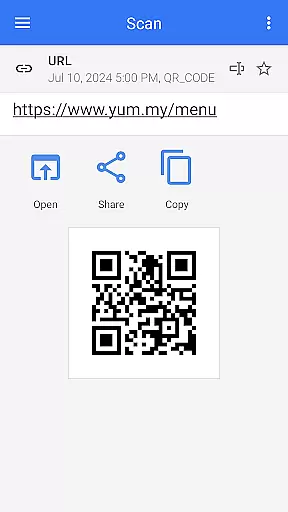
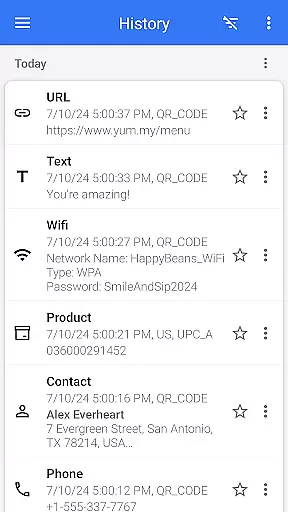

QR & Barcode Scanner is a versatile tool designed for Android users who need fast and reliable scanning capabilities. This app allows users to effortlessly scan various types of QR codes and barcodes, including text, URLs, ISBNs, product details, contacts, calendar events, emails, locations, Wi-Fi information, and more. With its intuitive interface, the app automatically scans and decodes QR codes without requiring any additional actions from the user.
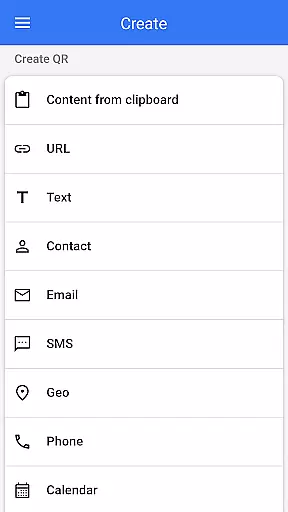
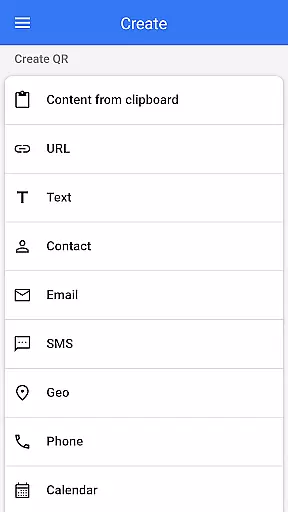
Beyond basic scanning, QR & Barcode Scanner also functions as a QR code generator. Users can input desired data and generate QR codes with ease. The app supports advanced features such as flashlight activation for low-light conditions, pinch-to-zoom functionality for distant codes, batch scanning, and exporting scanned data in .csv or .txt formats. These features make it an indispensable tool for both personal convenience and professional efficiency.
Whether you're using it to compare prices while shopping, connect to Wi-Fi networks, or manage digital content, QR & Barcode Scanner provides a seamless experience that enhances productivity and simplifies daily tasks.
QR & Barcode Scanner stands out due to its comprehensive feature set tailored for diverse scanning needs. One of its key strengths is the ability to handle multiple barcode and QR code formats. From simple text and URLs to complex data like vCards and Wi-Fi credentials, the app ensures accurate decoding every time. Its automatic scanning capability eliminates the need for manual inputs, making the process quick and hassle-free.
In addition to scanning, the app offers robust QR code generation tools. Users can create custom QR codes by entering specific data points, which are then converted into scannable codes. Advanced functionalities include batch scanning mode, allowing users to scan multiple codes at once, and integration with device features like flashlight and zoom controls. The app also supports importing and exporting data in convenient formats (.csv, .txt), enabling efficient data management.
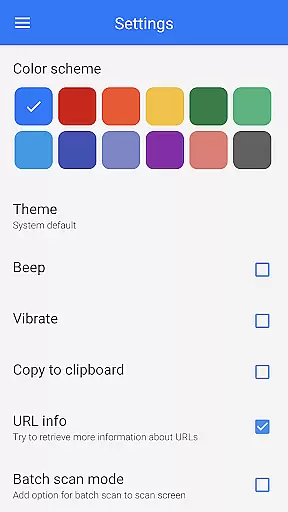
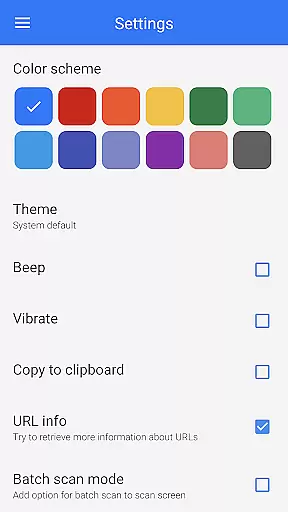
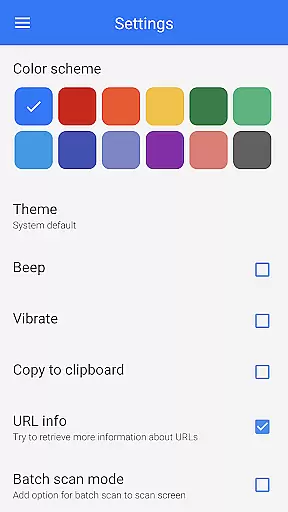
Other notable features include dark mode for comfortable nighttime use, customizable themes, and the ability to scan codes directly from images in your gallery. These thoughtful additions enhance user experience and make QR & Barcode Scanner a top choice for anyone needing reliable scanning solutions on their Android device.
QR & Barcode Scanner stands out for its exceptional core functionality, which centers on the accurate and efficient scanning of QR codes and barcodes. This app employs advanced scanning technology that automatically detects and decodes various types of codes without the need for user intervention such as pressing buttons or adjusting zoom.
The effectiveness of this tool is evident in its ability to swiftly scan and decode a wide array of code types including URLs, ISBNs, product details, contacts, and even Wi-Fi information. Users benefit from real-time decoding that provides relevant options based on the scanned content, allowing them to take immediate and appropriate action.
Moreover, the app extends beyond just scanning; it also offers a built-in QR code generator. This feature enables users to create their own QR codes by simply entering desired data and generating the corresponding code. Such dual functionality significantly enhances both personal convenience and professional operations.
By integrating features like flashlight activation for low-light conditions and pinch-to-zoom for distant codes, QR & Barcode Scanner ensures an uninterrupted scanning experience. These practical additions underscore the app's commitment to delivering precise, reliable, and user-centric solutions for all QR and barcode scanning needs.
The QR & Barcode Scanner app excels in providing an interface that epitomizes simplicity and intuitiveness, making it accessible for users of all technical backgrounds. Upon launching the app, users are greeted with a clean, uncluttered screen that emphasizes ease of use, with the scanning function ready to operate instantly.
Designed with user experience at its core, the app requires no complex setup or navigation. The straightforward point-and-scan mechanism eliminates unnecessary steps, allowing users to quickly adapt to the app's functionalities without a steep learning curve. This intuitive design ensures that even first-time users can efficiently scan QR codes and barcodes without confusion.
Additionally, the app incorporates intelligent features such as automatic format detection and relevant action prompts post-scan, which further streamline the user journey. By reducing cognitive load and focusing on direct interactions, QR & Barcode Scanner delivers a seamless experience that aligns with modern app usability standards.
Customization options like dark mode and theme changes enhance personal preference accommodation while maintaining operational simplicity. Overall, these elements coalesce into an interface that not only simplifies tasks but also enriches the overall user engagement through thoughtful design considerations.
User-friendly interface
Fast scanning speed
Comprehensive format support
Free to use
Advanced customization options
Limited iOS compatibility
Occasional ads in free version
Requires internet for some features
No cloud backup option
Gallery scan may lack precision

pdf merge, word to pdf, jpg to pdf, edit pdf, convert to pdf and much more!
 4.20
4.20
A recovery soft,it features photo recovery, video recovery, file recovery.
3.40
Safely recover deleted photos, videos, and files with a single easy tap.
3.70
Effortlessly run ADB commands directly on your device without a PC.
4.20
Smart and comfortable browsing experience.
3.80
Monitor car performance in real time and troubleshoot malfunctions.
4.80
Quickly check the frequency of the Earth
4.30
Play your X-Box games remotely in 1080p with any controller and zero latency
4.60
The ultimate tool for network analysis, wifi scanning and problem detection.
4.90
Enjoy smooth gameplay with Game Booster
4.90
HD Camera captures every special moment.
4.60
Keep track of your Palia friendships, tasks, and inventory with Palia Notebook
4.60 4.50
4.50
With videos, electrical calculators, and built-in ebook, Ugly’s has your answer.
4.50
Universal TV remote control all TVs, Roku, LG, Samsung, Fire, Vizio, Sony, TCL.
4.40
App that Recover your pictures, videos or files after you delete them.
4.20
Amateur Radio app for APRS: Track friends, exchange messages, get tactical info.
3.90
Save any video in HD - paste the link, download fast and watch offline.
4.1
Download any file easily and quickly with Downloader
4.1


User Reviews