
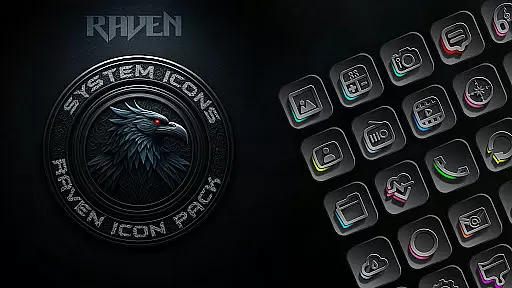
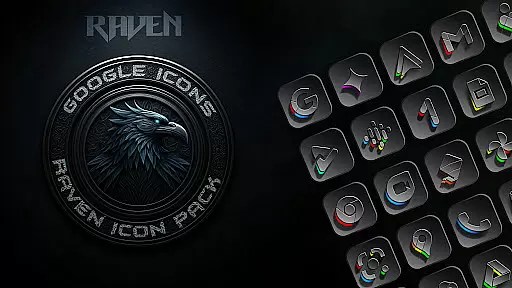
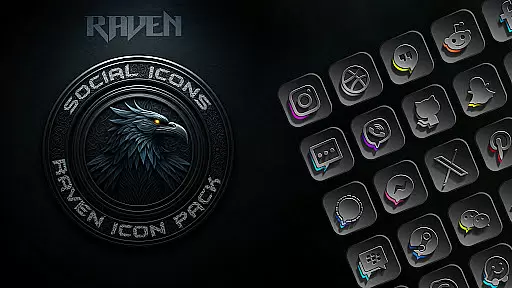
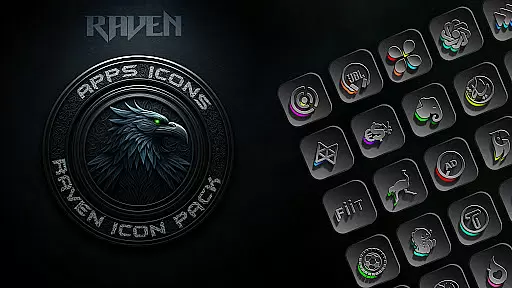
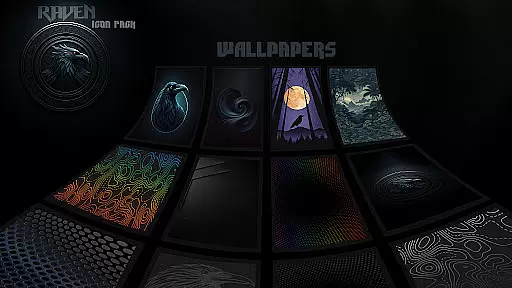
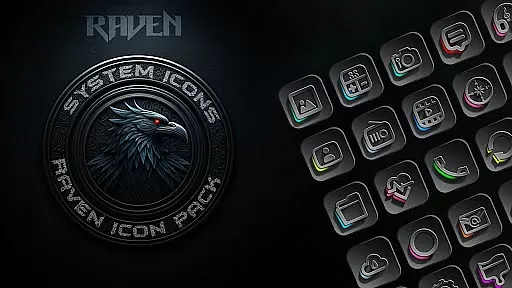
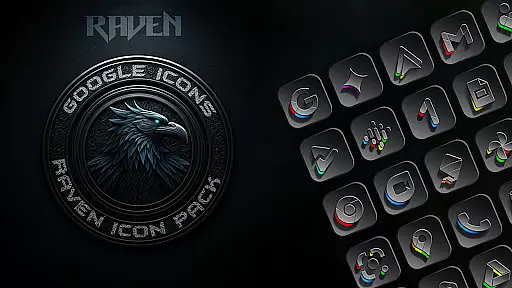
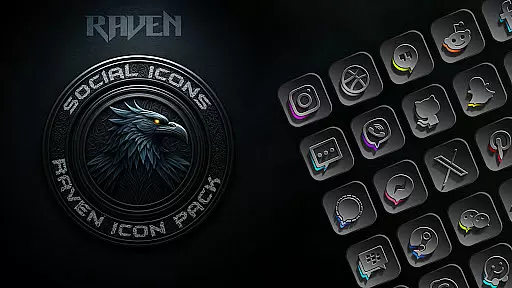
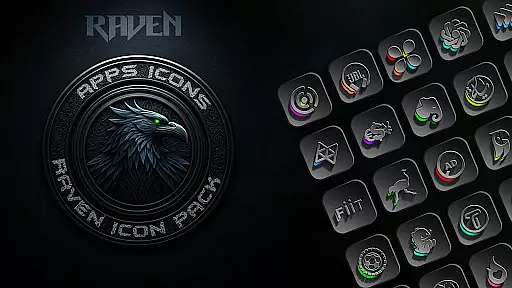
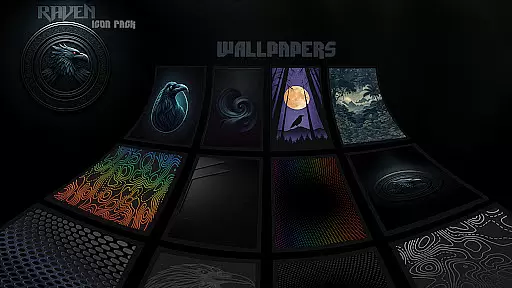
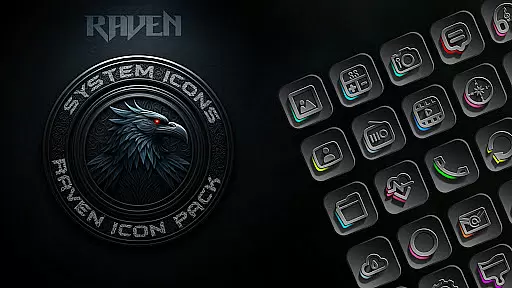
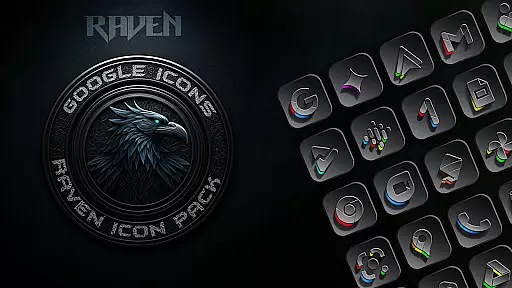
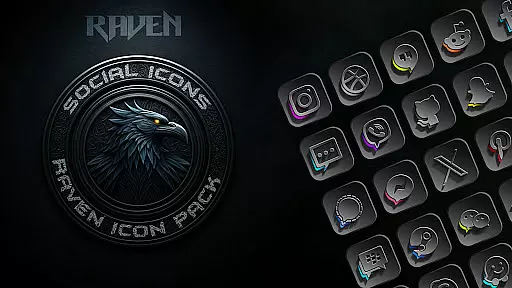
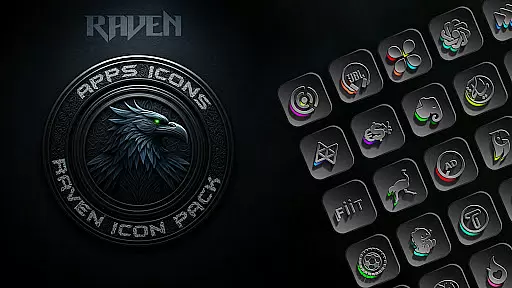
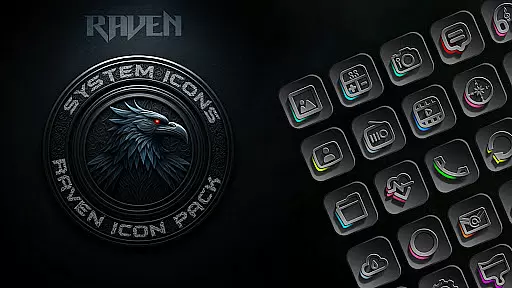
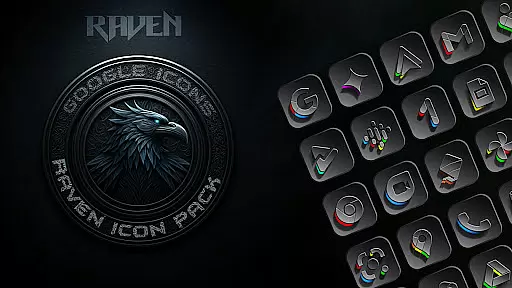
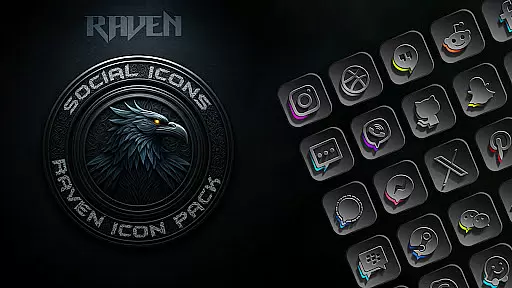
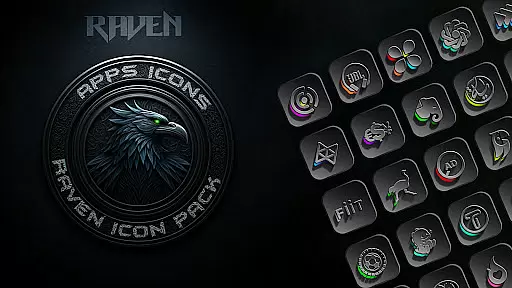
Raven Dark Icon Pack offers a sleek and mysterious collection of dark-themed icons, perfect for users who appreciate minimalist and elegant aesthetics. With over 4500 unique icons, this pack provides a vast library of exquisitely designed options that complement popular launchers. The pack features a dark and moody aesthetic with deep blacks, greys, and subtle color accents.
Users can enjoy regular updates, cloud-based wallpapers, and an icon request tool to personalize their Android devices easily. Compatible with most launchers, it allows for a fresh, dark makeover of home screens and app icons, elevating the style with high-resolution icons and modern UI themes.
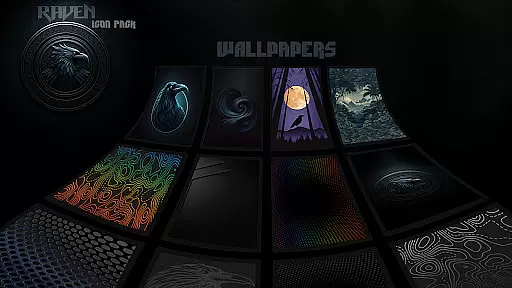
This icon pack stands out with its hundreds of unique icons and a dark, moody aesthetic. The design embraces deep blacks and greys with vibrant color accents, offering a minimalist yet functional look. Regular updates ensure users receive new icons based on requests, while cloud-based wallpapers provide stunning complements to the icons.
The pack includes an easy-to-use icon request tool and supports various launchers, ensuring broad compatibility. Whether using Nova Launcher or others like Apex or GO Launcher, users can apply the theme effortlessly. Samsung users need Android 12 with One UI 4.0 or newer and the Theme Park app for full functionality.
Customization is at the heart of the Raven Dark Icon Pack, offering users a vast array of unique icons to personalize their Android devices. With over 4500 meticulously designed icons, this pack caters to those who appreciate a sleek, dark-themed aesthetic that stands out.
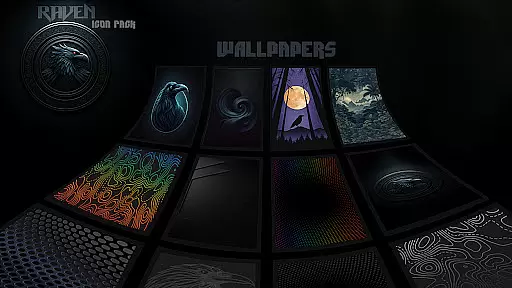
The diversity in customization extends beyond just icons; it includes alternate icons for popular apps and a selection of stunning dark wallpapers. This ensures that every element on your home screen aligns with the desired dark and moody vibe, providing a cohesive look that enhances visual harmony.
Users can easily request icons for apps not included in the initial pack, ensuring that their customization options continue to grow. Regular updates, driven by user feedback, add even more icons, keeping the experience fresh and engaging.
This level of variety empowers users to create a truly personalized interface, making their device not only functional but also a reflection of their style and preferences.
Raven Dark Icon Pack shines in its compatibility with a wide range of Android launchers, making it versatile and accessible for many users. Whether you're using popular launchers like Nova Launcher or more niche options like Zero Launcher, this icon pack integrates seamlessly, providing a consistent and elegant appearance across different platforms.
Included in the list of supported launchers are Action Launcher, Apex Launcher, GO Launcher, and many others, ensuring that most users will find a compatible option. For Samsung users, compatibility extends to devices running Android 12 with Samsung One UI 4.0 or newer, provided they download the Theme Park app from the GOOD LOCK store.
It's important to note that while Google Now Launcher does not support any icon packs, the extensive compatibility list means that finding a suitable launcher is straightforward. This broad compatibility ensures that users aren't limited by their choice of launcher and can enjoy the dark elegance of Raven Dark regardless of their preferred interface.
By prioritizing theme compatibility, Raven Dark Icon Pack guarantees that users can apply their chosen aesthetic effortlessly, enhancing both the functionality and visual appeal of their devices.
Stylish dark theme
Extensive icon library
Regular updates
Cloud-based wallpapers
Wide launcher support
No Google Now support
Requires compatible launcher
Limited Samsung support
Premium price
Occasional update delays

Stunningly Different look with Line Icons and Neon Colors
 4.60
4.60
Beautiful realistic hybrid watch face with numerous customization options.
4.50
Unique Android Launcher
4.60
Unique Fonts, typefaces and stylish text. Fonts for Instagram, Whatsapp & others
4.20
⭐ OneUI inspired Fluffy Icon Pack – Soft. Stylish. Standout. ⭐
4.5
Adaptive Dot Style IconPack with Light & Dark Theme.
3.70
Organize and manage your photos and videos effortlessly with Photo Gallery
4.20
HappyLighting is a Bluetooth lamp control software.
3.40
Emoji Maker app - Design custom emojis and effortlessly blend them with Mixer
3.80
Winter's Journey: digital watch face for Galaxy Watch & Wear OS
4.80
Customizable Glass widgets. Over 360+ stunning widgets and more!
4.70
Color phone with cool effects for call screen, flash alert & ringtones music
4.50
Run multiple accounts of the same app on a single device
4.10
Customizable flower power digital watch face for Wear OS watches.
4.00
Realistic animated snow on your wrist, with 10 images landscapes to choose from
4.00
Transfer your live wallpapers from Windows to Android using Wallpaper Engine!
4.00
Crystal-clear, square icon provides a sleek and sophisticated visual upgrade
4.00
Ultimate widget creator. Design custom widgets for a truly unique home screen!
3.90
Your go to Weather App & Home Screen. Get your weather at a swipe of a finger!
3.80


User Reviews