
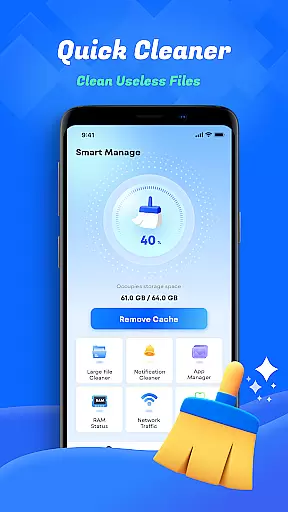
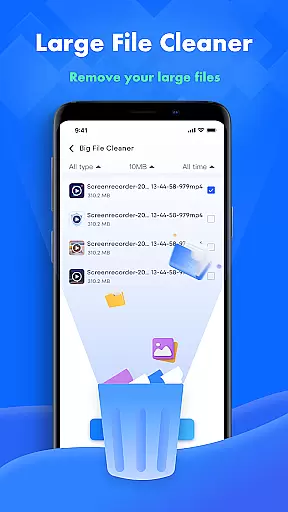
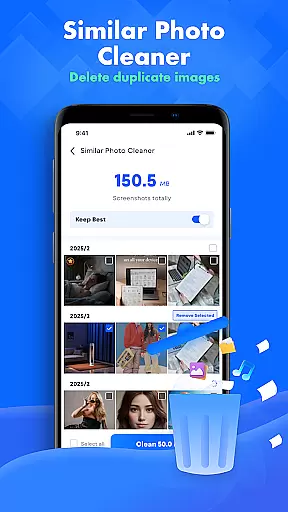
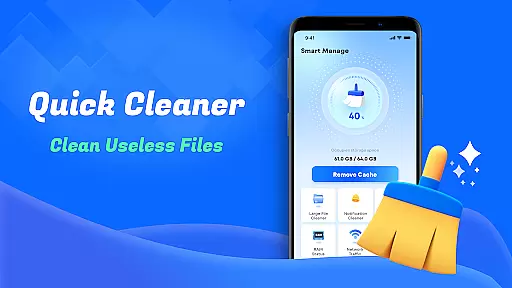
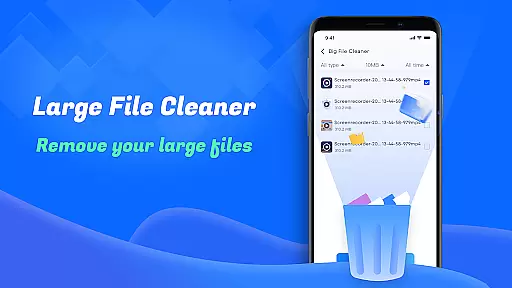
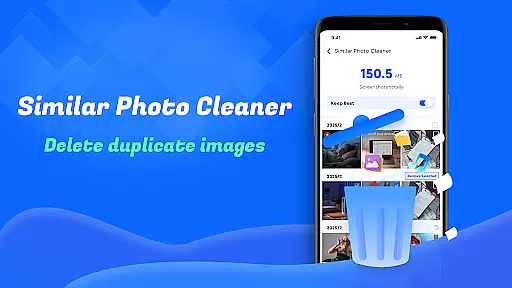
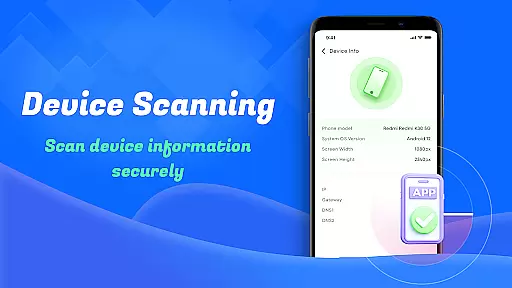
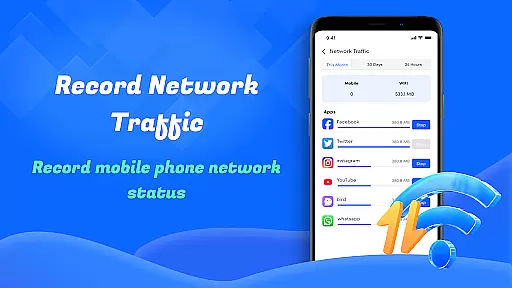
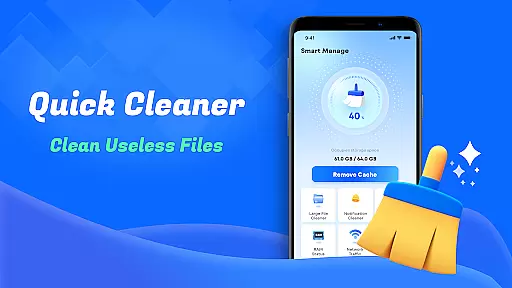
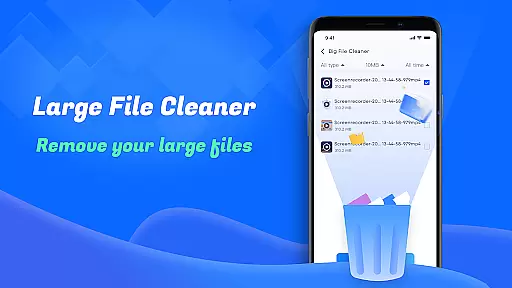
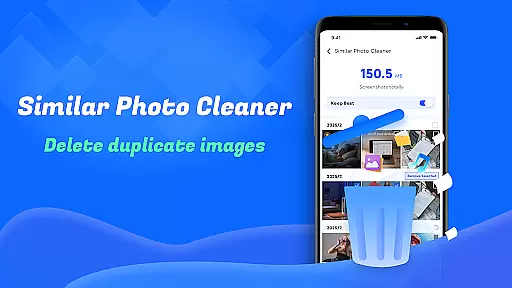
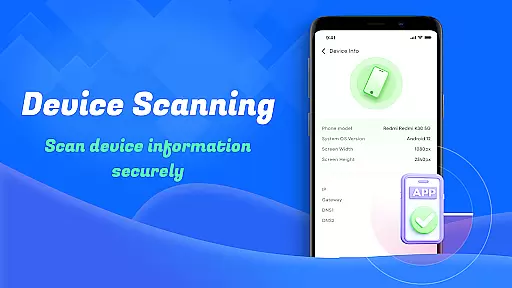
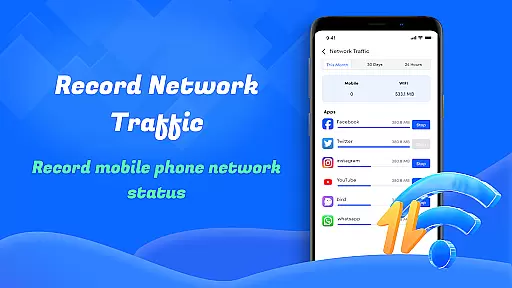
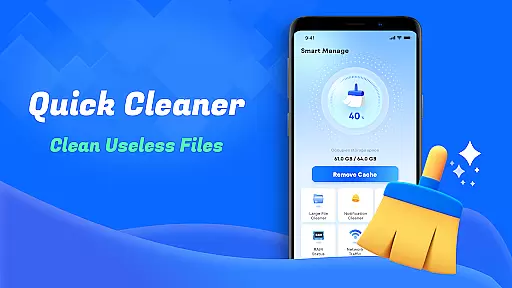
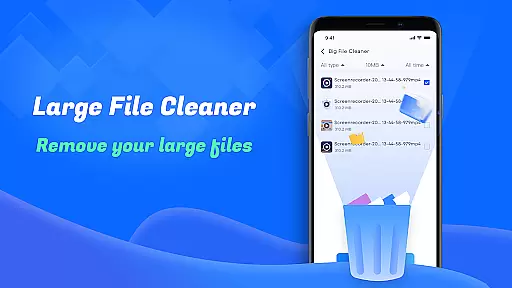
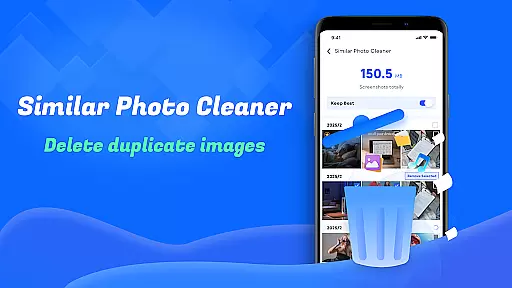
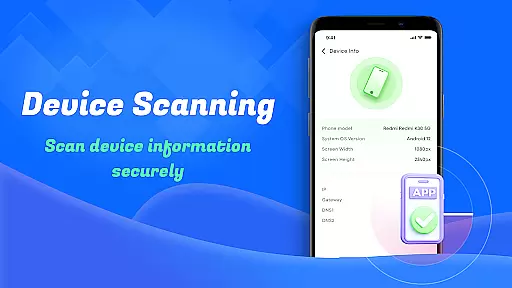
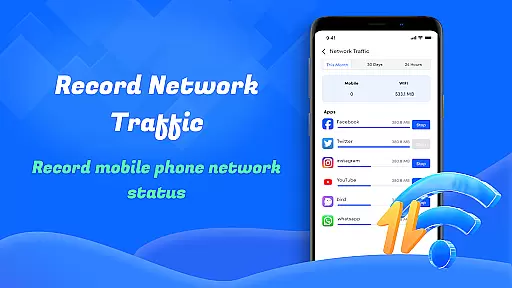
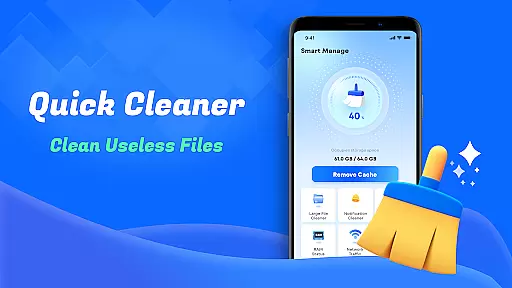
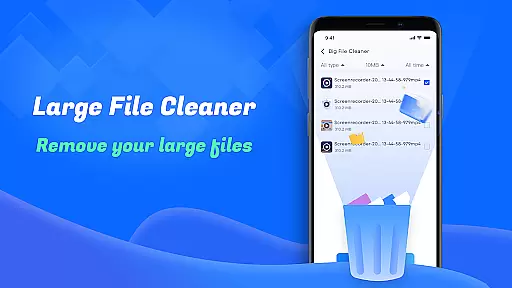
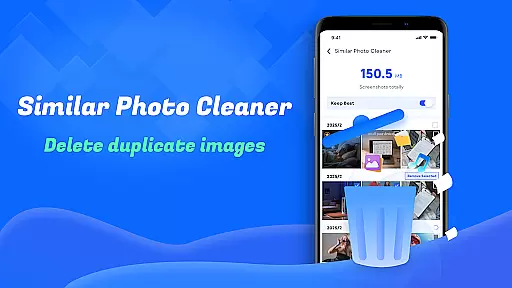
Smart Cleaner is a comprehensive phone cleaning tool designed to optimize device performance through efficient file management. The app specializes in removing unnecessary files, large documents, and redundant screenshots while offering advanced features like similar photo detection.
With its intuitive interface, users can easily navigate through various cleaning options. Whether it's freeing up storage space or monitoring network usage, Smart Cleaner provides a one-stop solution for maintaining a clutter-free device. Its practical tools make it an essential utility for anyone seeking to enhance their smartphone's efficiency.
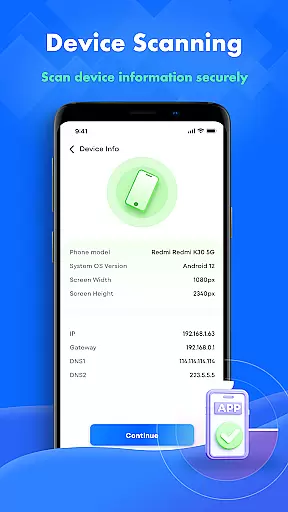
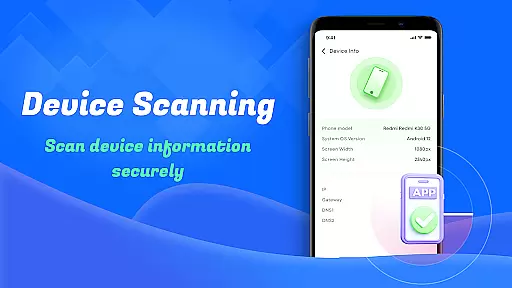
The app also includes system monitoring features, providing detailed insights into device performance and data usage. This makes it not only a cleaning tool but also a complete device management solution, ensuring optimal functionality for both casual users and tech enthusiasts.
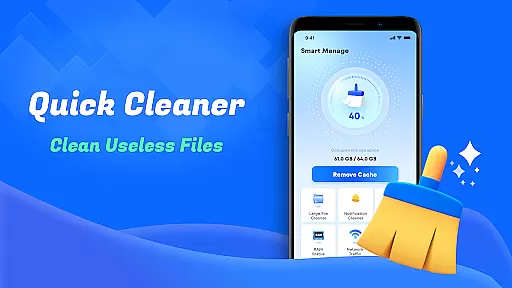
Smart Cleaner stands out with its diverse range of practical features tailored for device optimization. One of its core functionalities is the ability to scan and remove unnecessary files, including temporary caches and residual files that accumulate over time.
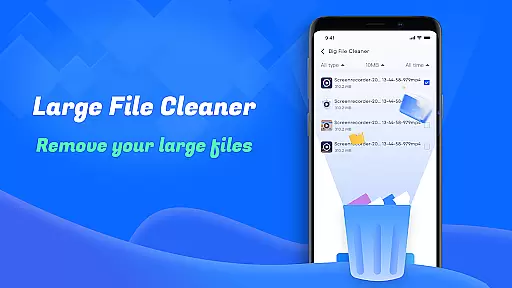
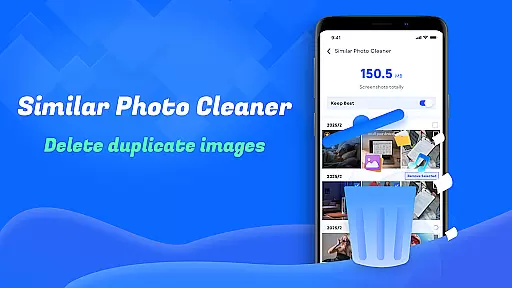
In addition to basic cleaning, the app offers specialized tools such as Large File Cleanup and Similar Photo identification. These features allow users to pinpoint specific file types that consume significant storage space. Furthermore, the Screenshots Cleanup tool ensures that unwanted captures don't clutter your gallery.
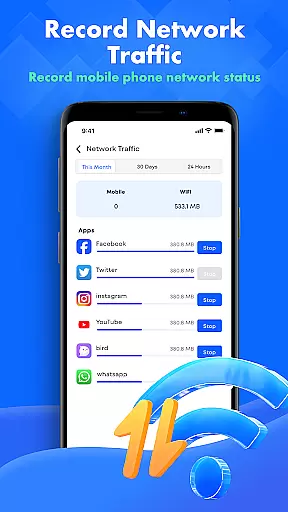
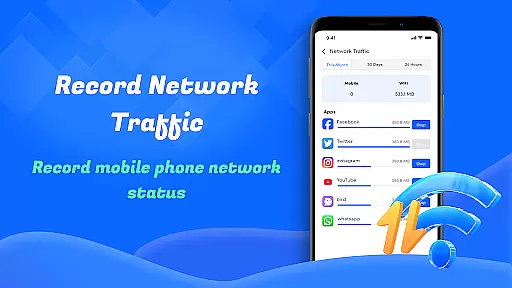
Beyond file management, Smart Cleaner provides valuable insights into device health and network usage. Users can monitor real-time statistics on their device’s performance and manage data consumption effectively. These capabilities ensure a streamlined experience, making it easier than ever to maintain a high-performing device.
Smart Cleaner is designed to provide users with a reliable tool for managing and optimizing their device storage. The core functions of the app, such as unnecessary files cleanup, large file removal, and similar photos identification, are crafted to ensure maximum efficiency in reclaiming valuable space on your device.
The app employs advanced scanning algorithms that meticulously comb through your device to locate redundant files, large files consuming significant storage, and duplicate or similar images that clutter your gallery. This meticulous approach ensures that no critical data is removed while effectively decluttering your device.
Users benefit from an intuitive interface that simplifies the process of cleaning up their devices. With just one click, they can initiate comprehensive scans that cover various types of unnecessary data, thus streamlining the maintenance routine without requiring technical expertise.
Ultimately, Smart Cleaner's commitment to accuracy and effectiveness translates into tangible benefits for users who experience improved device performance and increased available storage after each use.
A user-friendly interface is crucial for ensuring that all individuals, regardless of technical proficiency, can utilize Smart Cleaner efficiently. The design philosophy behind this application emphasizes simplicity and intuitiveness, making it accessible even to those unfamiliar with digital tools.
Upon launching Smart Cleaner, users are greeted by a straightforward layout where primary functions like file cleanup and network usage monitoring are prominently displayed. This strategic arrangement allows quick access to essential features without overwhelming the user with complex options or settings.
Moreover, every feature within the app follows a consistent pattern of operationu2014select, scan, review, and cleanu2014which minimizes the learning curve associated with new software adoption. Such consistency fosters confidence among users as they navigate through different sections of the app seamlessly.
In summary, Smart Cleaner not only excels in functionality but also offers an engaging yet simple interaction model that enhances overall usability, encouraging regular utilization for maintaining optimal device health.
User-friendly interface
Comprehensive cleaning tools
Effective storage optimization
Real-time device monitoring
Advanced file categorization
Limited advanced settings
No cloud backup integration
Occasional slow performance
Basic design aesthetics
Frequent permission requests

 4.10
4.10
Easily install aab(Android App Bundle) files on your Android device with our app
4.80
1-Click close all background apps on Android TV
3.90
Effortlessly run ADB commands directly on your device without a PC.
4.20
Smart and comfortable browsing experience.
3.80
MS-DOS in your pocket. Play old DOS games anywhere you are ;)
4.10
Mirror your screen to Chromecast and Android TV - Super fast and simple
4.60
With videos, electrical calculators, and built-in ebook, Ugly’s has your answer.
4.50
Enhance your Beats
3.70
Support Fossify apps with a warm thank you!
5.00
Unit and currency converter with easy and simple UI.
4.80
Fast Video Downloader, Movie Downloader, Torrent Downloader & Adblock Browser
4.70
HD Camera captures every special moment.
4.60
Planner and Tracker for Stardew Valley
4.60 4.50
4.50
Screen Mirroring for Roku Sticks, Roku TCL TV and Roku Hisense TV
4.50
Use your phone as a webcam on your computer over WiFi or USB.
4.40
Signal Strength, Mobile, Wifi, Speed Test, Bad Signals, Cellular, 5G, LTE, 4G
4.20
card-reader app
2.20


User Reviews