
Stardew Valley Tracker is an essential companion tool for players of the popular farming simulation game Stardew Valley. This app provides a comprehensive tracking system that helps users manage their in-game activities efficiently.
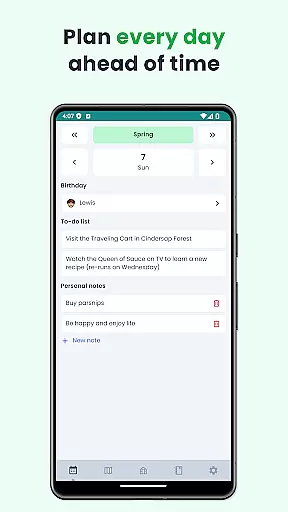
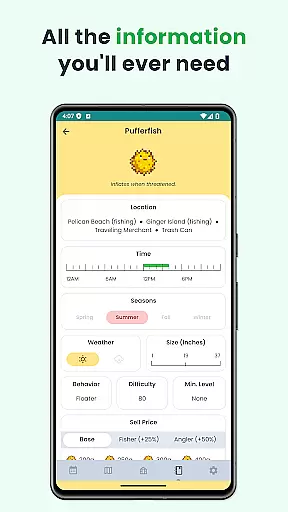
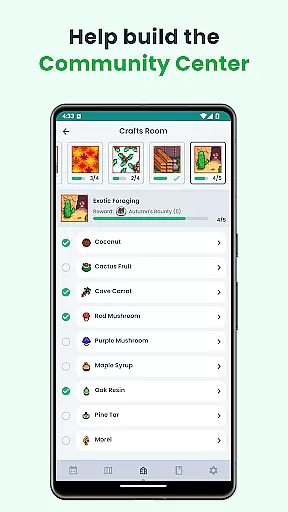
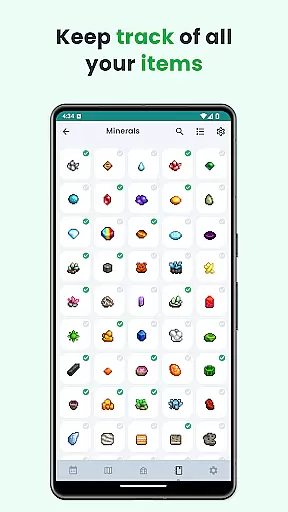
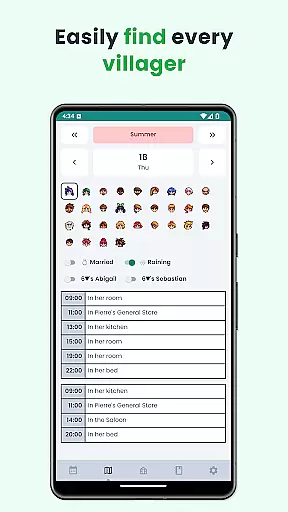
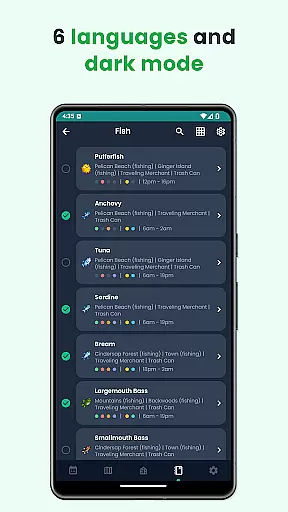
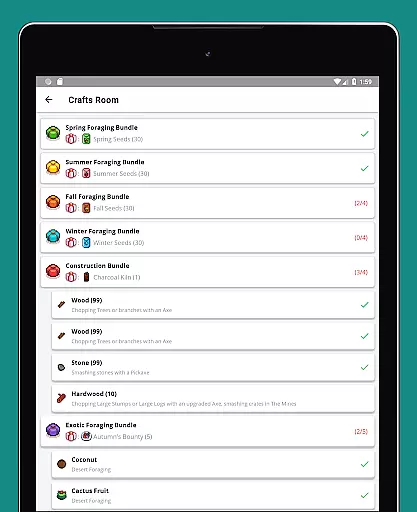
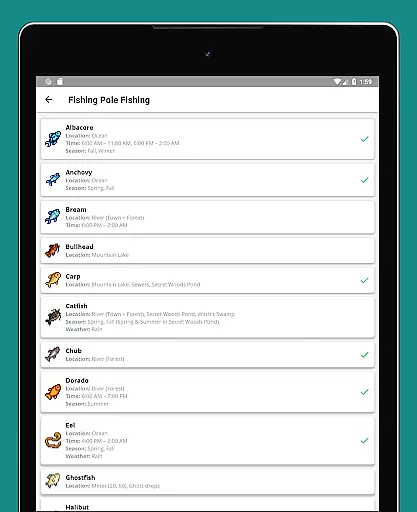
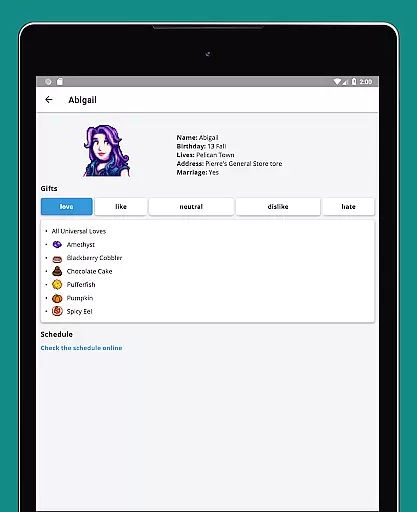
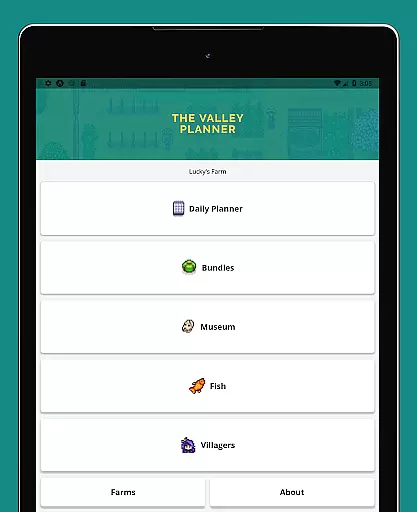
The tracker features an extensive to-do list for each season, customizable notes, villager schedules, and a complete calendar view. It also includes checklists for community center bundles, fish tracking, museum item tracking, and detailed villager gift preferences. With support for six languages, dark mode, and offline functionality, this tool ensures accessibility and convenience.
Ideal for both beginner and veteran players, Stardew Valley Tracker enhances gameplay by keeping all crucial information organized and readily available. Its user-friendly design makes daily farming tasks more manageable and enjoyable.
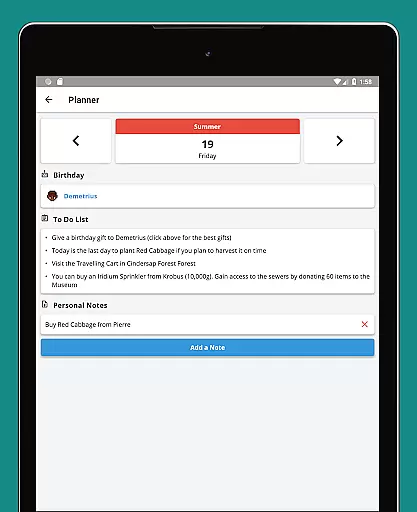
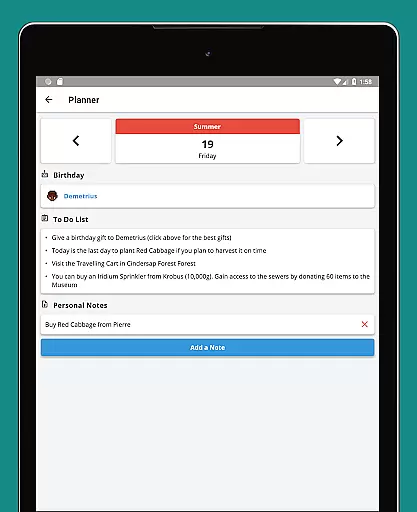
Stardew Valley Tracker offers a wide array of features designed to enhance the gaming experience. One of its standout capabilities is the detailed to-do list for each day of every season, allowing players to plan their farming activities meticulously.
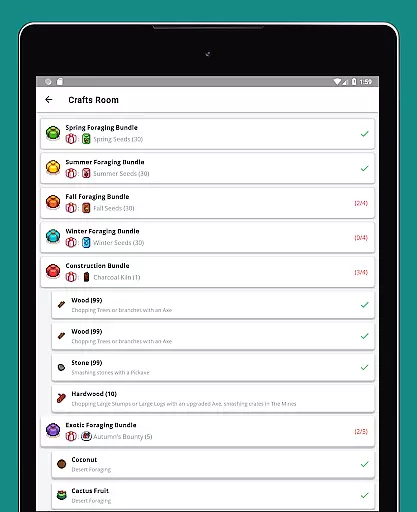
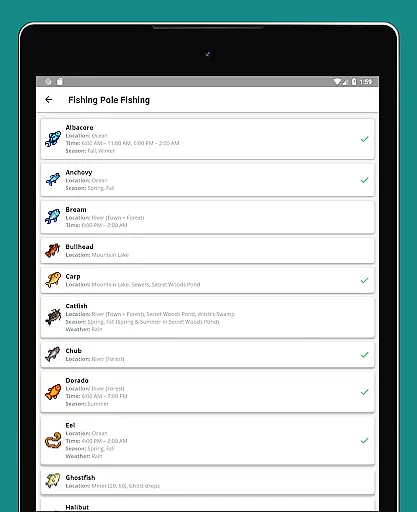
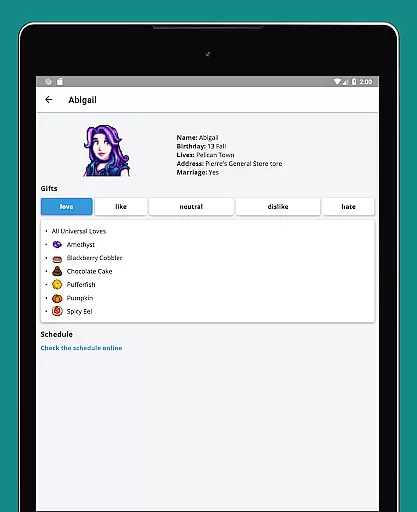
In addition to pre-set tasks, users can add custom notes, track villager schedules, and access a comprehensive calendar. The app also provides checklists for community center bundles, fish tracking with important details, and museum item tracking. A detailed villager list includes gift preferences, ensuring players can build better relationships. With multi-language support, dark mode, and offline functionality, the app caters to diverse user needs.
These features collectively ensure that players have all necessary information at their fingertips, streamlining gameplay and enhancing overall enjoyment.
Stardew Valley Tracker excels in providing accurate and effective tools for players to manage their virtual farming experience. The app offers a comprehensive suite of features that cover every essential aspect of the game.
With detailed to-do lists for each season, customizable notes, villager schedules, and an overall calendar view, users can efficiently organize their daily tasks. The checklist for Community Center bundles and the museum item tracker ensure that no important milestones are missed.
The app's effectiveness is further enhanced by its support for six languages and offline functionality, making it accessible to a wider audience. Its dark mode option adds to the user comfort during extended gaming sessions.
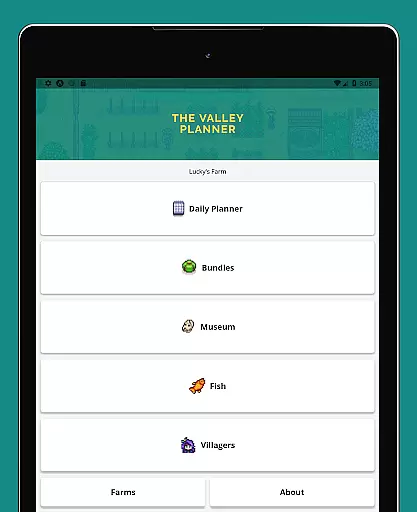
The interface design of Stardew Valley Tracker emphasizes simplicity and ease of use, ensuring that players can focus on their farming activities without distraction. The layout is carefully crafted to provide quick access to all necessary information.
Each feature, from the villager gift preferences list to the fish tracking system, is presented in a clear and organized manner. This intuitive arrangement allows users to find what they need instantly, without having to navigate through complex menus.
Despite the depth of information provided, the app maintains a straightforward and minimalistic design. This approach enhances usability while maintaining all the powerful tools that make the tracker an invaluable companion for the game.
User-friendly interface
Comprehensive tracking
Offline functionality
Multi-language support
Customizable notes
Limited to Stardew Valley
No real-time sync
Premium version cost
Occasional bugs
Steep learning curve

 4.50
4.50
pdf merge, word to pdf, jpg to pdf, edit pdf, convert to pdf and much more!
4.20
Extremely fast, secure, and protects your privacy
4.80
PDF Reader - Document Viewer: Read, Manage & Organize Your Documents
3.10
MS-DOS in your pocket. Play old DOS games anywhere you are ;)
4.10
Excellent scientific calculator with symbolic algebra, integrals, derivatives
4.80
Bedrock Together: Join any bedrock server on Xbox/PS
4.80
Clean up large files and similar photos, fast and easy to use
4.40
The ideal app to be the digital eye of your family
3.40
Enjoy smooth gameplay with Game Booster
4.90
Navigate with Ease and Style
4.90
Learn the vast amount of system information about device and monitor it's state
4.70
Quickly switch to an encrypted DNS server on Android TV
4.50
eXtended Permission Manager - a small app to manage permissions and AppOps
4.50
Complete kernel toolbox with features to manage and tweak your rooted device
4.30
Remote for Roku, Fire TV, Samsung TV, LG TV, Android TV, Chromecast and VIZIO TV
4.20
Effortlessly run ADB commands directly on your device without a PC.
4.20
An open-source APK explorer for Android!
4.10
A non-root local ADB shell client. READ BELOW!
3.40


User Reviews