
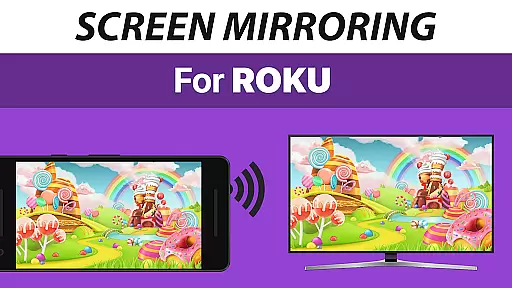
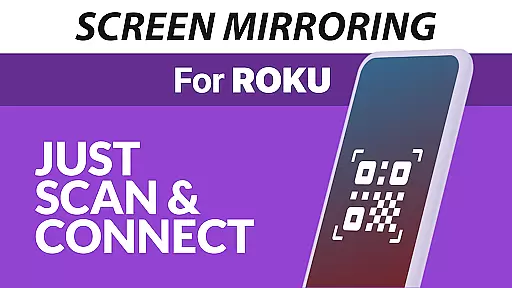
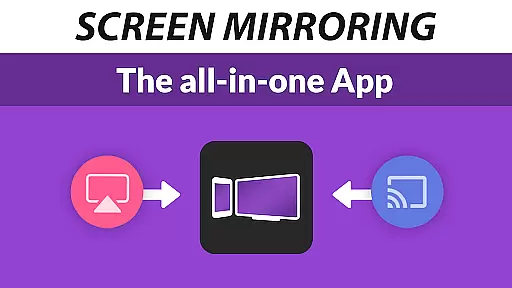
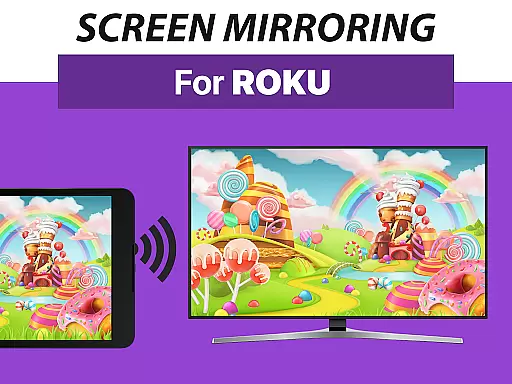
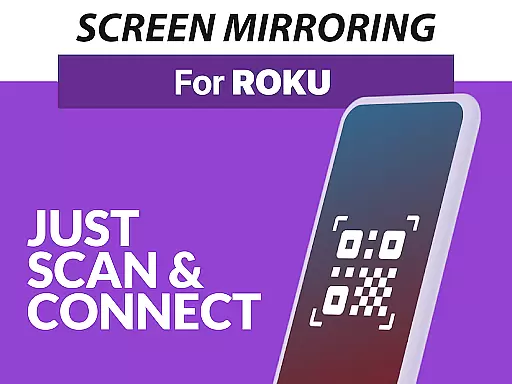
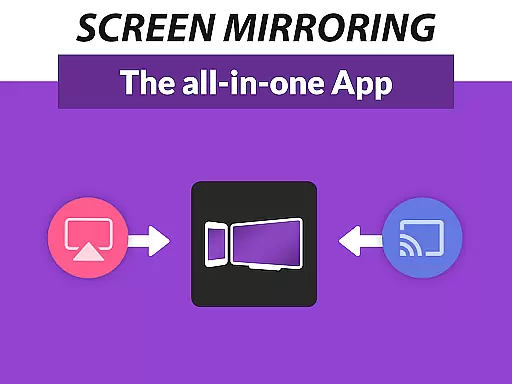
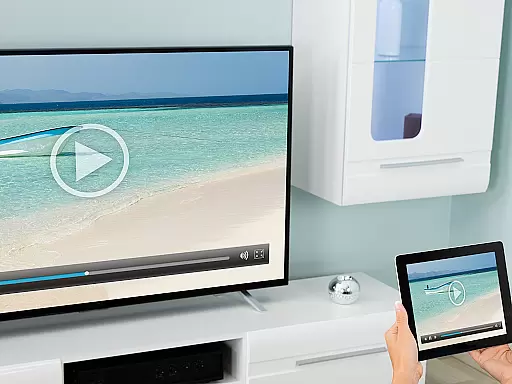
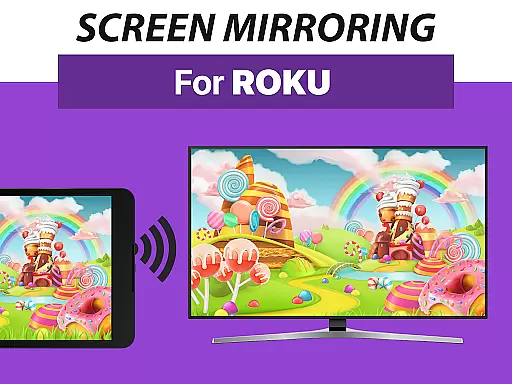
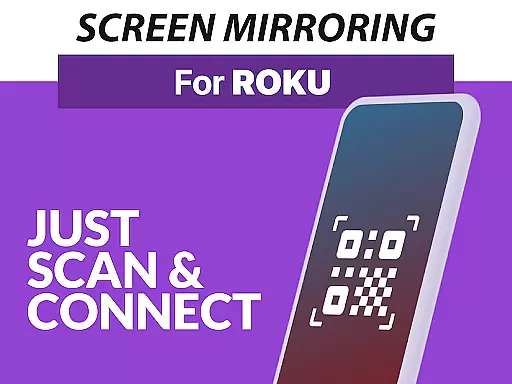
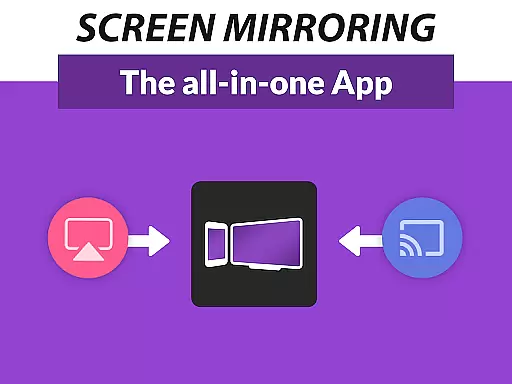
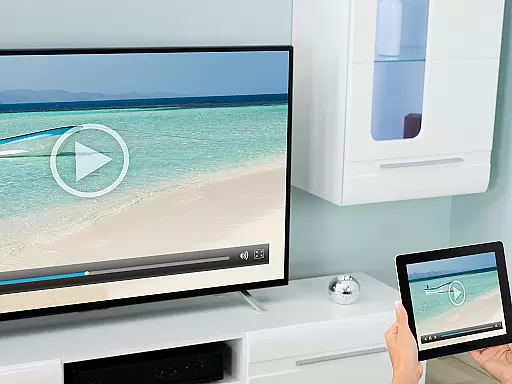
Screen Mirroring Pro for Roku is a powerful tool designed to mirror your Android device's screen to any Roku-enabled display seamlessly. This includes Roku Sticks, Roku Boxes, Roku TVs such as TCL and Hisense models. The app offers an easy setup process that eliminates the need for wires while delivering content in HD quality.
One of the standout features of this application is its superior device support, working with all Android devices running version 5.0 and above, alongside all Roku devices. Whether you're looking to share photos, videos, games, websites, apps, presentations, or documents, Screen Mirroring Pro for Roku facilitates sharing with friends, family, and co-workers effortlessly.
The app outperforms Roku’s built-in Miracast-based Screen Mirroring by providing a unified and straightforward setup across all Android devices without requiring changes to settings or Wi-Fi options. For optimal performance, it is recommended to use a 5GHz Wi-Fi network and ensure both your Android device and Roku are connected to the same Wi-Fi without using VPNs, proxies, VLANs, or subnets.
Screen Mirroring Pro for Roku stands out due to its extensive feature set tailored for seamless screen sharing. Firstly, it supports all Android devices with Android 5.0+ and every Roku device available, including Sticks, Boxes, TVs, and Roku Express models 3700 and 3710. This wide compatibility ensures that users can connect their devices without hassle.
Another significant feature is the app's super easy and unified setup process on all Android devices. Unlike other solutions, there's no need to change Android settings or Wi-Fi options, making the mirroring process smooth and user-friendly. Additionally, the performance is optimized when using a robust Wi-Fi network, preferably 5GHz, ensuring high-quality streaming without interruptions.
For users seeking support or wishing to provide feedback, the developers offer direct contact via email at info@screenmirroring.app. As part of the renowned VIDEO & TV CAST series, which has garnered over 100 million downloads globally, this app brings reliability and cutting-edge technology to enhance your screen mirroring experience.
Screen Mirroring Pro for Roku delivers exceptional core functionality by enabling seamless screen mirroring from Android devices to any Roku device. This app supports all Android devices running version 5.0 and above, ensuring broad compatibility.
The app simplifies the setup process across all supported devices, eliminating the need for complex settings adjustments or Wi-Fi reconfigurations. By maintaining a user-friendly interface, it ensures that even those unfamiliar with advanced technology can easily mirror their screens.
Performance is optimized under good Wi-Fi conditions, particularly when using a 5GHz network, providing users with high-definition streaming quality. The unified and straightforward setup enhances the overall user experience, making it faster and more reliable than built-in options like Miracast.
Ultimately, Screen Mirroring Pro for Roku offers an efficient solution for sharing photos, videos, games, and presentations, enhancing both personal and professional interactions without the hassle of wires or complicated configurations.
The interface design of Screen Mirroring Pro for Roku emphasizes simplicity and intuitiveness, ensuring users can quickly grasp its functionalities. With a focus on ease-of-use, the app minimizes the learning curve typically associated with screen mirroring technologies.
Users benefit from a streamlined setup process that does not require altering Android settings or switching Wi-Fi networks, provided both the Android device and Roku are connected to the same network. Clear instructions guide users through connecting their devices effortlessly.
This intuitive approach extends to daily use, where navigation within the app remains straightforward. Users can swiftly initiate screen sharing sessions, whether for leisure activities like watching videos or for professional needs such as delivering presentations.
By prioritizing an accessible and uncomplicated interface, Screen Mirroring Pro for Roku ensures that users spend less time troubleshooting and more time enjoying shared content with friends, family, and colleagues.
User-friendly interface
Wide device compatibility
High-definition streaming
Easy setup process
Reliable customer support
Requires good Wi-Fi
No VPN support
Same Wi-Fi network needed
Premium version costs
Limited to Roku devices

Extremely fast, secure, and protects your privacy
 4.80
4.80
Head tracking for PC sim games such as MSFS 2024 or Elite:Dangerous. No headset!
4.50
Fluid navigation gestures for all of us!
4.30
This app unlocks the Pro features of the Central for DayZ app
3.60
HD Video player and downloader for all formats, fast & smooth 4K video playback.
4.60
Carry a FTP server in your pocket and avoid USB cables for file transfer
4.20
Play your X-Box games remotely in 1080p with any controller and zero latency
4.60
Screen Mirroring with sound for Samsung TV, LG TV, Sony TV, Smart TV and Browser
4.20
Your personal health butler
3.60
Navigate with Ease and Style
4.90
Unit and currency converter with easy and simple UI.
4.80 4.50
4.50
With videos, electrical calculators, and built-in ebook, Ugly’s has your answer.
4.50
Use your phone as a webcam on your computer over WiFi or USB.
4.40
Pro Emulator is an easy to use game console emulator for a range of consoles.
4.40
An easy-to-use calculator designed to save time calculating and bending conduit
4.30
Amateur Radio app for APRS: Track friends, exchange messages, get tactical info.
3.90
Clean the junk files on your device
3.40
PDF Reader - Document Viewer: Read, Manage & Organize Your Documents
3.10


User Reviews