
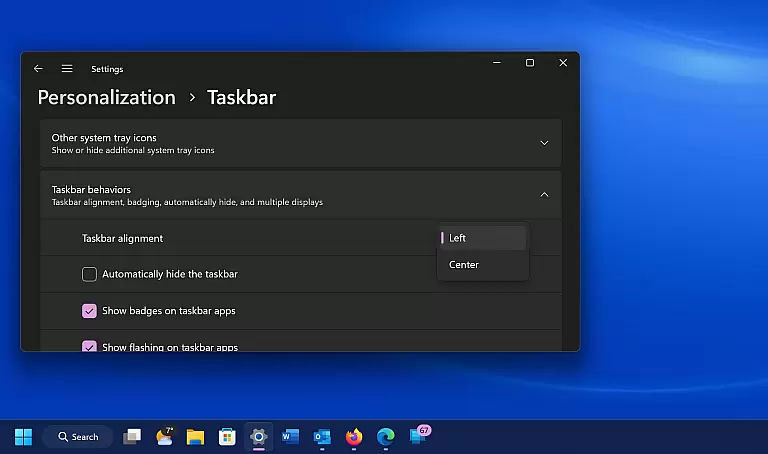
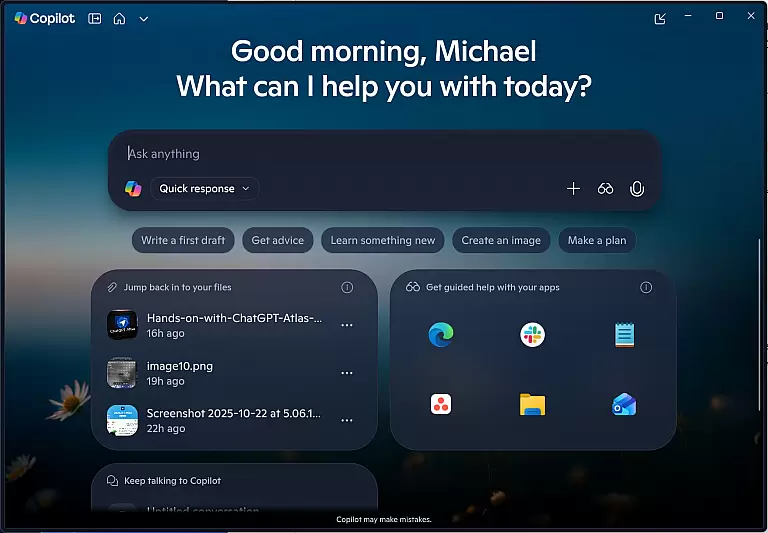
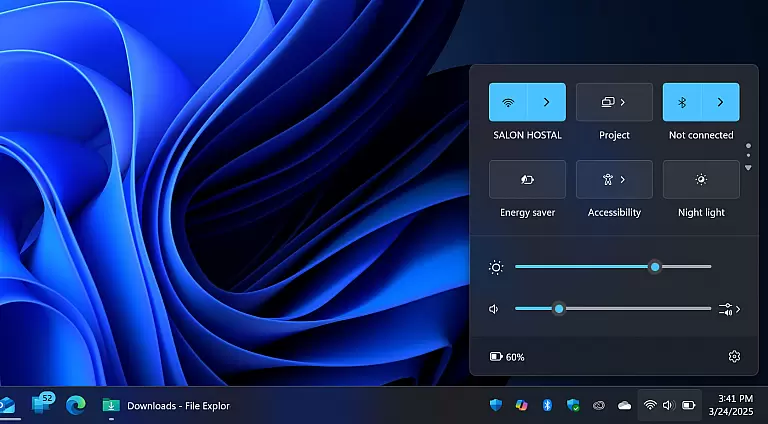
Windows 11 represents a significant evolution in PC operating systems, designed to deliver a seamless user experience across devices. It introduces a modernized UI with centered taskbars and snap layouts, enhancing multitasking efficiency.
The system integrates deeply with Microsoft services like Teams and offers Android app support through the Amazon Appstore. With enhanced security features and performance optimizations, it's ideal for both personal and professional use.
Windows 11 brings several innovative features that set it apart from its predecessors. The new Start menu and taskbar layout provides intuitive navigation while the virtual desktops feature allows better workspace organization.
Gaming enthusiasts benefit from DirectStorage technology and Auto HDR, which significantly improve game loading times and visual quality. Additionally, the Microsoft Store has been revamped to offer a wider selection of apps and content.
When it comes to operating systems, core function accuracy and effectiveness are paramount. Windows 11 ensures that every task, from launching applications to managing files, is executed with precision and speed.
The system's redesigned interface not only enhances usability but also optimizes the way users interact with their devices. With features like Snap Layouts and Virtual Desktops, multitasking becomes seamless and efficient.
Under the hood, Windows 11 leverages advanced algorithms to improve system performance. This results in faster boot times, quicker updates, and an overall smoother user experience.
For professionals relying on resource-intensive software, the OS provides robust support, ensuring that all tools and applications run without hiccups. This reliability makes Windows 11 a trusted choice for both personal and business use.
A simple and intuitive interface can significantly enhance user satisfaction. Windows 11 introduces a cleaner, more organized Start menu and taskbar, making navigation effortless.
The centered design of the taskbar and Start menu aligns with modern aesthetic preferences, offering a fresh look while maintaining familiarity. Users can easily access their most-used apps and recommended content.
Touch, voice, and pen inputs have been refined for better responsiveness, catering to diverse user needs. These enhancements ensure that interacting with Windows 11 feels natural and intuitive.
Moreover, accessibility features have been expanded, allowing individuals with different abilities to customize their experience. This inclusivity underscores Microsoftu2019s commitment to providing an operating system that is easy for everyone to use.
Enhanced multitasking tools
Modern and clean user interface
Built-in Android app support
Advanced security features
Optimized gaming capabilities
Higher system requirements
Limited app availability
Compatibility issues with older software
Steep learning curve for new users
Frequent update notifications

Transfer Files, APK from Phone to Watch & Install.
 4.1
4.1
Unlock your Essential Key. Create custom shortcuts to your favorite apps!
4.1
Signal Strength, Mobile, Wifi, Speed Test, Bad Signals, Cellular, 5G, LTE, 4G
4.20
Connect wirelessly to your computer to watch movies, browse the web, play games
5.00
Download any file easily and quickly with Downloader
4.3
A simple app to back up and restore SMS & MMS messages and call logs.
4.10
Introducing Smart Printer, your ultimate destination for printing solutions!
4.00
Enhance your Beats
3.70
The ideal app to be the digital eye of your family
3.40
Easily install aab(Android App Bundle) files on your Android device with our app
4.80
Unit and currency converter with easy and simple UI.
4.80
Planner and Tracker for Stardew Valley
4.60
Head tracking for PC sim games such as MSFS 2024 or Elite:Dangerous. No headset!
4.50
Screen Mirroring for Roku Sticks, Roku TCL TV and Roku Hisense TV
4.50
Just swipe the edge to do something!
4.40
PC precision for mobile gaming: dominate with keyboard and mouse!
4.30
VESC Tool can monitor and configure VESC-compatible devices over BLE and Wifi
4.20
MS-DOS in your pocket. Play old DOS games anywhere you are ;)
4.10
Undelete and recover your lost or deleted files with DiskDigger!
3.40


User Reviews