
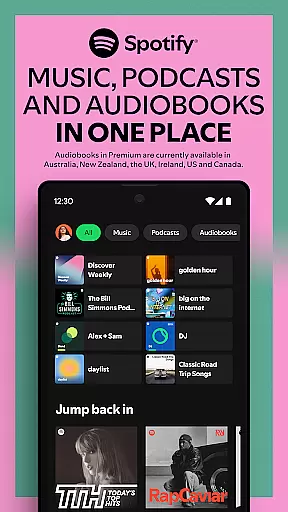
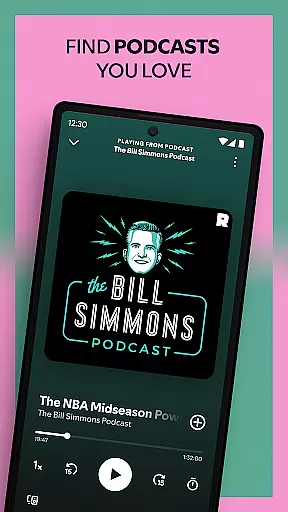
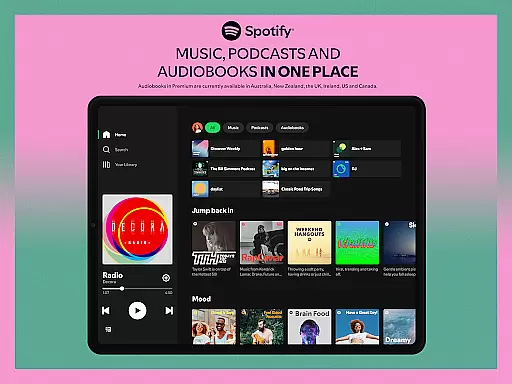
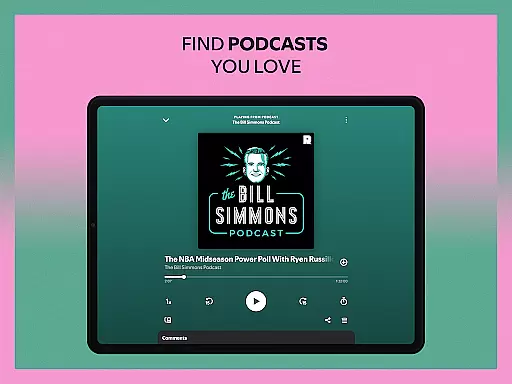
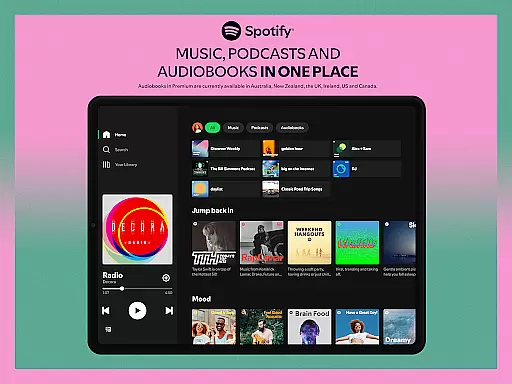
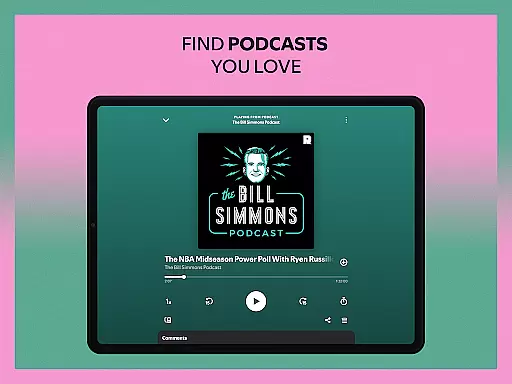
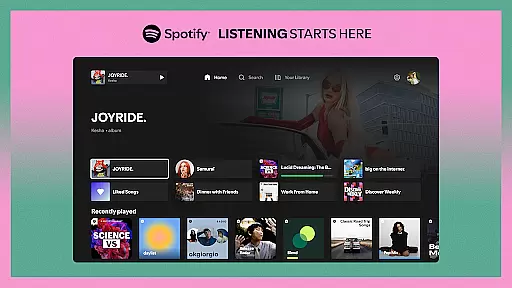


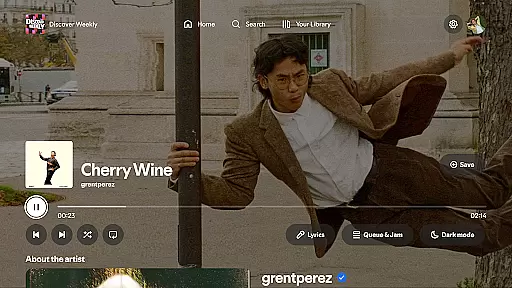
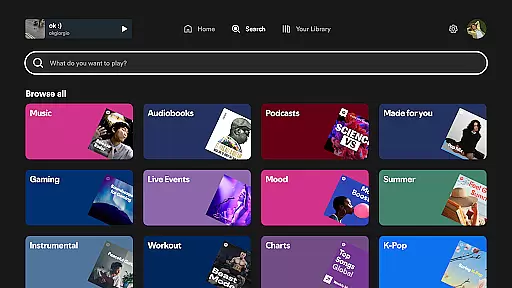
Spotify for Android TV transforms your living room into a dynamic entertainment hub. This app allows you to stream millions of songs, curated playlists, and a wide range of podcasts directly on your TV screen. With features like on-screen lyrics and the ability to control playback using your phone or TV remote, it offers a seamless music experience.
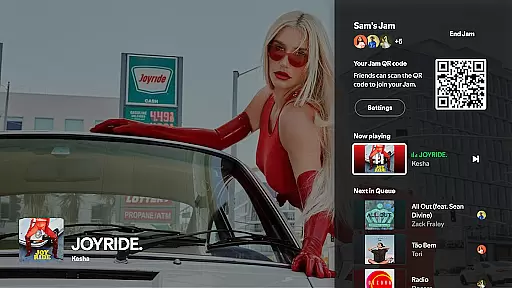
For Premium users, Spotify enhances the experience further by enabling ad-free listening, high-quality audio, and the unique 'Jam' feature that lets friends queue up their favorite tracks. Whether you're hosting gatherings, relaxing after work, or exploring new content, Spotify on Android TV adapts to your lifestyle and provides the perfect soundtrack for every moment.
Spotify for Android TV boasts an array of impressive features tailored for home entertainment. The app supports millions of songs and a vast selection of podcasts, ensuring there's something for everyone. One standout feature is the on-screen lyrics display, allowing users to sing along to their favorite tracks (where available).
Premium subscribers can take advantage of exclusive features such as hosting a 'Jam' session, where friends can collaboratively manage the playlist right from their devices without interrupting the music flow. Additionally, integration with Google Assistant enables hands-free control on supported devices, making it easier than ever to navigate through your music library or start playing your favorite song.
The app also supports Spotify Connect, giving users the flexibility to control playback using either their TV remote or mobile device. These rich functionalities ensure that Spotify for Android TV remains a versatile and indispensable tool for enhancing your home audio experience.
When it comes to music streaming services, the size and authenticity of the music library are crucial factors. Spotify on Android TV offers an extensive collection of millions of songs across various genres, ensuring that there is something for everyone. This vast library not only caters to diverse musical tastes but also supports curated playlists that enhance your listening experience.
The platform places a strong emphasis on copyright authenticity, ensuring that all tracks are legally licensed. This commitment to legal compliance provides peace of mind for users, knowing they are accessing content that respects artists' rights. By prioritizing legitimate music sources, Spotify maintains industry standards and fosters a trustworthy environment for both listeners and creators.
For users, this means enjoying uninterrupted access to their favorite tunes without concerns about copyright infringement. The combination of a massive music library and stringent copyright protocols makes Spotify a reliable choice for music enthusiasts who value both variety and legitimacy in their streaming service.
Audio quality is a significant aspect of any music streaming application, and Spotify on Android TV excels in providing enhanced audio options. With Spotify Premium, users can enjoy ad-free music listening with improved sound quality, making it ideal for audiophiles who appreciate every detail in their music. The higher bitrate streaming ensures that tracks sound crisp and clear, elevating the overall auditory experience.
In addition to superior audio quality, Spotify offers flexible playback settings that adapt to different network conditions. Users can choose between different audio quality levels based on their internet speed and data usage preferences. This feature is particularly beneficial for those who want to optimize their listening experience without compromising on connectivity or running into data caps.
Furthermore, the integration with high-quality audio systems through Spotify Connect allows users to stream music directly to compatible devices. Whether you're using your TV speakers or a dedicated sound system, Spotify ensures that the audio output meets the highest standards. This focus on delivering premium audio experiences underscores Spotify's dedication to satisfying even the most discerning listeners.
User-friendly interface
Extensive music library
Seamless device integration
High-quality audio streaming
Exclusive premium features
Limited free version
Some features region-locked
Requires stable internet
Premium subscription costly
Ads in free tier

Over 100 million tracks available for high quality streaming and download
 4.60
4.60
JBL PartyBox APP works with 110/310/710/120/320/520/Encore/Encore 2/Encore Ess 2
4.80
Bass Booster Pro takes auto-equalizing to the next level!
4.30
A sleek, no-frills player designed for true music lovers.
4.20
No wifi music app. Mp3 offline. Tuner radio, young radio music. Music downloader
4.20
Make songs with AI! Any genre, custom lyric, song generator for music creation!
4.80
Responsive piano with great sounds, graphics, and songs
4.80
Full featured mp3 and audio player with Chromecast and Android Auto support.
4.40
Turn Every Moment into Music
3.60
Tune in to the greatest hits on UK Radio | The home of Capital, Smooth & Heart.
4.90
Taal player that lets you sing any Indian & Western song with Tabla & Tanpura
4.60
The best music and audio player, with beautiful UI, music search and equalizer.
4.60
Save hundreds of dollars for a physical strobe tuner and instead use this app.
4.50
10-Band Audio Equalizer, Sound / Bass Booster for Spotify Users & Music Players
4.40
DJ Music Mixer Pro is a real DJ controllers and DJ Music Studio to remix DJ.
4.40
Network/Cloud Streaming, Visualization, Graphic Equalizer and Sound Effects.
4.20
USB audio recording and playback finally possible on Android 3.1 or higher!
3.90
Sheet music reader, piano & music note player. Play music score & learn to read.
3.90
The Cubase remote control app
3.60


User Reviews