
Music Player Plus is a feature-rich audio player designed to elevate your music listening experience. This app combines an intuitive interface with advanced functionalities, making it the perfect choice for both casual listeners and audiophiles. With support for all popular music file formats, users can access their entire music library effortlessly.
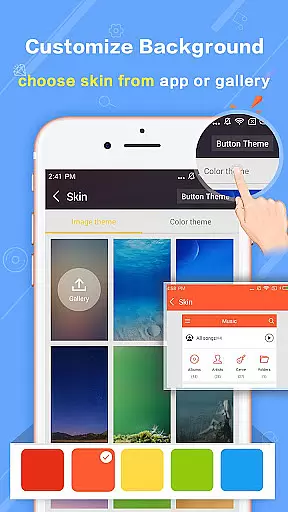
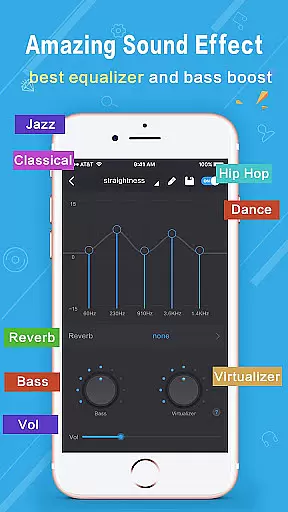
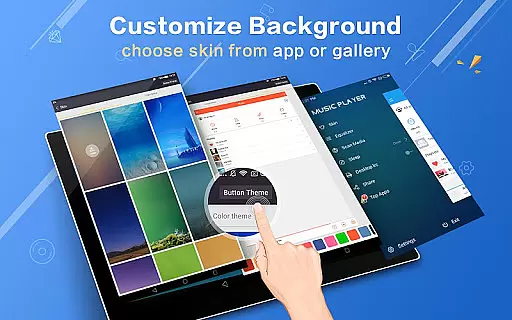
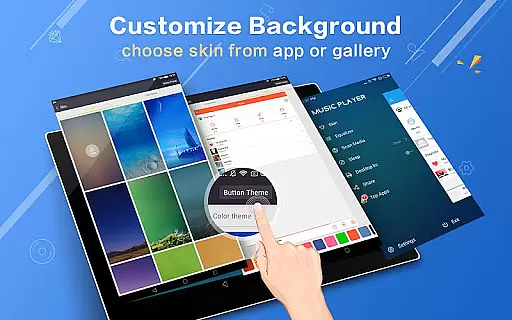
The app's powerful equalizer offers over 22 preset styles including Classic, Pop, Rock, and Jazz, allowing users to customize sound profiles to their preference. The replaceable background skins and gallery photo integration provide a personalized touch, while innovative features like album artwork notifications and shake controls add modern convenience to music playback.
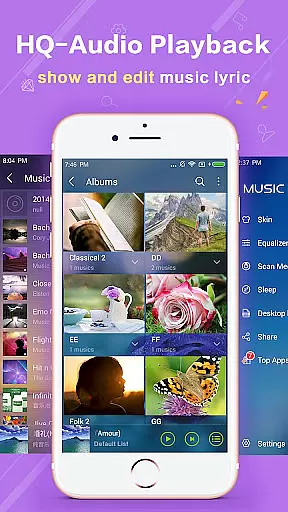
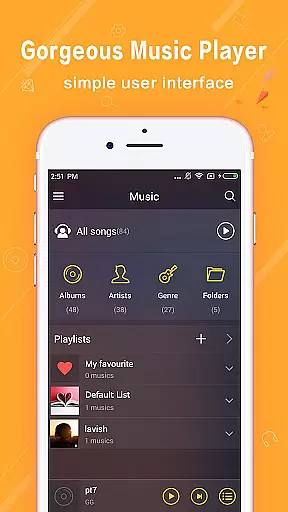
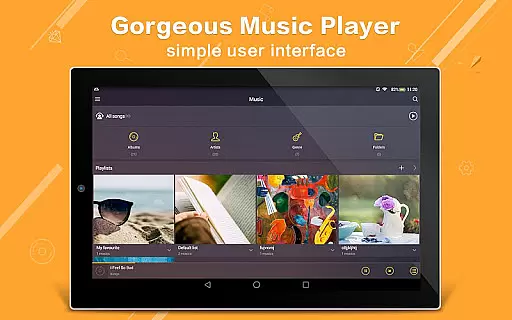
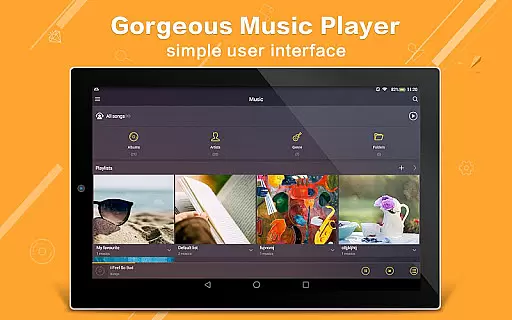
Music Player Plus stands out with its comprehensive feature set tailored for music enthusiasts. The app supports browsing by albums, artists, playlists, and folders, ensuring easy navigation through extensive music libraries. Its genre list functionality and automatic lyric file matching enhance the overall user experience.
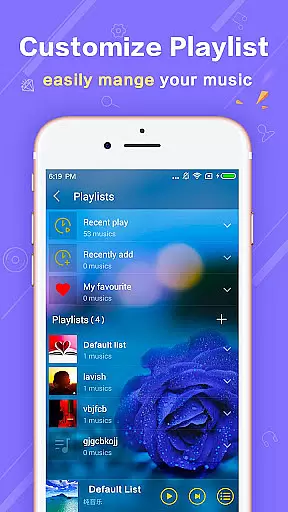
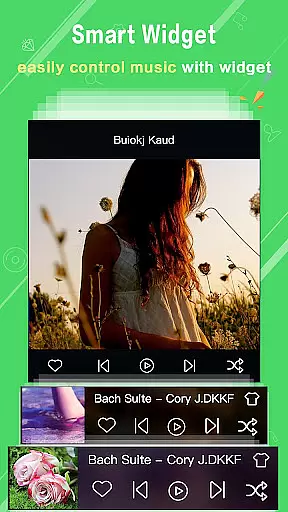
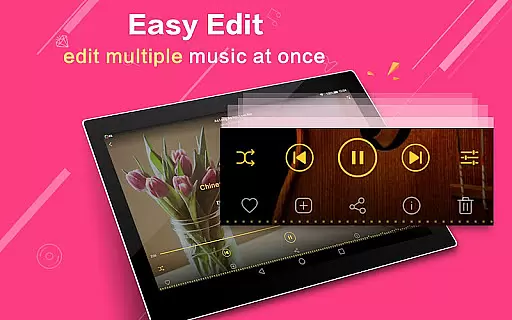
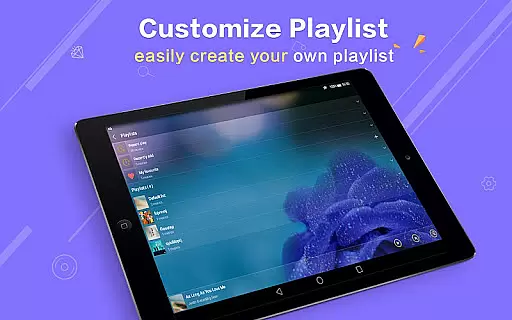
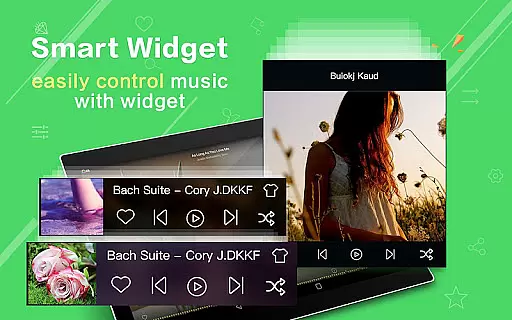
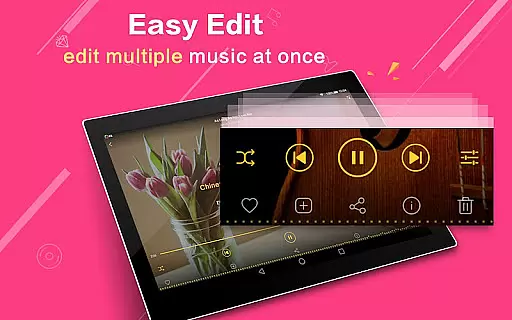
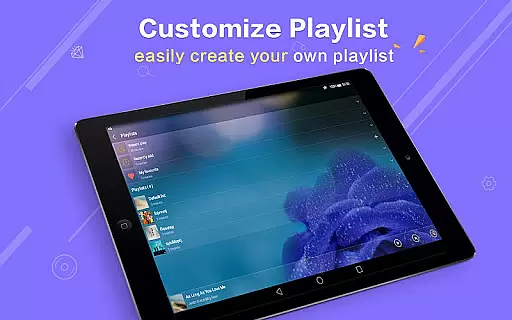
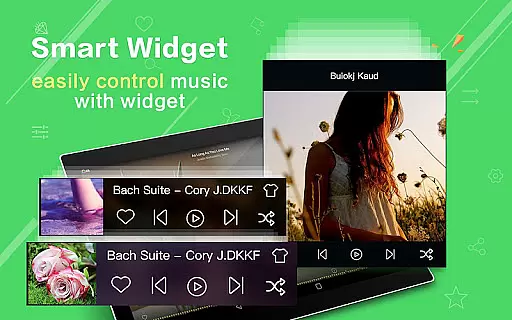
One of the key highlights is the customizable equalizer that lets users manually adjust settings or choose from multiple presets. The app also includes three home screen widgets for quick access to controls. Additional notable features include multi-select operations for music files, Bluetooth controls, playlist customization, and innovative shake-to-change-song functionality.
These features collectively create a versatile music player that caters to various user preferences while maintaining high performance standards.
When it comes to digital music players, the size and authenticity of the music library are crucial factors for users who want variety and legitimacy in their audio experience. Music Player Plus offers an extensive collection that supports all the most popular music file formats, ensuring that users have access to a wide range of audio content without compatibility issues.
The application goes beyond just playing music; it allows users to browse and play their tunes by albums, artists, songs, playlists, folders, and even genre lists. This meticulous organization and vast inclusion of music files speak volumes about the app's dedication to providing a comprehensive and legal music library.
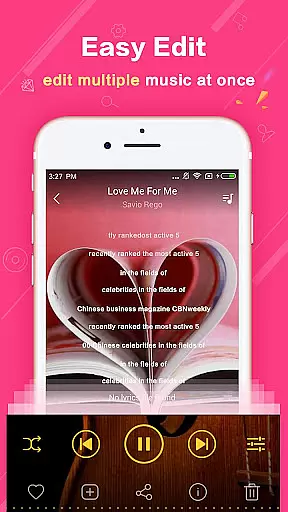
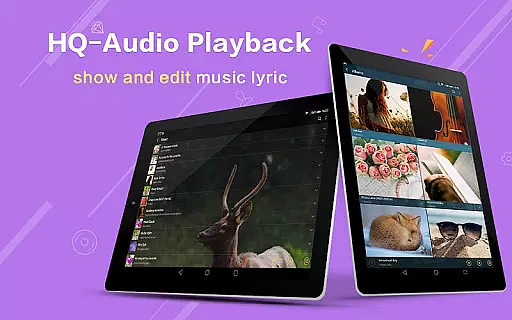
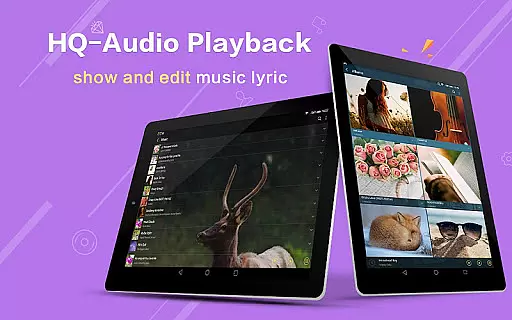
Moreover, the player provides features such as automatic scanning for lyric files and matching them with corresponding tracks, which not only adds to the size of the library but also enhances the user's engagement with the music. The ability to freely re-edit album and artist names further contributes to a personalized and authentic music catalog tailored to individual preferences.
Audio quality is paramount for any music enthusiast, and Music Player Plus delivers exceptional sound experiences through its powerful equalizer. With more than 22 preset music tone styles ranging from Normal to Rock, users can select a sound profile that best suits their musical taste or customize their own settings for manual adjustment.
This level of control over the music style ensures that listeners can enjoy their tracks exactly how they want, whether they prefer the clarity of classical compositions or the punchy bass of hip-hop beats. The equalizer's precision makes every note sound crisp and clear, elevating the overall listening experience.
In addition to customizable audio settings, Music Player Plus supports high-quality playback with notification status features that show album artwork and provide play/pause controls. Such attention to detail in maintaining audio fidelity while offering convenience underscores this app's commitment to delivering top-notch audio quality options for discerning users.
User-friendly interface
Powerful equalizer
Customizable skins
Automatic lyrics
Shake control feature
No cloud integration
Limited sharing options
Heavy on storage
Occasional bugs
Ads in free version

Fun & Easy Voice Changer – Record, Edit & Add Hilarious Effects!
 4.50
4.50
SqueezePlayer turns your Android phone or tablet into a SqueezeBox on its own!
4.60
Make music anywhere. Turn your device into an instrument.
4.4
USB audio recording and playback finally possible on Android 3.1 or higher!
3.90
Make songs with AI! Any genre, custom lyric, song generator for music creation!
4.80
Let your Android device with the sound effects you want
4.50
A complete sound package for the sound engineer or enthusiast
4.60
Slow music down without changing pitch.
3.70
Versatile MP3 recorder with auto-backup to Dropbox and Google Drive
4.10
24,000 free audio books and no ads!
4.90
Your song collections with lyrics and chords on Android smartphones and tablets.
4.80
Simple & Intuitive Metronome
4.70
Over 100 million tracks available for high quality streaming and download
4.60
Recording studio w/ 10k beats, pro vocal FX and a network of 20M rappers & fans!
4.60
Formerly known as Spotistats! View your top tracks, artists, albums and more!
4.40
Powerful 10-Band equalizer pro with sound booster improves Android audio quality
4.30
Turn your Android phone into a professional audio analyser with up to 120 bands.
4.00
Simply convert wav to mp3. Clear. Reliable. Safe.
4.5
Remove ads permanently from Music Visualizer
4.5


User Reviews