
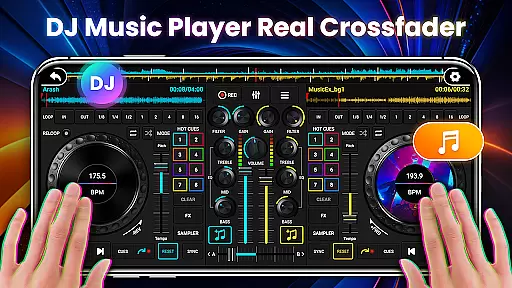
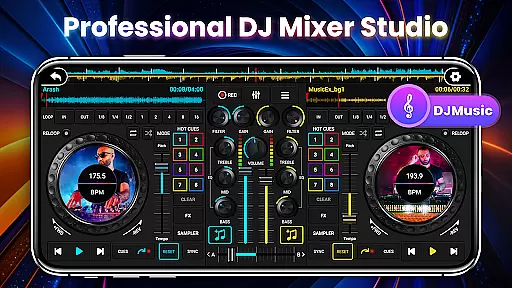
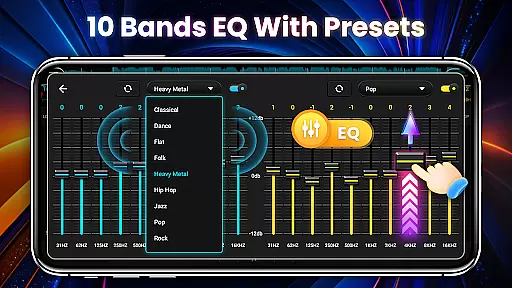
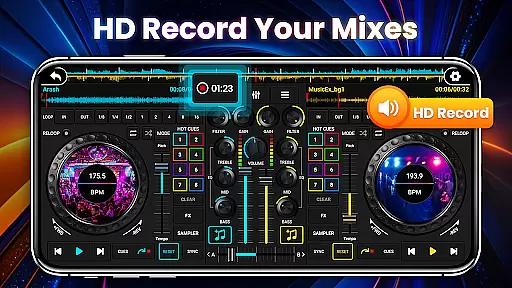
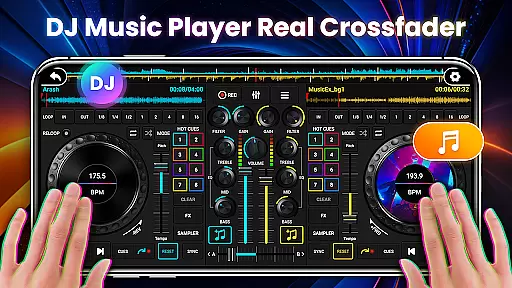
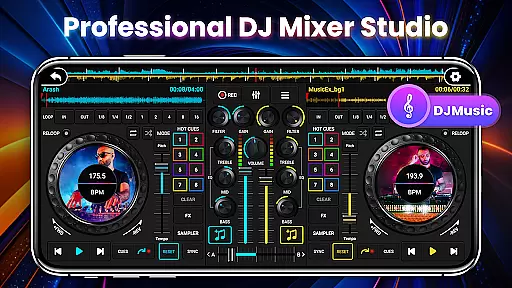
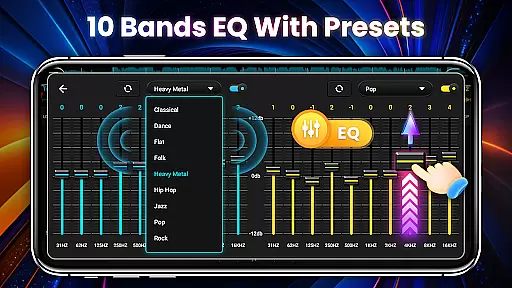
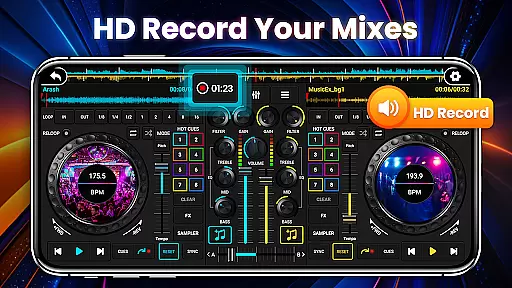
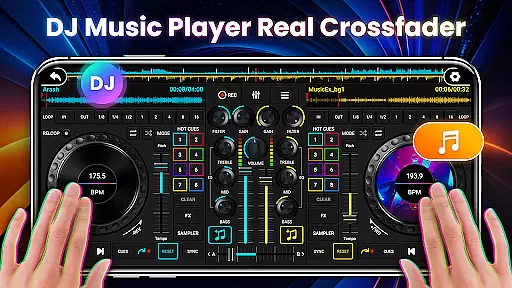
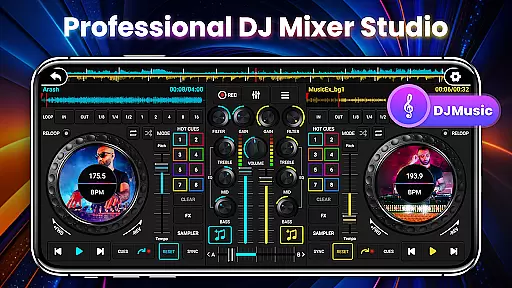
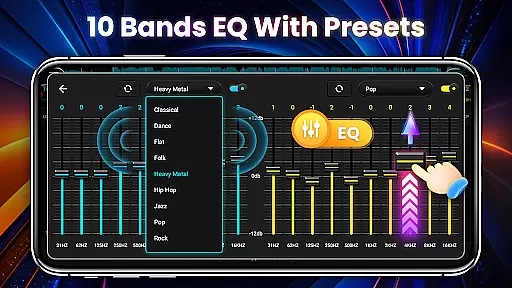
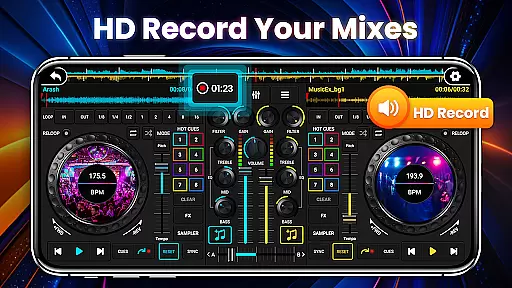
DJ Mixer Studio Pro is a premium music mixing application designed for both amateur and professional DJs. This AD-free edition offers an immersive virtual DJ experience with advanced features like a 3-band EQ mixer, FX effects, and a 10-band equalizer with bass booster. The app simulates a real DJ console, allowing users to manipulate controls, rotate knobs, and scrub discs as they would on physical equipment.
The app supports simultaneous playback on two decks, enabling users to create dynamic mixes and stunning transitions. With precise BPM synchronization, high and low pass filters, and crossfader functionality, it provides the tools necessary for creating professional-quality mixes. Whether you're practicing, performing, or producing, DJ Mixer Studio Pro delivers a complete DJ studio at your fingertips.
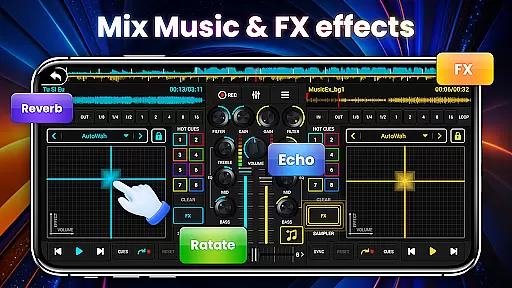
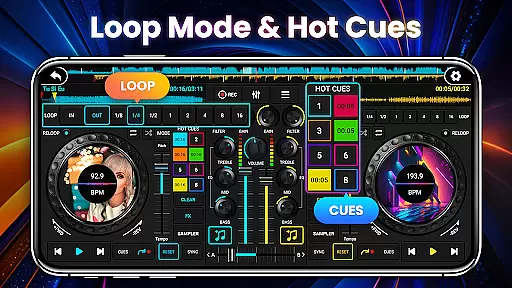
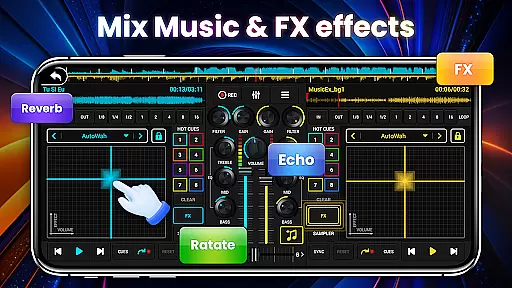
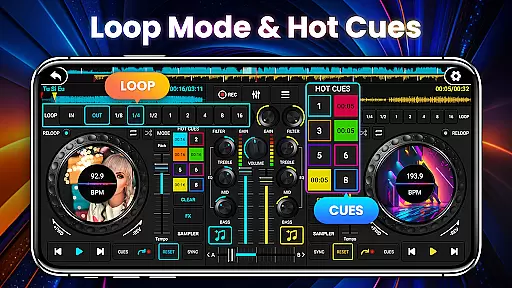
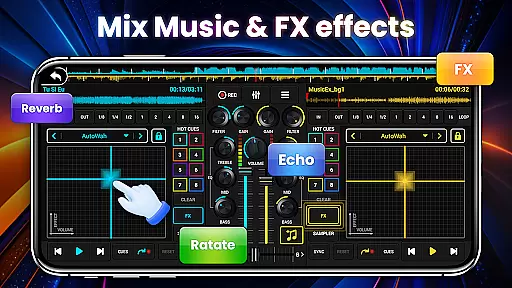
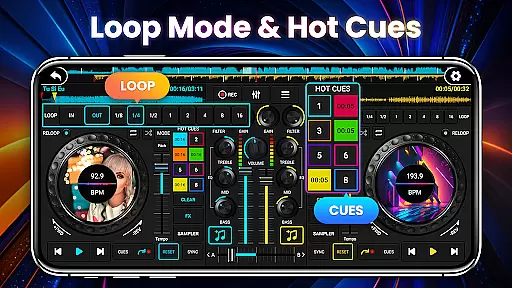
DJ Mixer Studio Pro stands out with its comprehensive feature set tailored for professional use. The app includes seven FX effects processors such as AutoWah, Echo, Reverb, and Phaser, allowing for creative sound manipulation. Its ten-segment equalizer enables precise audio adjustments, while the eight loop modes ranging from 1/8 to 16 beats offer versatile mixing options.
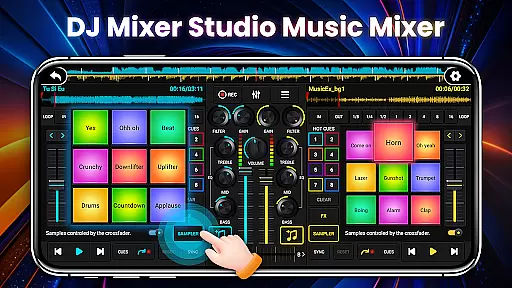
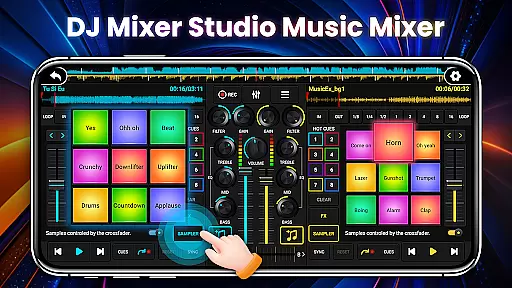
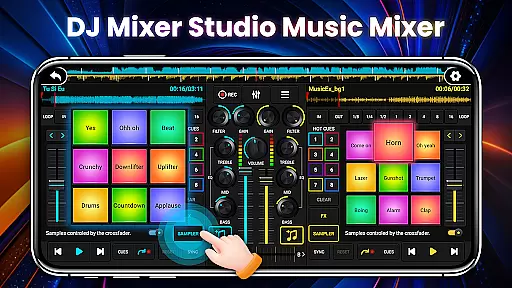
Additional features include 27 free sample packages with unique sound effects, up to eight hot cue points per track, and bass enhancement for powerful sound output. The interface is designed for intuitive operation, adapting to various phone sizes with clear color-coded buttons. With real-time BPM display, tone lock during tempo adjustments, and crossfader control for smooth transitions between tracks, the app ensures professional-grade mixing capabilities.
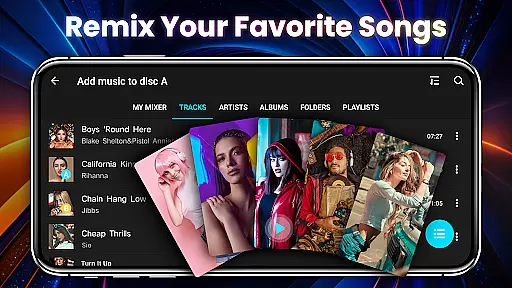
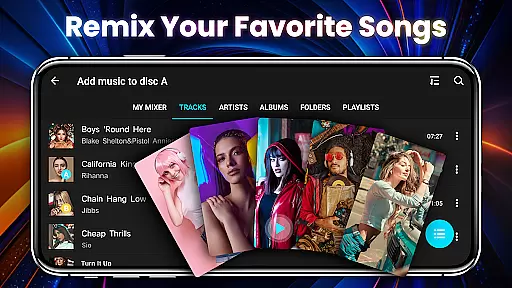
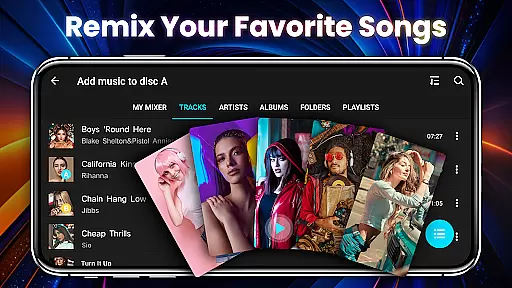
In the realm of DJ Mixer Studio Pro, users are granted access to an extensive music library that caters to all their mixing needs. The application allows quick reading and sorting of local songs on your phone, presenting them in an organized manner that suits your mixing style. This vast library ensures that DJs have a wide array of tracks at their disposal, enhancing creativity and enabling the crafting of unique mixes.
Regarding copyright authenticity, DJ Mixer Studio Pro provides 27 completely free sample packages filled with stunning sound effects that can be legally inserted into songs. These samples are carefully curated to ensure they comply with copyright laws, giving users peace of mind while creating music. By offering these royalty-free samples, the app supports artists in producing original content without infringing on existing works.
The significance of having a comprehensive music library within a DJ app cannot be overstated. It empowers users to experiment with different genres and styles, thus refining their skills as DJs. With features like ten segment EQ precise adjustment and seven FX effects processors, including AutoWah, Echo, Damp, Reverb, Chorus, Phaser, and Rotate, the app ensures that each track can be tailored to perfection, respecting both the art and legality of music production.
DJ Mixer Studio Pro stands out by offering unparalleled audio quality options that cater to audiophiles and professional DJs alike. The app includes a 10-band equalizer and bass booster, allowing for detailed sound customization. Users can fine-tune each frequency band to achieve the desired audio output, ensuring that every mix sounds crisp and clear.
Moreover, the inclusion of high and low pass filters adds another layer of audio refinement. These filters enable users to eliminate unwanted frequencies, resulting in a cleaner mix. The tone locking function is particularly noteworthy; it ensures that BPM adjustments do not affect the tone, preserving the integrity of the original track during tempo changes.
For those who demand the best in audio fidelity, DJ Mixer Studio Pro delivers a robust set of tools designed to enhance sound quality. From its intuitive interface that simulates a real DJ console to advanced features such as crossfader for adjusting the volume ratio of two tracks, the app provides everything needed for smooth and natural music connections. This dedication to superior audio quality makes DJ Mixer Studio Pro an indispensable tool for anyone serious about music mixing.
User-friendly interface
Professional-grade features
No advertisements
Realistic DJ simulation
Comprehensive FX library
Premium price point
Steep learning curve
Resource-intensive
Limited free features
Occasional bugs

Performance-Synthesizer & Multi-Track-Sequencer, polyphonic + multi timbral!
 4.70
4.70
More downloads than any other metronome. Includes drum machine & tempo trainer.
4.80
Guzheng Master supports many playing techniques as an acoustic Guzheng
4.50
USB audio recording and playback finally possible on Android 3.1 or higher!
3.90
Bass Booster & Volume Equalizer Pro improves your music and video sound quality
4.60
Recording studio w/ 10k beats, pro vocal FX and a network of 20M rappers & fans!
4.60
MilkDrop for Android TV
3.00
Turn Every Moment into Music
3.60
Melody Beat: Great for travel, workouts, offline vibes, play your tunes anytime.
4.10
24,000 free audio books and no ads!
4.90
Make songs with AI! Any genre, custom lyric, song generator for music creation!
4.80
Time Trainer: accurate metronome w tools to help you develop your internal time!
4.20
The official Sonos app
4.10
Sing, record, and create music together — enhanced by smart voice tools.
4.00
Sheet music reader, piano & music note player. Play music score & learn to read.
3.90
Background pads for your band
3.80
The iconic iOS metronome app is now on Android.
3.70
The Cubase remote control app
3.60
The Minimalistic Premium Music Player. Handmade with passion for music
2.20


User Reviews