
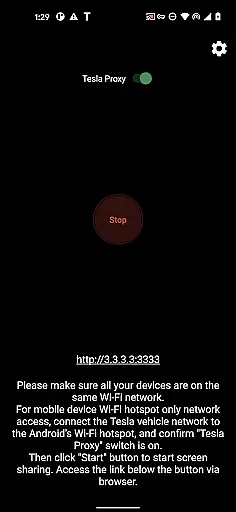
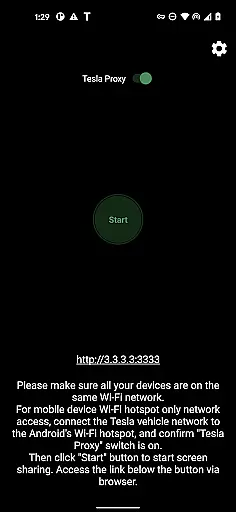
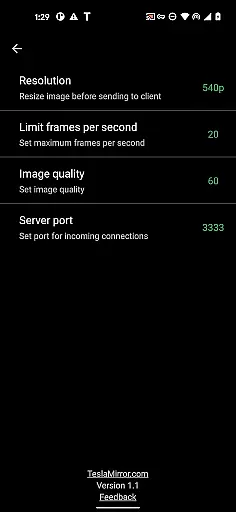
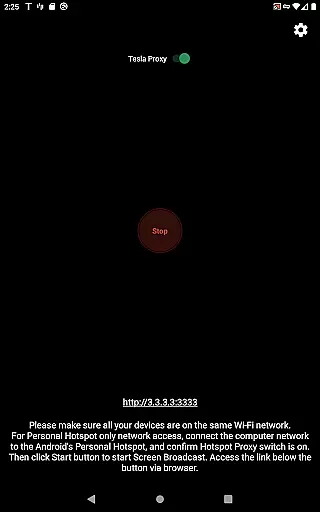
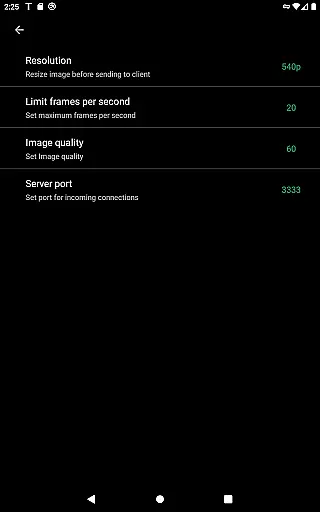
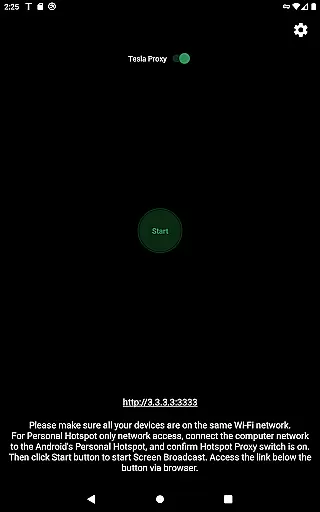
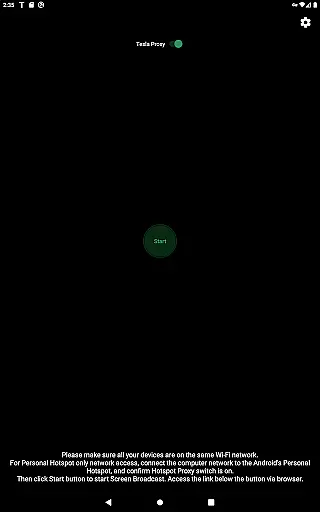
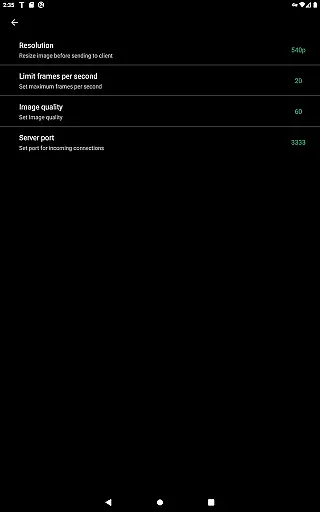
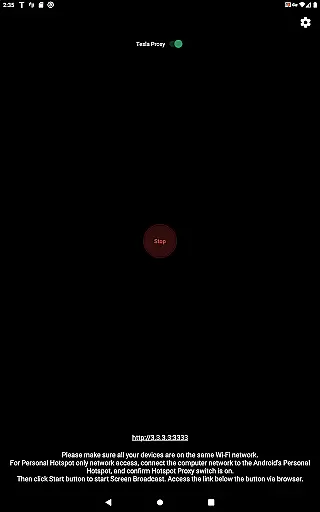
TeslaMirror is an innovative Android application that allows users to mirror their smartphone screens directly onto their Tesla vehicle's infotainment system. This app supports Tesla models with MCU2/3 hardware, including Model 3, Model Y, and newer versions of Model S and X. With a 144-hour free trial period, users can test its capabilities before committing to a purchase.
The app offers multiple streaming modes, including H.264/H.265 for high-quality video and MJPEG for basic screen mirroring. It also features remote control functionality, enabling users to interact with their phones via the Tesla touchscreen. TeslaMirror ensures privacy by running a local web server on the user's device, making it inaccessible from the public internet.
Whether you want to display navigation apps, media players, or other Android applications, TeslaMirror provides a seamless and responsive experience while parked. Its compatibility with Tesla's latest hardware and focus on user privacy makes it a valuable tool for enhancing your in-car entertainment and productivity.
TeslaMirror stands out with its advanced streaming protocols and versatile compatibility. The app supports both H.264 and H.265 codecs, optimized for different Tesla hardware versions. For MCU3 systems, users can enjoy up to 1080p@60fps video quality, while MCU2 users can stream at 540p@30fps. This ensures smooth and high-quality screen mirroring tailored to each vehicle's capabilities.
One of the key highlights is the Remote Control feature, which allows users to interact with their Android devices directly from the Tesla touchscreen or via a connected mouse. Additionally, TeslaMirror offers lossless audio streaming for devices running Android 10 or higher, delivering superior sound quality compared to Bluetooth alternatives.
The app also emphasizes user privacy and security. By utilizing a local VPN tunnel between the Android device and the Tesla, it bypasses standard IP restrictions without exposing data to the public internet. This closed system guarantees that only the user's Tesla can access the mirrored content, ensuring a secure and private connection at all times.
In the realm of automotive technology, TeslaMirror stands out by offering users detailed insights into their vehicle's infotainment capabilities. This app facilitates the mirroring of your Android device to your Tesla's system, provided it is updated to the latest version and parked. The requirement for Teslau2019s MCU2/3 hardware ensures compatibility with modern functionalities, including high-definition streaming at 720p@60fps or even 1080p resolutions, depending on the vehicle model.
By connecting through a mobile hotspot, preferably at 5 GHz for optimal performance, TeslaMirror allows users to access advanced features such as H.264/H.265 video modes. These modes are tailored for different MCU versions, ensuring that whether you have an Intel Atom-based MCU2 or the more recent AMD Ryzen-equipped MCU3, you can enjoy the best possible video quality without overtaxing your network bandwidth.
The importance of understanding these specifications cannot be overstated. Users benefit from knowing exactly how their devices interact with their vehicles, allowing them to optimize settings for performance and reliability. With clear guidance on using H.265 for newer hardware and sticking to H.264 for older models, TeslaMirror empowers drivers with the knowledge to make the most of their in-car entertainment systems.
TeslaMirror offers a transparent pricing model by providing a free 144-hour trial period upon purchase through Google Play. This approach allows potential users to thoroughly test the application's capabilities before committing financially. If unsatisfied, customers can request a refund by contacting TeslaMirror support with their order details, ensuring peace of mind during the trial phase.
This level of price transparency extends beyond just the initial purchase. By detailing the specific requirements and limitations within the app description, TeslaMirror sets clear expectations regarding necessary hardware and compatible vehicle models. Such openness about what is needed to run the app effectively prevents unexpected costs related to upgrading car systems or purchasing additional equipment.
Moreover, TeslaMirror's straightforward policy on refunds and its detailed FAQ section contribute to overall customer confidence. Users appreciate knowing that DRM-protected content support depends on third-party apps and that certain features like Netflix are not supported. This honesty fosters trust and helps users decide if TeslaMirror aligns with their needs, making it a reliable choice for enhancing the in-car experience without hidden fees or surprises.
High-quality streaming
Remote control functionality
Privacy-focused design
Free 144-hour trial
Lossless audio support
No DRM content support
Limited to parked vehicles
Requires specific hardware
Complex setup process
Dependent on stable Wi-Fi

Theme for Car Launcher
 4.4
4.4
Attention! This is the theme for the Car Launcher app
4.2
Autolist - The Largest Selection of Local Used Cars and Trucks
4.50
The ExtraMile App allows you to pay for fuel from the comfort of your car!
4.70
Your Path to Driving Licensing Success Begins Here! Develop your driving skills.
4.40
Secure mobile payments & fuel savings at Phillips 66®, Conoco® and 76® stations
4.40
Available in select states.
4.00
Find, search, and browse 40,000+ used cars, SUVs, and trucks.
4.50
Easy connect & control your cars from afar. Remote Lock & unlock car and carplay
4.60
Play what you want through Android Auto
4.90
Get more out of your AAWireless adapter with this companion app | aawireless.io
4.80
Your go-to app for car, truck & SUV parts, DIY tools, and expert repair help.
4.70
Browse millions of cars, track vehicle listings or sell your car today
4.70
Boost profits and hit your goals faster with GigU's amazing tools for gigworkers
4.00
BlueDriver® is a Premium Diagnostic OBD2 Scan Tool. www.BlueDriver.com
3.90
PayByPhone: A quick and easy way to pay for parking.
3.80
The Smarter Way Forward
3.30
O'Reilly Pro will streamline your parts lookup and ordering process!
3.20
Theme for Car Launcher
4.4


User Reviews