
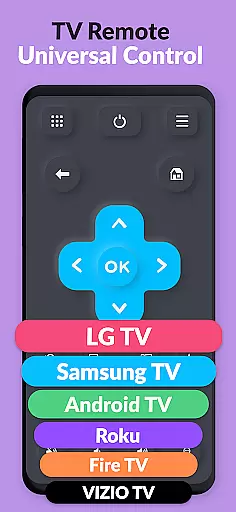
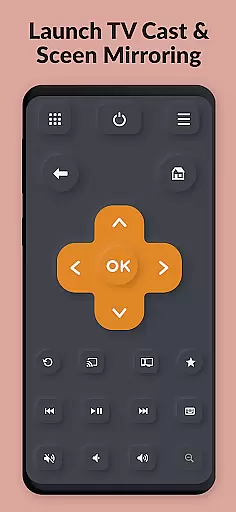
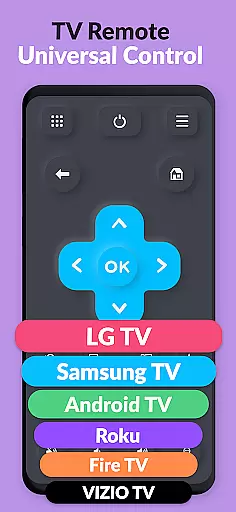
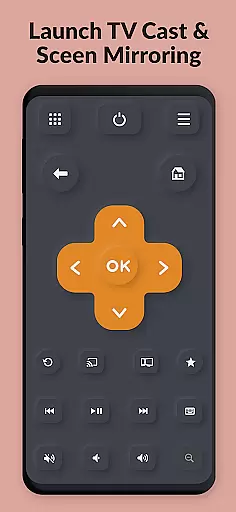
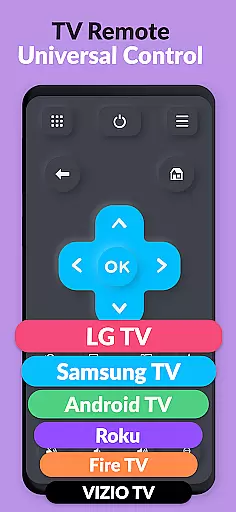
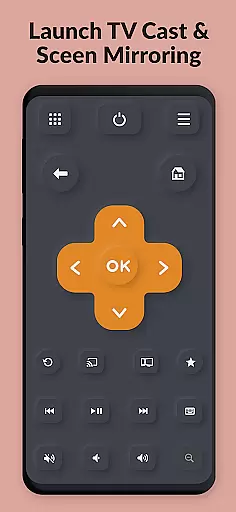
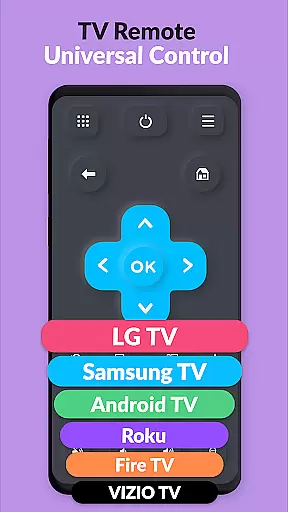
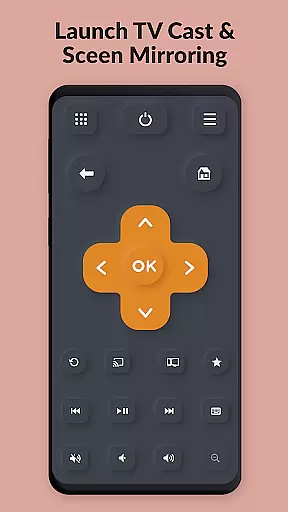
TV Remote Pro is a versatile remote control application designed for Roku, Fire TV, Samsung TV, LG TV, Android TV, Chromecast, and VIZIO TV. This app allows users to control their smart TVs with ease using just their smartphone or tablet. With all remote control features unlocked in its PRO version, it eliminates the need for physical remotes and offers a clean, fast, and simple interface.
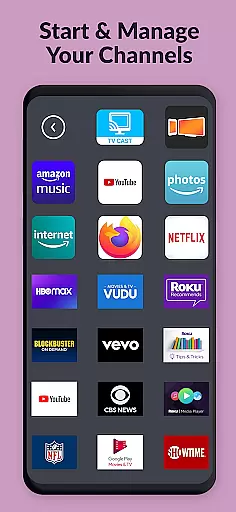
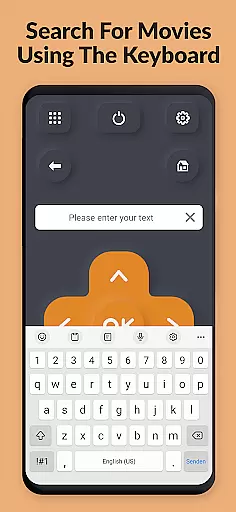
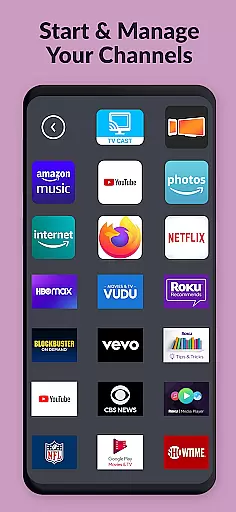
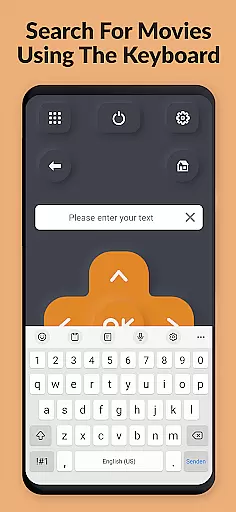
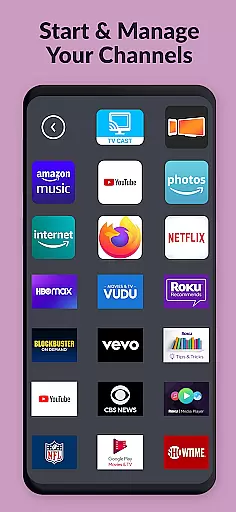
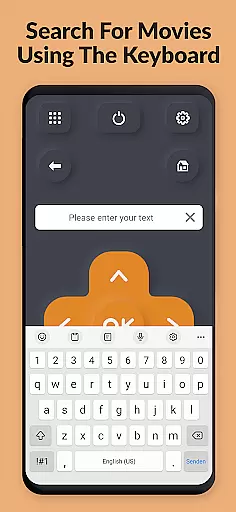
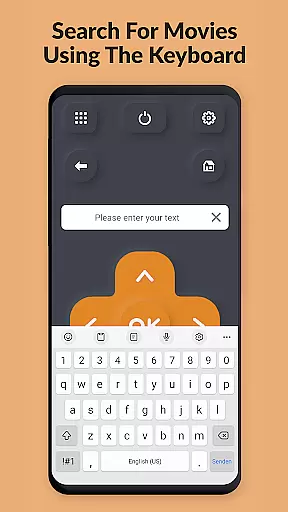
The app supports a wide range of functionalities including opening channels directly from within the app, searching for movies, and providing a fast and easy keyboard for text input on compatible devices. It also works seamlessly with various TV brands and models, offering volume control and power buttons specifically for TVs. Whether you have a Samsung, LG, Roku, Fire TV, Chromecast, or VIZIO TV, this app simplifies your entertainment experience by putting control at your fingertips.
TV Remote Pro boasts an array of features that enhance user interaction with their smart TVs. The app provides comprehensive remote control capabilities, allowing users to manage their TVs effortlessly through their mobile devices. Its compatibility spans across multiple platforms including Roku, Fire TV, Samsung TV, LG TV, Android TV, Chromecast, and VIZIO TV, ensuring broad device support.
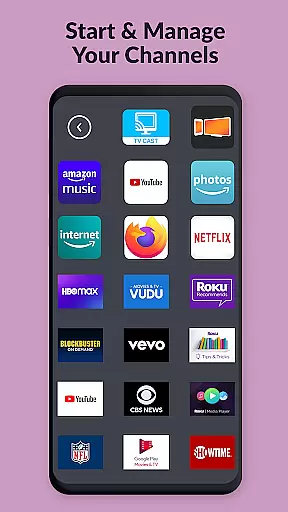
One standout feature is the ability to open Roku, Fire TV, or Smart TV channels directly from the app, streamlining access to favorite content. Additionally, the integrated search function enables users to find movies and channels quickly. A notable convenience is the built-in keyboard, which facilitates easy text entry on supported devices. These features collectively offer a seamless and efficient way to interact with your television, enhancing both usability and accessibility.
TV Remote Pro exemplifies core function accuracy and effectiveness by offering a reliable solution to control multiple smart TV brands through your smartphone or tablet. The app supports Roku, Fire TV, Samsung TV, LG TV, Android TV, Chromecast, and VIZIO TV, providing users with an intuitive interface that eliminates the need for traditional remotes.
The application's design focuses on precision in executing commands such as changing channels, adjusting volume, powering the TV on or off, and even searching for movies and channels. Its compatibility with a wide range of devices ensures that whether you're using a Samsung TV with Tizen OS or an LG TV with webOS, the remote signals are transmitted accurately every time.
For users who have experienced the frustration of lost TV remotes, this app provides peace of mind knowing they can always have a backup at their fingertips. With features like opening Roku, Fire TV, or Smart TV channels directly from within the app and a fast keyboard for text input, it enhances user convenience significantly.
By streamlining these essential functions into one clean, fast, and simple interface without any subscriptions required, TV Remote Pro delivers both accuracy in functionality and tangible value to its users, making daily entertainment experiences smoother and more enjoyable.
TV Remote Pro stands out with its commitment to interface simplicity and intuitiveness, ensuring that users can easily navigate and utilize its features without a steep learning curve. The app's layout is designed to be clean and straightforward, allowing users to quickly understand how to operate their TVs with just a few taps on their smartphones or tablets.
Each function within the app is strategically placed for ease of access, promoting an effortless user experience. Whether it's adjusting the volume, switching channels, or powering the TV on and off, the controls are immediately accessible from the main screen. This logical arrangement reduces the time needed to learn the app's functionalities, enabling users to become proficient faster.
Moreover, advanced features such as searching for movies and channels or using a virtual keyboard for text input on supported devices are integrated seamlessly into the interface. These additions enhance user interaction without complicating the overall design, maintaining clarity while offering powerful tools at users' disposal.
By focusing on delivering a simple yet effective user interface, TV Remote Pro not only meets but exceeds user expectations by providing an intuitive control solution that transforms how individuals interact with their televisions daily.
User-friendly interface
Wide device compatibility
No subscription required
Fast and reliable performance
Comprehensive remote functions
Limited to compatible devices
Requires initial setup
Occasional connectivity issues
Premium version cost
Dependent on Wi-Fi stability

Learn the vast amount of system information about device and monitor it's state
 4.70
4.70
Unlock your Essential Key. Create custom shortcuts to your favorite apps!
4.3
An easy-to-use calculator designed to save time calculating and bending conduit
4.30
Small and simple app to Verify Root Access and BusyBox Install!
4.70
Best leveling tool for your Android device. Hang paintings like a pro.
4.90
Introducing Smart Printer, your ultimate destination for printing solutions!
4.00
Clean up large files and similar photos, fast and easy to use
4.40
Clean up your phone, find files, play media, and share files offline
4.50
The ideal app to be the digital eye of your family
3.40
Support Fossify apps with a warm thank you!
5.00
The one-and-only remote control for PC, Mac, and Linux
4.70
FV File Manager Pro, Fast and powerful file manager for Android
4.60
Mirror your screen to Chromecast and Android TV - Super fast and simple
4.60 4.50
4.50
Head tracking for PC sim games such as MSFS 2024 or Elite:Dangerous. No headset!
4.50
Fluid navigation gestures for all of us!
4.30
App that Recover your pictures, videos or files after you delete them.
4.20
1-Click close all background apps on Android TV
3.90
Transfer Files, APK from Phone to Watch & Install.
4.4


User Reviews