
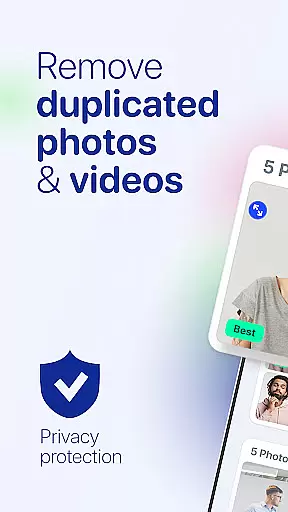
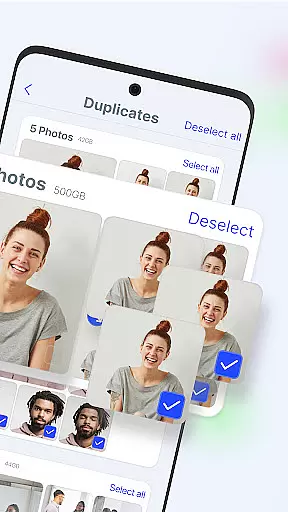
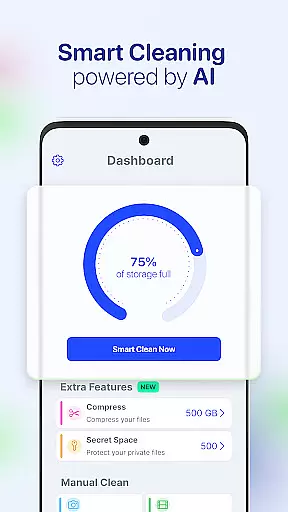
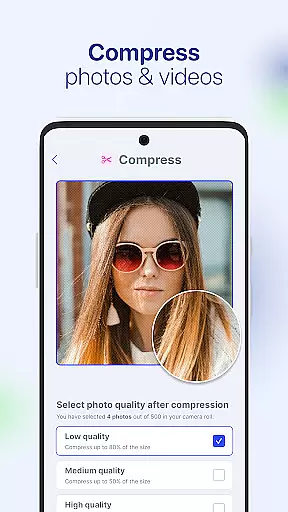



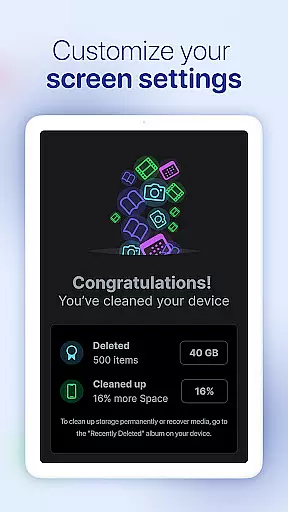
AI Cleaner is an advanced phone cleaning tool designed to optimize storage space on Android devices. The app utilizes AI technology to automatically detect and clean up unnecessary files, duplicate photos, and redundant contacts. With its all-in-one functionality, users can efficiently manage their device's memory while keeping personal data secure.
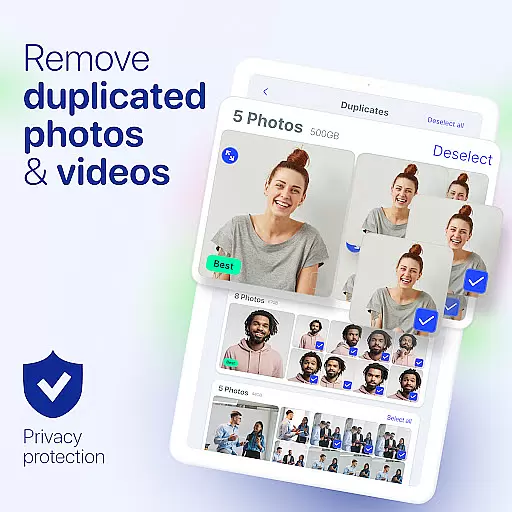
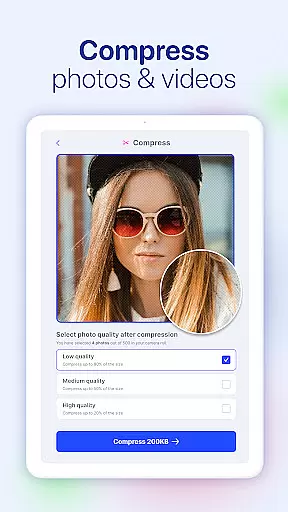
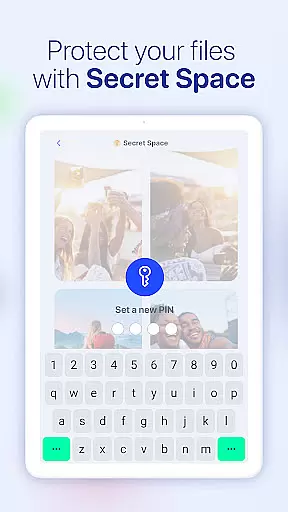
One of the standout features of AI Cleaner is its ability to declutter the camera roll by identifying and deleting duplicate or low-quality images. Additionally, it offers a private vault for safeguarding sensitive media and a compression tool for reducing the size of photos and videos without compromising quality. These capabilities make it an essential utility for anyone looking to maintain a well-organized and high-performing smartphone.
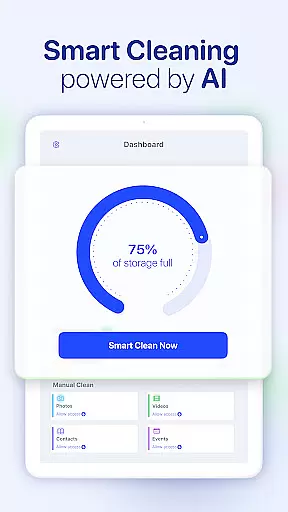
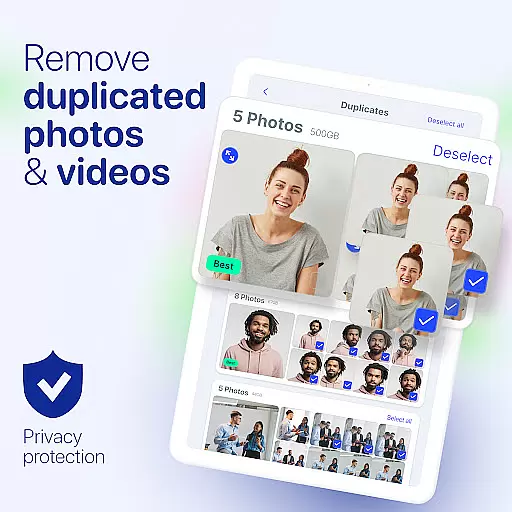
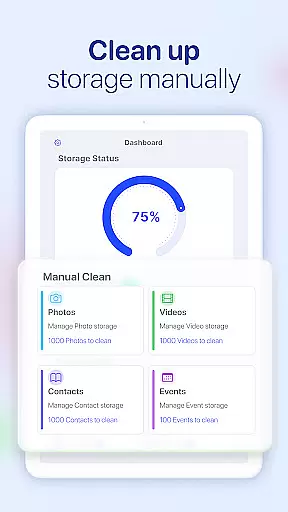
AI Cleaner provides a comprehensive suite of tools aimed at maximizing phone performance. Its Smart Storage Cleaner removes junk files and residual data, freeing up valuable space. The Camera Roll Cleaner simplifies photo management by detecting duplicates, blurry images, and poor-quality shots, allowing users to delete them with a single tap.
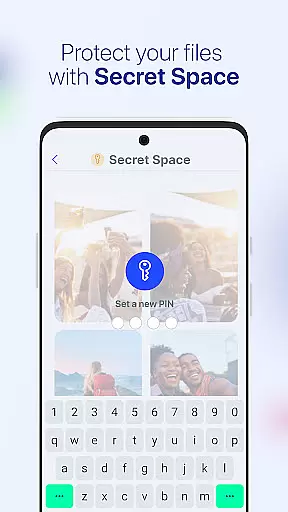
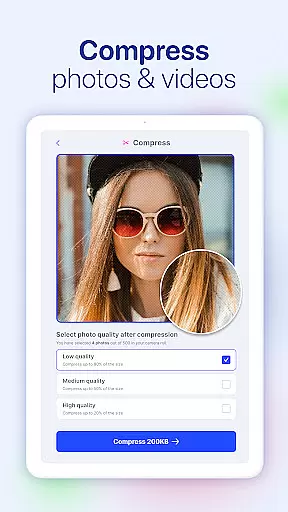
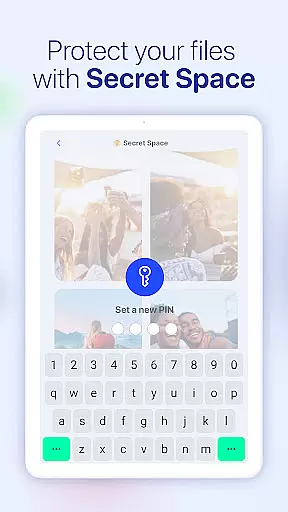
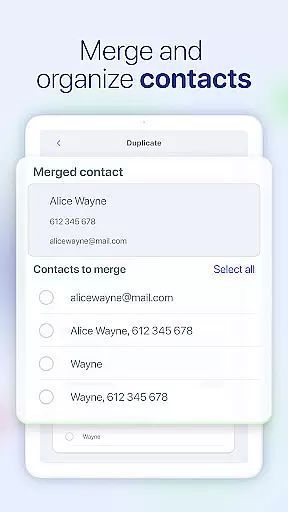
For enhanced security, the app includes a Secure Vault feature that hides personal files such as photos, videos, and contacts behind a password-protected interface. Furthermore, the Photo and Video Compressor helps reduce file sizes, making it easier to store more content without running out of memory. Additional features like Duplicate Contacts Remover and Past Events Remover ensure that every aspect of your device remains clutter-free and organized.
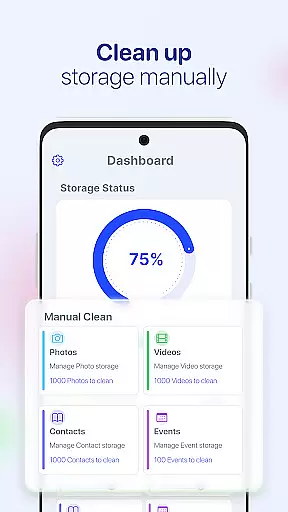
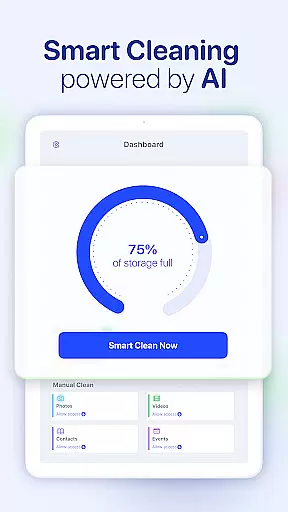
AI Cleaner is designed to deliver precise and effective core functions that address common smartphone storage issues. The app's primary feature is its ability to accurately identify and remove unnecessary files, which helps users reclaim valuable space on their devices.
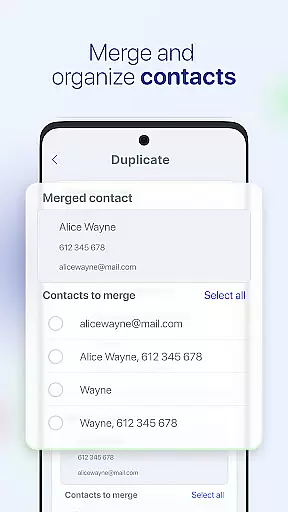
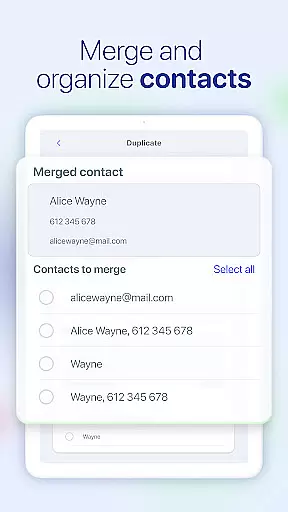
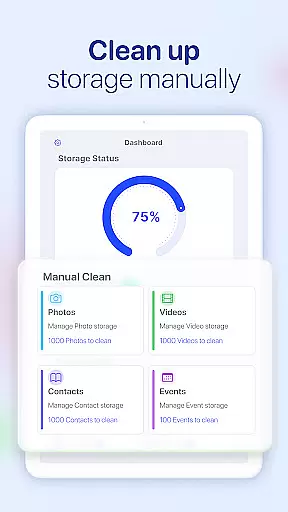
The Smart Storage Cleaner functionality automatically detects redundant data such as duplicate photos, obsolete calendar entries, and outdated contacts. By merging duplicate contacts and deleting old calendar events, the app ensures your phone remains organized without manual intervention.
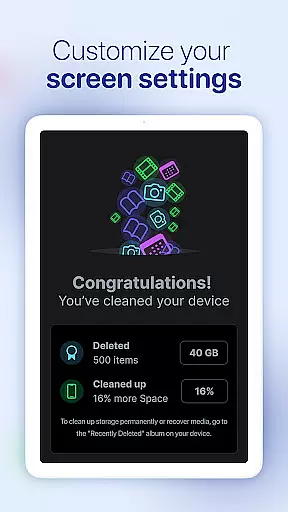
Users benefit from the Camera Roll Cleaner, which efficiently deletes duplicate and low-quality images. This not only optimizes storage but also enhances the overall quality of the photo gallery. Additionally, the Photo and Video Compressor tools allow for significant space savings without compromising image or video quality.
These features collectively ensure that AI Cleaner provides a reliable solution for maintaining optimal device performance, making it an essential tool for anyone looking to manage their phone's storage effectively.
A streamlined and intuitive interface is crucial for ensuring users can easily navigate and utilize an application's features. AI Cleaner excels in this area by providing a user-friendly design that simplifies complex tasks like storage management and file organization.
The app's layout is thoughtfully designed to guide users through its various functionalities effortlessly. For instance, the Duplicate Contacts Remover and Past Events Remover are accessible with just a few taps, allowing users to declutter their address book and calendar quickly.
Moreover, the Secure Vault feature offers straightforward access to hidden photos, videos, and contacts, ensuring sensitive files remain protected while being easy to retrieve. This balance between security and accessibility highlights the app's commitment to user-centric design.
Overall, AI Cleaner's intuitive interface reduces the learning curve typically associated with utility apps, enabling users to maximize their deviceu2019s potential without frustration or confusion.
Efficient storage cleanup
User-friendly interface
Advanced AI detection
Secure private vault
Comprehensive utility suite
Premium features require payment
Occasional slow processing
Limited customization options
Ads in free version
Privacy concerns with third-party sharing

 4.50
4.50
Quickly switch to an encrypted DNS server on Android TV
4.50
Connect instantly to a fast, encrypted VPN with one tap
4.60
HD Video player and downloader for all formats, fast & smooth 4K video playback.
4.60
App that Recover your pictures, videos or files after you delete them.
4.20
Amateur Radio app for APRS: Track friends, exchange messages, get tactical info.
3.90
VESC Tool can monitor and configure VESC-compatible devices over BLE and Wifi
4.20
Small and simple app to Verify Root Access and BusyBox Install!
4.70
Smart and comfortable browsing experience.
3.80
The ultimate tool for network analysis, wifi scanning and problem detection.
4.90
Unit and currency converter with easy and simple UI.
4.80
WiFi Signal Strength Meter help you detect WiFi Signal Strength in real time.
4.80
Screen Mirroring for Roku Sticks, Roku TCL TV and Roku Hisense TV
4.50
Just one-tap to easy translate in any language after calls within seconds.
4.20
Screen Mirroring with sound for Samsung TV, LG TV, Sony TV, Smart TV and Browser
4.20 4.10
4.10
A convenient photo, video, and file recovery tool.
4.00
Create your own custom widget with endless possibilities
3.90
Safely recover deleted photos, videos, and files with a single easy tap.
3.70


User Reviews