
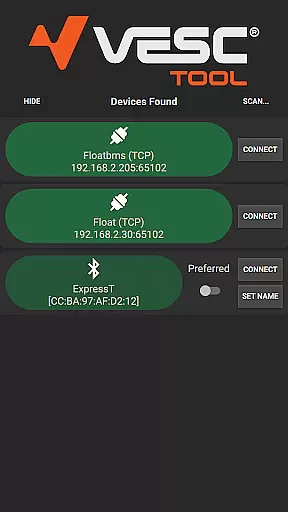
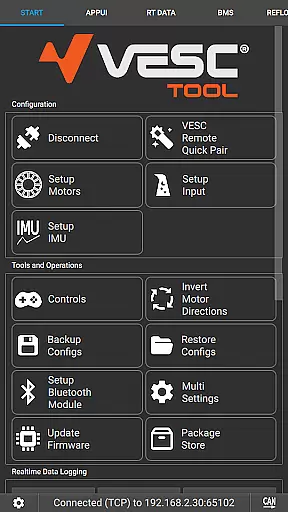
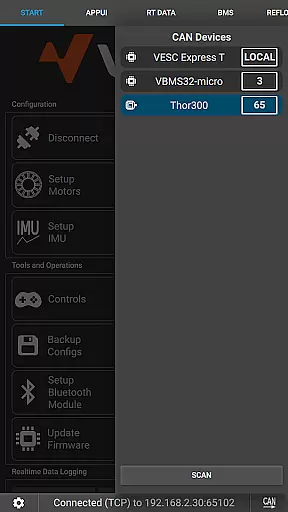
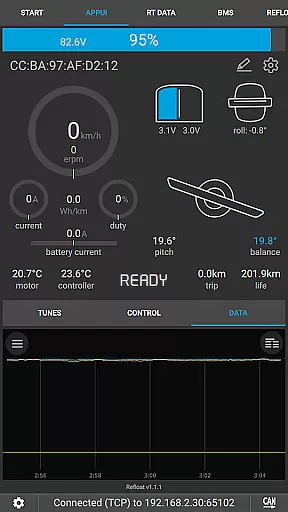
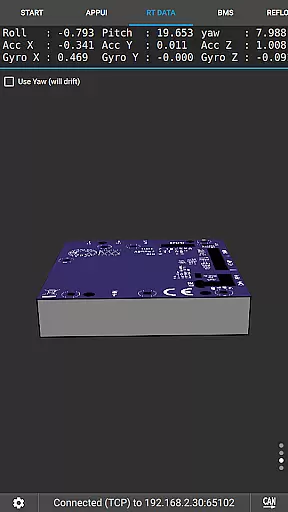
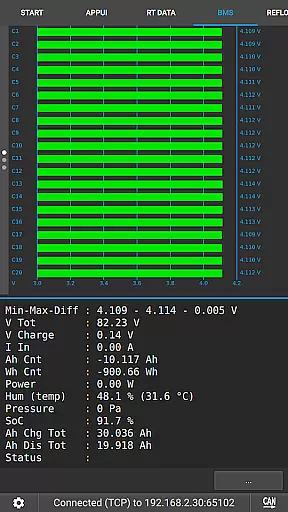
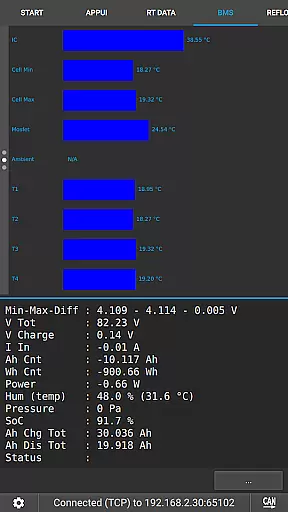
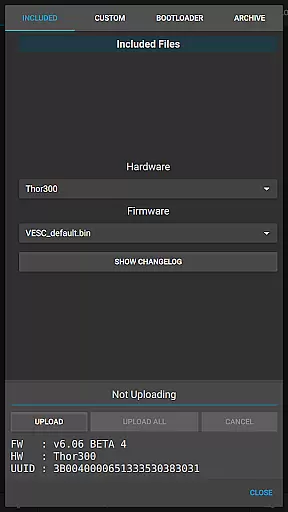
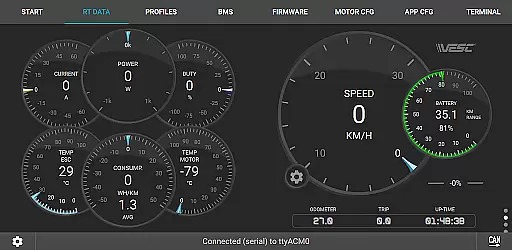
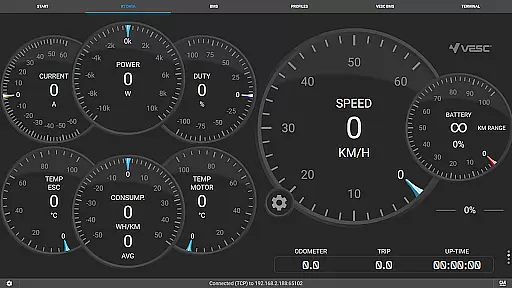
VESC Tool is a powerful mobile application designed for users who work with VESC-based hardware. This app allows you to configure your hardware over BLE or WiFi, stream live data, update firmware, and log important information. Whether you are a hobbyist or a professional, VESC Tool provides the functionality needed to efficiently manage and maintain your devices.
One of the standout features of VESC Tool is its ability to connect via BLE or WiFi using compatible modules, which can be purchased or custom-built based on ESP32C3 or NRF52 chipsets. This flexibility ensures that users can tailor their experience to fit specific project requirements while maintaining ease of use.
The app is particularly useful in scenarios where real-time monitoring and adjustments are crucial. With VESC Tool, users can ensure their hardware operates at peak performance, making it an invaluable asset for anyone involved in electric vehicle projects or similar technical endeavors.
VESC Tool offers a comprehensive suite of features tailored for managing VESC-based hardware. The app supports both BLE and WiFi connectivity, allowing seamless interaction with your devices. Users can easily configure settings, stream live data, and perform firmware updates directly from their mobile device.
In addition to configuration and updates, VESC Tool provides robust data logging capabilities. This feature is essential for tracking performance metrics over time and diagnosing potential issues. The app also integrates with platforms like https://vesc-project.com and https://www.vesclabs.com/, offering further resources and support for Original VESC hardware.
Another notable aspect is the compatibility with various modules that can be purchased or self-assembled using ESP32C3 or NRF52 chipsets. This adaptability makes VESC Tool suitable for a wide range of applications, ensuring that users have the flexibility they need to succeed in their projects.
VESC Tool is designed to provide precise control and configuration of VESC-based hardware, ensuring that users can effectively manage their devices. The app supports both BLE and WiFi connections, enabling seamless interaction with the hardware components.
With features such as live data streaming, firmware updates, and data logging, VESC Tool delivers a comprehensive toolkit for enthusiasts and professionals alike. These functions are implemented with high accuracy, allowing users to monitor and adjust parameters in real-time without any compromise on performance.
The true value of VESC Tool lies in its ability to offer advanced functionalities while maintaining ease of use. Whether configuring hardware settings or analyzing logged data, users benefit from reliable and responsive interactions, which are crucial for achieving optimal results in various applications.
A user-friendly interface is essential for efficiently managing complex hardware, and VESC Tool excels in providing an intuitive experience. The layout is designed to be straightforward, ensuring that even those new to VESC technology can navigate and utilize the app's features without difficulty.
By focusing on clarity and simplicity, VESC Tool minimizes the learning curve associated with configuring and monitoring VESC-based hardware. Key functions are easily accessible, and the app provides clear feedback during operations such as firmware updates or live data streaming.
This focus on an intuitive design not only enhances user satisfaction but also improves productivity. Users can perform tasks quickly and accurately, making VESC Tool an invaluable companion for anyone working with VESC technology.
User-friendly interface
Comprehensive data logging
Real-time monitoring
Firmware update capability
Wide compatibility options
Requires compatible module
Limited to VESC hardware
No offline mode
Advanced features may overwhelm beginners
Dependent on internet for some functions

 4.50
4.50
Unlock your Essential Key. Create custom shortcuts to your favorite apps!
4.0
Forza Tuning Calculator App for Forza Horizon 5, Motorsport and Earlier Titles
4.40
Small and simple app to Verify Root Access and BusyBox Install!
4.70
Best leveling tool for your Android device. Hang paintings like a pro.
4.90
Planner and Tracker for Stardew Valley
4.60
Download any file easily and quickly with Downloader
4.1
Mobile Security with Scam Protection | Malware & Virus Cleaner | Safe Browser
4.70
Clean up your phone, find files, play media, and share files offline
4.50
Change your GPS location instantly. Simulate routes anywhere in the world.
4.90
Learn the vast amount of system information about device and monitor it's state
4.70
Play your X-Box games remotely in 1080p with any controller and zero latency
4.60 4.50
4.50
Quickly switch to an encrypted DNS server on Android TV
4.50
PC precision for mobile gaming: dominate with keyboard and mouse!
4.30
Effortlessly run ADB commands directly on your device without a PC.
4.20
Safely recover deleted photos, videos, and files with a single easy tap.
3.70
A recovery soft,it features photo recovery, video recovery, file recovery.
3.40
Transfer Files, APK from Phone to Watch & Install.
4.4


User Reviews