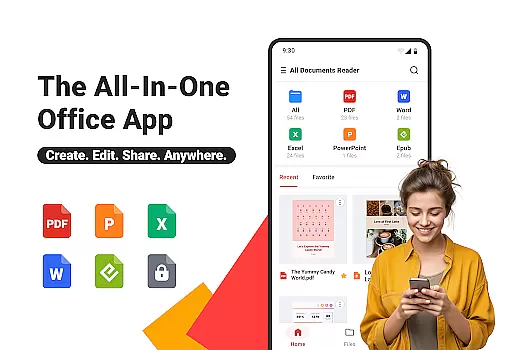
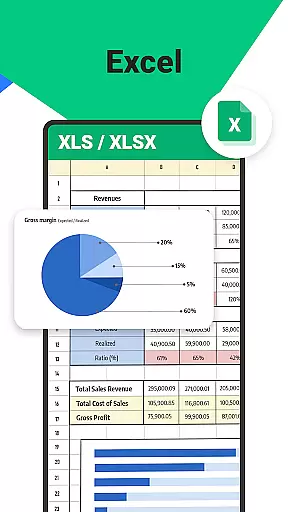

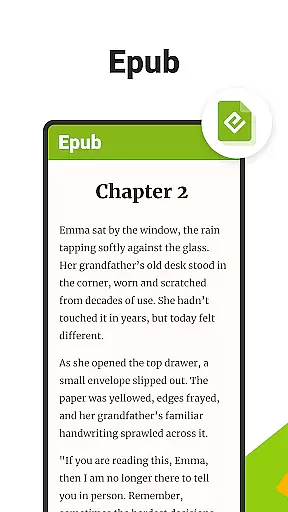
All Documents Reader is a versatile document management tool designed to streamline how you view, edit, and organize digital files. Supporting an extensive range of formats including PDF, Word, Excel, PowerPoint, and EPUB, this app serves as your all-in-one solution for document handling.
With features like smart search, automatic categorization, and AI-powered summarization, the app ensures maximum productivity. Whether you're managing office documents or reading eBooks, All Documents Reader provides an optimized experience tailored for work, study, and personal use.
The app's offline functionality and privacy-focused design make it ideal for users who need reliable access to their files without compromising security. Its intuitive interface and comprehensive tools help you take control of your digital content effortlessly.
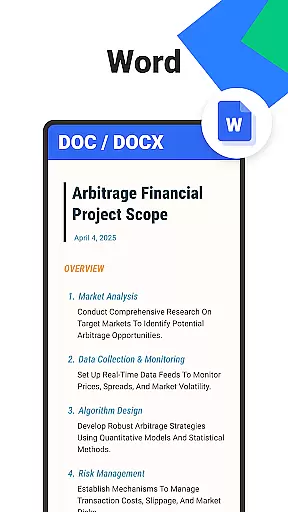
All Documents Reader stands out with its robust set of features that cater to various document management needs. The app supports multi-format viewing, allowing you to open PDFs, Word files, Excel sheets, presentations, and eBooks seamlessly.
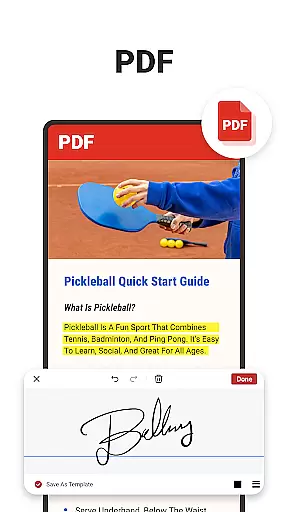
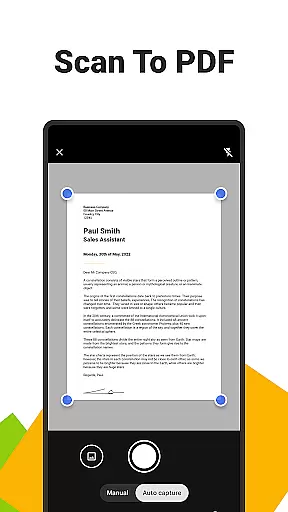
Its advanced PDF tools include annotation, form filling, merging, splitting, and encryption capabilities. The built-in scanner lets you convert images to PDFs while AI summarization extracts key points from lengthy documents. Additionally, the app offers seamless format conversion between PDFs and images.
Designed for efficiency, the app provides intuitive navigation, centralized file access, and automatic organization by format. These features ensure that whether you're working on business reports or studying educational materials, All Documents Reader delivers a smooth and productive experience.
Ora All Documents Reader excels in delivering accurate and effective core functionalities that cater to diverse document management needs. The app supports an extensive range of file formats including PDF, Word, Excel, PowerPoint, and EPUB, ensuring users can open and view their files without compatibility issues.
One standout feature is its all-in-one PDF tools. Users can read, highlight, annotate, merge, split, fill forms, and even sign documents with ease. These functions are implemented with precision, allowing for seamless editing and organization of PDF files. Additionally, the built-in pdf scanner app enables quick conversion of photos into high-quality PDFs, further enhancing its utility.
The app also incorporates AI technology to summarize key points from complex documents, providing users with a streamlined way to extract important information. This functionality not only saves time but also boosts productivity by reducing the effort needed to understand lengthy documents.
For users seeking efficient document management, Ora offers automatic categorization and intuitive navigation. Files are organized by format, and the smart search feature allows for quick location of any document. This ensures that users can manage their digital files effortlessly, making Ora All Documents Reader a reliable tool for both professional and personal use.
A hallmark of Ora All Documents Reader is its commitment to providing a simple and intuitive user interface. The design philosophy centers around making document management accessible to users of all technical backgrounds. With centralized access to all file types, users can browse and preview their documents in one place, eliminating the need to switch between multiple apps.
The app's layout is clean and straightforward, promoting ease of use. Key features such as multi-format viewing and comprehensive PDF tools are easily accessible, ensuring users can perform tasks like annotating or converting files without a steep learning curve. This simplicity extends to its reading experience, where customizable viewing options allow users to adjust settings to their preference.
Ora enhances user engagement through smart search and automatic categorization. These features ensure that locating and organizing files is hassle-free, contributing to an overall intuitive experience. Whether it's for work, study, or personal use, the app's interface is designed to maximize efficiency and convenience.
Furthermore, Ora All Documents Reader works offline, reinforcing its user-friendly approach by offering uninterrupted access to its features. Privacy is also prioritized, with all files securely stored on the device. This blend of simplicity, security, and functionality makes Ora an ideal choice for anyone looking to manage their digital documents effectively.
User-friendly interface
Multi-format support
Advanced PDF tools
Offline functionality
AI-powered summarization
Limited cloud integration
No collaboration features
Premium features locked
Occasional bugs
Heavy on storage

 4.50
4.50
A convenient photo, video, and file recovery tool.
4.00
Complete kernel toolbox with features to manage and tweak your rooted device
4.30
Use your phone as a webcam on your computer over WiFi or USB.
4.40
Smart and comfortable browsing experience.
3.80
Excellent scientific calculator with symbolic algebra, integrals, derivatives
4.80
Monitor car performance in real time and troubleshoot malfunctions.
4.80
Screen Mirroring with sound for Samsung TV, LG TV, Sony TV, Smart TV and Browser
4.20
Your personal health butler
3.60
The ultimate tool for network analysis, wifi scanning and problem detection.
4.90
Enjoy smooth gameplay with Game Booster
4.90
Planner and Tracker for Stardew Valley
4.60 4.50
4.50
Button mapper, mouse toggle, sleep timer and a lot of another features
4.50
Quickly check the frequency of the Earth
4.30
Detect hidden spy camera with advanced scanning {{ Premium version }}
4.00
A recovery soft,it features photo recovery, video recovery, file recovery.
3.40
Undelete and recover your lost or deleted files with DiskDigger!
3.40
Transfer Files, APK from Phone to Watch & Install.
4.1


User Reviews