
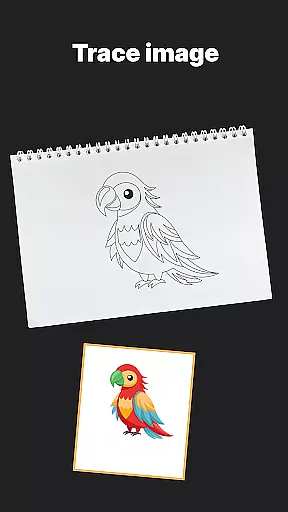
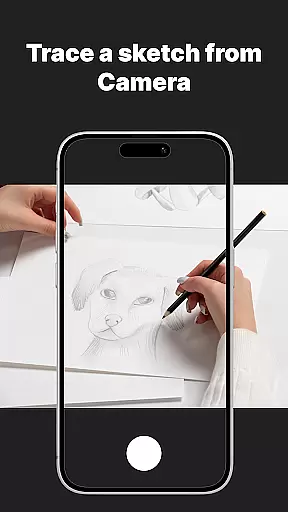
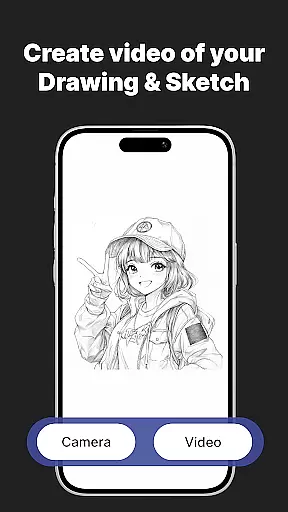
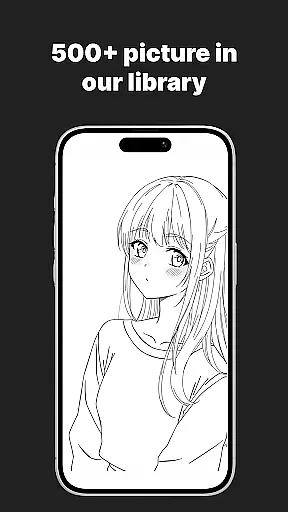
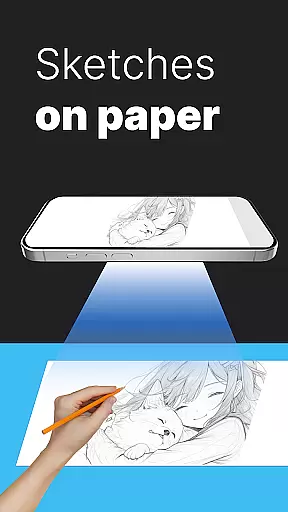
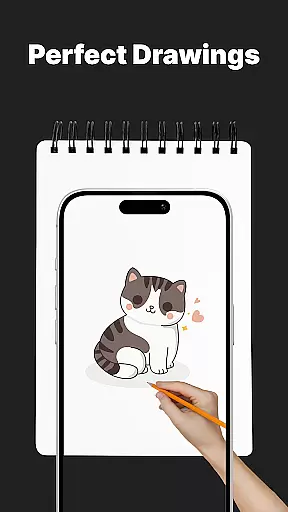
AR Drawing Sketch Painting App is an innovative tool that transforms your phone into a virtual sketchpad using augmented reality technology. The app allows users to trace drawings, create meme art, and learn to draw step-by-step directly on real paper through their phone's camera.
With features like AR Trace Drawing, Meme Mode, and guided drawing lessons, this app caters to artists of all levels. Whether you're a beginner or a professional, the massive template library offers thousands of options including anime, portraits, animals, and trending memes. The customization tools enable precise adjustments for optimal visibility while creating artwork.
This app is perfect for anyone looking to improve their drawing skills or simply have fun with creative projects. Its blend of entertainment and education makes it suitable for all ages, from kids to professional illustrators.
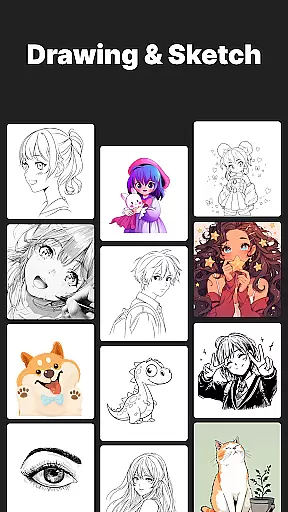
One of the standout features of AR Drawing Sketch Painting App is its extensive template library, which includes thousands of templates across various categories such as anime, portraits, animals, cars, flowers, tattoos, icons, and trending memes. This ensures endless inspiration for users.
The AR Trace Drawing feature lets users select a template and project it onto paper via their phone’s camera, allowing them to trace the lines accurately. Additionally, the app provides step-by-step drawing lessons tailored for all skill levels, making it easy to learn new techniques.
Customization tools are another highlight, offering options to adjust opacity, zoom, rotate, and even enable a flashlight for better visibility. Users can also save and share time-lapse videos of their drawing process, capturing their artistic journey and showcasing their work on social media.
When it comes to digital art applications, the comprehensiveness of creative tools is paramount. AR Drawing Sketch Painting App offers an extensive suite of features that cater to artists of all levels. With its massive template library, users can access thousands of templates spanning various categories such as anime, portraits, animals, and even trending memes.
The app's AR Trace Drawing feature allows creators to project any selected template onto paper via their phoneu2019s camera, enabling precise tracing and bringing ideas to life effortlessly. Additionally, customization tools provide further control over the drawing process; users can adjust opacity, zoom in or out, rotate images, and use the flashlight for optimal visibility.
This complete toolkit not only enhances artistic capabilities but also streamlines workflow by integrating practical functionalities like saving time-lapse videos of the drawing process and sharing them instantly. Whether you're a beginner looking to learn or a professional seeking inspiration, this app equips you with everything needed to create stunning artwork efficiently.
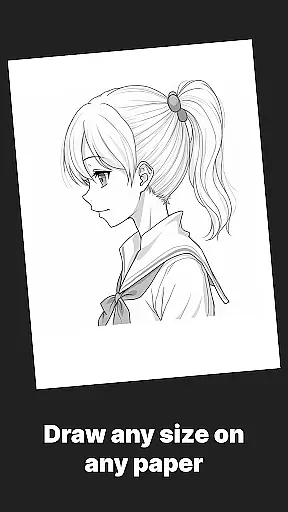
Flexibility in canvas and format options is crucial for unleashing full creative potential. AR Drawing Sketch Painting App excels in providing versatile solutions tailored to diverse artistic needs. The application supports multiple styles ranging from realistic portraits to hilarious meme drawings, ensuring there's something for everyone regardless of skill level or interest.
One standout aspect is the ability to upload your own images, which significantly broadens the scope of projects you can undertake. This feature allows personalized content creation beyond the pre-existing templates, making it suitable for kids, students, parents, art teachers, and professional illustrators alike.
Moreover, weekly updates introduce fresh templates regularly, keeping the content dynamic and engaging. By combining fun with education, the app encourages learning new techniques while staying relevant with online trends. Such adaptability ensures that users can explore different formats freely, enhancing both creativity and technical proficiency without limitations.
User-friendly interface
Extensive template library
Augmented reality tracing
Step-by-step tutorials
Regular content updates
Requires stable phone positioning
Limited free templates
Premium subscription needed
Occasional bugs
Learning curve for beginners

Pose and morph realistic male and female models! 3D poser app
 3.00
3.00
Digital illustration drawing & painting pad app to paint Anime and Manga art
4.50
Photo blender app to create overlay photos & double exposure.
4.40
Create stunning video, photo & magic from text with FlixAI GPT video generator.
3.10
Design unique, funny and adorable cat stickers that reflect your own style!
3.80
Draw glowing spinners, relax, and spin your creative art
4.60
Your AI soulmate — meaningful chats, and unique emotional moments
4.70
Draw, fidget, and spin glow art! Relax and express your creativity with a finger
4.60
Sketch and paint on your device with the feel and freedom of drawing on paper
4.00
Video AI: Revolutionize Your Content Creation with Advanced Video Generation
4.50
Stylish letters, Stylish Keyboard, Symbols, Emojis, Cool nickname
4.40
Image/ Text to Video Generator
4.40
Create stylish invitation cards using templates for weddings, birthdays & RSVP.
4.20
Powerful home decoration & house design that allows you to design dream home.
3.80
AI Face Swap, Video Effects Editor, Realtime Morph, Funny Video FX,AI Filters
3.70
AI Art Generator transforms your words into AI generated art & paintings.
3.70
AI Assistant, powered by ChatGPT GPT-4 & GPT-4o. Your intelligent companion.
3.50
Download now for a stylish and functional timepiece
4.4
Art of Combination Wear OS Watch faces
4.5


User Reviews