

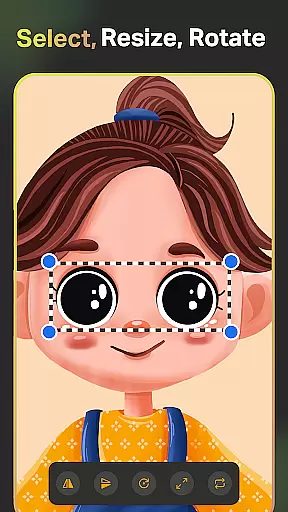
SketchPro is a premier digital art application tailored for professional artists, illustrators, and designers. This comprehensive tool offers advanced AI features alongside traditional drawing tools, making it ideal for creating professional-grade artwork on mobile devices. With customizable brushes, AI-powered drawing assistants, and an extensive layer system, SketchPro caters to various artistic needs from sketching to final illustrations.
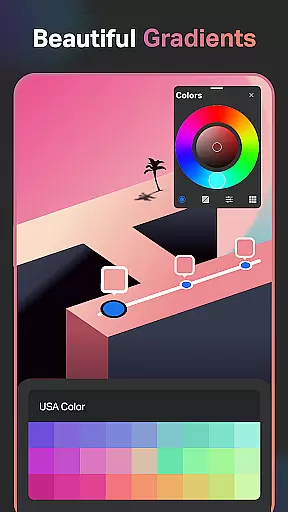
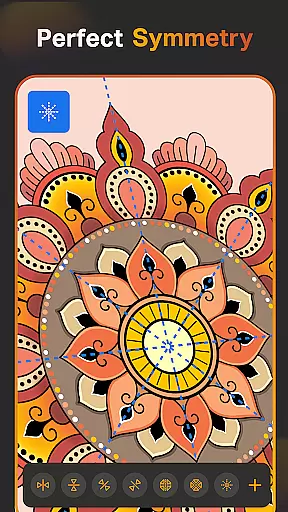
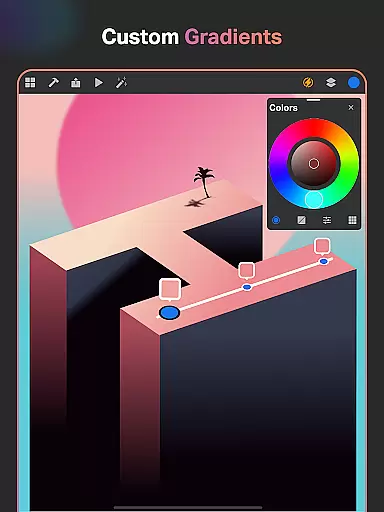
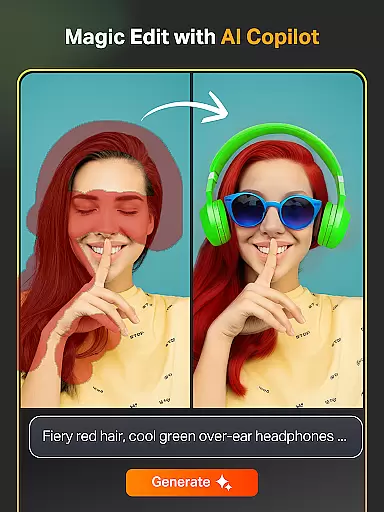
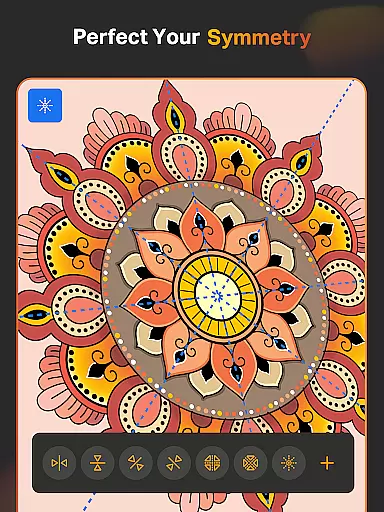
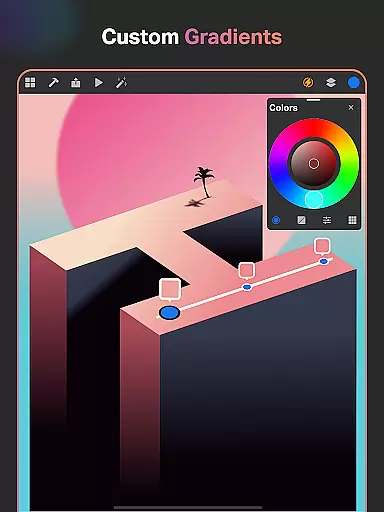
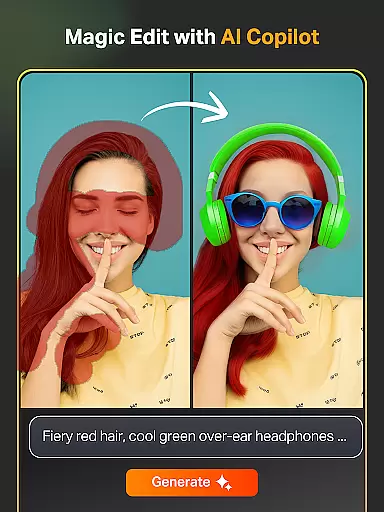
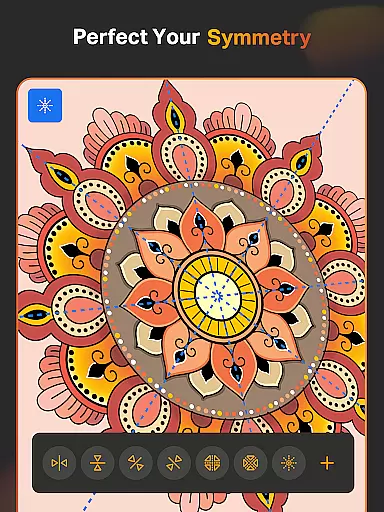
The app's standout feature is its integration of artificial intelligence tools that enhance the creative process. These include Text to Image AI, Sketch to Image AI, and Magic Edit AI, which allow artists to transform concepts into visuals effortlessly. Additionally, professional tools like Smart Shapes, Symmetry Tool, and Gradient options provide precision and control in digital art creation.
SketchPro finds particular value among graphic designers working on complex projects. The app's ability to handle unlimited layers, combined with professional text tools and color management features, makes it suitable for creating detailed design work. Automatic saving and cloud syncing ensure that creative projects are securely stored and accessible across devices.
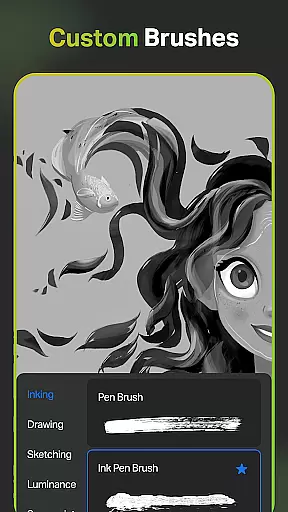
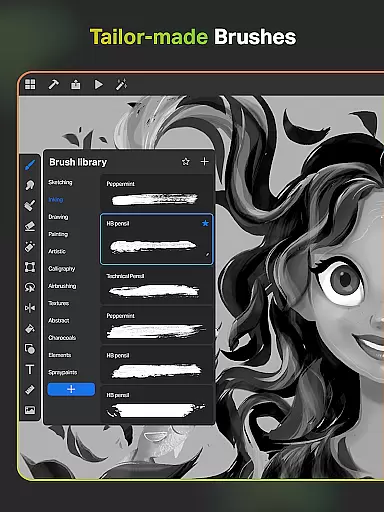
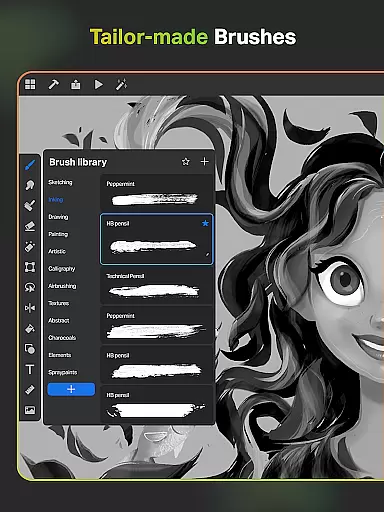
SketchPro distinguishes itself through its comprehensive set of professional-grade features designed for digital artists. The application provides over 100 customizable brushes, including specialized tools like the Free Roller Brush with patterns, catering to different drawing styles and techniques. These brushes can be fine-tuned and saved as favorites for efficient workflow management.
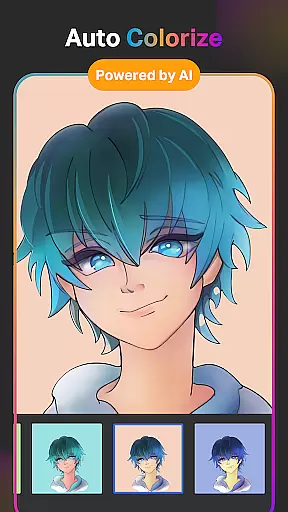
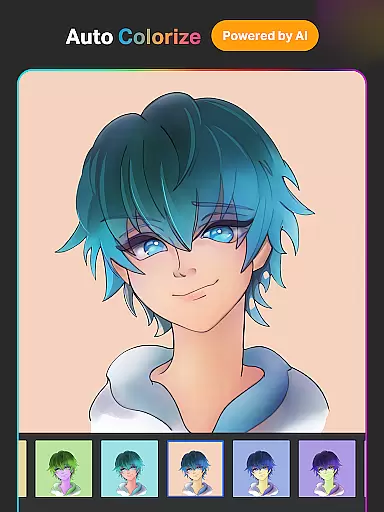
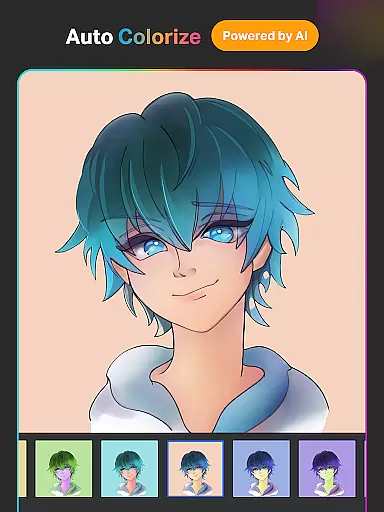
The AI-powered tools represent a significant advancement in digital art creation. Artists can generate artwork from text prompts, transform sketches into refined images, and manipulate existing artwork with Magic Edit AI. The Auto-Colorization feature revolutionizes coloring workflows, while AI Object Remove tools help in precise editing. These innovations significantly reduce production time while maintaining professional quality standards.
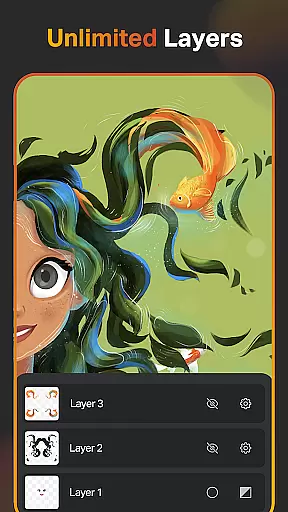
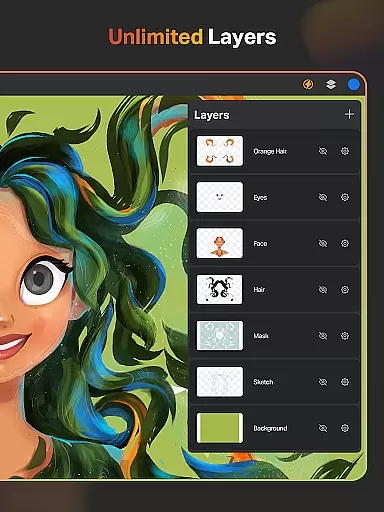
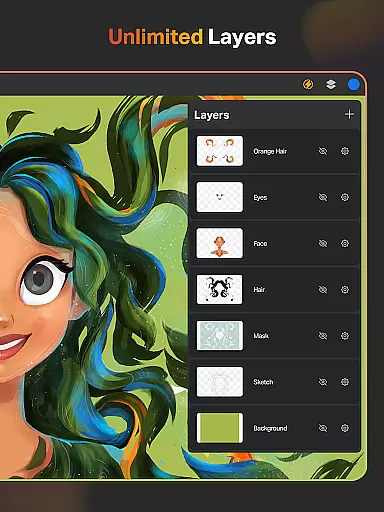
Additional professional features include an advanced layer system with unlimited capacity, essential for complex artwork organization. The application supports sophisticated design elements through its Text Tools, Color Palette with full color wheel, and Extensive Shapes Library. Practical tools like Smudge, Fill Bucket, and Cutter complement these features, while automatic saving and cloud synchronization ensure project security and accessibility.
Creative tool completeness is a crucial aspect of any professional art application. SketchPro excels in this area by offering an extensive suite of drawing and design tools tailored for digital artists.
The app provides customizable brushes for various artistic needs, including sketching, painting, and illustrating. These brushes can be fine-tuned to match the artist's style, ensuring that every stroke feels personal and precise. Additionally, the inclusion of a Free Roller Brush with over 100 patterns enhances the creative possibilities.
SketchPro also incorporates advanced AI tools to streamline the creative process. Features like Text to Image, Sketch to Image, and Magic Edit allow artists to transform basic sketches into detailed artworks effortlessly. The AI-driven Expand Artwork tool enables users to resize their canvas without losing quality, maintaining the integrity of their work.
These comprehensive tools not only enhance productivity but also inspire creativity, making SketchPro an indispensable companion for professional digital artists seeking to push the boundaries of their craft.
Canvas and format flexibility are essential for digital artists who require adaptability in their creative workflows. SketchPro addresses these needs by providing a versatile platform that supports a wide range of artistic expressions.
The app features a robust layer system with unlimited layers, allowing artists to manage complex projects with ease. Functions such as rasterizing, duplicating, and merging layers give users complete control over their compositions. Moreover, options like Fill, Color Invert, and Lock Alpha ensure precision in every detail.
SketchPro offers a custom canvas feature, enabling artists to define their workspace according to specific project requirements. This flexibility extends to the app's support for various file formats, ensuring compatibility across different platforms and devices.
By prioritizing canvas and format flexibility, SketchPro empowers artists to focus on their creativity without being constrained by technical limitations, ultimately enhancing both the artistic process and the final output.
Advanced AI tools
Professional brush library
Unlimited layer support
Comprehensive design features
Automatic cloud backup
Steep learning curve
High system requirements
Premium price point
Occasional performance lag
Complex interface

Pose and morph realistic male and female models! 3D poser app
 3.00
3.00
Transform photos into amazing monochrome dither art with professional algorithms
4.5
Stylish letters, Stylish Keyboard, Symbols, Emojis, Cool nickname
4.40
Custom Character Creator & PFP Maker!
4.20
Digital Drawing: Draw & Paint
4.10
Art of Combination Wear OS Watch faces
4.4
Resize photos and print photos in exact size with our powerful photo printer!
3.80
Kling AI is an image and video generation and editing studio powered by AI.
4.50
Unleash your inner artist! Sketchar: AR Drawing for Limitless Creativity
4.40
Draw glowing spinners, relax, and spin your creative art
4.60
Image resizer to resize, crop, rotate, flip, change dpi photo or picture in bulk
4.60
Get an overview over all your embroidery threads, projects and more.
4.60
Draw, fidget, and spin glow art! Relax and express your creativity with a finger
4.60
Create and Design Custom Logos in Seconds with AI-Powered Tools!
4.40
Nano Banana AI Image Generator, Anime Filter, AI Portrait, AI Photo Generator
4.30
Create cute cat emojis & PFPs! Fun, custom avatars for cat lovers.
3.70
AI Assistant, powered by ChatGPT GPT-4 & GPT-4o. Your intelligent companion.
3.50
Draw anime easily with AR guidance, sketch templates & trace tools!
3.10
Art of Combination Wear OS Watch Faces
4.4


User Reviews