
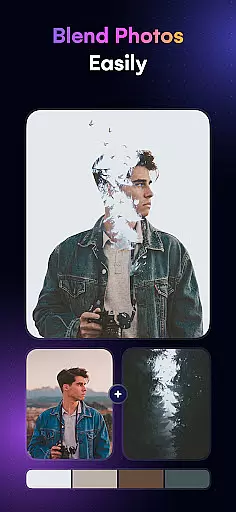
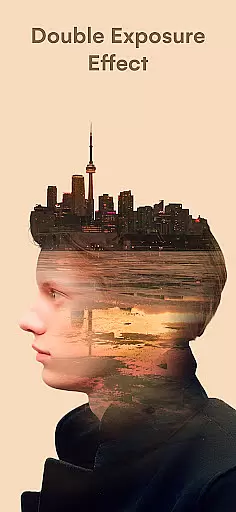
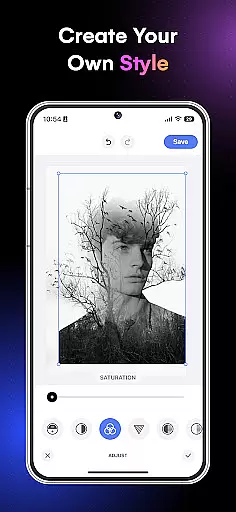
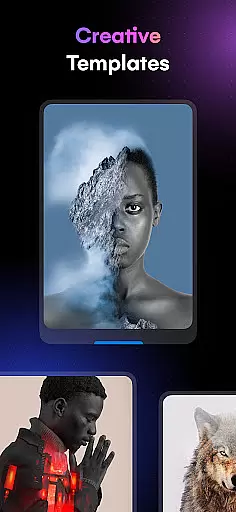
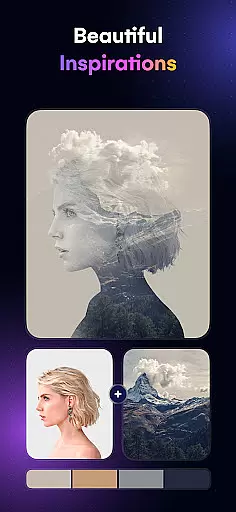
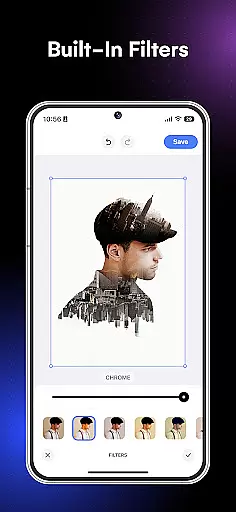
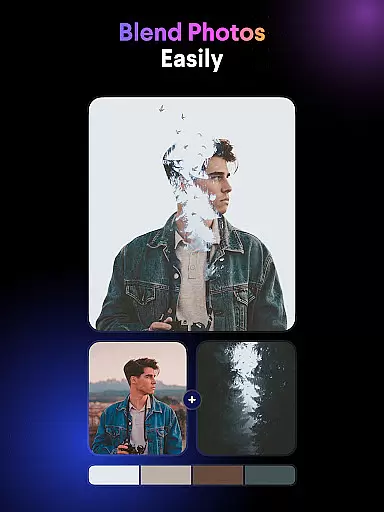
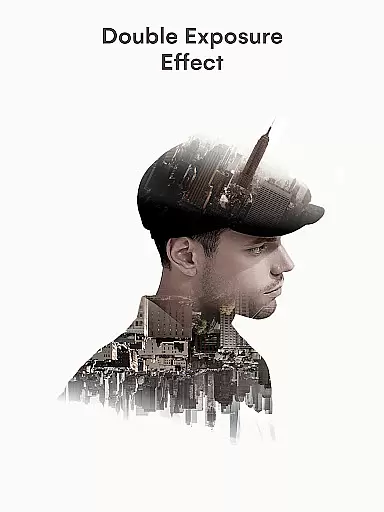
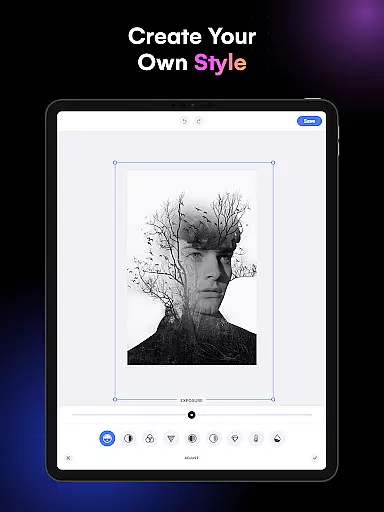
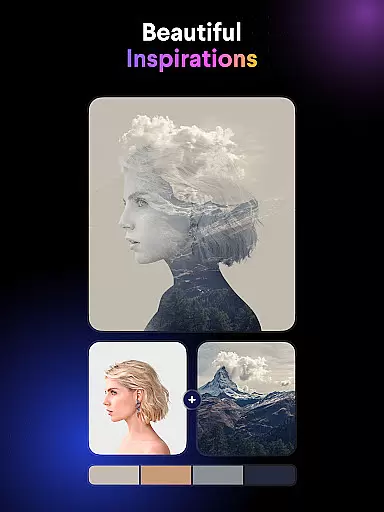
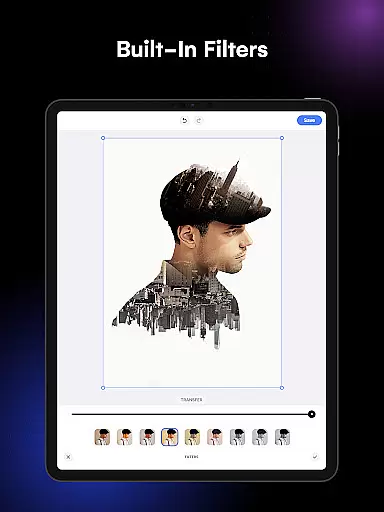
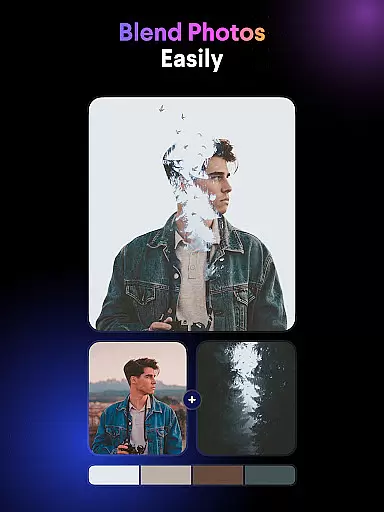
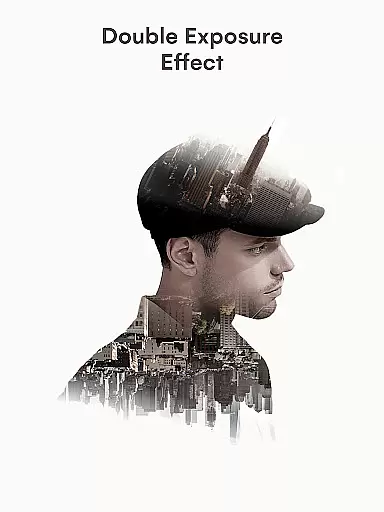
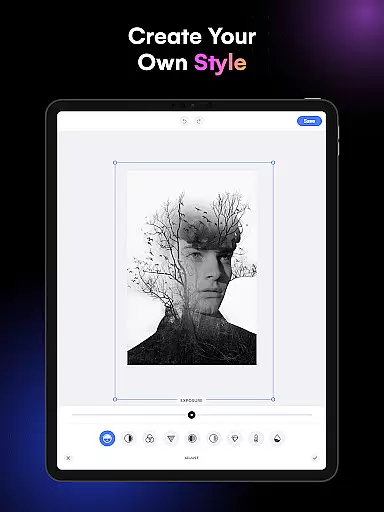
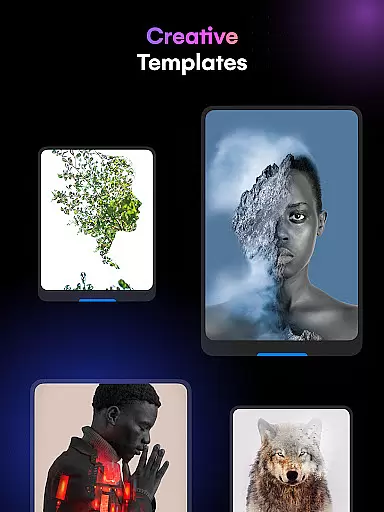
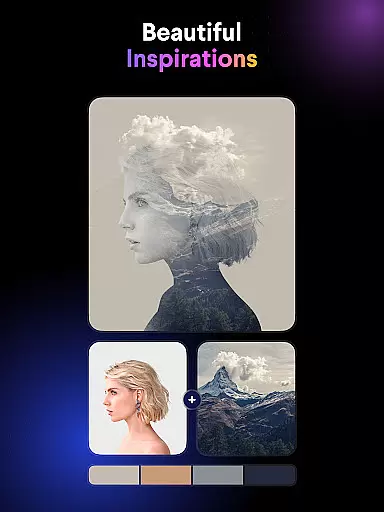
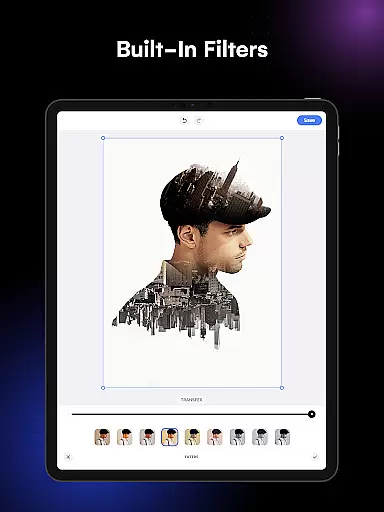
Blend Photos is an advanced photo editing application designed for both amateur and professional artists looking to create stunning double exposure images and picture overlays. The app offers a comprehensive suite of features that allow users to blend photos with beautiful effects, remove backgrounds automatically, and apply various customizable templates. Whether you're looking to enhance your social media posts or create professional-grade artwork, Blend Photos provides the tools necessary to craft polished and visually striking images.
The app's standout feature is its smart AI technology, which simplifies complex editing tasks such as creating gradient blends and adjusting image settings. With an intuitive interface and clutter-free design, Blend Photos ensures a seamless user experience while delivering powerful photo mixer capabilities. Users can easily crop, rotate, and add shape masks to their images, all while maintaining HD resolution quality in their final outputs.
Blend Photos distinguishes itself through its robust set of features tailored for creative photo editing. One of its key strengths is the automatic background removal tool, which allows users to seamlessly blend multiple images without manual adjustments. This feature is particularly useful for creating professional-looking double exposure effects and picture overlays with minimal effort.
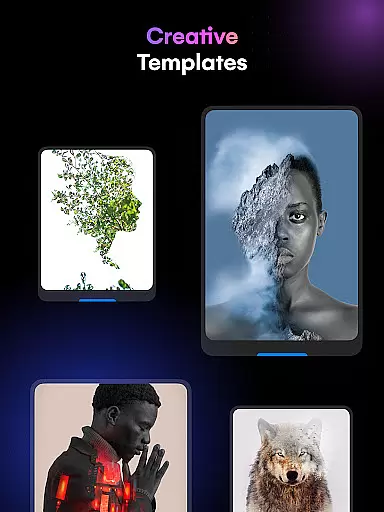
In addition to basic editing tools like cropping and rotating, the app offers advanced functionalities such as gradient blending and shape masking. These features enable users to experiment with different artistic styles and achieve unique visual results. The app also includes various pre-designed templates that serve as excellent starting points for those new to photo blending. Furthermore, Blend Photos supports HD resolution saving and sharing, ensuring that your creations maintain their quality across different platforms and devices.
Another notable aspect of Blend Photos is its integration of smart AI technology, which streamlines the editing process and helps users achieve professional-grade results quickly. This combination of powerful features and user-friendly design makes Blend Photos an ideal choice for anyone interested in elevating their photo editing skills.
Blend Photos offers a comprehensive suite of creative tools that cater to both novice and professional users. The application provides an extensive range of features from basic editing like cropping and rotating to more sophisticated options such as creating double exposure effects and picture overlays.
With its smart AI technology, Blend Photos simplifies complex tasks, allowing users to automatically remove backgrounds and add shape masks with ease. This ensures that regardless of your skill level, you can achieve professional-looking results without the need for extensive photo editing knowledge.
The app includes various photo blender templates and advanced adjustment tools, which enable users to craft unique images with highly customizable effects. Whether you're looking to create gradient blends or experiment with HD resolution saving, Blend Photos supports your creative vision every step of the way.
Flexibility in canvas and format options is crucial for creative freedom, and Blend Photos excels in this area. Users can manipulate their images with precision, thanks to features like crop and rotation, which allow for exact adjustments to the canvas size and orientation.
In addition to standard editing, Blend Photos supports advanced functionalities such as adding shape masks and creating gradient blends. These features provide the ability to produce complex compositions while maintaining high-quality output across different formats.
Sharing your artwork is made effortless with Blend Photos, as it enables direct sharing to social media platforms or friends. With support for HD resolution saving, your blend photos retain clarity and detail, ensuring that your work looks polished and professional on any platform or device.
User-friendly interface
Advanced AI technology
HD resolution support
Automatic background removal
Customizable templates
Limited free features
Occasional ads
Premium subscription required
Steep learning curve
Resource-intensive

Sketch, trace and master AR drawing with awesome anime art!
 3.30
3.30
Draw on screen: FP sDraw is a simple and lightweight drawing app
4.70
Castle is social media for creating and playing games!
4.60
Draw anime easily with AR guidance, sketch templates & trace tools!
3.10
AI Art Generator transforms your words into AI generated art & paintings.
3.70
Your AI soulmate — meaningful chats, and unique emotional moments
4.70
A luxurious gold watch face for an elegant and refined look.
4.0
Art of Combination Wear OS Watch faces (for Wear OS 5+ devices)
3.90
Create and Design Custom Logos in Seconds with AI-Powered Tools!
4.40
See Color, Paint Color
4.90
Share the joy of painting with ibis Paint! Drawing anime and manga art.
4.50
Kling AI is an image and video generation and editing studio powered by AI.
4.50
AI generated images & photos, turn your words into drawing, painting & pictures.
4.30
Beauty Camera - Selfie Camera is the ultimate beauty camera and selfie app
4.30
Unleash the artist in you with our AR drawing and tracing tool for photo drawing
4.10
Turning simple sketches into captivating tales filled with life and motion
3.90
Apply cartoon, caricature, and portrait effects to make your photos stand out!
3.60
AI Assistant, powered by ChatGPT GPT-4 & GPT-4o. Your intelligent companion.
3.50
Create trending AI photos & videos with powerful effects and 3D styles.
3.20


User Reviews