![[KNA017] RETRO logo](https://cdn.linksharehub.com/ocp/?u=https%3A%2F%2Fl1.fancapitalize.com%2Fimages%2F2025%2F12%2Fbcfa0218032e2e821c877c72827d41eb.jpg&t=webp)
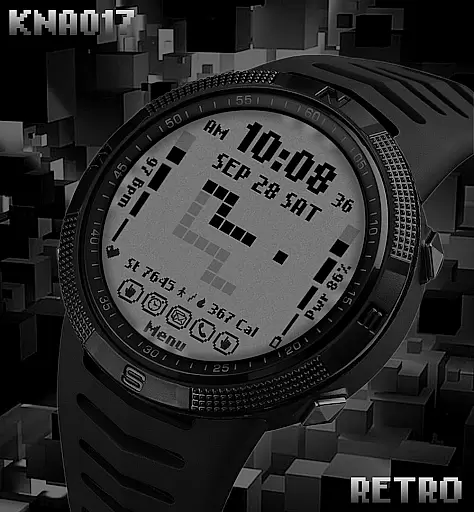
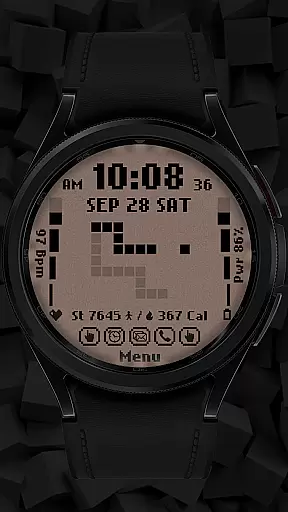
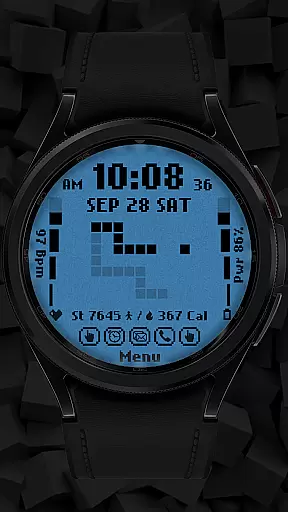
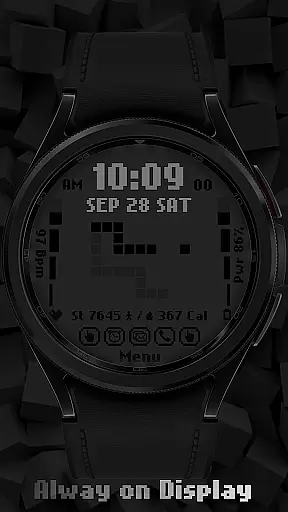
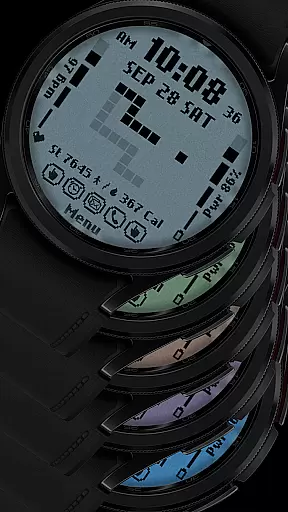
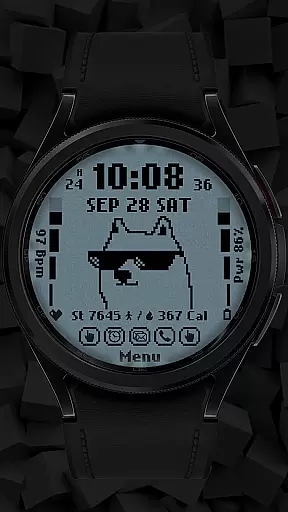
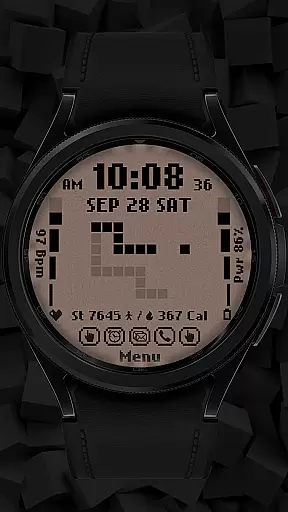
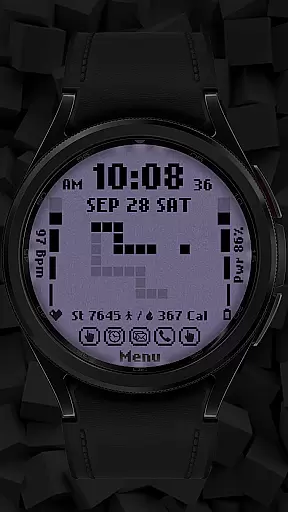
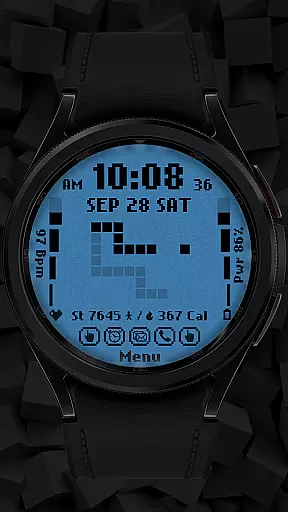
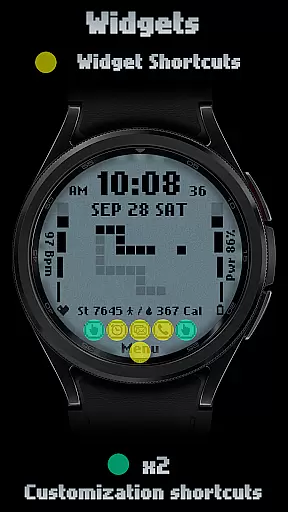
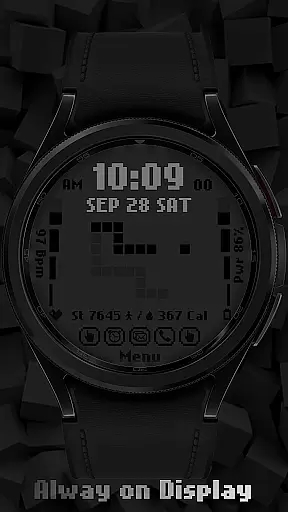
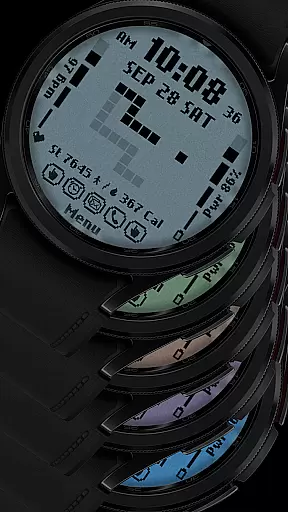
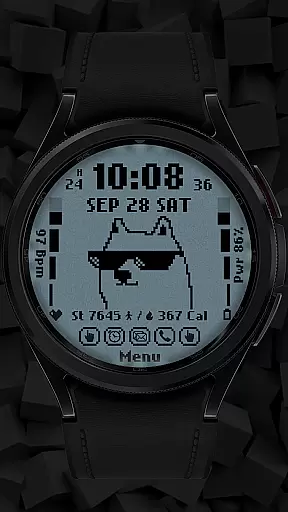
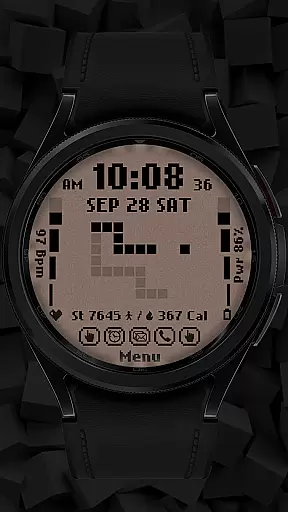
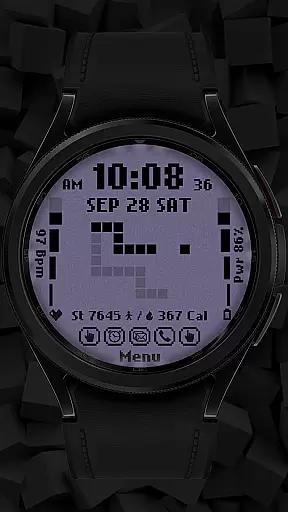
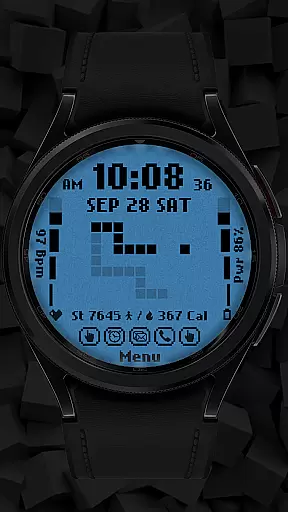
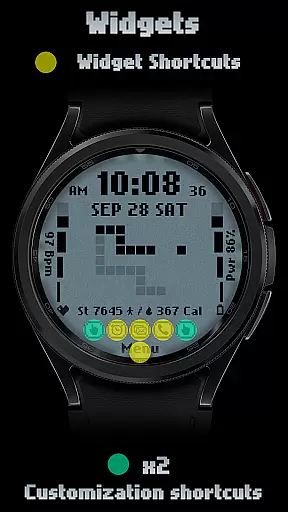
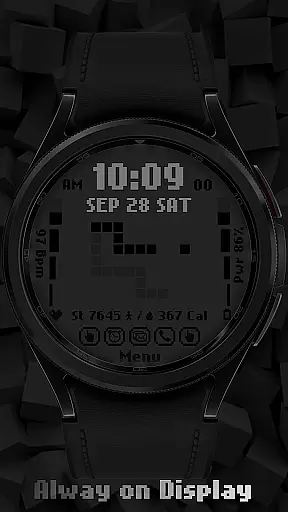
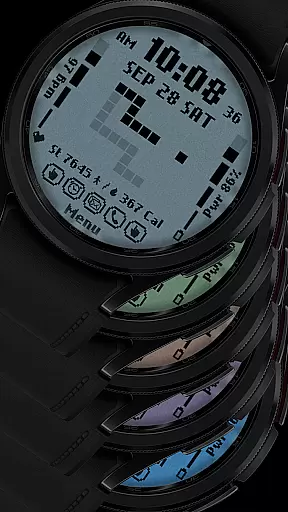
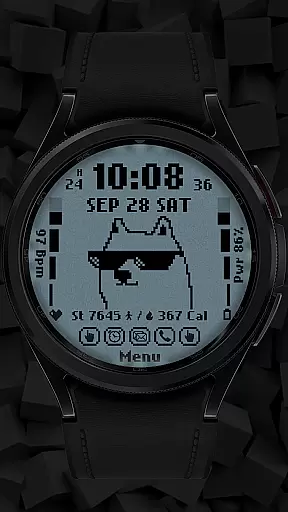
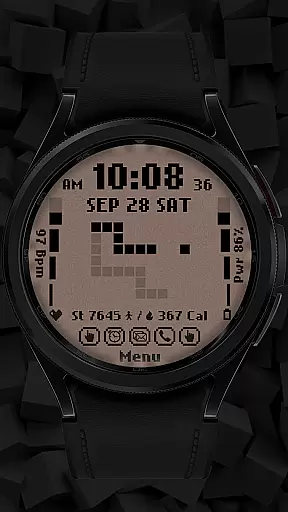
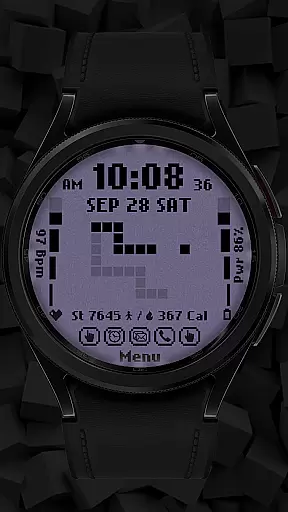
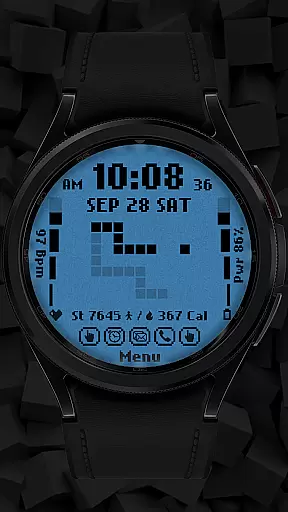
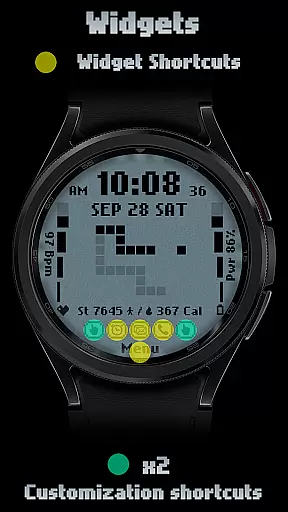
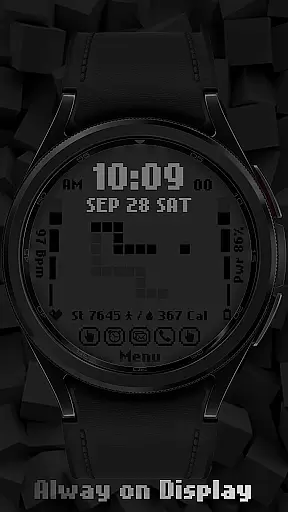
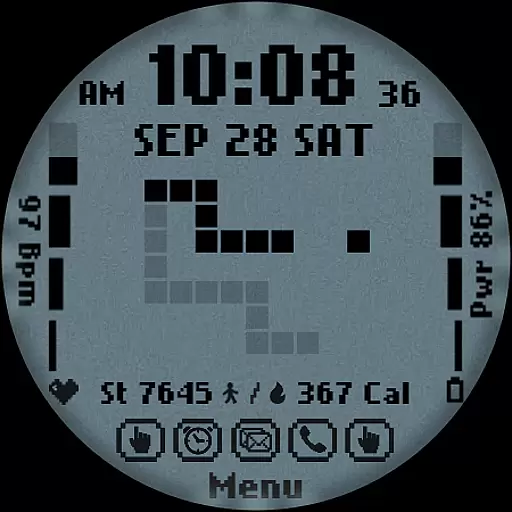
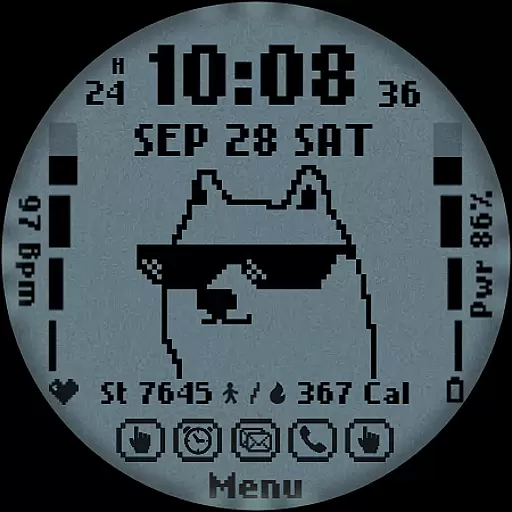
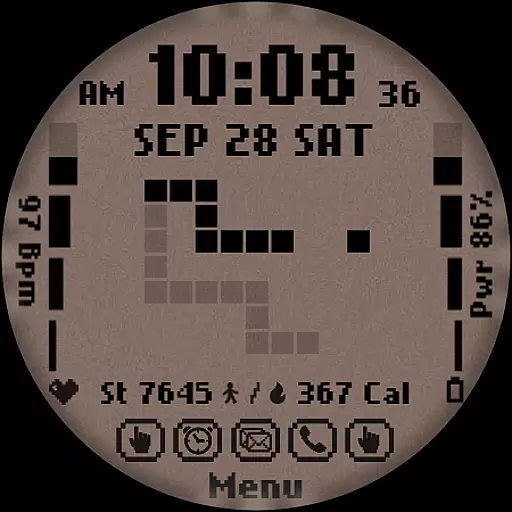
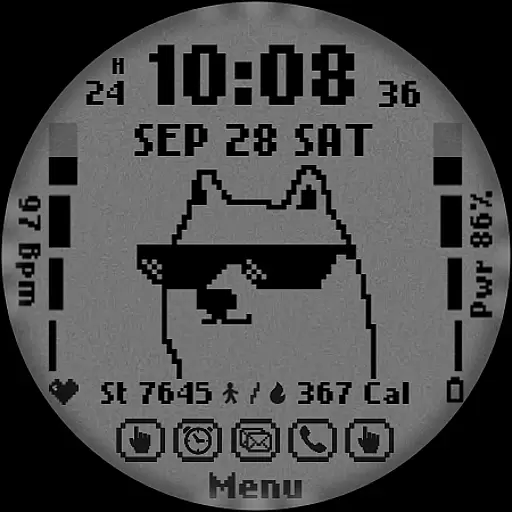
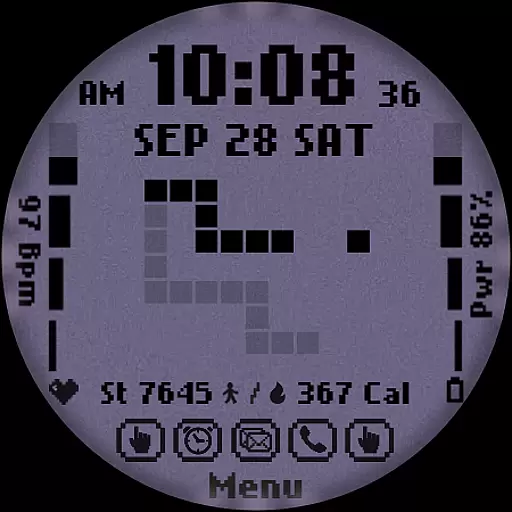
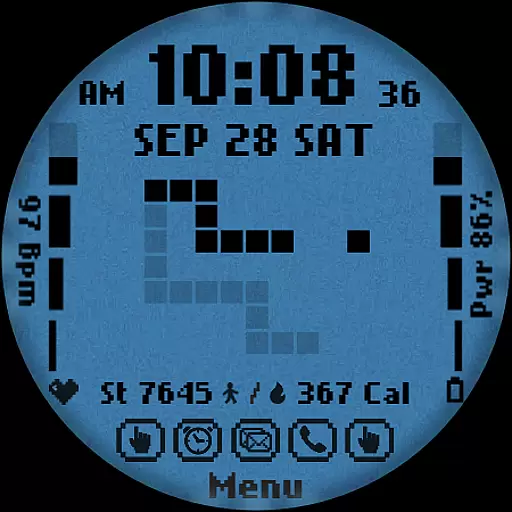
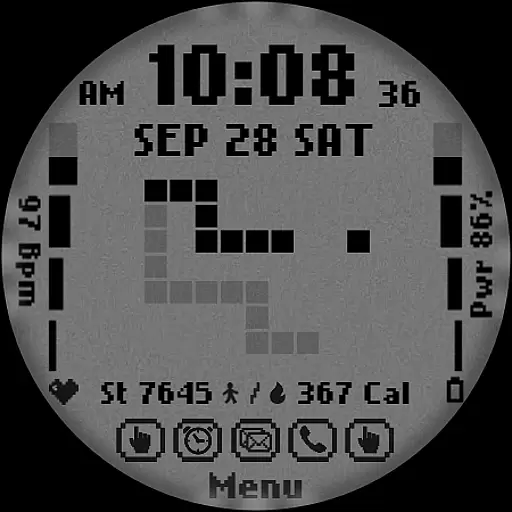
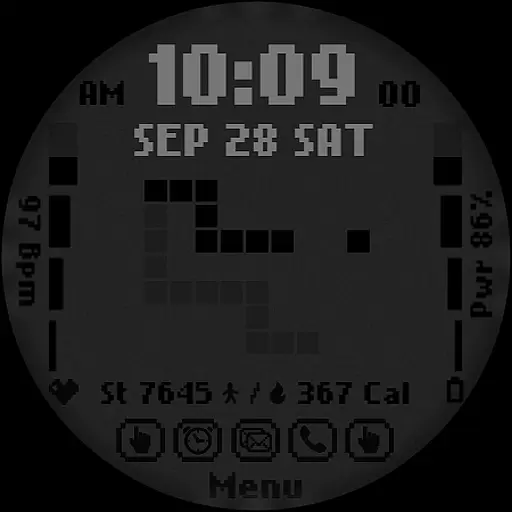
[KNA017] RETRO is a customizable watch face designed for Wear OS devices, offering users a retro-style interface with modern functionality. Compatible with API level 30+ devices such as Google Pixel and Galaxy Watch 4, 5, 6 series, this watch face brings a unique blend of aesthetics and utility to your smartwatch.
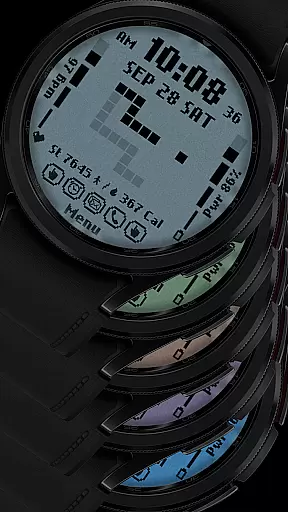
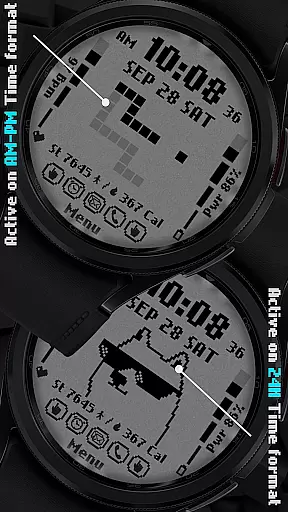
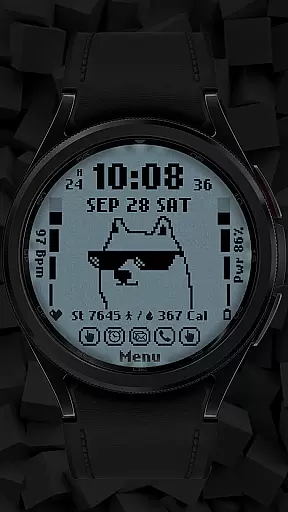
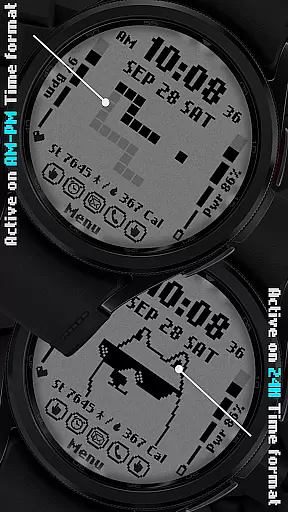
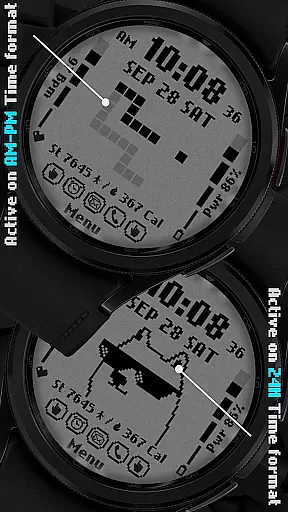
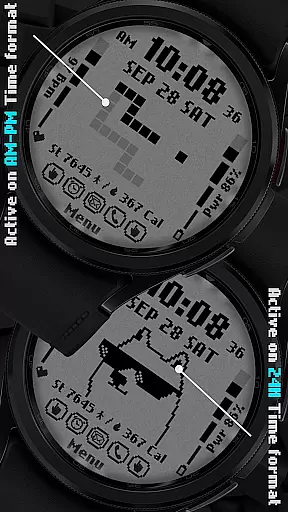
The design features digital styles in both 12 and 24-hour formats, displaying the date, day of the week, and month. With two customizable shortcuts and six color/style options, users can tailor their watch face to suit personal preferences. The watch face also includes practical features like step counting, heart rate monitoring, battery level display, and calorie calculation, all presented with an animated retro style that changes based on the time format selected.
Perfect for those who appreciate vintage design but don't want to compromise on functionality, [KNA017] RETRO enhances the smartwatch experience by combining classic aesthetics with contemporary smart features.
[KNA017] RETRO stands out with its rich feature set tailored for Wear OS users. The watch face offers multiple customization options including digital styles in 12/24 hour formats, date, day of the week, and month displays. Users can choose from six distinct colors and styles, allowing for personalization that matches individual tastes.
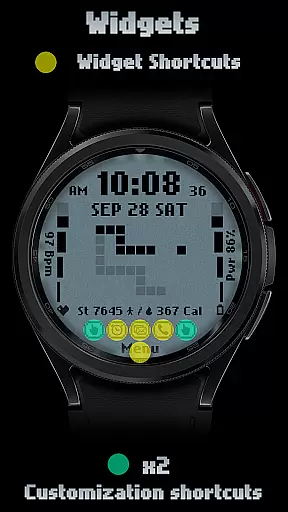
One of the key highlights is the inclusion of two customizable shortcuts, enabling quick access to frequently used functions. Additionally, the watch face integrates essential health and fitness tracking features such as step counting, heart rate monitoring, battery level indication, and calorie calculation. These features are not only practical but also enhance the overall user experience by providing valuable insights at a glance.
The retro-style animation adapts to the selected time format (AM-PM or 24-hour), adding a dynamic visual element to the watch face. Furthermore, users can customize complications with various data points like weather, world clock, sunrise/sunset times, and barometric pressure readings, making [KNA017] RETRO a versatile choice for tech-savvy individuals seeking both form and function in their smartwatch accessories.
In the realm of digital art and design, having a comprehensive suite of creative tools is essential for unleashing an artist's full potential. The [KNA017] RETRO Wear OS watch face stands out by offering a versatile canvas for personal expression right on your wrist. With features such as Digital Styles in 12/24 hour time formats, display of Date, Day of the week, and Month, it merges utility with creativity.
Moreover, this watch face provides not one but two customizable shortcuts along with six distinct color and style combinations. This level of customization empowers users to tailor their watch faces according to their preferences or even mood, making each glance at their wrist a refreshing experience. The inclusion of complications like Steps Count, Heart Rate, Battery Level, and Calories Calculate adds another layer of functionality that is seamlessly integrated into the aesthetic design.
The true beauty of [KNA017] RETRO lies in its Retro-style animations that change with the time format, offering AM-PM or 24-hour display options. Such dynamic elements ensure that the watch face remains visually engaging throughout the day. By touching and holding the display, then tapping on the Customize Option, users can easily modify these aspects without any hassle.
Flexibility in canvas and format options is a critical aspect of any design-oriented application, allowing creators to bring their visions to life without constraints. The [KNA017] RETRO Wear OS watch face excels in this area by providing compatibility with API level 30+ devices including Google Pixel, Galaxy Watch 4, 5, 6, and other Wear OS models. Before proceeding with installation, users are encouraged to verify their deviceu2019s compatibility to ensure optimal performance.
This Wear OS watch face supports various customizable complications which means you're not limited to just time and date. You have the freedom to incorporate additional data points such as weather updates, world clocks, sunrise/sunset times, and barometric pressure readings directly onto your watch face. This adaptability transforms a simple time-telling device into a personalized dashboard reflecting individual needs and interests.
It's important to note that while some features may vary across different watches due to hardware limitations, the core experience remains consistent thanks to thoughtful design considerations. Should any questions arise during setup or customization, support is readily available via email contact provided within the app description. Thus ensuring every user enjoys a smooth journey through their artistic exploration on [KNA017] RETRO.
Customizable design
Retro animations
Health tracking
Multiple color options
Compatibility with Wear OS
Limited device support
No automatic application
Potential battery drain
Some features unavailable
Requires manual setup

Customizable Outlined Fonts. Watch Face Format. Battery friendly Digital Clock.
 4.20
4.20
Custom Character Creator & PFP Maker!
4.20
Unleash your drawing and painting potential
4.50
Painting, drawing, & sketching
4.50
Your AI soulmate — meaningful chats, and unique emotional moments
4.70
Bring One UI 8.5 Icons to life -elegant dark icons with a modern, premium touch.
4.30
Kling AI is an image and video generation and editing studio powered by AI.
4.50
Multiplayer Drawing game, Coloring, Painting・Sketch, Handwriting・Paint, draw
4.30
All-in-One art, logo & collage maker. Design photos and edit video backgrounds
4.80
See Color, Paint Color
4.90
Create stunning art with AI.
4.80
Draw on screen: FP sDraw is a simple and lightweight drawing app
4.70
Convert image to JPG PNG HEIC PDF, support almost all kinds of image formats
4.70
Get an overview over all your embroidery threads, projects and more.
4.60
Create color palette from Image, RGB & RYB Color wheel harmonies, Color Scheme
4.50
Create stylish invitation cards using templates for weddings, birthdays & RSVP.
4.20
AI Assistant, powered by ChatGPT GPT-4 & GPT-4o. Your intelligent companion.
3.50
Sketch, trace and master AR drawing with awesome anime art!
3.30
Android 14 style widgets and wallpapers app.
4.3


User Reviews