
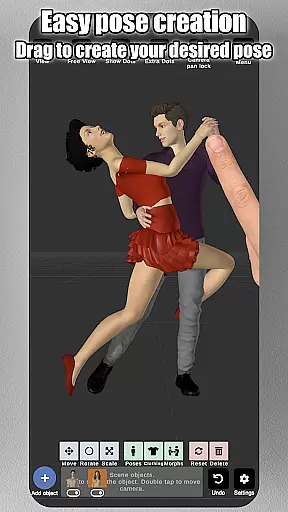
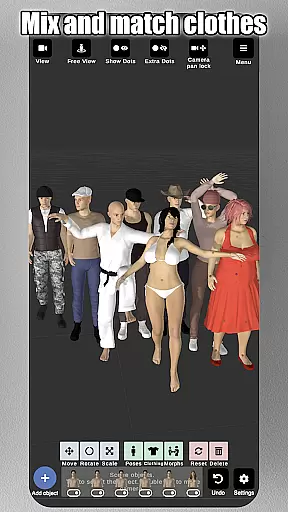
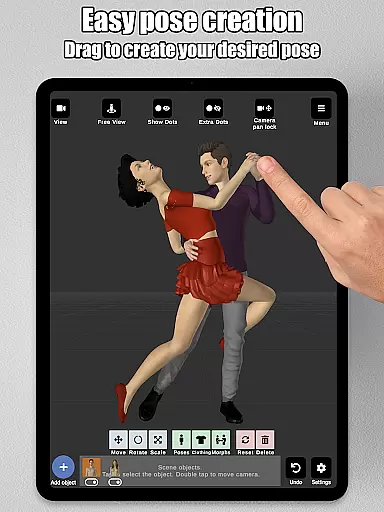
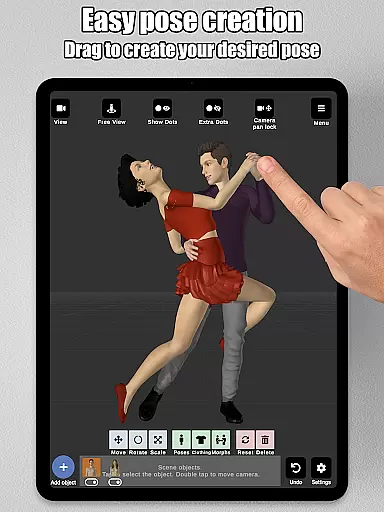
Art Model is a feature-rich 3D posing app designed for artists and designers who need realistic human models for reference. The app allows users to pose an unlimited number of male, female, and wooden mannequin models simultaneously in the scene. With its intuitive drag-and-drop control system, creating poses is as simple as tapping a control point and dragging the limb into position, eliminating the need for complex joint rotations.
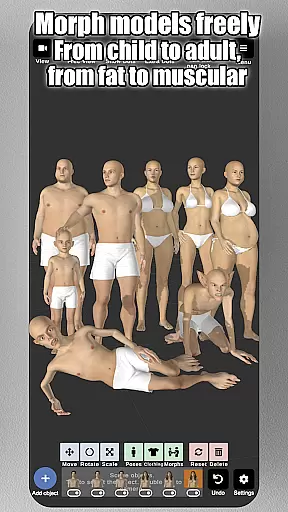
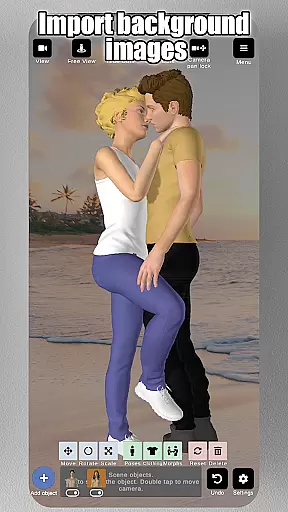
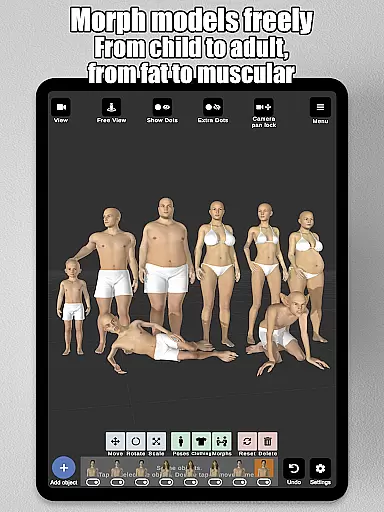
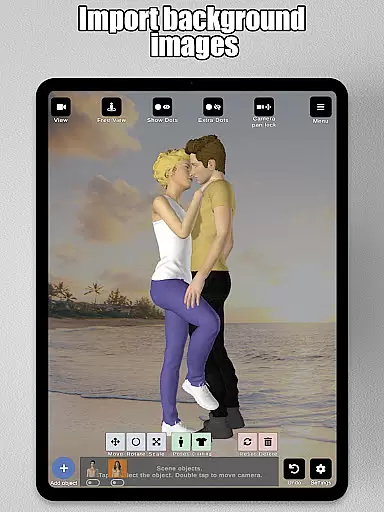
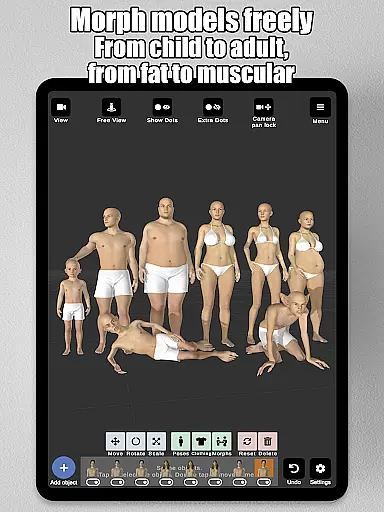
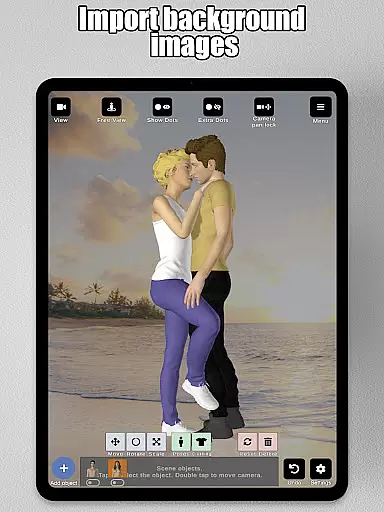
Beyond posing, Art Model offers powerful morphing capabilities that let users customize their models extensively. Whether transforming a model from a child to an adult, adjusting body types, or modifying specific body parts like arms or chest, the app provides complete creative freedom. Artists can also import background images, add props such as chairs or weapons, and utilize split-view editing to work from multiple angles at once. These features make it ideal for character design, storyboarding, and improving drawing skills.
Art Model stands out with its comprehensive set of tools tailored for both digital and traditional artists. One of its key features is the fast pose creation system, which lets users manipulate limbs by simply dragging them into place. This functionality is complemented by the app's morphing system, allowing full-body transformations and detailed adjustments to individual body parts, offering unparalleled customization options.
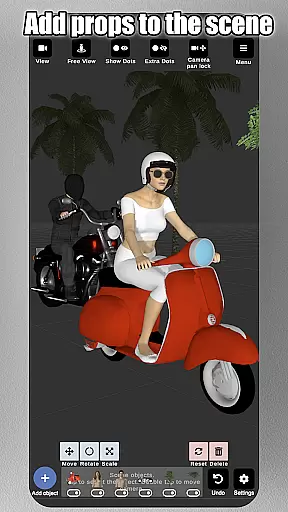
The app includes additional tools to enhance creativity and productivity. Users can choose between realistic male and female models or opt for a wooden mannequin for more classic art styles. Props such as furniture, weapons, and geometric shapes can be added to scenes, while advanced lighting options help create dynamic compositions. Background image imports and split-view editing further expand the app’s versatility, making it a robust solution for illustrators, storyboard artists, and character designers.
Art Model - 3D Art pose tool offers an extensive suite of creative tools that cater to both traditional and digital artists. The app includes realistic 3D male and female models, as well as a wooden mannequin option for those who prefer classic drawing references.
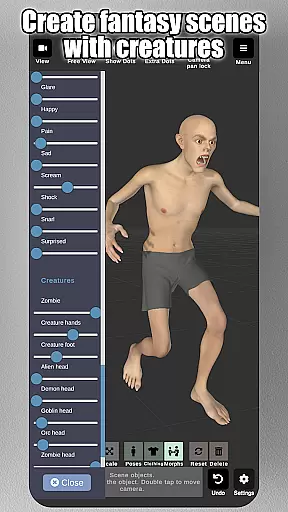
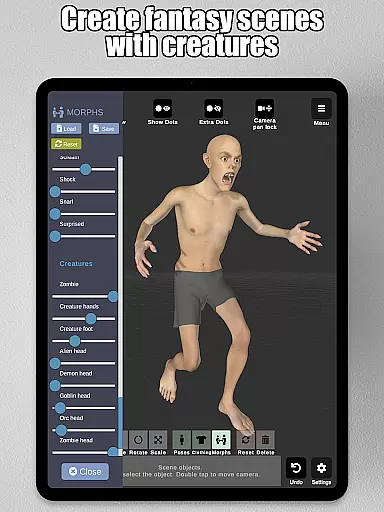
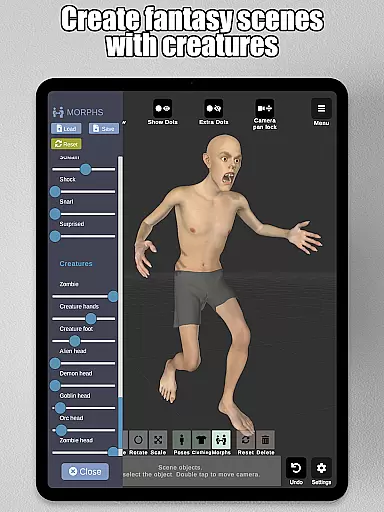
Beyond just posing, the app features a powerful morphing system that allows users to modify their models extensively. Whether transitioning a model from a child to an adult, adjusting body types from skinny to muscular, or even altering specific body parts like arms or legs, the possibilities are virtually limitless.
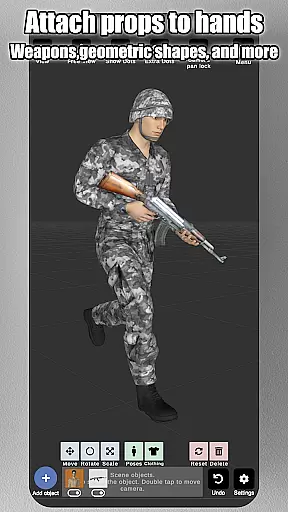
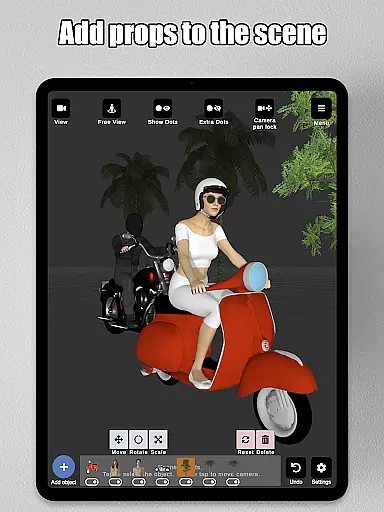
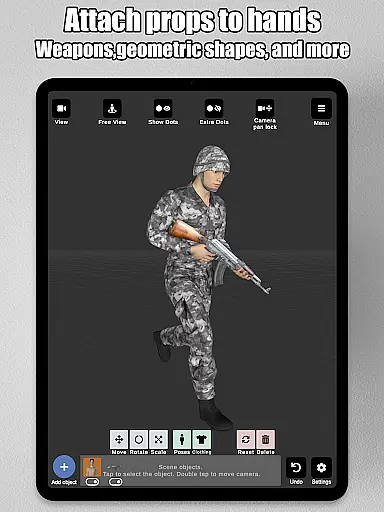
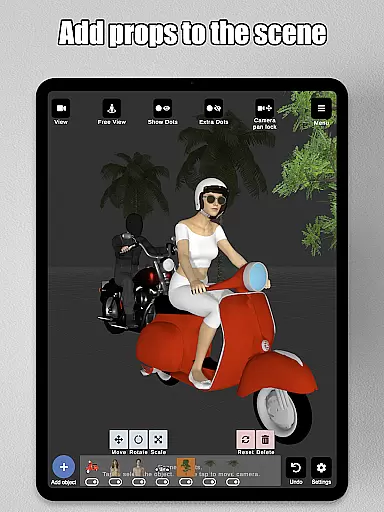
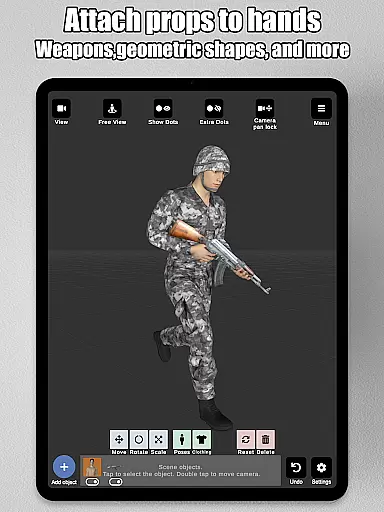
In addition to human models, users can enrich their scenes with various props such as chairs, tables, weapons, and geometric shapes. These items can be attached directly to the models' hands, moving naturally with them. This level of detail provides immense value for character design, illustrations, or storyboarding.
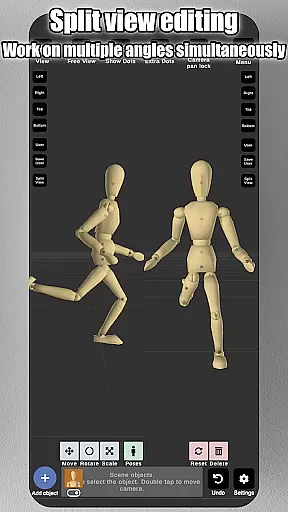
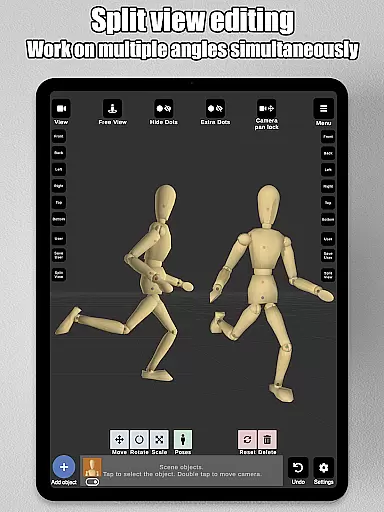
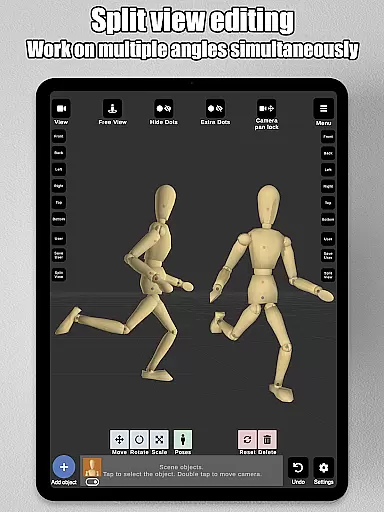
The canvas and format flexibility in Art Model empower users to customize their artistic workspace according to their needs. With split view editing, artists can view their models from two different camera angles simultaneously, making it easier to adjust poses and fine-tune details without constantly rotating the scene.
Users have advanced lighting options at their disposal, which is crucial for creating realistic scenes. Additionally, the ability to import background images enhances the environment, allowing for better visualization of characters in real-world settings.
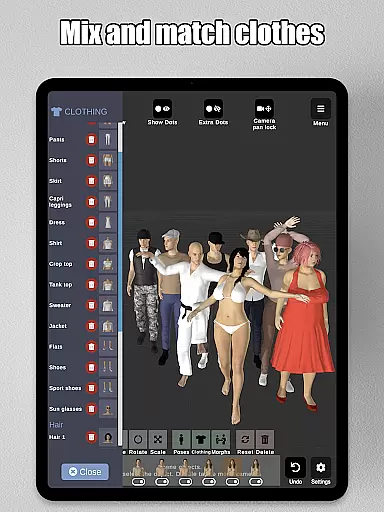
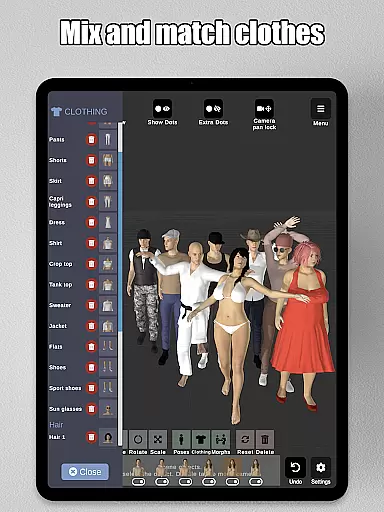
The app supports saving and loading poses and morphs, ensuring that artists can revisit and refine their work over time. Basic hair and lots of headgear options add further customization, while preset poses provide quick starting points for new projects.
User-friendly interface
Extensive morphing options
Realistic 3D models
Versatile prop library
Split-view editing
Steep learning curve
Limited free features
Occasional bugs
High system requirements
No multiplayer mode

The ultimate tool for creating animations
 4.60
4.60
Art of Combination Wear OS Watch faces
4.0
Custom Character Creator & PFP Maker!
4.20
Digital illustration drawing & painting pad app to paint Anime and Manga art
4.50
AI Art Generator transforms your words into AI generated art & paintings.
3.70
Art of Combination Wear OS Watch faces (for Wear OS 5+ devices)
3.90
Inky runs Inkscape on Android devices and Chromebooks
2.90
Multiplayer Drawing game, Coloring, Painting・Sketch, Handwriting・Paint, draw
4.30
AI-powered photo & video creation—fast, fun, and effortless with Quick Actions
4.60
See Color, Paint Color
4.90
Create stunning art with AI.
4.80
Discover Cartoon Dream : Unleash Your Creativity with CuttingEdge AI
4.50
Create neon drawing with magic doodle and fun doodle art effects!
4.50
Unleash your drawing and painting potential
4.50
Remove Background, Magic Eraser, Photo Enhancer, Story Templates, Collage Maker
4.30
Create Logos, Tattoos, AI Art & more with our AI Photo Generator & Design Editor
4.20
Sketch and paint on your device with the feel and freedom of drawing on paper
4.00
Your homescreen as an elegant glass with customized blur, lighting, and visuals.
3.70
Apply cartoon, caricature, and portrait effects to make your photos stand out!
3.60


User Reviews