
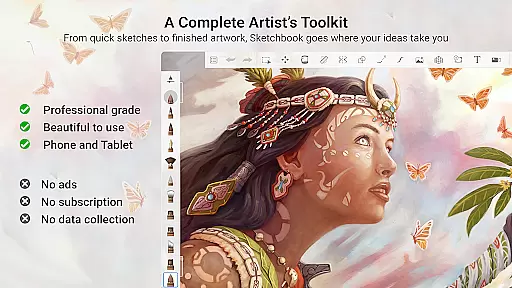
Sketchbook is a versatile drawing and painting application designed for artists, illustrators, and creative enthusiasts. It offers professional-grade tools that cater to both quick sketches and fully finished artwork. The app provides an elegant, distraction-free interface that ensures a natural drawing experience across all creativity levels.
With its comprehensive set of customizable brushes, precise drawing guides, and flexible layer options with blend modes, Sketchbook empowers users to capture and express their ideas effortlessly. Whether you're sketching on a phone or creating detailed digital paintings on a tablet, this app adapts to your creative needs while maintaining high performance.
Sketchbook is ideal for artists who value precision and flexibility in their workflow. Its intuitive design makes it suitable for beginners, while its advanced features satisfy the demands of professional illustrators. This app transforms your device into a powerful art studio, enabling seamless creativity wherever you go.
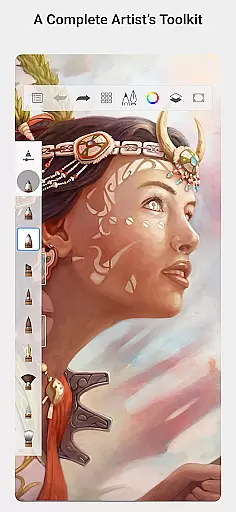
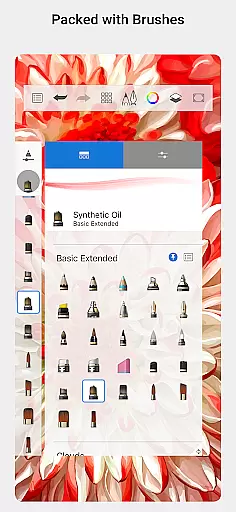
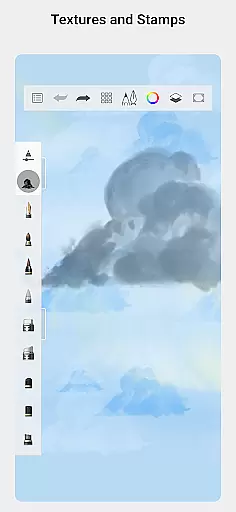
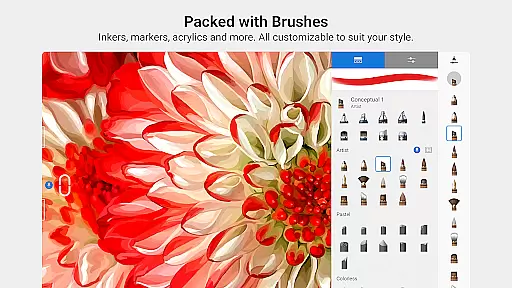
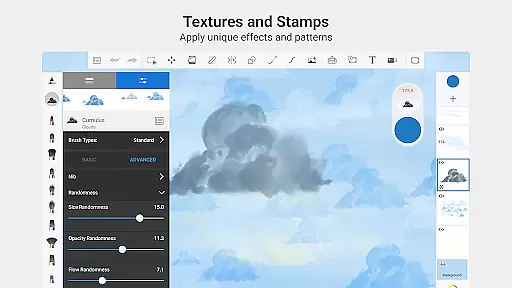
Sketchbook stands out with its extensive brush library, offering pencils, markers, airbrushes, and smear tools that mimic real-world counterparts. Each brush type is highly customizable, allowing users to adjust settings like size, opacity, and texture to achieve their desired effects. These tools ensure that every stroke feels natural and precise.
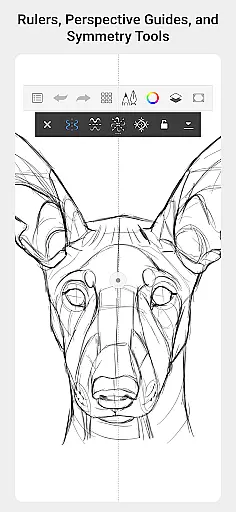
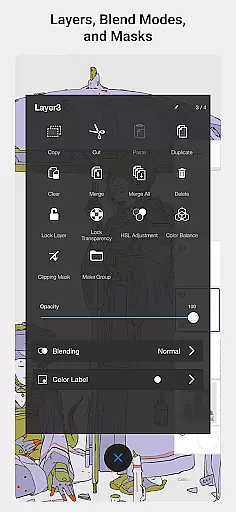
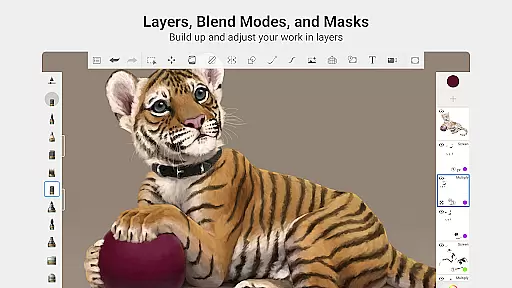
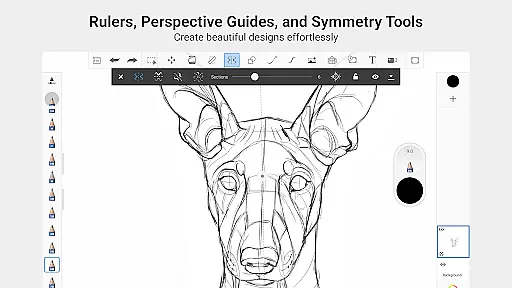
The app also includes advanced features such as rulers, guides, and stroke tools that support accuracy in technical drawings. With layers that offer a full range of blend modes, artists can experiment with complex compositions and color exploration without limitations. Additionally, the clean, purpose-built interface minimizes distractions, letting users focus entirely on their artistic process.
Sketchbook's cross-platform compatibility ensures a consistent experience whether you're using a smartphone or tablet. The app supports high-resolution canvases and pressure-sensitive styluses, making it a top choice for digital artists seeking professional results. Its combination of powerful tools and user-friendly design sets it apart from other drawing apps.
In Sketchbook, the comprehensive suite of creative tools empowers artists to bring their visions to life with precision and flair. The app offers a full range of brush types including pencils, markers, airbrushes, and smear tools, each designed to mimic their physical counterparts closely.
These brushes are not only diverse but also highly customizable, allowing users to tailor their drawing experience to match their unique style and requirements. Whether you need fine lines or broad strokes, Sketchbook's tools adapt to your needs.
Additionally, the inclusion of guides, rulers, and stroke tools provides essential support for accuracy and precision in your artwork. This attention to detail ensures that even the most intricate designs can be executed flawlessly.
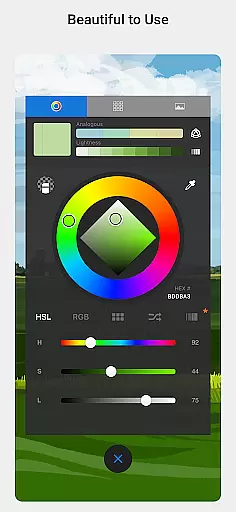
With layers that boast a complete set of blend modes, Sketchbook delivers the flexibility needed to explore complex drawings and color compositions. This feature is invaluable for artists looking to build up their work and experiment with different visual effects.
Sketchbook excels in providing canvas and format flexibility, catering to a wide array of artistic expressions and project requirements. The app supports various canvas sizes and formats, ensuring that artists can choose the perfect setting for their creations without feeling constrained.
This flexibility extends to its layer functionality, which allows artists to work with multiple layers and blend modes. Such versatility is crucial for developing detailed artwork, as it enables creators to manage and adjust individual elements of their composition with ease.
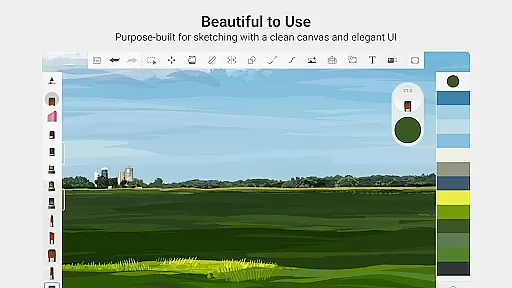
Moreover, Sketchbook's interface is purpose-built for sketching, offering a clean and unobtrusive workspace. This design philosophy minimizes distractions, allowing artists to focus on their creative process without any unnecessary interruptions.
The app's commitment to a natural drawing experience means that users can seamlessly transition from quick sketches to fully finished artwork. With Sketchbook, the possibilities are endless, and creativity is only limited by one's imagination.
User-friendly interface
Highly customizable brushes
Precise drawing tools
Flexible layer options
Cross-platform support
Limited free features
Advanced tools may overwhelm beginners
Occasional performance lags
No built-in tutorials
Subscription required for full access

Premium version of Shimeji-ee app with no ads & no limit active shimeji
 4.5
4.5
Floor Plan Creator lets you create, edit and share floor plans.
4.00
Meet the magic aı 3d photo generator and smart AI video generator app.
3.20
AI Face Swap, Video Effects Editor, Realtime Morph, Funny Video FX,AI Filters
3.70
Text to Image, Image to Video & AI Chat
4.20
Logo Generator powered by AI: Create stunning logos effortlessly!
4.70
Create stunning video, photo & magic from text with FlixAI GPT video generator.
3.10
The perfect place to start sketching! Use Sketchbook to draw and paint sketches.
4.50
Kling AI is an image and video generation and editing studio powered by AI.
4.50
Make your phone cooler and have a fantastic experience
4.80
Create stunning art with AI.
4.80
Minecraft & Roblox Clothes
4.70
Get an overview over all your embroidery threads, projects and more.
4.60
OneUI 8.5 icons ✨ Smooth, modern & based on the latest Play Store design ??
4.10
AR Anime Drawing: How to draw anime with AR drawing & sketching apps!
4.00
Get creative and make art with your Sesame Friends!
4.00
Art of Combination Wear OS Watch faces (for Wear OS 5+ devices)
3.90
Turning simple sketches into captivating tales filled with life and motion
3.90
Design unique, funny and adorable cat stickers that reflect your own style!
3.80


User Reviews