
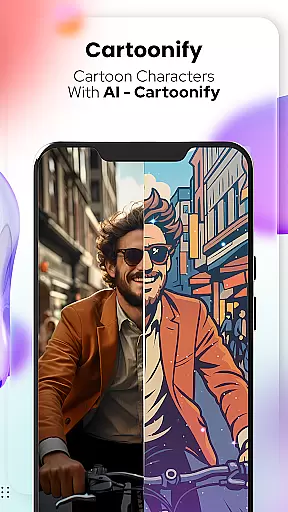
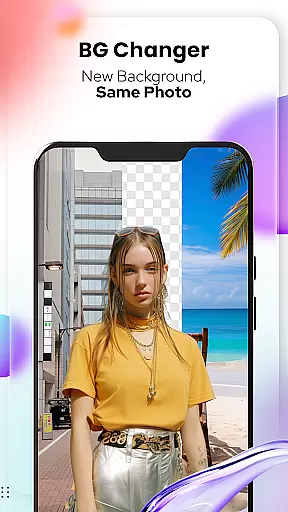
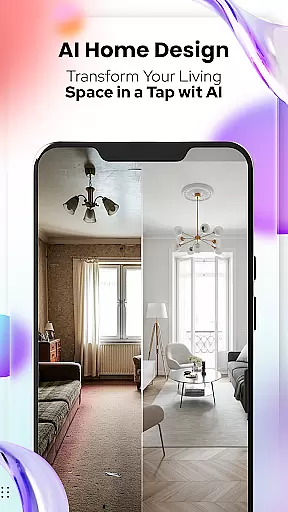
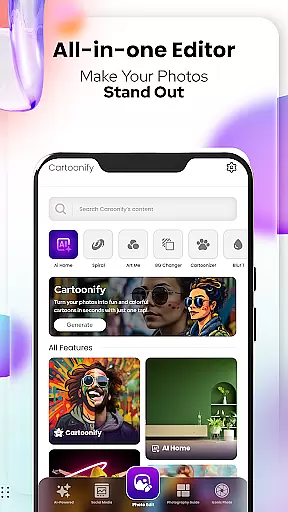
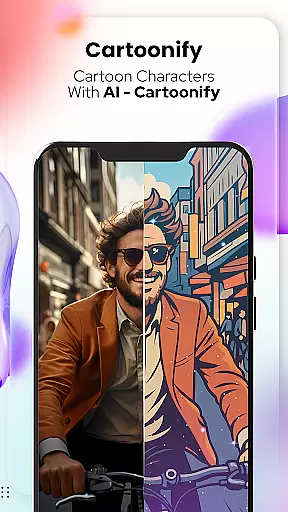
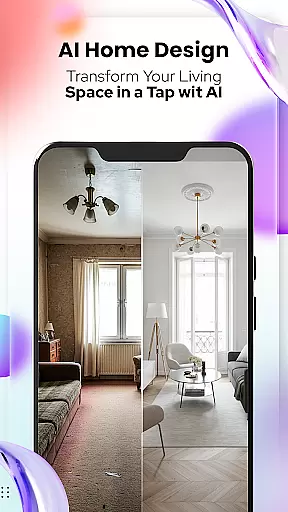
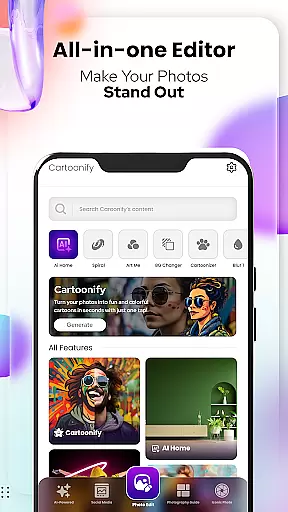
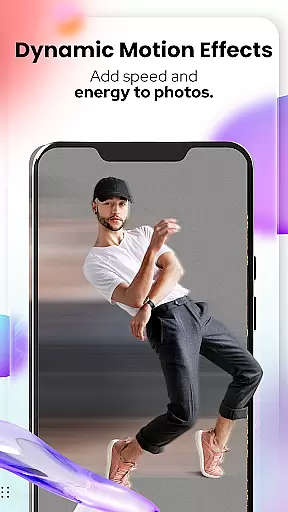
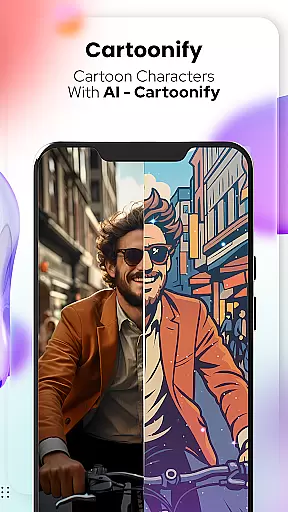
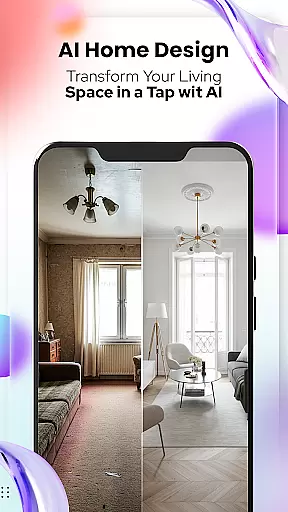
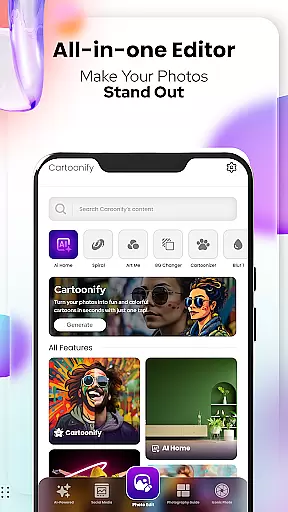
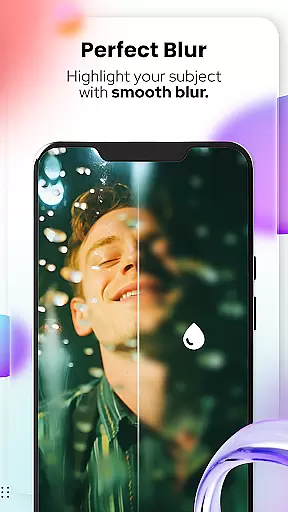
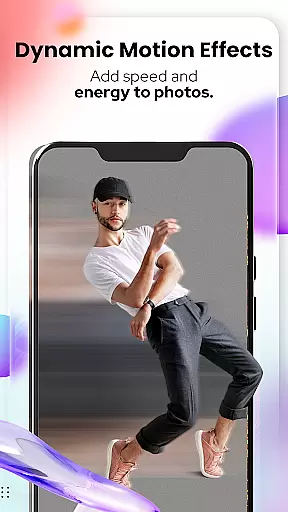
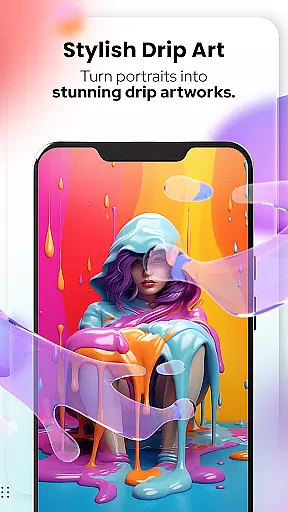
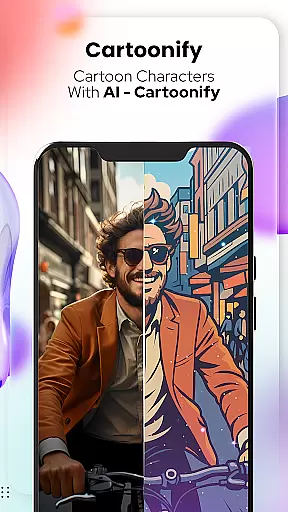
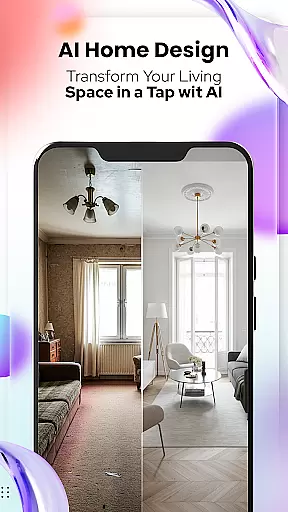
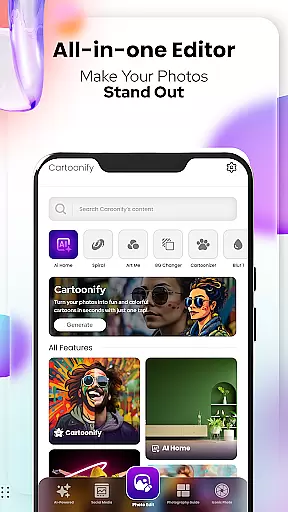
Cartoon Photo Editor - Toon Art is an innovative photo editing app designed for creative enthusiasts who want to transform their photos into cartoon-style masterpieces. The app offers a variety of features including Cartoonify, which turns any image into a fun cartoon portrait, and Art Me, allowing users to apply stunning art styles to their photos.
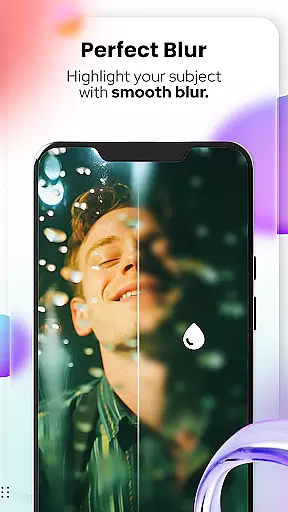
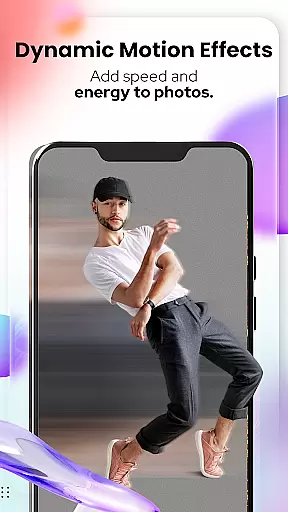
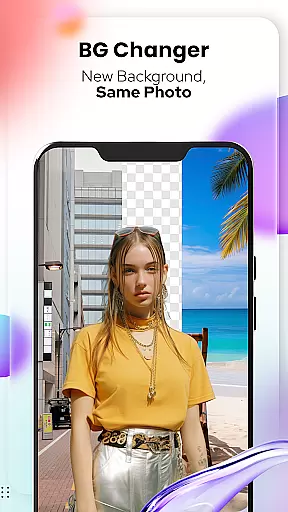
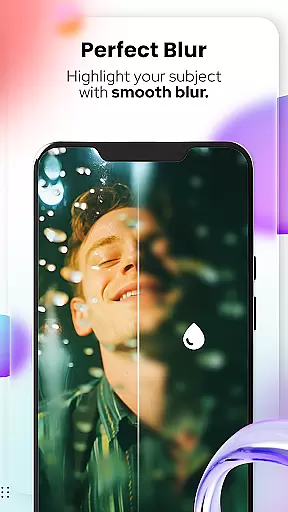
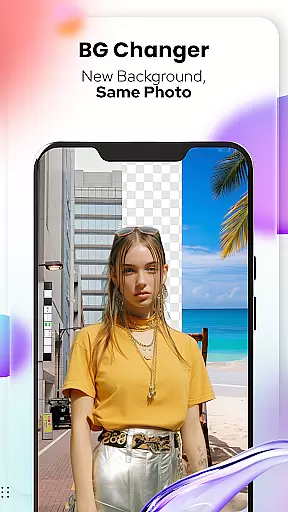
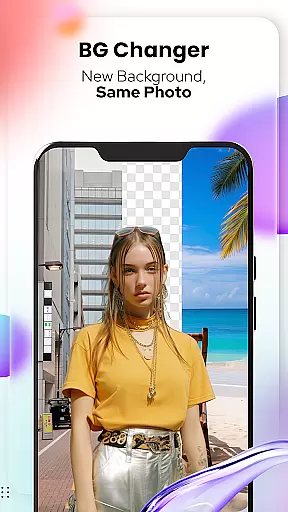
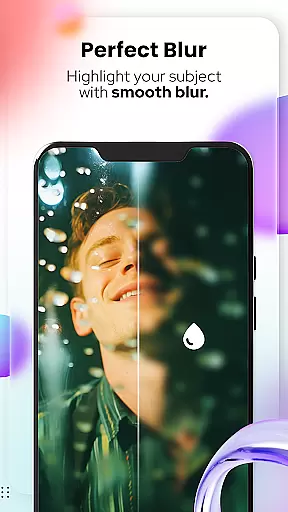
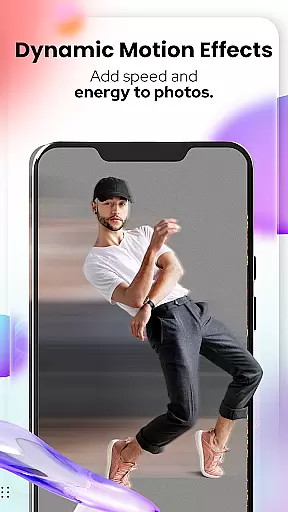
In addition to human portraits, the app includes Pet Cartoonizer for creating charming caricatures of pets, Background Changer for easy background removal and replacement, and Sketching for hand-drawn pencil effects. With newly added professional photo editing tools like Blur, Motion Effects, Filters, Stickers, and more, this app provides everything needed to create unique artistic images.
Perfect for social media enthusiasts, content creators, and pet lovers, Cartoon Photo Editor - Toon Art helps users express their creativity while offering practical value through its diverse range of customizable features.
Cartoon Photo Editor - Toon Art stands out with its rich set of creative tools tailored for both casual users and design enthusiasts. The Cartoonify feature uses advanced algorithms to convert regular photos into cartoon-style images within seconds, making it ideal for profile pictures or social media posts. The Art Me function takes customization further by offering multiple artistic filters that give photos a professional-grade aesthetic.
The app also caters to pet lovers with its Pet Cartoonizer tool, applying soft pastel effects to animal photos for a playful yet elegant result. For those needing flexibility in compositions, the Background Changer allows seamless removal or replacement of photo backgrounds. Additionally, the Sketching tool replicates the look of hand-drawn pencil sketches, adding authenticity to digital artwork.
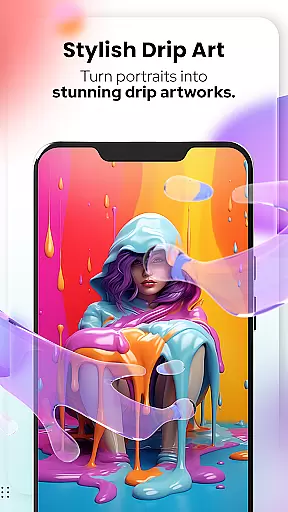
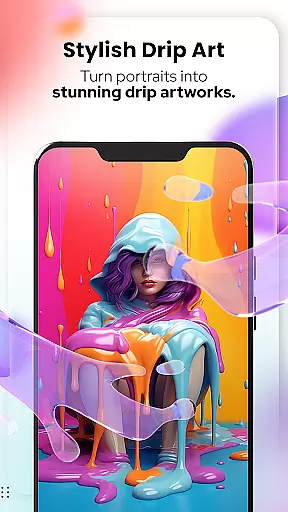
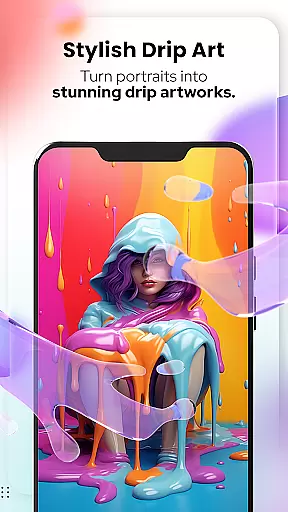
With new professional-grade tools such as Spiral & Drip Effects, Mosaic, Splash Brushes, and Text Overlays, users can achieve highly detailed edits. These features collectively ensure that every user can explore their creativity without limitations.
In the realm of digital artistry, having a comprehensive suite of creative tools is essential for unleashing one's full artistic potential. Cartoon Photo Editoruff0dToon Art rises to the occasion by offering an extensive array of features that cater to both amateur enthusiasts and professional artists alike.
From the Cartoonify feature that ingeniously transforms any uploaded image into a delightful cartoon-style portrait, to the sophisticated Art Me option which bestows users with the ability to apply stunning art styles onto their portraitsu2014this application ensures every creative whim is accounted for. The inclusion of specialized tools such as Pet Cartoonizer, Background Changer, and Sketching further amplifies its creative arsenal, allowing for nuanced expression and customization.
Users stand to gain immense value from these robust functionalities, enabling them to produce unique artworks ranging from playful social media avatars to intricately stylized masterpieces. With additional photo editing capabilities including blur effects, spiral adjustments, and text overlays, Cartoon Photo Editoruff0dToon Art positions itself as an indispensable companion in the journey towards artistic excellence.
The hallmark of any superior art and design application lies in its canvas and format flexibility, empowering creators to bring their visions to life without constraints. Cartoon Photo Editoruff0dToon Art excels in this domain by providing users with unparalleled freedom to manipulate their digital canvases according to specific needs and preferences.
Whether it involves altering the backdrop of an image through the intuitive Background Changer or fine-tuning visual elements via advanced editing tools like crop, adjust, overlay, and fit optionsu2014the app facilitates a seamless creative process. Its support for various effects such as Blur & Motion, Spiral & Drip, alongside a rich collection of filters and stickers, ensures that each piece can be customized down to the minutest detail.
This level of adaptability not only enhances user experience but also significantly broadens the scope of projects that can be undertaken within the app. Artists can confidently explore diverse artistic directions, assured that Cartoon Photo Editoruff0dToon Art will accommodate their evolving requirements while maintaining high standards of quality and precision throughout.
User-friendly interface
Wide range of effects
High-quality rendering
Pet-specific tools
Advanced editing options
Some features may require payment
Occasional ads in free version
Learning curve for beginners
Limited offline functionality
Large file size

Vidu is an AI video generator made for creators and aspiring makers.
 3.30
3.30
The ultimate tool for creating animations
4.60
Stylish letters, Stylish Keyboard, Symbols, Emojis, Cool nickname
4.40
Paint with oils and sketch with natural tools on a realistic virtual canvas.
3.80
Photo blender app to create overlay photos & double exposure.
4.40
Create color palette from Image, RGB & RYB Color wheel harmonies, Color Scheme
4.50
The perfect place to start sketching! Use Sketchbook to draw and paint sketches.
4.50
Design unique, funny and adorable cat stickers that reflect your own style!
3.80
Create and Design Custom Logos in Seconds with AI-Powered Tools!
4.40
Minecraft & Roblox Clothes
4.70
Digital, Abstract, Classic - all types of color wheels in one app!
4.60
Unleash your drawing and painting potential
4.50
Share the joy of painting with ibis Paint! Drawing anime and manga art.
4.50
Image/ Text to Video Generator
4.40
Everything you need to create hand drawn animation, anywhere you go!
4.40
Text to Image, Image to Video & AI Chat
4.20
Experience next-gen icons with a modern liquid glass look.
3.60
Premium version of Shimeji-ee app with no ads & no limit active shimeji
4.0
Download now for a stylish and functional timepiece
4.0


User Reviews