
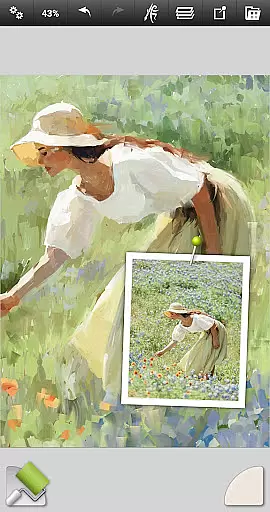
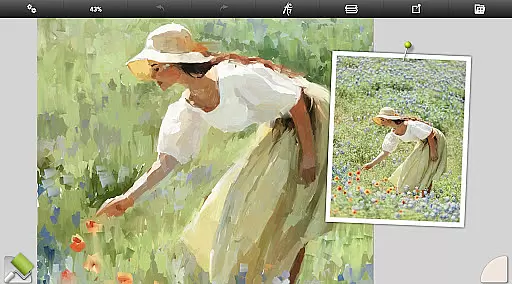
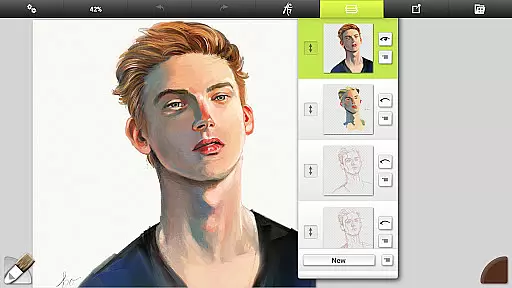
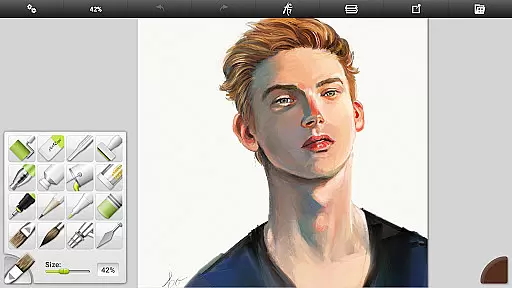
ArtRage Vitae Mobile Painting is a premium natural painting application designed for mobile devices, offering realistic painting and drawing experiences. The app provides real color blending for natural paint mixing, professional tool options, and more layer options for exporting and merging. With a maximum canvas size of 4096px x 4096px and tool size up to 500%, it caters to both beginners and professionals.
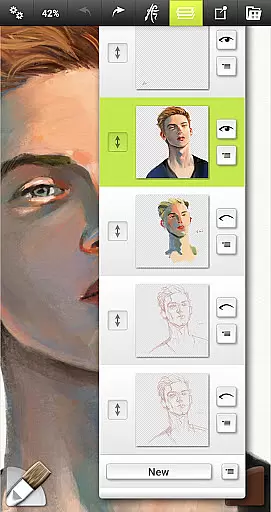
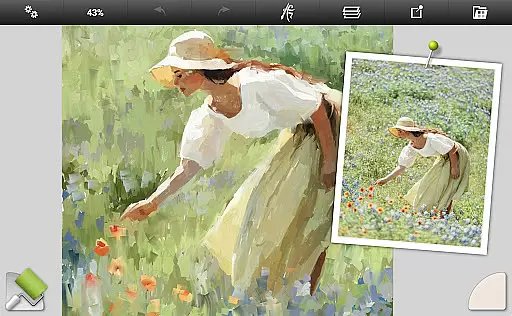
The app includes powerful digital utilities like Layers and Blend Modes, Tracing and Reference Images, and Tool Presets. It supports the Android sharing system, allowing users to showcase their artwork. Whether you're sketching with pencils or blending watercolors, ArtRage Vitae delivers an immersive creative experience that mimics real-world art tools.
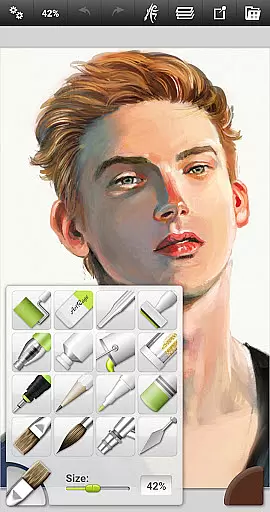
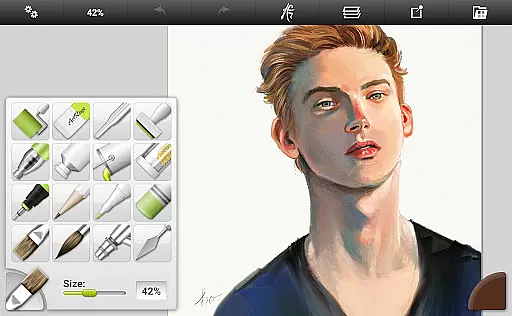
ArtRage Vitae stands out with its intuitive interface and realistic tool behavior. The app offers 16 tools with countless variations via presets and settings, including natural painting tools like Oil Brush and Watercolor, sketching tools such as Pencil and Eraser, and utility tools like Flood Fill. Each tool reflects natural properties, providing a genuine artistic experience.
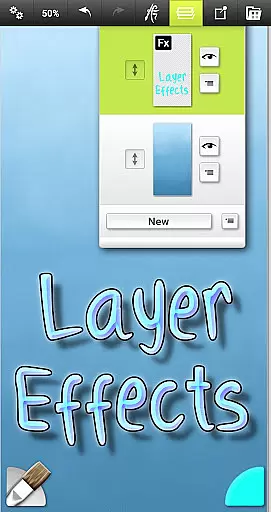
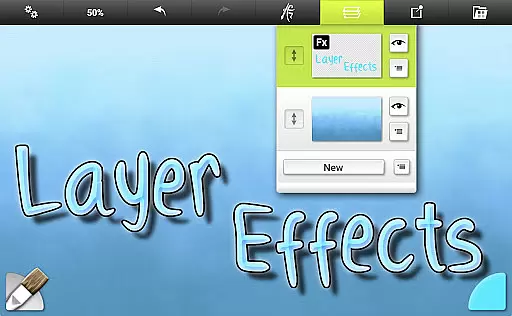
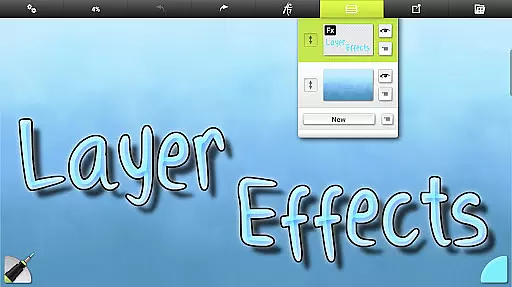
Additional features include canvas texture adjustments, real color blending, and Layer Effects for adding highlights and shadows. Users can store custom presets, import images for tracing, and manage paintings in the ArtRage Vitae Gallery. The app also supports multi-touch canvas manipulation, stylus-only mode, and industry-standard Layer Blend Modes, ensuring a seamless creative process.
In the realm of digital art, having a comprehensive set of creative tools is paramount. ArtRage Vitae Mobile Painting excels in this area by offering 16 diverse tools with countless variations through presets and settings. These include natural painting tools like the Oil Brush, Watercolor, Palette Knife, Paint roller, and Paint tube.
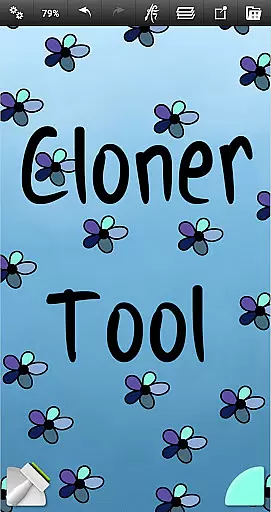
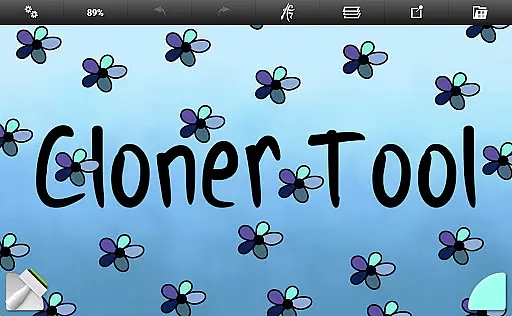
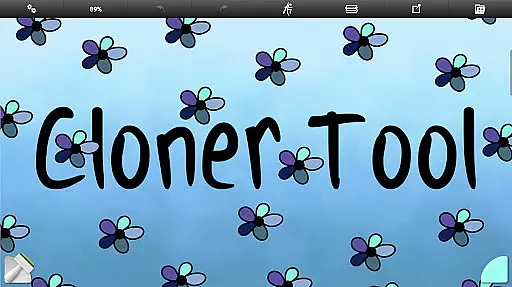
Sketching and drawing enthusiasts are not left out, as the app provides an array of options such as the Airbrush, Ink Pen, Felt Pen, Pencil, Wax/Chalk Pastel, and Eraser. For those looking to add finishing touches or special effects, utility tools like Flood Fill and Color Sampler, along with Special Effect Tools like Cloner and Glitter Tube, ensure every artistic need is met.
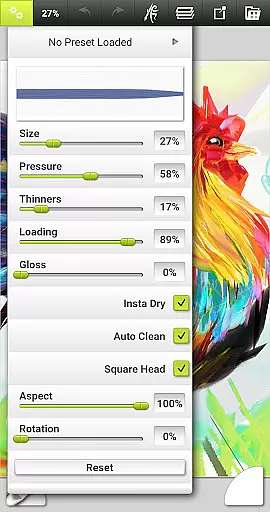
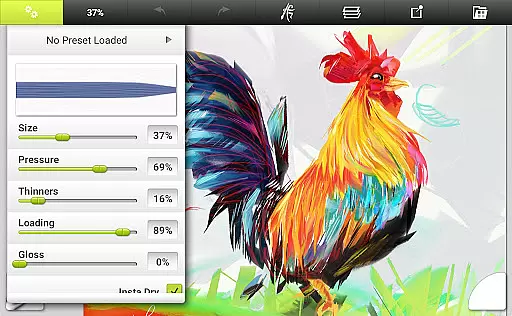
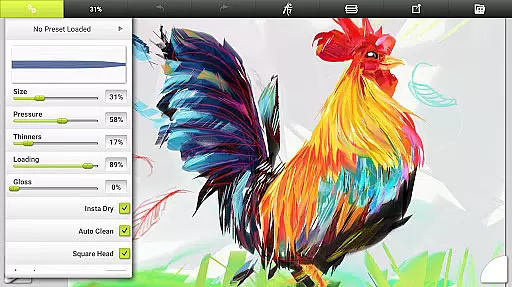
The ability to adjust tool settings to reflect natural properties like paint thickness or pencil softness adds another layer of authenticity to the user's experience. This flexibility allows artists to store their own favorite settings as custom presets, ensuring that their workflow is both personalized and efficient.
A versatile canvas is essential for artists who wish to explore different textures and formats in their work. ArtRage Vitae offers remarkable canvas/format flexibility, allowing users to adjust the canvas texture to create coarse surfaces, smooth papers, and everything in between. This feature ensures that whether you're mimicking the roughness of canvas or the sleekness of paper, the app can accommodate your needs.
With a maximum canvas size increased to 4096px x 4096px on all devices, artists have ample space to express their creativity without feeling constrained. The real color blending option further enhances the painting experience by providing realistic color interactions that mirror traditional art methods.
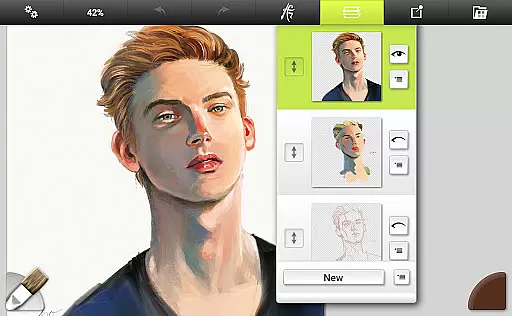
Moreover, the inclusion of Layer Effects enables artists to add highlights, shadows, and 3D effects to individual layers, thus expanding the creative possibilities. This combination of a highly adjustable canvas and advanced layer functionalities makes ArtRage Vitae a powerful ally for both budding artists and seasoned professionals.
User-friendly interface
Realistic painting tools
Extensive layer options
Customizable presets
Active community support
Paid premium app
Large file size
Advanced features may overwhelm beginners
Limited free resources
Requires storage access

Meet the magic aı 3d photo generator and smart AI video generator app.
 3.20
3.20
AI Face Swap, Video Effects Editor, Realtime Morph, Funny Video FX,AI Filters
3.70
Logo Generator powered by AI: Create stunning logos effortlessly!
4.70
Create stunning art with AI.
4.80
AR Anime Drawing: How to draw anime with AR drawing & sketching apps!
4.00
Get creative and make art with your Sesame Friends!
4.00
Android 14 style widgets and wallpapers app.
4.0
Unleash your inner artist! Sketchar: AR Drawing for Limitless Creativity
4.40
AI-powered photo & video creation—fast, fun, and effortless with Quick Actions
4.60
Photo stitcher for automatically screenshot stitching into a long screenshot
4.70
Stylish letters, Stylish Keyboard, Symbols, Emojis, Cool nickname
4.40
Bring One UI 8.5 Icons to life -elegant dark icons with a modern, premium touch.
4.30
Sketch, plan, take notes and illustrate on an infinite canvas.
4.20
Unleash Your Creativity with Draw Cartoon - AR Drawing App
4.10
Turning simple sketches into captivating tales filled with life and motion
3.90
Resize photos and print photos in exact size with our powerful photo printer!
3.80
Retouch photos. Create or edit images. Endless capabilities.
2.70
Your Essential Color Theory Guide: Red, Yellow, Blue (RYB)
4.2
Art of Combination Wear OS Watch faces
4.2


User Reviews