
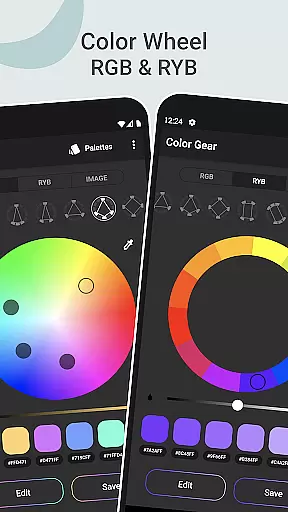
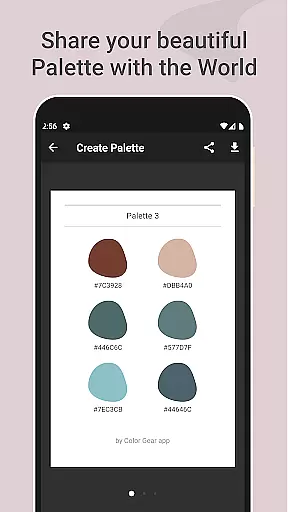
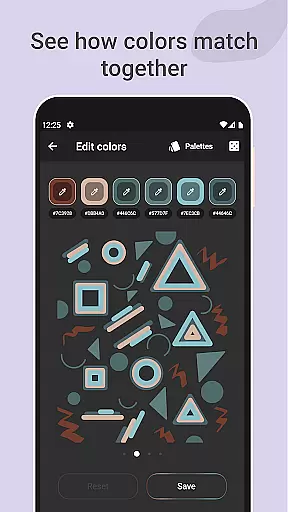
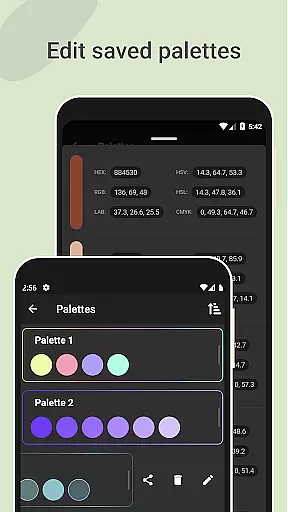
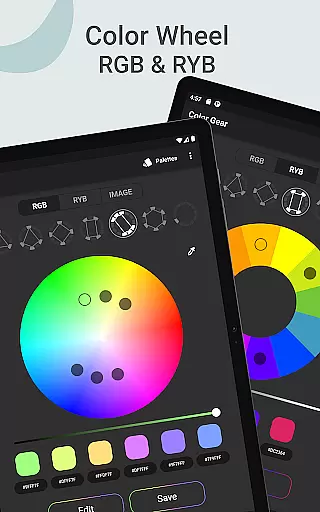
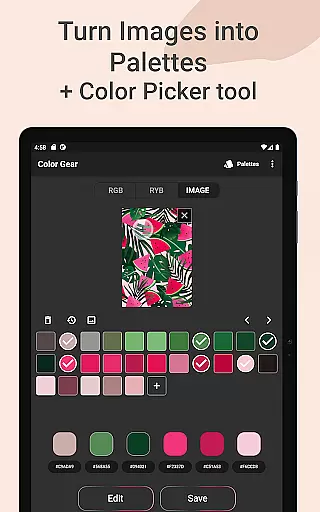
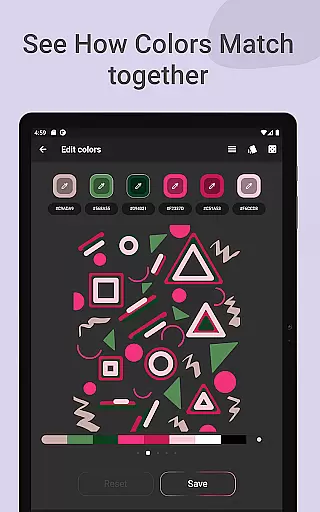
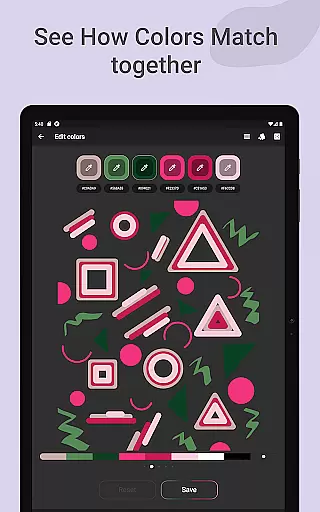
Color Gear is an essential tool for designers and artists, providing a comprehensive suite of features to create harmonious color palettes based on color theory. The app supports two color models - RGB and Itten Color Wheels, enabling users to apply over 10 color schemes. With functionalities like extracting palettes from images, advanced color editing, and easy management of color palettes, it ensures precision and creativity.
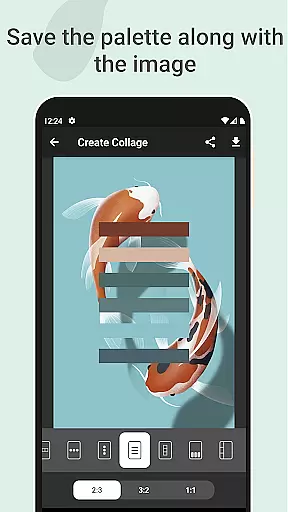
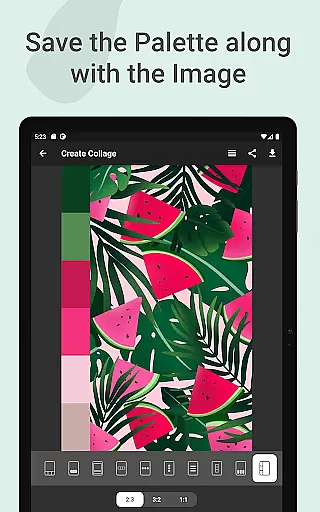
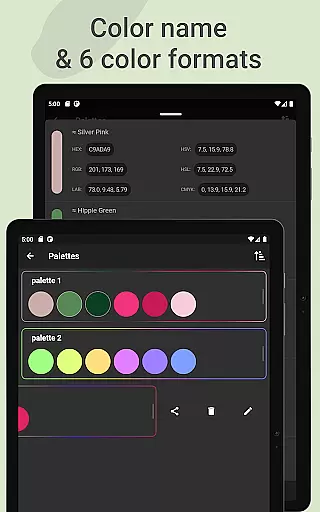
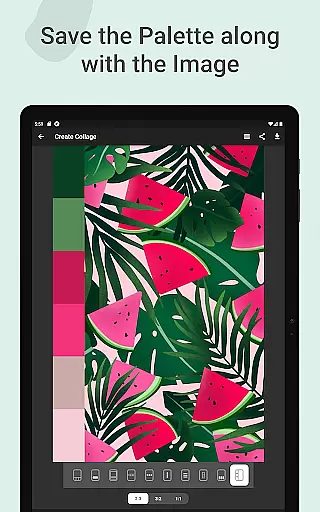
The app's core value lies in its ability to turn photos into palettes, manually pick colors with the Hex Color Picker, and save palettes alongside images as collages. Available in multiple color formats (RGB, HEX, LAB, HSV, HSL, CMYK), Color Gear is indispensable for both digital media and traditional art forms. Its offline functionality makes it accessible anytime, anywhere.
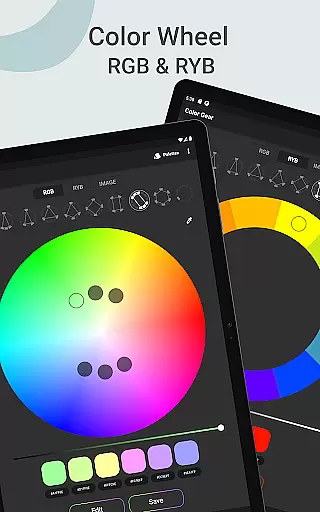
Color Gear stands out with its dual color model support - RGB for digital media and RYB (Itten circle) for traditional art. Users can apply more than 10 color schemes to both models, ensuring versatility in palette creation. The app allows inputting specific HEX or RGB color codes to generate matching harmonies, making it adaptable to individual project needs.
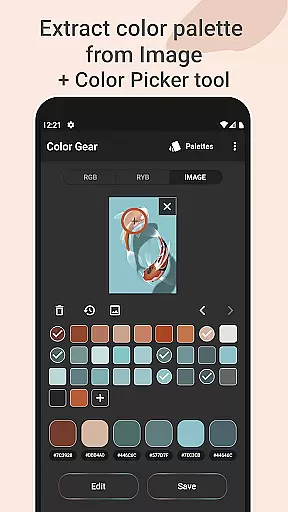
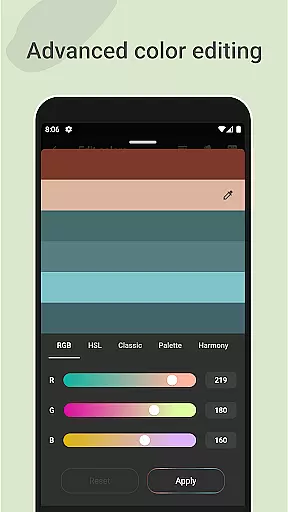
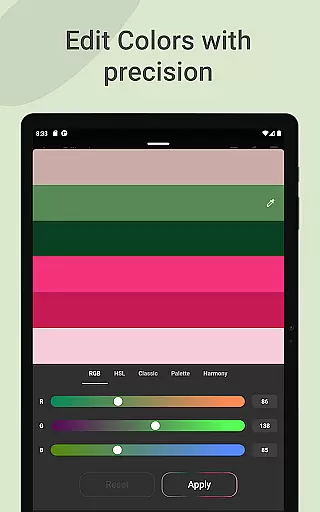
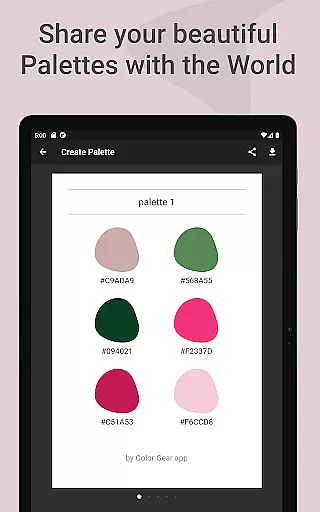
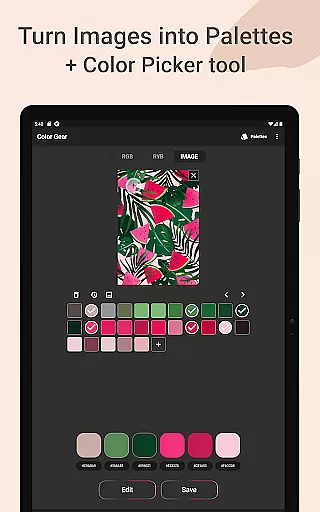
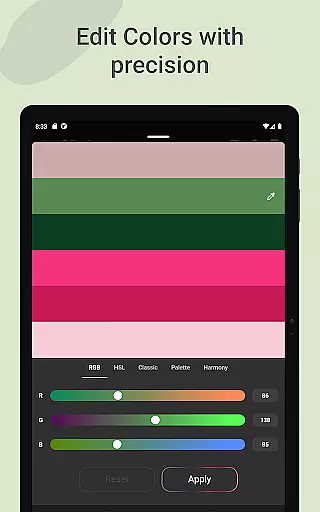
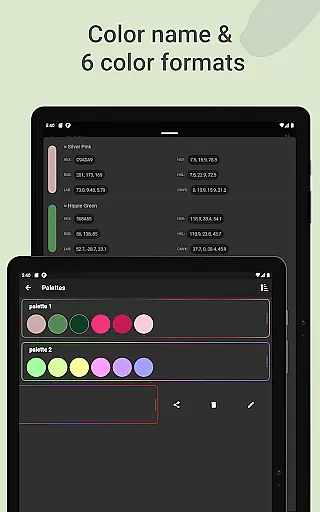
One innovative feature is extracting palettes directly from images using automated algorithms or manual selection via the Hex Color Picker. Advanced color editing lets users adjust Hue, Saturation, and Lightness precisely. Additionally, managing and sharing palettes is simplified with six color formats available, enhancing workflow efficiency for designers and artists alike.
In the realm of digital art and design, having a comprehensive set of creative tools is essential for bringing visions to life. Color Gear stands out by offering an extensive suite of features that cater to both designers and artists alike. The app includes two distinct color models - RGB and Itten's RYB color wheels - each supporting over 10 color schemes. This diversity ensures that users can experiment with different types of media and artistic styles.
One of the key strengths of Color Gear is its ability to extract palettes from images, transforming photographs into customizable color schemes. With advanced color editing options, users can fine-tune hue, saturation, and lightness with precision. The inclusion of a Hex Color Picker allows for exact color matching, while the option to input specific HEX or RGB codes enables precise color exploration based on existing projects or brand guidelines.
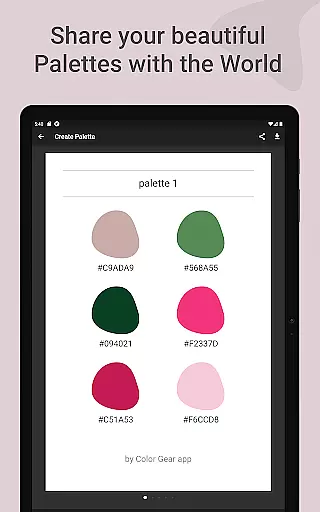
The application goes beyond basic color selection by providing tools for managing and sharing palettes in six different color formats. This versatility makes it simple to integrate chosen colors into various design workflows. Whether you're working on digital media or traditional art forms, Color Gear's complete toolkit empowers creatives to develop harmonious color combinations that align with their artistic vision.
Flexibility in canvas and format options is crucial for designers who need to adapt their work across various mediums and platforms. Color Gear addresses this need by offering remarkable versatility in how color palettes can be created, manipulated, and applied. The application supports multiple color formats including RGB, HEX, LAB, HSV, HSL, and CMYK, ensuring compatibility with different design software and output requirements.
What sets Color Gear apart is its innovative approach to palette creation and management. Users can build color schemes not only through traditional methods but also by extracting colors directly from images. This feature, combined with the ability to save palettes alongside corresponding images, creates a seamless workflow for projects that require precise color matching between digital and physical elements.
The app's offline functionality adds another layer of flexibility, allowing designers to work without internet constraints. Additionally, the capability to adjust individual color swatches within a palette provides granular control over the final outcome. With its comprehensive format support and adaptable canvas options, Color Gear proves to be an invaluable asset for designers seeking to maintain consistency across diverse design projects.
User-friendly interface
Comprehensive color models
Versatile color schemes
Offline functionality
Precise color editing tools
Limited advanced features
No real-time collaboration
Basic UI design
Fewer integrations
Occasional bugs

Learn how to draw with step-by-step tutorials, fun lessons & multiplayer drawing
 4.70
4.70
Sketch, trace and master AR drawing with awesome anime art!
3.30
Passport size photo maker, create ID photo and visa photo in seconds
4.80
Your AI soulmate — meaningful chats, and unique emotional moments
4.70
Turn your drawings into flipbook-style animations with simple creative tools
4.60
Get an overview over all your embroidery threads, projects and more.
4.60
Retouch photos. Create or edit images. Endless capabilities.
2.70
Create cute cat emojis & PFPs! Fun, custom avatars for cat lovers.
3.70
AI-powered photo & video creation—fast, fun, and effortless with Quick Actions
4.60
Digital, Abstract, Classic - all types of color wheels in one app!
4.60
Image/ Text to Video Generator
4.40
Remove Background, Magic Eraser, Photo Enhancer, Story Templates, Collage Maker
4.30
OneUI 8.5 icons ✨ Smooth, modern & based on the latest Play Store design ??
4.10
Easy 3D drawing design maker & creator. Model designing, Sculpting. Create&paint
4.00
Get creative and make art with your Sesame Friends!
4.00
AI Assistant, powered by ChatGPT GPT-4 & GPT-4o. Your intelligent companion.
3.50
Create sweet, cool and unique couple avatars easily, in just a few steps!
3.40
Art of Combination Wear OS Watch faces
4.3
Art of Combination Wear OS Watch faces
4.5


User Reviews