
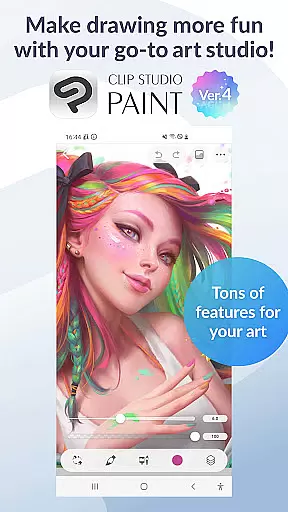
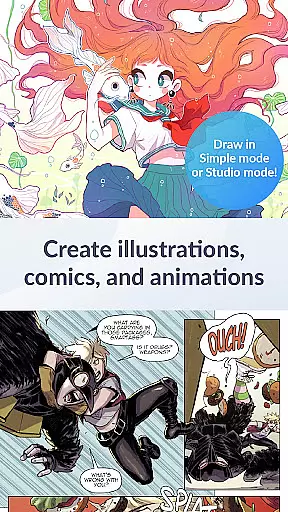
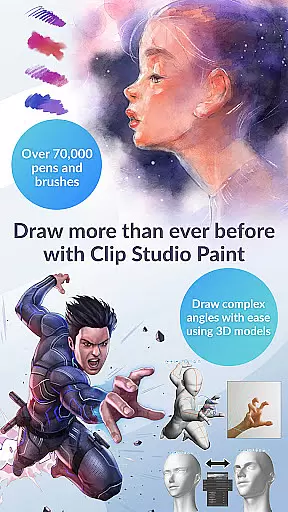
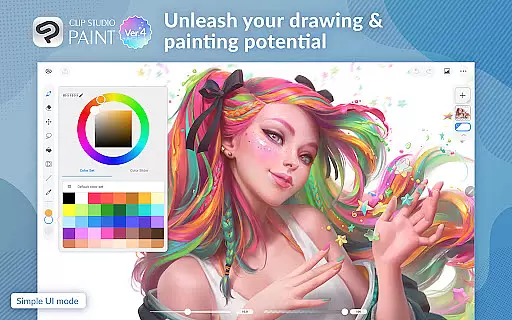
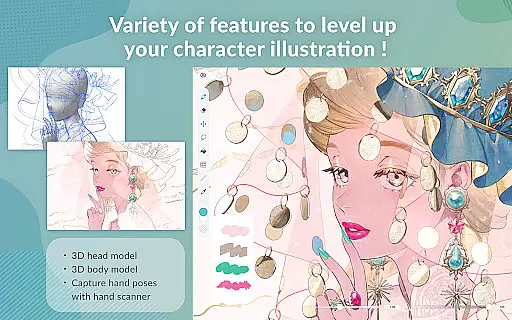
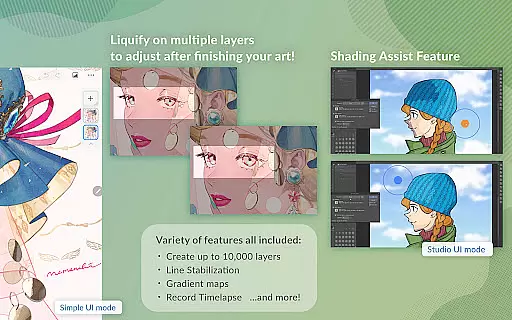
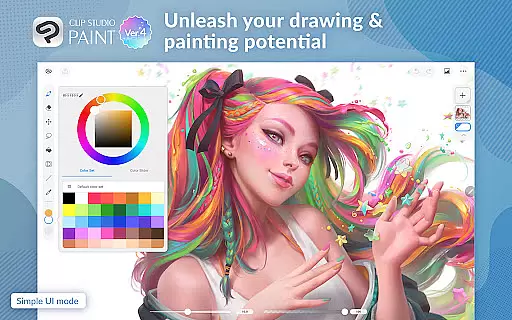
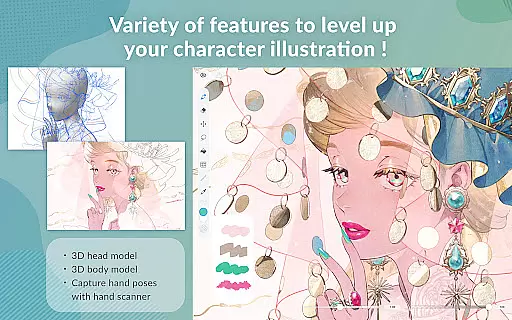
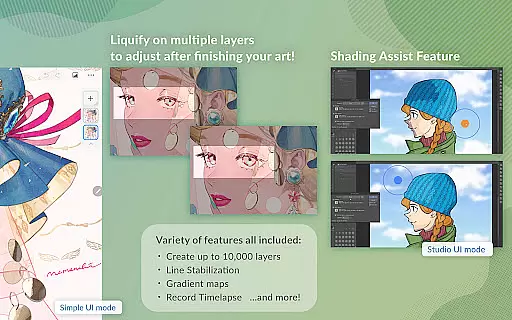
Clip Studio Paint is a premier digital art application designed for artists and creators who want to draw, paint, and animate on their mobile devices. With a free 30-day trial, users can explore its extensive features including the ability to create up to 10,000 layers, pose 3D models, and liquify multiple layers instantly. The app offers advanced tools like gradient maps, puppet warp, and snap functions that make drawing easier and more precise.
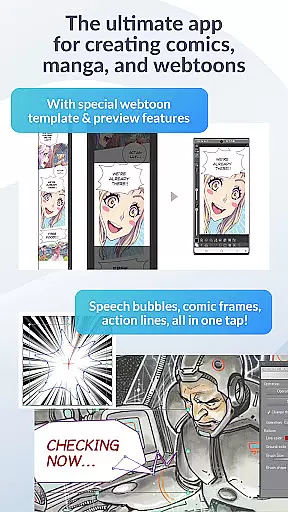
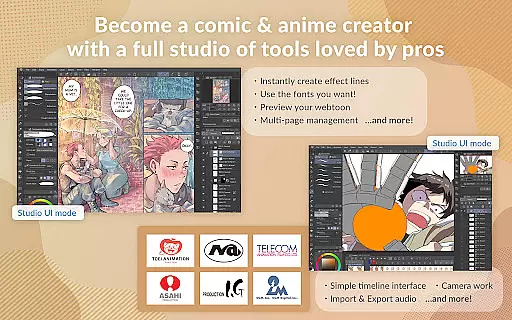
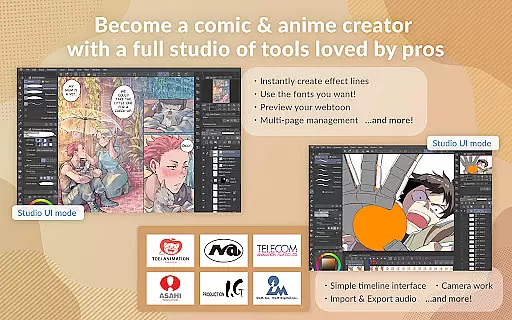
This versatile app caters to both beginners and professionals by providing two drawing modes: Simple Mode for quick starts and Studio Mode for full functionality. It also includes access to over 70,000 brushes created by artists worldwide, vector painting capabilities, and 28 layer effects for perfecting artwork. Whether you're creating comics, manga, or animations, Clip Studio Paint supports multi-page works, speech bubbles, frames, and even animation with sound and camera movements.
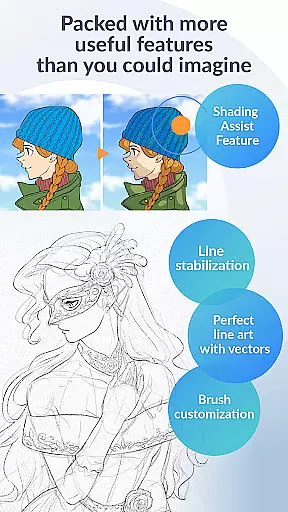
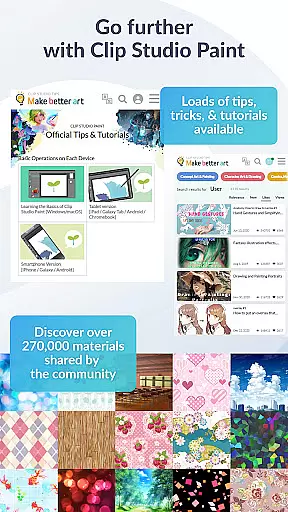
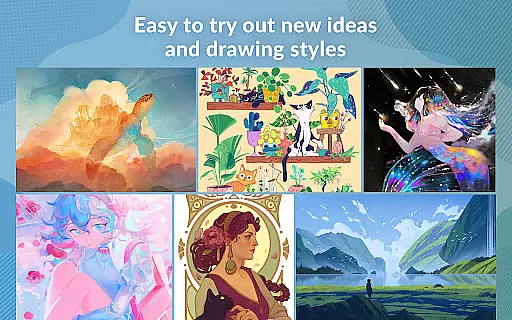
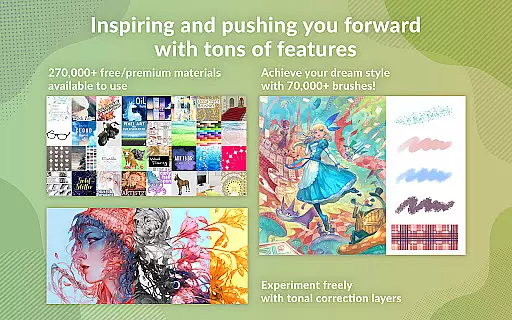
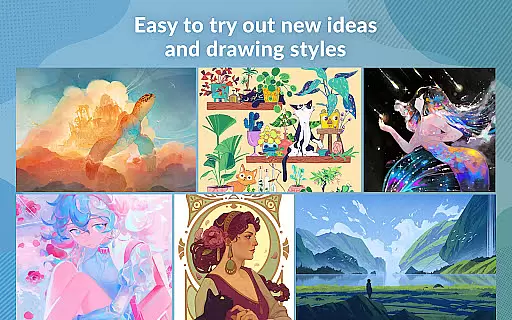
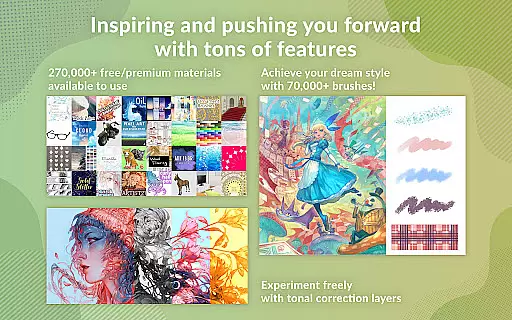
Clip Studio Paint stands out with its comprehensive set of features tailored for digital artists. One notable feature is the ability to download over 270,000 free or premium materials made by other creators, which include various brush textures. This allows users to experiment with new ideas and drawing styles effortlessly. Additionally, the app's brush engine lets you customize texture, shape, dual brush settings, color mixing, spray effects, and more, giving you full control over your creative process.
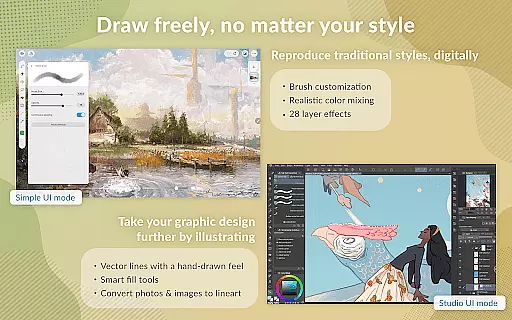
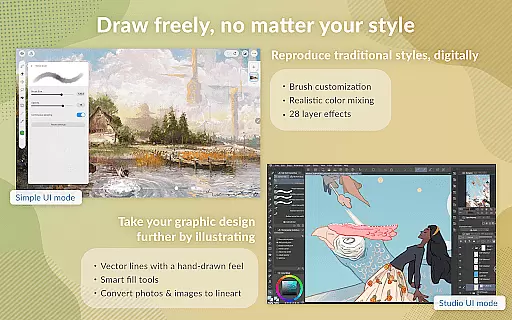
The app excels in offering traditional drawing experiences with modern enhancements. For instance, line stabilization helps in drawing smoother line art while vector layers allow fixing lines using control points. Users can lay down flat colors with the smart fill tool and draw correct perspectives by snapping lines to guides. These features ensure precision and ease, making it suitable for detailed artwork and professional projects alike.
In the realm of digital art, having access to a comprehensive suite of creative tools is paramount. Clip Studio Paint excels in this area by offering an extensive array of features that cater to both amateur artists and seasoned professionals. With capabilities ranging from creating up to 10,000 layers for intricate artwork to posing 3D models for complex angles, the app ensures every artist's needs are met.
Moreover, the inclusion of advanced functionalities such as Liquify on multiple layers allows users to adjust line art and color with immediacy, enhancing workflow efficiency. The Gradient maps feature provides artists with superior control over their palette, ensuring that each piece is as vivid and dynamic as envisioned. These robust offerings underscore Clip Studio Paint's commitment to delivering a complete artistic experience.
For those looking to refine their craft further, Clip Studio Paint doesn't disappoint. It facilitates capturing challenging hand poses through live video references and enables drawing corrections via Puppet warp. Additionally, the snap function expedites object placement, streamlining the creative process. Such thoroughness in tool provision empowers users to realize their artistic visions without compromise.
Flexibility in canvas and format options is crucial for digital artists who demand precision and adaptability in their work. Clip Studio Paint addresses these needs by providing a versatile platform where creators can seamlessly switch between vector and raster graphics. This dual capability ensures that whether you're working on detailed illustrations or expansive comic panels, your art maintains its integrity at any scale.
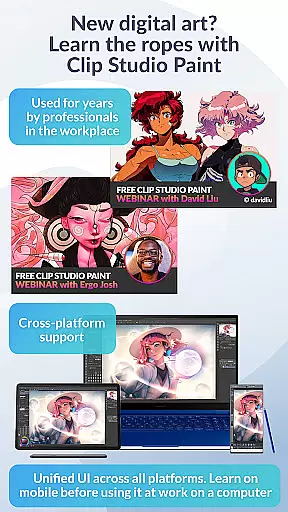
The application also supports a wide range of file formats, making it easy to import and export projects across different platforms and devices. Whether you're using an Android tablet or a Chromebook, Clip Studio Paint allows you to save and export your creations in various formats, thus facilitating collaboration and sharing. This cross-compatibility is particularly beneficial for artists collaborating on multi-page works or animations.
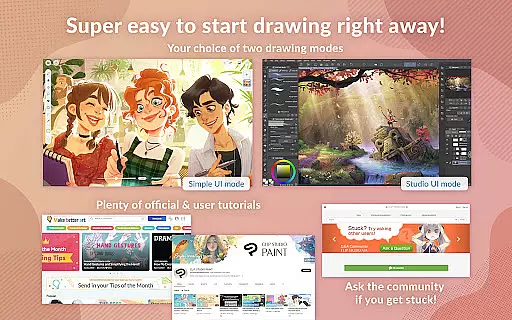
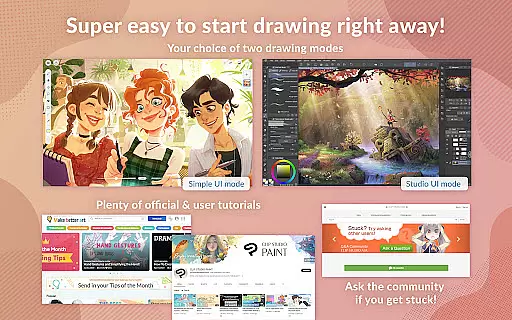
Furthermore, Clip Studio Paint enhances user experience with specialized modes tailored to different skill levels. Simple Mode offers beginners an intuitive interface to start drawing quickly, while Studio Mode unlocks the full potential of the software for advanced users. Coupled with free tutorials and countless tips available online, Clip Studio Paint ensures that artists of all proficiencies can maximize their productivity and creativity within a flexible digital environment.
User-friendly interface
Extensive brush library
Advanced layer management
Comprehensive tutorial support
Versatile animation tools
Subscription required for full features
Limited free trial hours
High learning curve for beginners
Device compatibility issues
Occasional performance lags

Digital illustration drawing & painting pad app to paint Anime and Manga art
 4.50
4.50
Trace, draw, and create art with AR - from memes to masterpieces!
4.30
Your Essential Color Theory Guide: Red, Yellow, Blue (RYB)
4.4
Design unique, funny and adorable cat stickers that reflect your own style!
3.80
Minecraft & Roblox Clothes
4.70
Everything you need to create hand drawn animation, anywhere you go!
4.40
Create and Design Custom Logos in Seconds with AI-Powered Tools!
4.40
Explore future self face age filter & remove background image for a unique look.
3.50
AI-powered photo & video creation—fast, fun, and effortless with Quick Actions
4.60
Draw anime & manga drawing, art with templates to create stunning picture!
4.50
The perfect place to start sketching! Use Sketchbook to draw and paint sketches.
4.50
Draw Trace image sketch by, AR art projector app, Easy to trace any image.
4.50
Just trace a projected picture on paper and color! Draw & Paint with AR drawing
4.40
Draw, make movies & animate cartoons easily with our 2D animation maker app
4.40
Customizable Outlined Fonts. Watch Face Format. Battery friendly Digital Clock.
4.20
Create stylish invitation cards using templates for weddings, birthdays & RSVP.
4.20
Unleash Your Creativity with Draw Cartoon - AR Drawing App
4.10
Experience next-gen icons with a modern liquid glass look.
3.60
Meet the magic aı 3d photo generator and smart AI video generator app.
3.20


User Reviews