
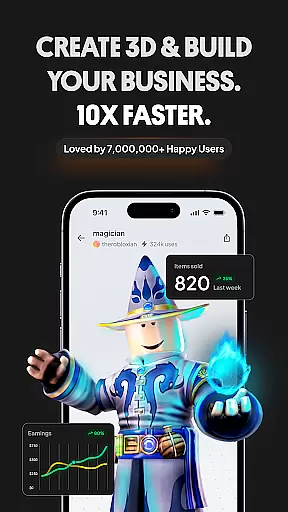
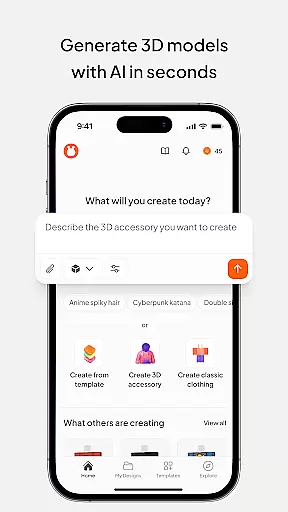
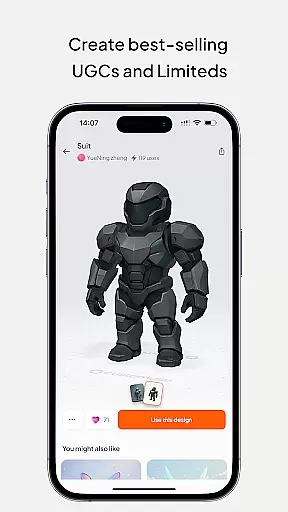
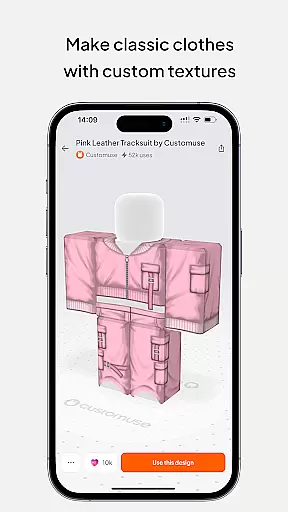
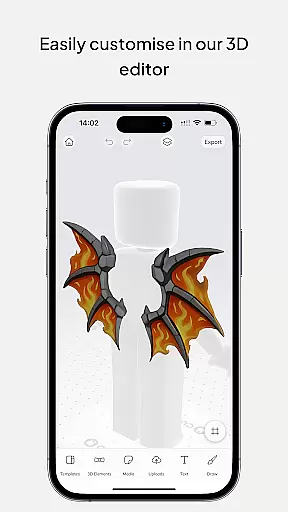
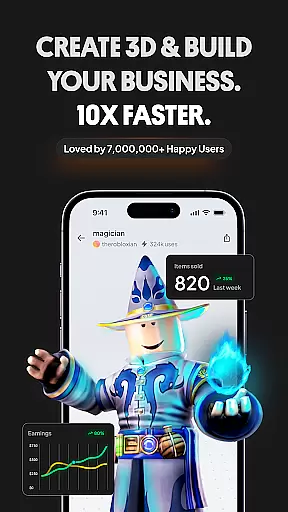
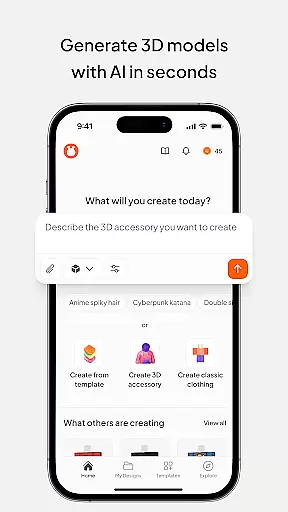
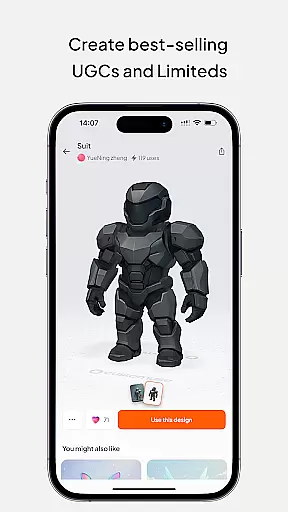
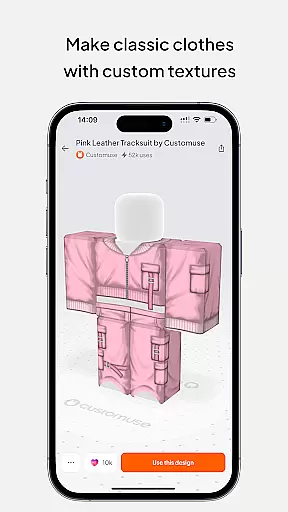
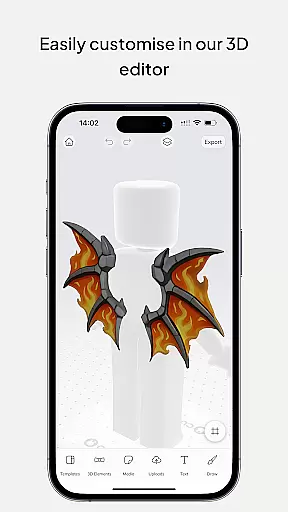
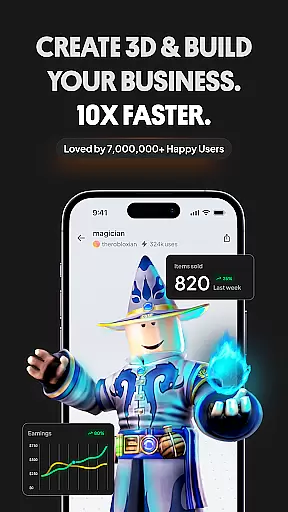
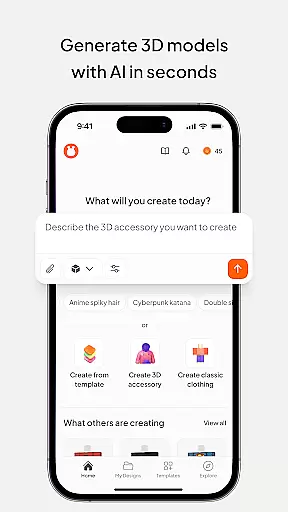
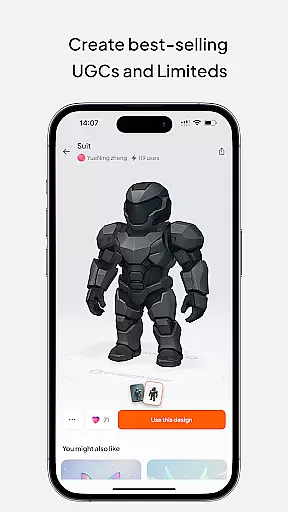
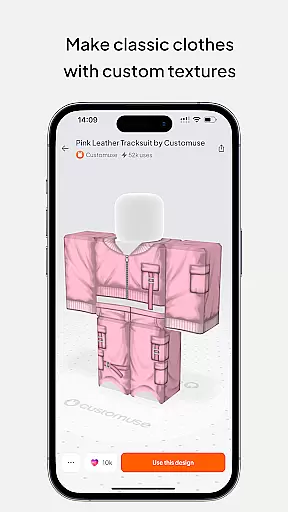
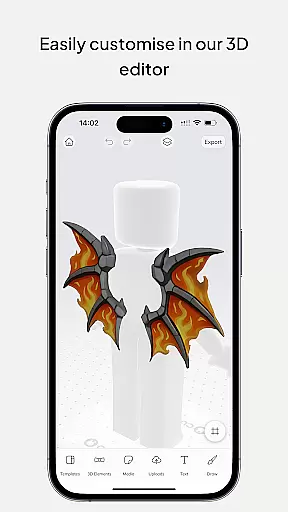
Customuse is the ultimate 3D design tool for creators and designers, offering a versatile platform to design unique digital content across multiple platforms. With over 2 million users, this app allows you to create custom Roblox skins, Zepeto clothes, Minecraft avatars, and AR filters for social media like TikTok, Snapchat, and Instagram.
The app stands out with its AI-assisted tools that simplify the design process, whether you're making clothing for virtual characters or crafting eye-catching social media posts. Customuse also supports earning opportunities through marketplaces like Roblox and Zepeto, where creators can monetize their designs. Its cross-device compatibility ensures you can design on iPhone, desktop, or iPad, making it an essential tool for both beginners and professional designers looking to expand their creative reach.
Customuse offers a comprehensive suite of features tailored for diverse design needs. The app provides thousands of templates for Roblox skins, Minecraft avatars, and Zepeto outfits, allowing users to either start from scratch or customize pre-made designs. Advanced AI tools assist in generating unique designs based on simple prompts, while virtual try-on capabilities enable users to visualize their creations in real-time.
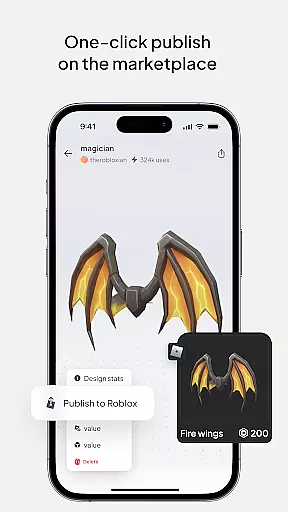
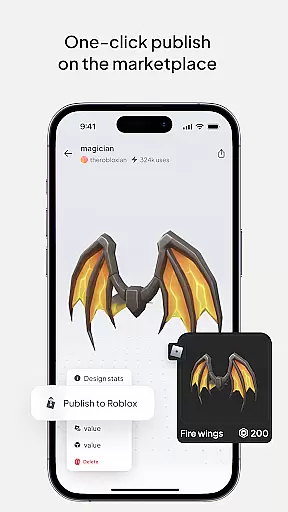
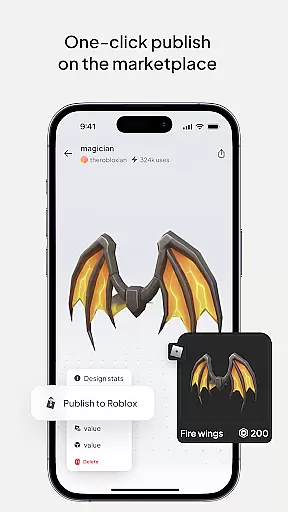
For social media enthusiasts, Customuse includes tools to create custom AR filters for platforms like TikTok, Snapchat, and Instagram. These filters can be tested and shared directly within the app. Additionally, the marketplace integration allows users to publish and sell their designs, earning Robux or ZEMs. With multi-device support and an intuitive interface, Customuse caters to both amateur creators and seasoned designers seeking professional-grade tools in the Art & Design space.
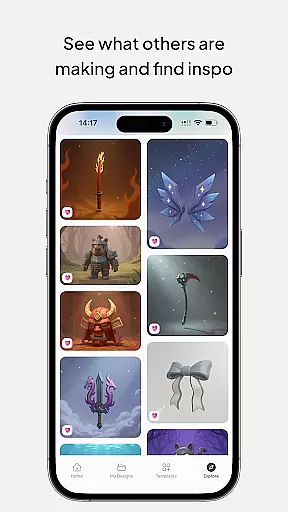
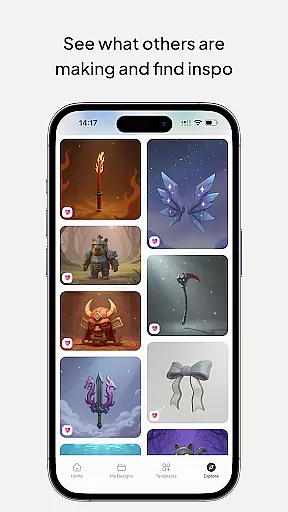
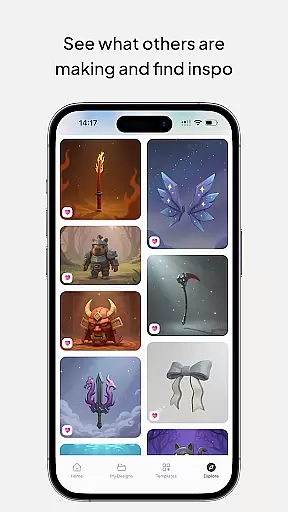
In the realm of digital design, having a comprehensive suite of creative tools is essential for unleashing one's full artistic potential. Customuse positions itself as an ultimate 3D design tool, catering to a community of over 2 million designers and creators. It offers a vast array of features that allow users to create unique designs across various platforms such as Roblox, Zepeto, and Minecraft.
Customuse provides thousands of templates for users to choose from or allows them to start their projects from scratch. The application supports the creation of custom AR filters for social media, 3D clothing mockups with virtual try-on features, and even includes AI tools that assist in generating designs through simple prompts. These capabilities ensure that whether you are a beginner or a professional, there are tools available to match your skill level and project requirements.
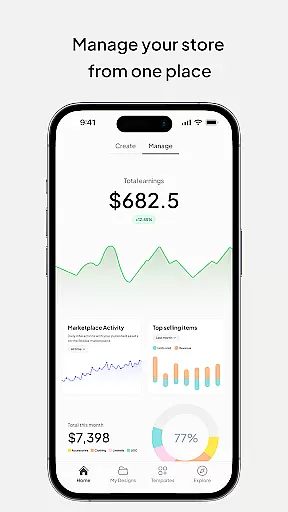
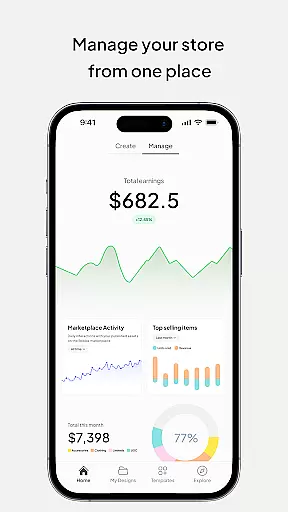
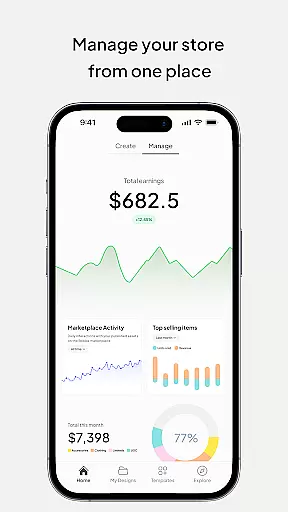
The value proposition for users is immense, as they can not only express their creativity without bounds but also monetize their creations. By selling personalized clothing designs on marketplaces like Roblox, creators have the opportunity to earn substantial income, with some reportedly making over 100,000 Robux. This financial incentive, combined with the platform's extensive creative options, makes Customuse an attractive choice for aspiring and established designers alike.
Flexibility in canvas and format options is crucial for designers who wish to explore different mediums and scales without being constrained by their design tools. Customuse addresses this need by offering versatile solutions that cater to a wide range of design preferences and requirements. Whether it's designing skins for Roblox or creating detailed 3D clothing mockups, the app ensures that users can work with dimensions and formats that suit their specific projects.
One of the standout features of Customuse is its ability to integrate with multiple platforms, allowing seamless sharing and publishing of designs. Creators can publish their Roblox skins directly to the platform or share their Zepeto outfits across various social media channels. The app also supports exporting designs in formats compatible with popular games and applications, enhancing the user's reach and impact.
For those interested in fashion design, Customuse offers the ability to experiment with styles and fabrics in 3D, providing a realistic preview of how the final product will look. Users can add their branding, logos, and custom prints using graphic design tools within the app. This level of detail and adaptability empowers designers to push the boundaries of their creativity while ensuring their work is presented professionally and effectively across different platforms.
User-friendly interface
AI-powered design tools
Versatile template library
Cross-platform compatibility
Marketplace earning potential
Requires learning curve
Premium feature costs
Limited free templates
Device performance issues
Third-party dependencies

Your Essential Color Theory Guide: Red, Yellow, Blue (RYB)
 4.5
4.5
Convert image to JPG PNG HEIC PDF, support almost all kinds of image formats
4.70
Unleash Your Creativity with Draw Cartoon - AR Drawing App
4.10
AI Art Generator transforms your words into AI generated art & paintings.
3.70
Turn your drawings into flipbook-style animations with simple creative tools
4.60
2D animation studio for Android tablets - unlimited layers, infinite timeline
4.70
Bring One UI 8.5 Icons to life -elegant dark icons with a modern, premium touch.
4.30
AI Tattoo Generator: Create Tattoo Designs & Get Ideas! Ink & Stencil Maker
4.50
Draw, make movies & animate cartoons easily with our 2D animation maker app
4.40
Draw on screen: FP sDraw is a simple and lightweight drawing app
4.70
Draw beautiful mandala's very easily
4.60
Photo editor for art, avatars, filters & fun transformations.
4.60
Draw glowing spinners, relax, and spin your creative art
4.60
Unleash your drawing and painting potential
4.50
Photo blender app to create overlay photos & double exposure.
4.40
Just trace a projected picture on paper and color! Draw & Paint with AR drawing
4.40
Remove Background, Magic Eraser, Photo Enhancer, Story Templates, Collage Maker
4.30
Sketch, plan, take notes and illustrate on an infinite canvas.
4.20
Turning simple sketches into captivating tales filled with life and motion
3.90


User Reviews