
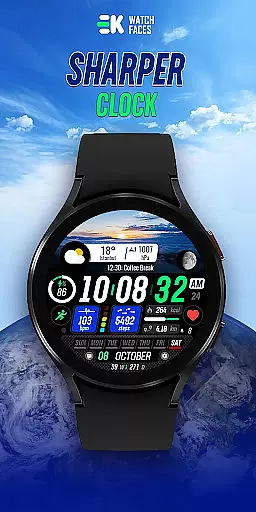
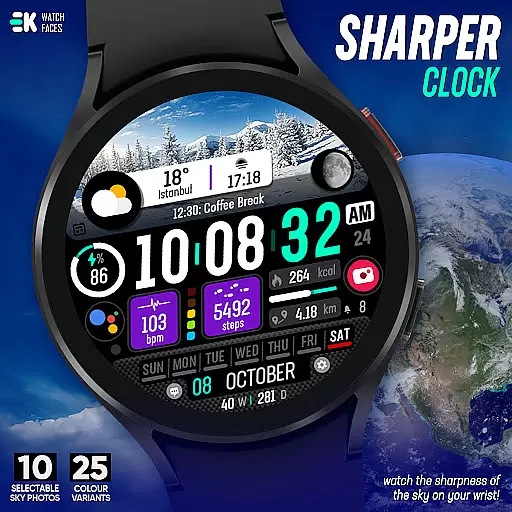
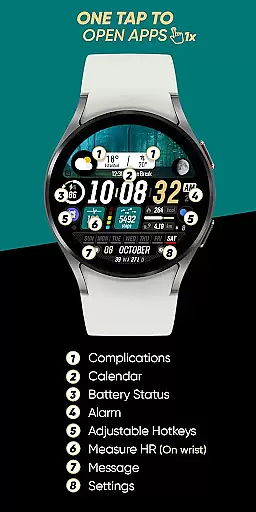
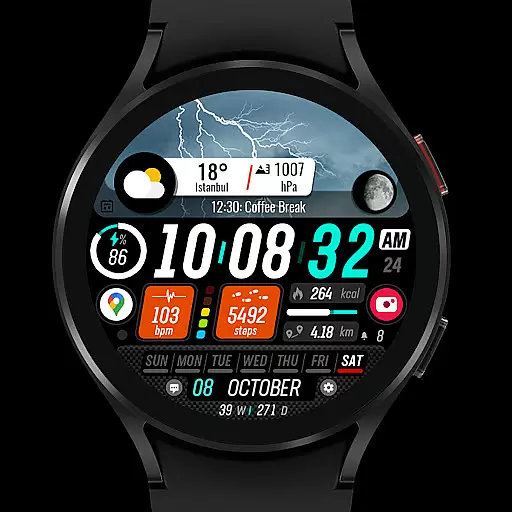
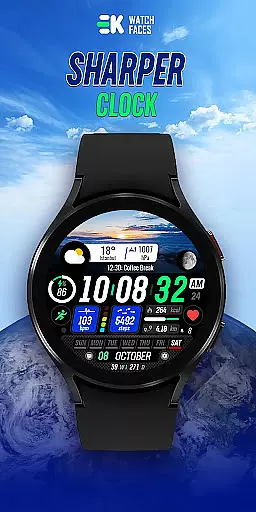
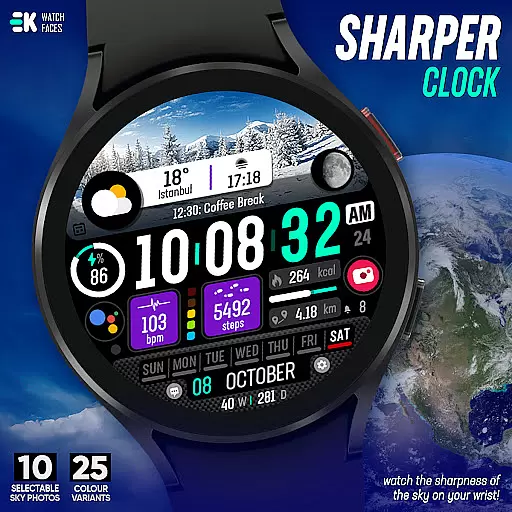
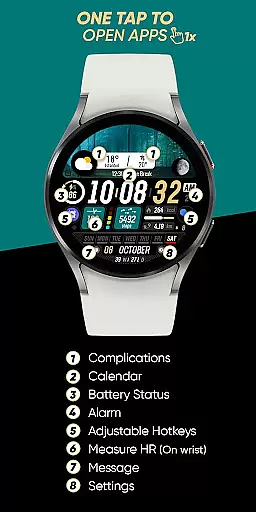
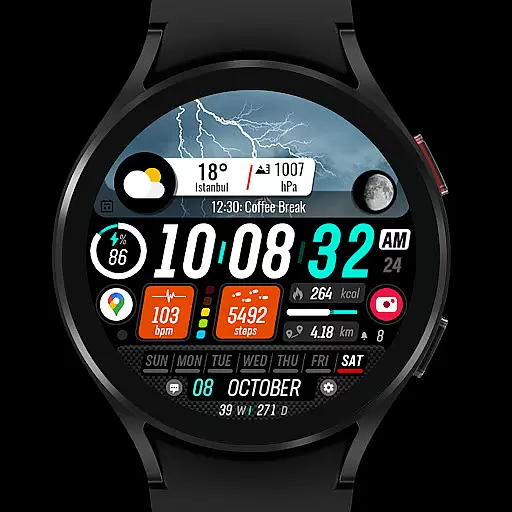
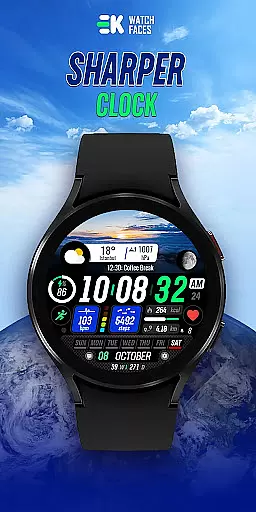
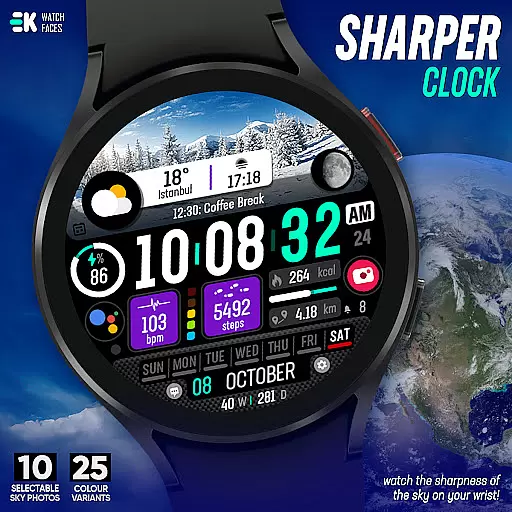
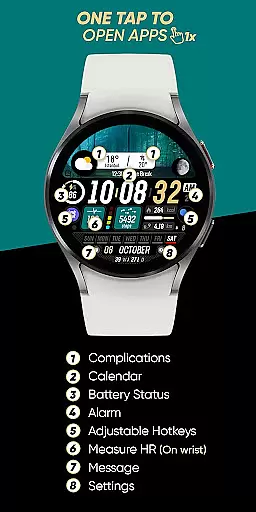
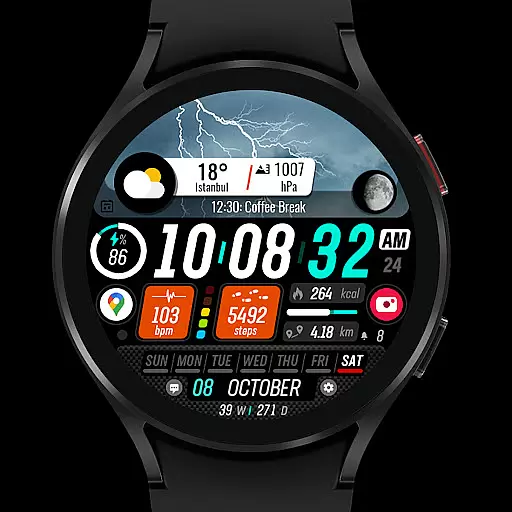
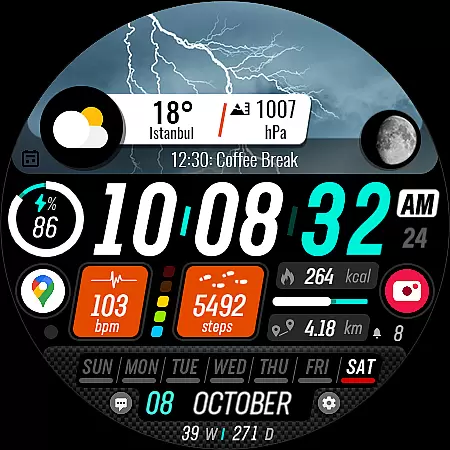
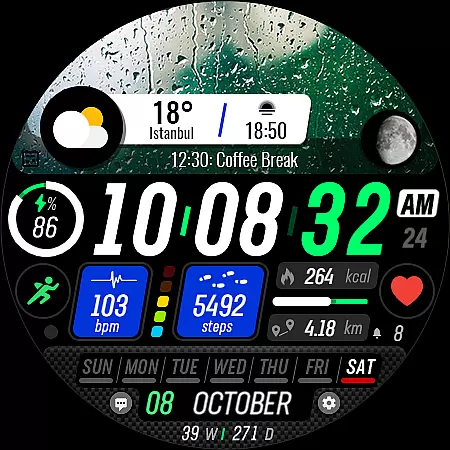
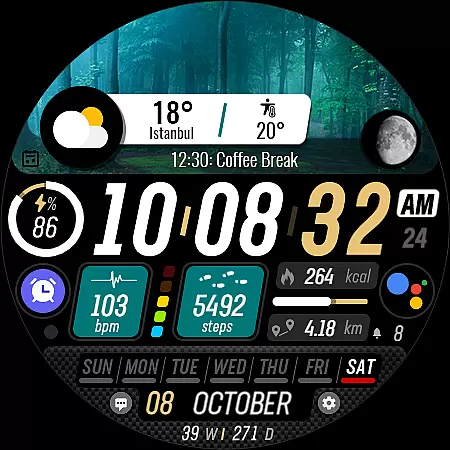
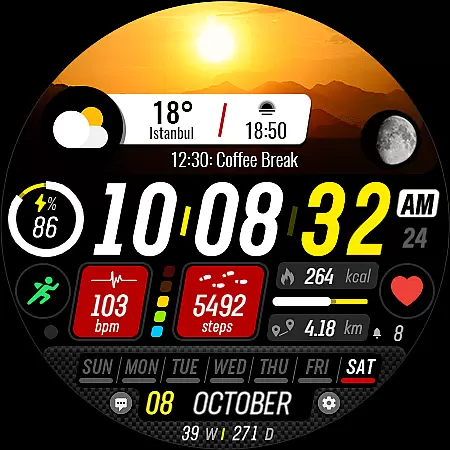
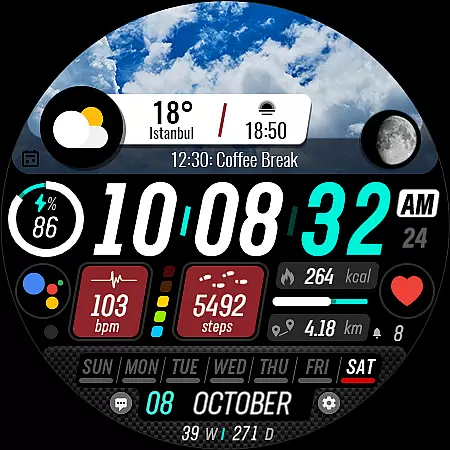
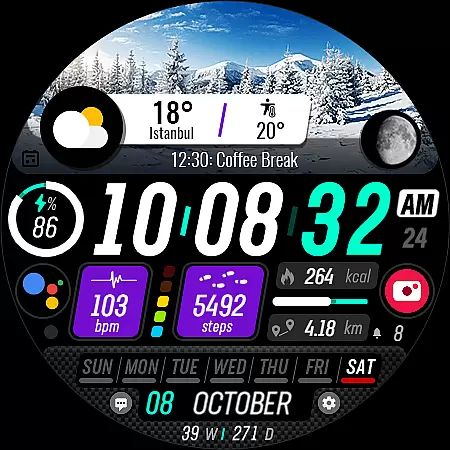
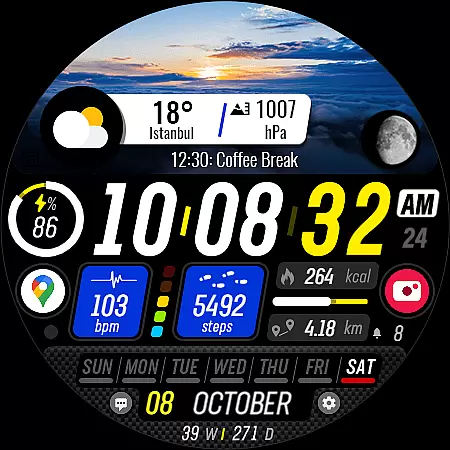
Sharper Clock is a premium watch face designed exclusively for Wear OS devices, offering users a unique way to experience timekeeping on their smartwatches. With its visually striking sky-themed display and comprehensive feature set, this app transforms your watch into a personalized timepiece that's both functional and aesthetically pleasing.
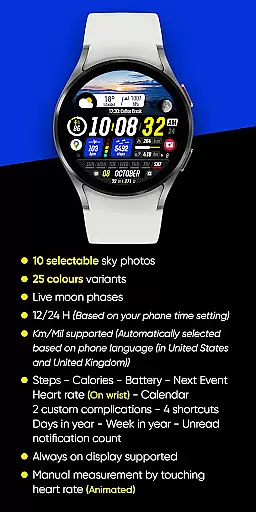
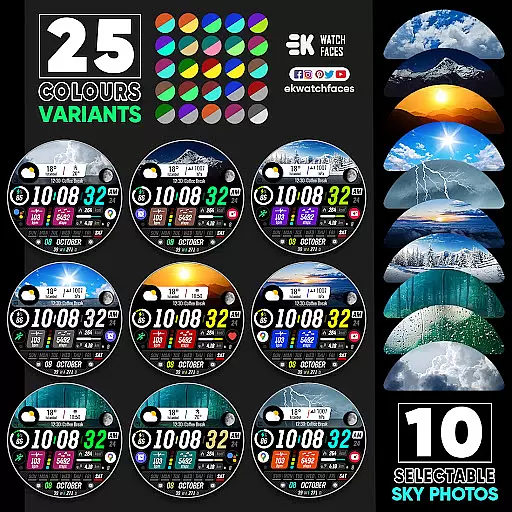
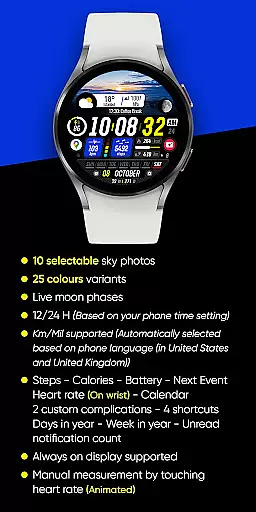
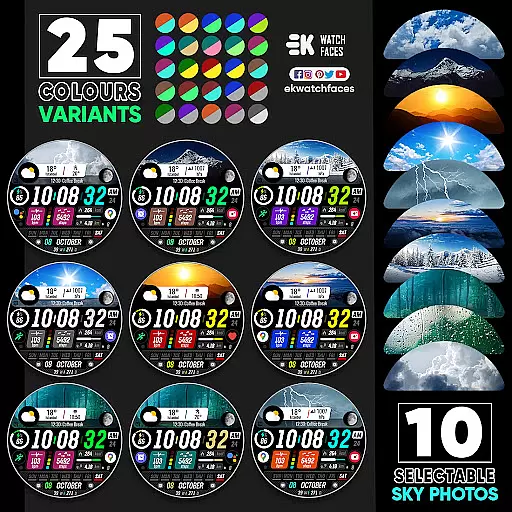
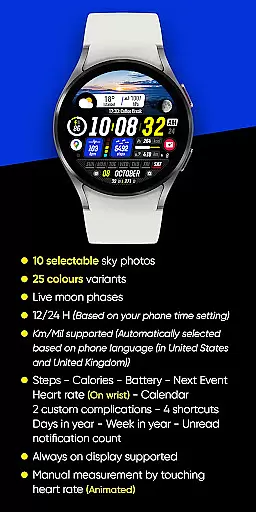
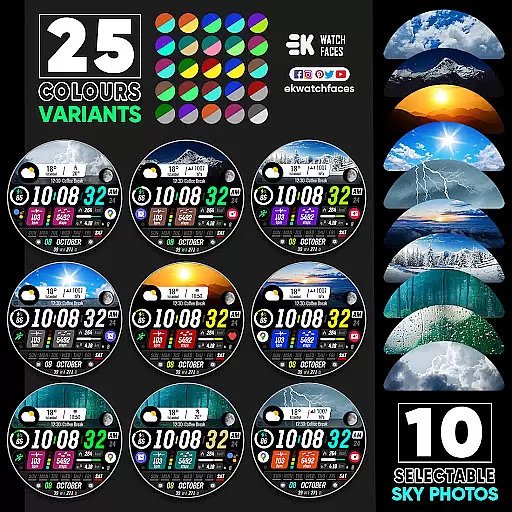
The application provides an impressive array of customization options including 10 selectable sky photos with 25 color variants, live moon phases, and support for both 12/24 hour formats. It also integrates essential health and productivity metrics like step tracking, heart rate monitoring, calendar integration, and more, making it an ideal choice for users seeking both style and substance in their wearable technology.
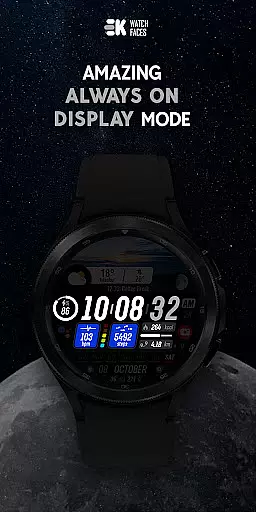
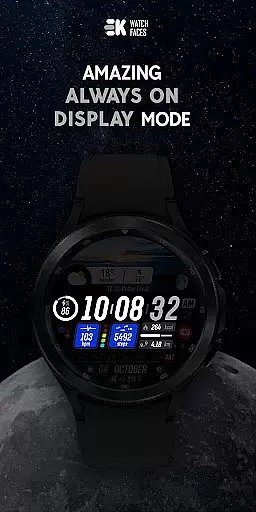
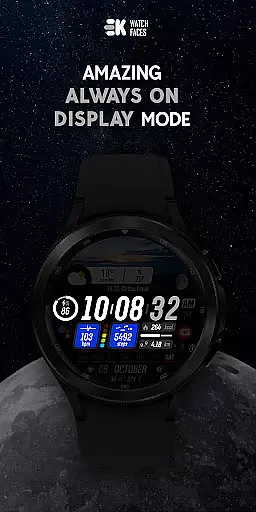
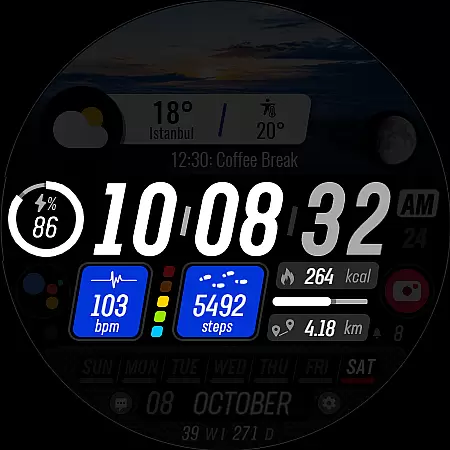
What sets Sharper Clock apart is its extensive feature set tailored specifically for Wear OS users. The application offers advanced complications including live moon phases, customizable shortcuts, and essential health metrics like steps, calories, and heart rate monitoring. Its always-on display functionality ensures important information remains accessible at a glance.
Users can choose from 10 stunning sky photographs with 25 color variations, creating a personalized watch face that suits their style. The application automatically adapts to user preferences by supporting both metric and imperial units based on phone language settings. Additionally, the watch face integrates seamlessly with device sensors and requires manual permission enabling for full functionality, ensuring optimal performance while maintaining user control over data sharing.
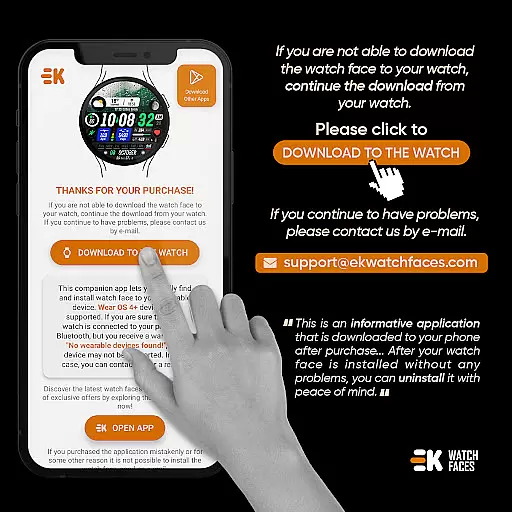
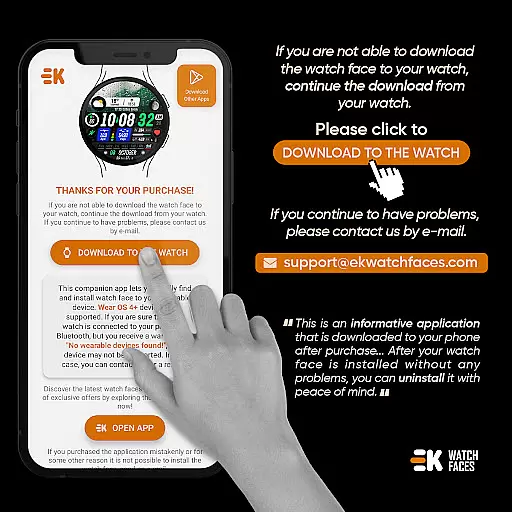
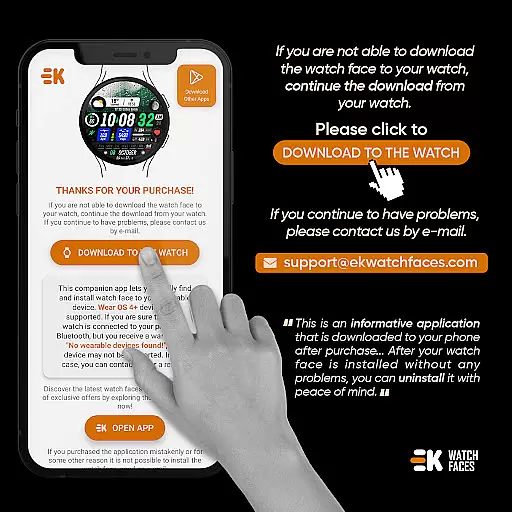
Companion app integration is crucial for ensuring seamless functionality between wearable devices and their primary control applications. Sharper Clock - Watch Face has been meticulously designed to work in tandem with its companion app, which serves as a bridge to simplify the installation process on Wear OS devices.
This application ensures that users can easily download and install the watch face directly from their phone to their smartwatch. By tapping on the designated 'DOWNLOAD TO THE WATCH' button within the phone app, users initiate an effortless transfer of the watch face to their wearable device.
The value of this integration lies in its ability to streamline the user experience. Once installed, typically within a few minutes, users can select their new watch face without hassle. This cohesive interaction between phone and watch apps not only enhances convenience but also optimizes device management.
Furthermore, any permissions required for full functionality, such as Sensors & receive complication data, are managed through this integrated system, ensuring that all features of Sharper Clock - Watch Face operate smoothly and efficiently.
Compatibility with Wear OS and various devices is a fundamental aspect of any wearable application. Sharper Clock - Watch Face is specifically built for Wear OS devices, supporting API 33+, which ensures it operates effectively on the latest technology platforms.
This compatibility extends beyond mere operational capacity; it guarantees that users benefit from advanced features like live moon phases, selectable sky photos, and health tracking metrics such as steps, calories, heart rate, and more. These features are intricately woven into the fabric of Wear OS, providing a harmonious user experience.
Moreover, the application supports both metric and imperial units based on the phone's language settings, demonstrating its adaptability across different regions. The inclusion of always-on display support further exemplifies its alignment with modern smartwatch capabilities.
By focusing on robust compatibility, Sharper Clock - Watch Face delivers a versatile and reliable performance, catering to a wide array of users who demand both style and substance in their wearable technology.
Visually stunning design
Extensive customization options
Comprehensive health metrics
Live moon phase display
Always-on display support
Limited to Wear OS devices
Requires API 33+
Installation process complex
Potential payment sync issues
Manual permission setup needed

WTW M17 is a premium and luxurious hybrid watch face
 4.70
4.70
Christmas watch face. For Wear OS devices.
4.30
Christmas and New Year - Themed Watchface
4.3
Simple Analog-Digital Watchface For Wear OS 3.0 and Up Smartwatches
4.2
Watch face designed for Thanksgiving Day. 7 Background Styles included.
3.20
A modern premium sporty hybrid watch face for Wear OS by Ballozi
4.70
Nutrition, Macro tracker: Food, fitness & healthy diet tracking for weight loss
4.60
Connect to your Bluelink equipped Hyundai vehicle from your smartphone.
4.50
The Chevron App allows you to pay for fuel from the comfort of your car!
4.80
Hyperlocal rain alerts by MyRadar using patent-pending technology, radar & more
4.80
Monitor health with the stress test and pulse checker in the heart rate app.
4.60
A white realistic classic analog watch face with many customization options.
4.40
Let's celebrate Thanksgiving - Wear Os watch face
4.20
"PER27 Galaxy Digital" is a digital Wear OS watch face designed by PERSONA
4.10
Connect, create, and collaborate with Gmail, part of Google Workspace.
4.10
Hyper-Realistic Airplane Dashboard Watch Face With 10 Skins and Custom AOD
4.00
Viewer for Wyze/Yi/Eufy/Arlo/ONVIF/RTSP/P2P IP cams w/ adv. features & DIY DVR
4.00
an Analog Watch Face for winter season with freeze winter background for Wear OS
4.4
A watch face that fuses motorsport precision with contemporary smartwatch design
4.2


User Reviews