
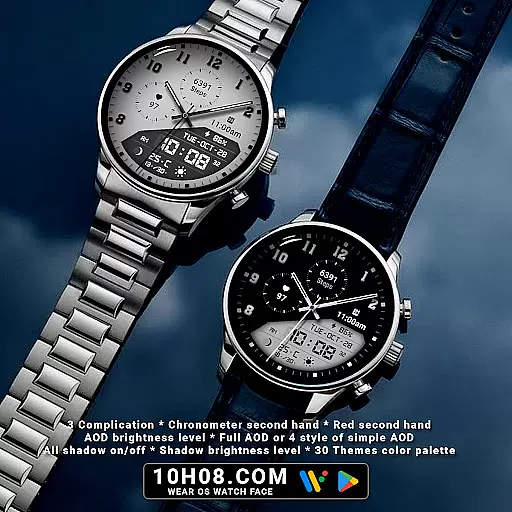
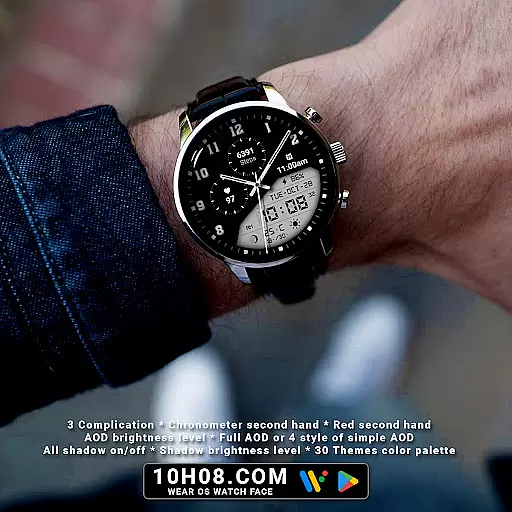
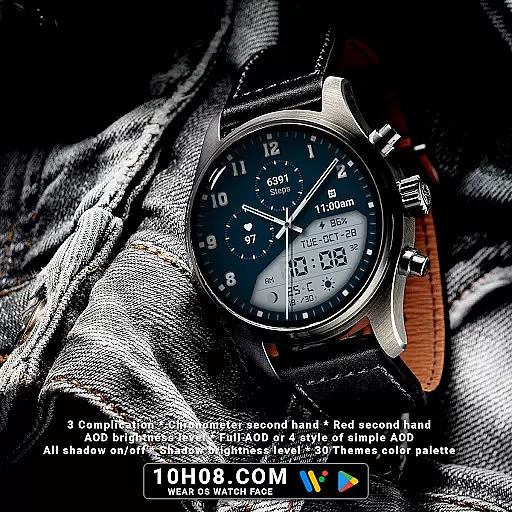
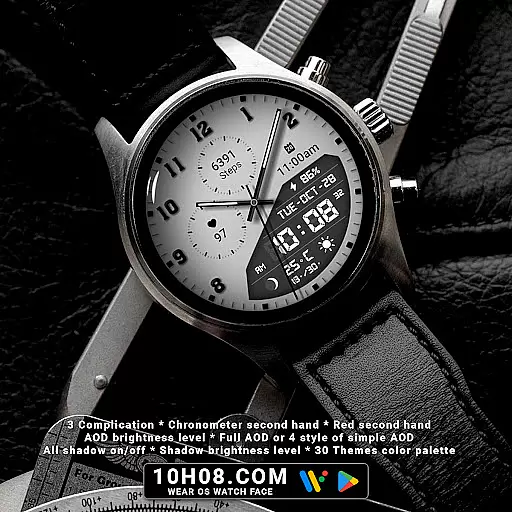
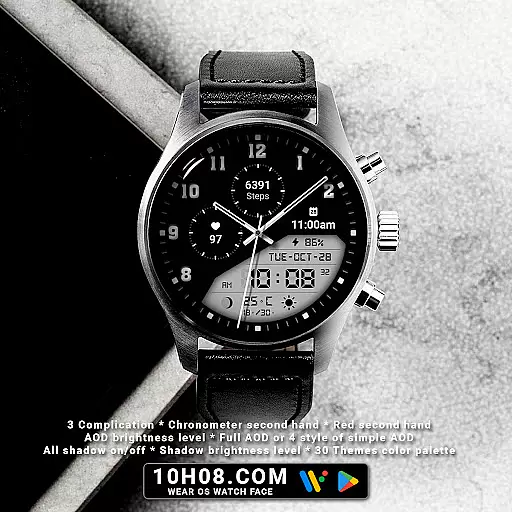
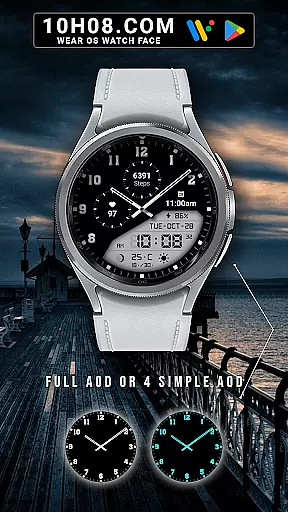
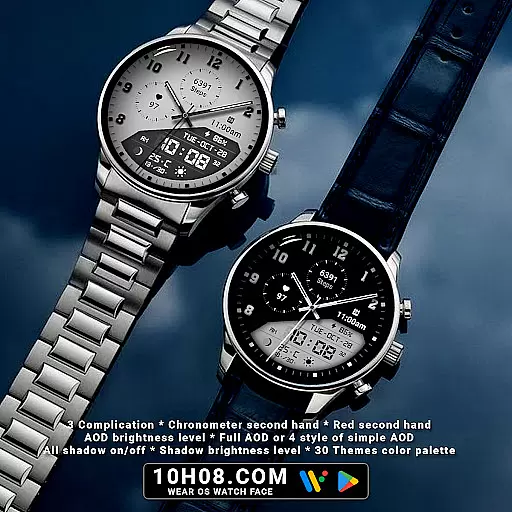
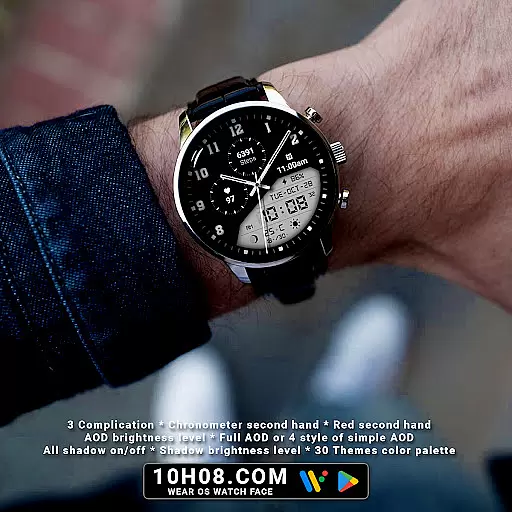
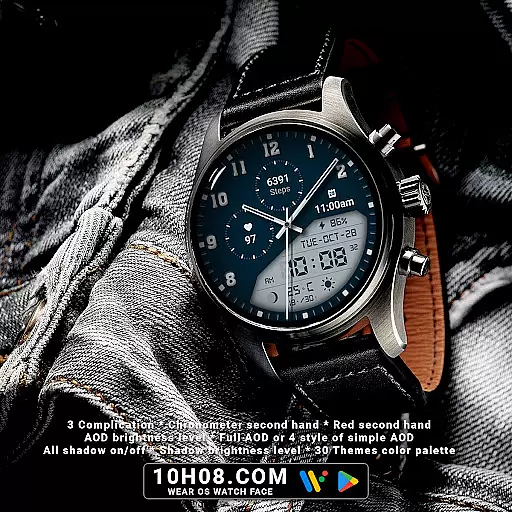
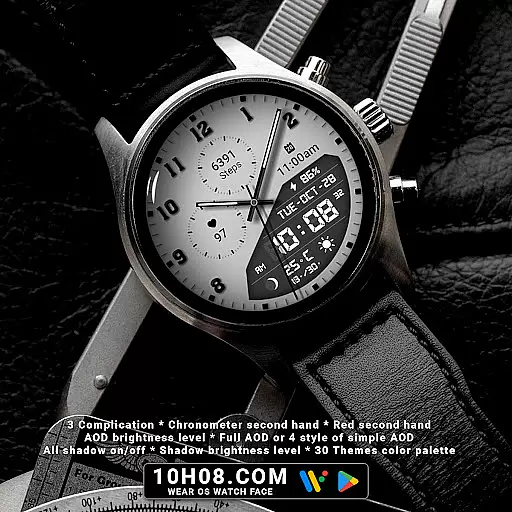
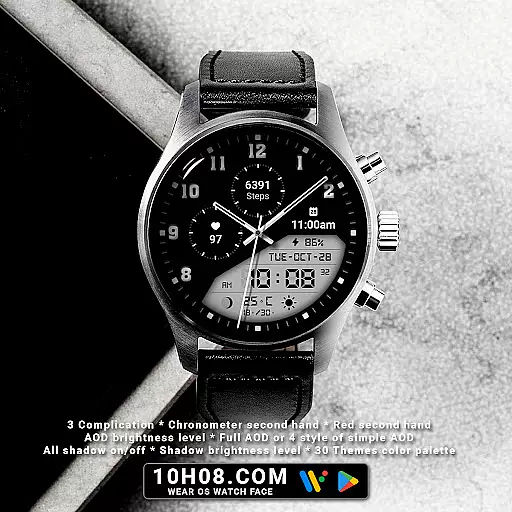
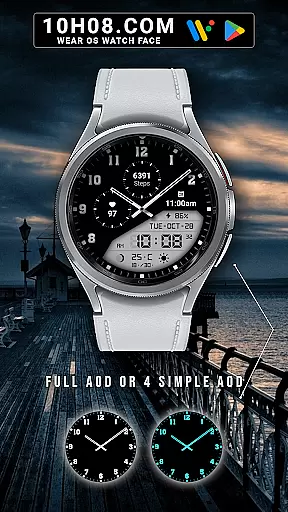
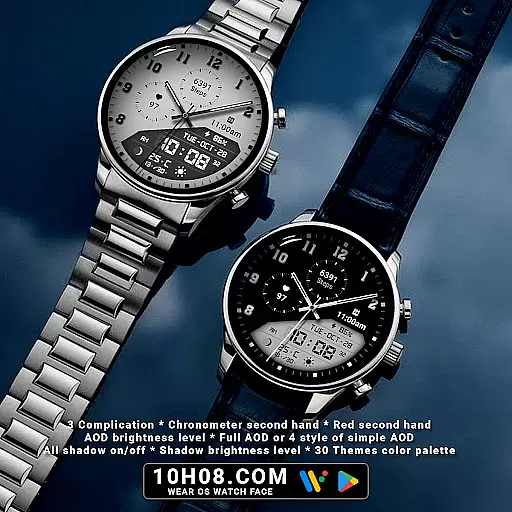
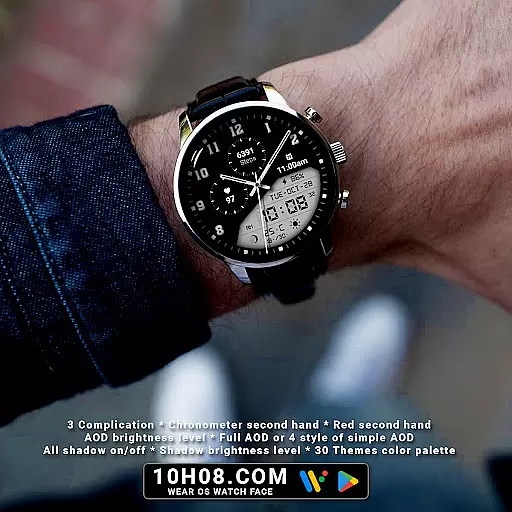
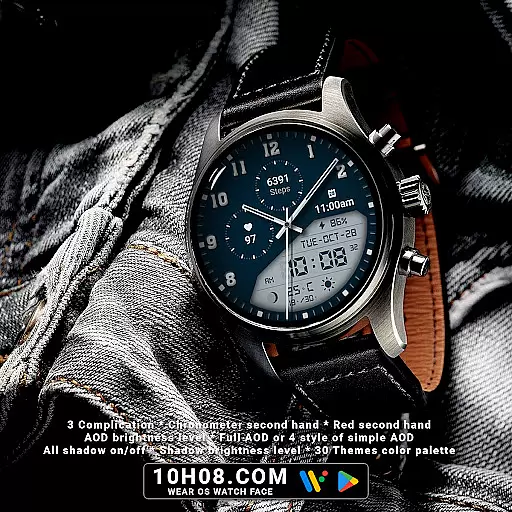
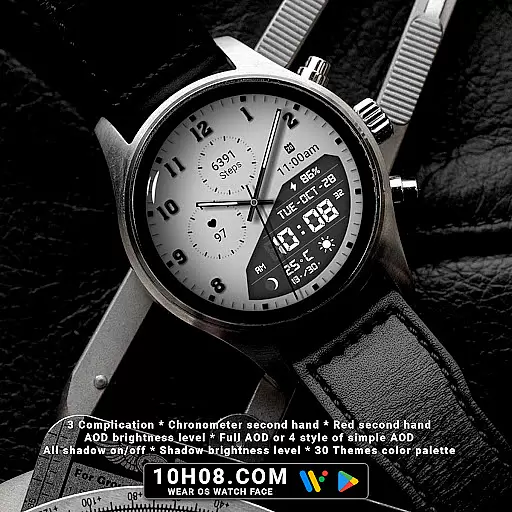
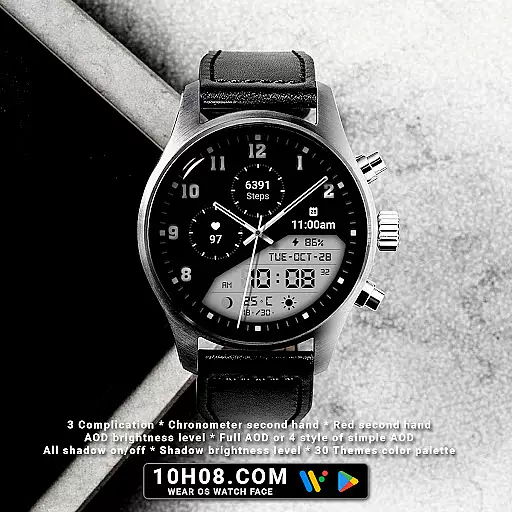
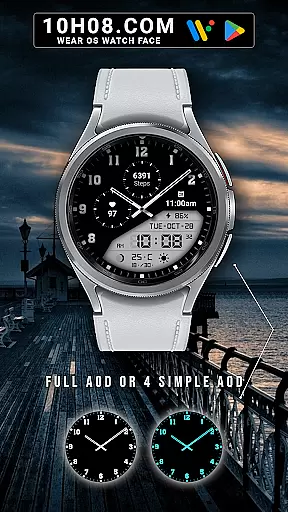
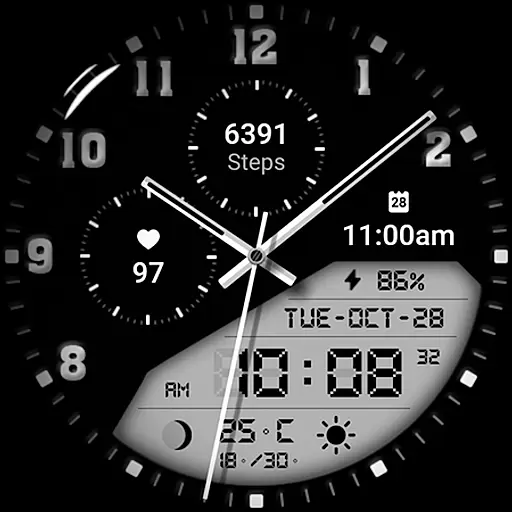
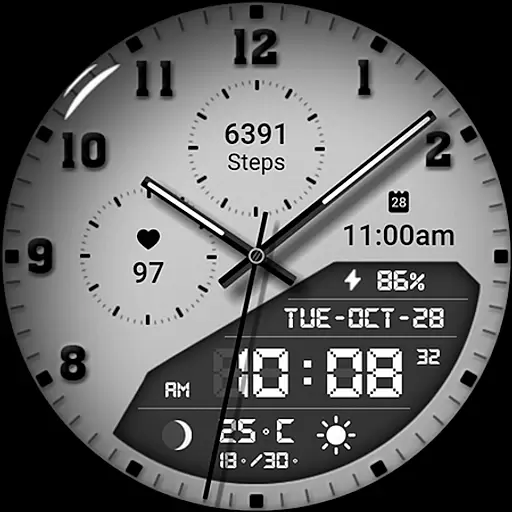
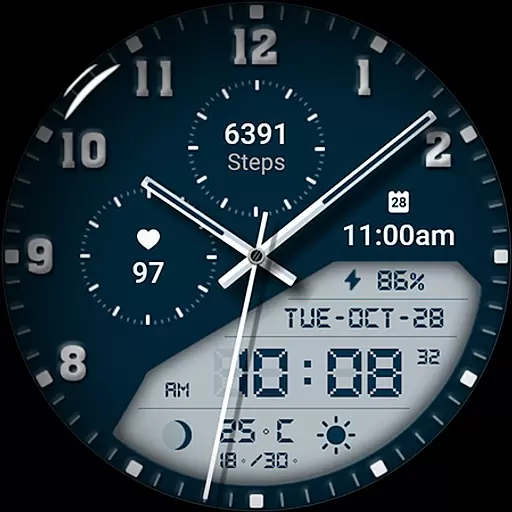
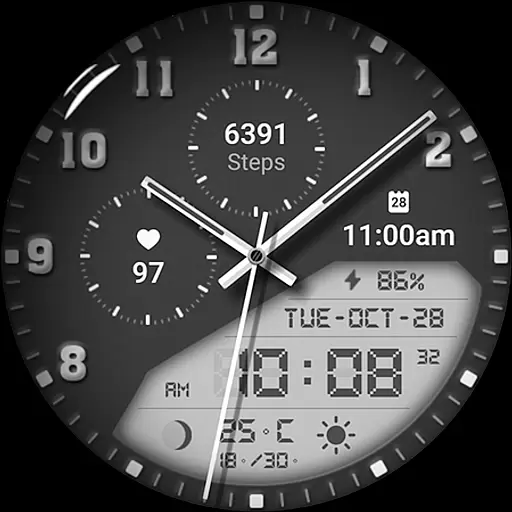
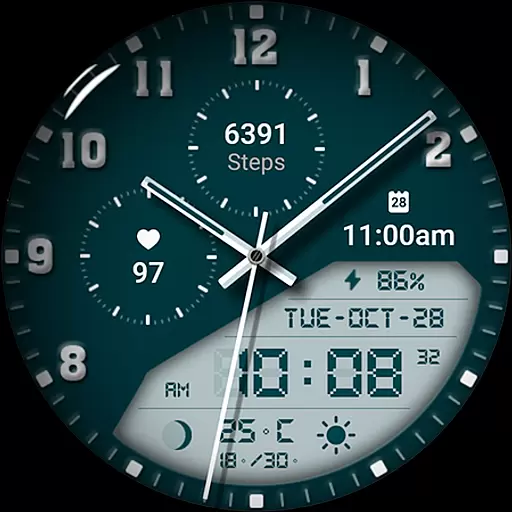
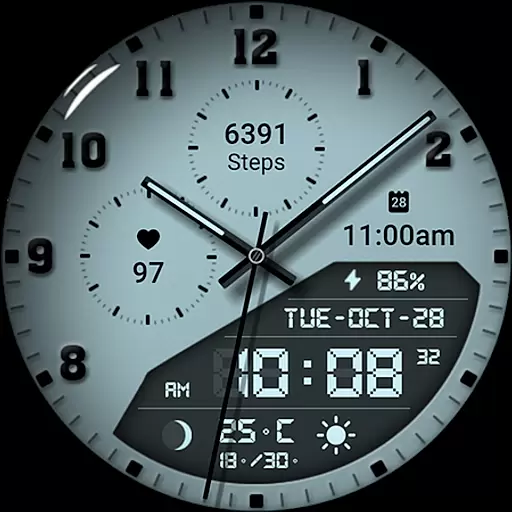
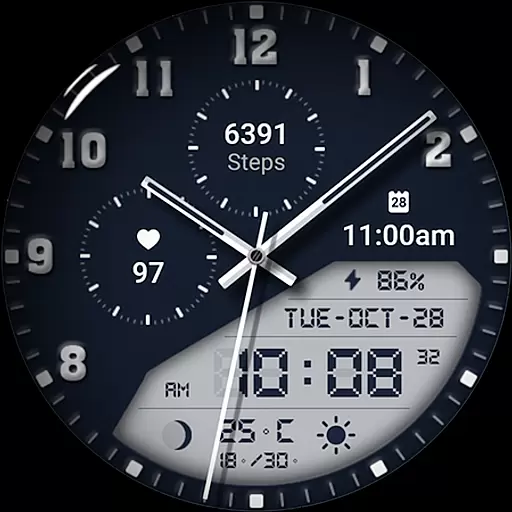
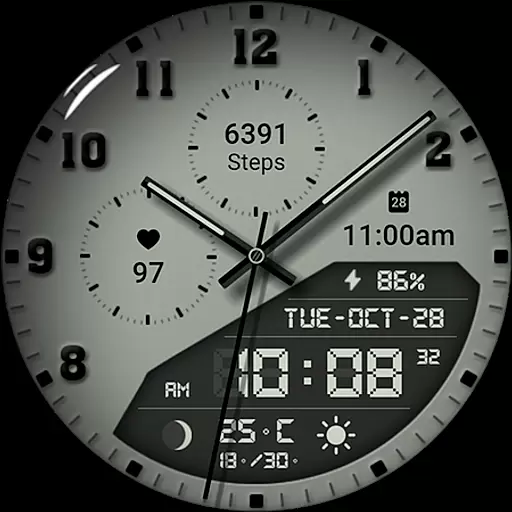
Watch face 10h08.com #85 is a feature-rich customizable watch face designed for Wear OS smartwatches. This digital timepiece combines classic analog aesthetics with modern functionality, presenting users with an elegant blend of style and utility.
The watch face offers high-resolution display quality and includes essential features such as analog/digital time, day-date display, weather updates, fitness tracking (steps count and heart rate), next event notification, moon phase, battery level indicator, and more. With support for Always-On Display (AOD) and thirty color themes, it ensures both visibility and personalization.
Ideal for users seeking a versatile smartwatch experience, this watch face suits various models including Galaxy Watch series, Ticwatch Pro, and others running Wear OS 5+ SDK 34+. Its comprehensive customization options make it suitable for both professional and casual settings.
What sets Watch face 10h08.com #85 apart is its extensive range of features tailored to enhance user interaction and convenience. The inclusion of complications like weather forecasts, fitness metrics, and calendar events provides quick access to vital information without needing to unlock the phone.
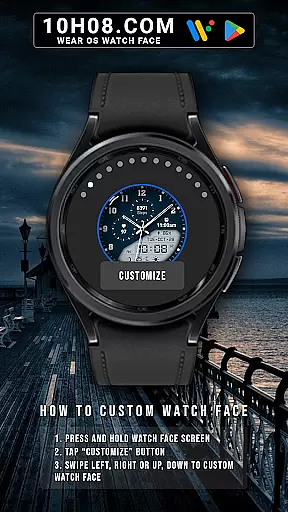
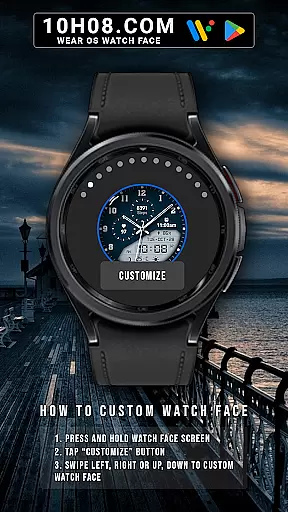
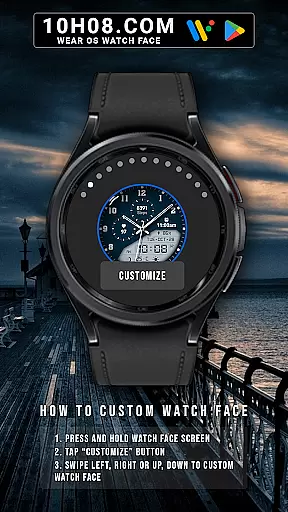
Customization is at the core of this app's design. Users can personalize their watch faces by adjusting elements such as shadow effects, brightness levels, AOD styles, and choosing from multiple theme colors. These options allow individuals to tailor their smartwatch interface according to personal preferences or specific occasions.
Additionally, practical functionalities such as chronometer second hands and red second hands add a touch of sophistication while maintaining usability. Compatibility across several popular smartwatch models further extends its appeal among tech-savvy consumers looking for both form and function in wearable technology.
Companion app integration is essential for a seamless smartwatch experience. Watch face 10h08.com #85 offers users the ability to customize their watch face directly from their smartphone, ensuring that personal preferences are easily applied.
This application allows users to adjust various settings such as high-resolution display options, classic or modern designs, and even specific details like day, date, weather, and health metrics. The intuitive companion app interface makes it simple to tailor the watch face to individual tastes and needs.
By integrating with Wear OS, this app ensures that all customizations are synced in real-time across devices. Users can enjoy features like next event notifications, moon phases, battery levels, and complications without any hassle. This synchronization enhances user convenience and device usability.
Ensuring broad device compatibility is crucial for reaching a wider audience. Watch face 10h08.com #85 is designed to work seamlessly with smartwatches running Wear OS 5+ SDK 34+, making it accessible to many users.
This watch face supports popular models such as Galaxy Watch 6, Galaxy Watch 7 Ultra, Ticwatch Pro 5, Pixel Watch 2, and Watch 2 Pro. By covering a wide range of devices, it guarantees that more users can enjoy its rich features and customization options.
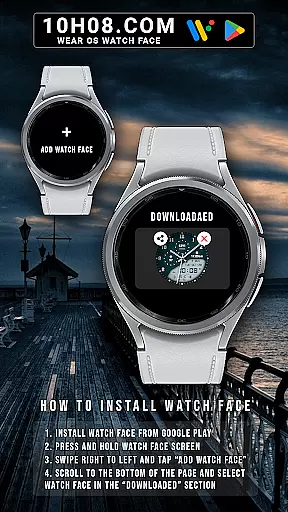
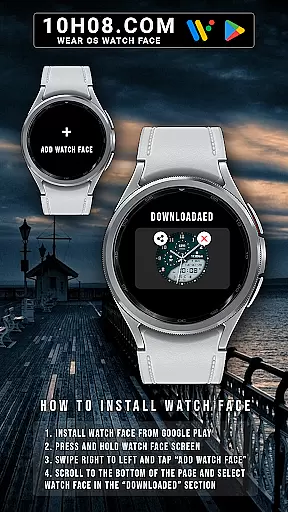
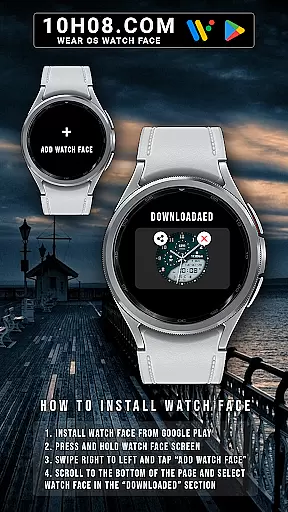
The app's compatibility extends beyond just device support; it also includes detailed instructions on installation and customization. Whether adjusting themes, setting up AOD modes, or configuring health metrics, users will find comprehensive guidance within the app, ensuring a smooth setup process.
User-friendly interface
Highly customizable
Wide device compatibility
Comprehensive health tracking
Vivid color themes
Limited to Wear OS
Complex setup process
Requires frequent updates
Battery consumption concerns
Premium features locked behind paywall

Precision analog watch face with 7 complications and style options
 4.4
4.4
A heartwarming Christmas scene featuring a cute image of Santa and Rudolf
4.2
Elegant animated Christmas tree with multiple customization options
4.20
Stylish digital watch face for Wear OS devices with customizable features
4.5
Gym & home workout plans with strength training, exercise tracking, HIIT & more.
4.60
Bold weather Digital watchface with forecast & optional animated background
4.40
Minimalistic design modern digital watch face.
4.5
Your music, your playlists, and more—offline and unlimited.
4.20
Toyota app currently supports 2010 or newer vehicles (2018 or newer for Hawaii).
4.50
Your second brain for organizing your life: to-do, calendar, reminder.
4.70
Real-time results, stats, schedules and player profiles for all leagues
4.60
Deck out your Wear OS Watch face with a beautifully decorated pine wreath!
4.50
Current temperature, weather hourly, weather radar by the weather forecast app
4.40
Premium hybrid watch face with many customizations for Wear OS devices.
4.40
A white realistic classic analog watch face with many customization options.
4.40
Christmas watch face. For Wear OS devices.
4.30
The ultimate destination for kids ages 3-8 to explore the Marvel Universe!
4.30
A Wintery Snow Globe on Your Wrist; now celebrating Christmas!
4.3
Funny animated watch face for Thanksgiving
4.5


User Reviews