
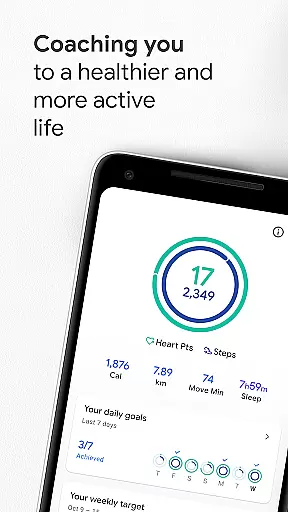
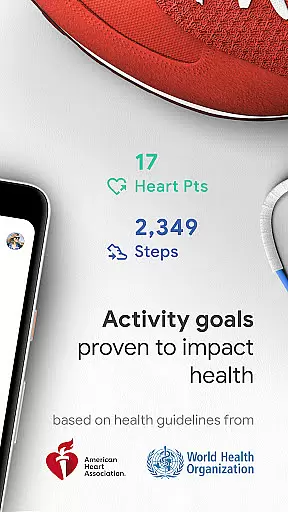
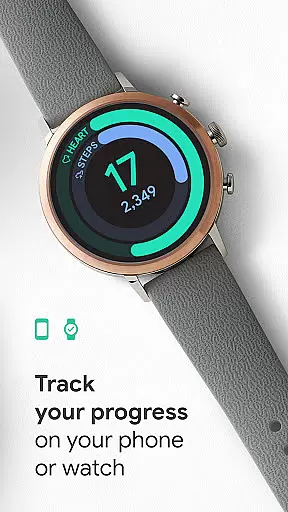
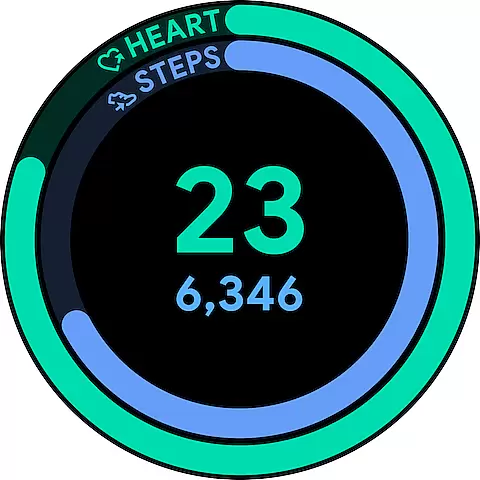
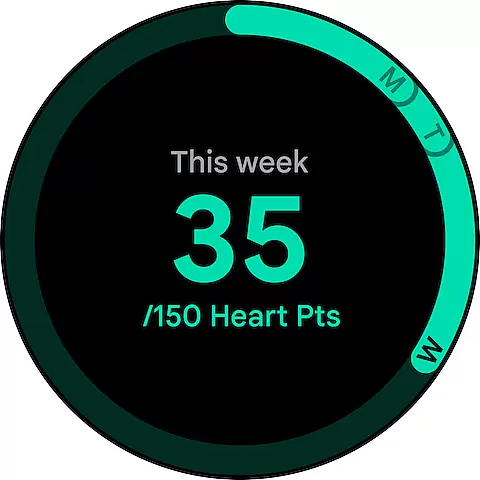
Google Fit is a comprehensive health and fitness tracking app designed to help users achieve a healthier and more active lifestyle. Developed in collaboration with the World Health Organization (WHO) and the American Heart Association (AHA), it introduces Heart Points, an innovative activity goal system that promotes heart and mental health through moderate to intense physical activities.
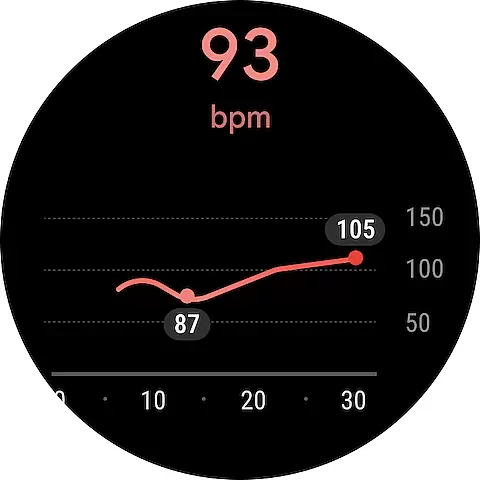
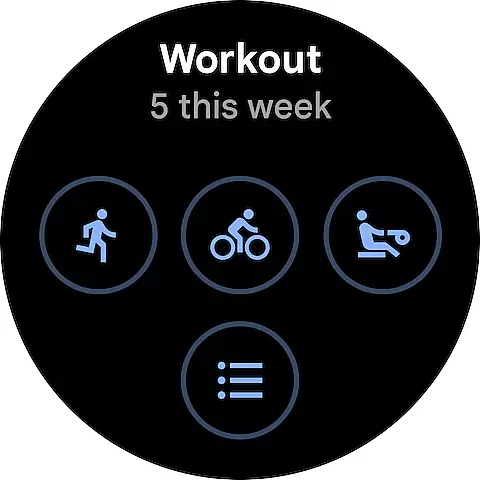
The app tracks workouts from your phone or Wear OS smartwatch, providing real-time stats for runs, walks, and bike rides. It automatically detects daily activities, ensuring all movements are counted, and allows integration with various third-party apps and devices for a holistic view of your health. Google Fit also offers features like respiratory and heart rate monitoring using just your phone's camera, making health tracking more accessible than ever.
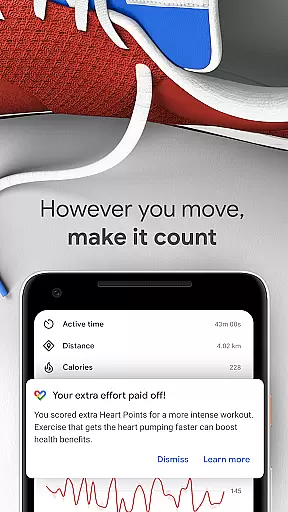
Google Fit stands out with its unique Heart Points system, assigning points based on the intensity of physical activities. This feature encourages users to engage in exercises that benefit both heart and mind, with one point awarded per minute of moderate activity and double points for more intense workouts. The app uses Android phone sensors or Wear OS smartwatch heart rate sensors to track speed, pace, route, and more during workouts.
Another key feature is its ability to integrate with numerous third-party apps and devices such as Lifesum, Nike+, Runkeeper, and MyFitnessPal, offering a complete overview of health data. Users can monitor their goals, adjust them as needed, and even add widgets to their Android home screen or Wear OS watch face for quick access to daily stats. These capabilities make Google Fit a versatile tool for anyone looking to improve their overall wellbeing.
Companion app integration is essential for wearable devices to function seamlessly with smartphones. Google Fit excels in this area by ensuring that your fitness data syncs effortlessly between your Android phone and Wear OS smartwatch. This synchronization allows users to track their workouts, monitor heart rate, and receive real-time insights no matter which device they are using.
The application leverages the sensors on both platforms to provide comprehensive tracking of activities such as walking, running, or cycling. By integrating deeply with the hardware, Google Fit ensures that all movements are captured accurately, providing a complete picture of daily activity levels without any manual input required from the user.
For those who engage in more structured exercises like pilates or spinning, Google Fit can also connect with other apps and devices, offering an inclusive view of health metrics. This interconnected ecosystem means users never lose sight of their progress, making it easier to stay motivated and achieve personal wellness goals.
Device compatibility is crucial for ensuring that applications run smoothly across different platforms. Google Fit has been optimized for use with Wear OS by Google, guaranteeing that users experience consistent performance whether they're interacting through their smartphone or smartwatch. This compatibility extends to various models within the Wear OS lineup, providing broad support for different devices.
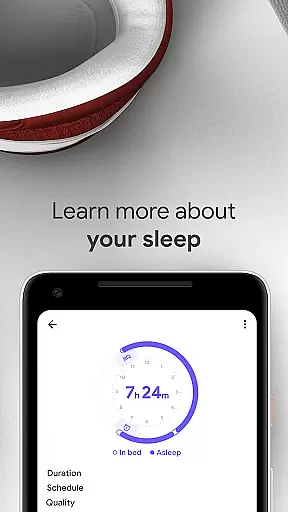
By supporting a wide range of devices, including popular brands like Xiaomi Mi bands and others, Google Fit enhances accessibility for its users. Whether you prefer tracking steps during a morning jog or monitoring sleep patterns overnight, the app adapts to fit your lifestyle while maintaining high standards of accuracy and reliability.
In addition to native device support, Google Fit integrates seamlessly with third-party apps and devices, creating a unified platform for managing health data. This flexibility not only enriches the user experience but also empowers individuals to customize their fitness journey according to their preferences and needs.
User-friendly interface
Comprehensive health tracking
Integration with multiple apps
Real-time workout stats
Heart Points system
Limited iOS functionality
Requires constant updates
Battery consumption
Premium features locked
Occasional syncing issues

Walking app for weight loss: walk & step tracker, pedometer, indoor treadmill
 4.60
4.60
an Analog Watch Face for winter season with freeze winter background for Wear OS
4.4
Rose gold watch face with festive lights & customizable features.
4.60
Watch face designed for Thanksgiving Day. 7 Background Styles included.
3.20
Structured watch face with seven complications and modular UI elements
3.90
Professional weather radar and more
3.90
Bold weather Digital watchface with forecast & optional animated background
4.40
Stylish, Energizing and Modern Watch Face crafted by Dominus Mathias.
4.50
Connect, create, and collaborate with Gmail, part of Google Workspace.
4.10
Diet tracker for weight loss - track calories, food and macros. Simple and easy!
4.70
Monitor health with the stress test and pulse checker in the heart rate app.
4.60
Christmas watch face. For Wear OS devices.
4.30
The ultimate destination for kids ages 3-8 to explore the Marvel Universe!
4.30
Snowflake Rose Gold Watch Face - Digital, modern, & sleek with GYRO effect.
4.10
Wear Os Watch Face - Animated Snow Effect & Magic Spark - 6 Scenes
4.10
Watch the sharpness of the sky on your wrist..
3.70
Contemporary digital watch face with five complications
4.0
Simple Analog-Digital Watchface For Wear OS 3.0 and Up Smartwatches
4.1
Sleek, highly customizable watch face inspired by Galaxy Watch Circle Dashboard.
4.1


User Reviews