
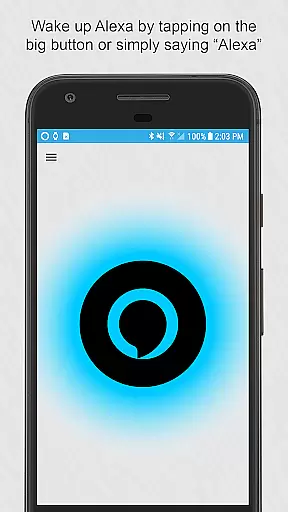
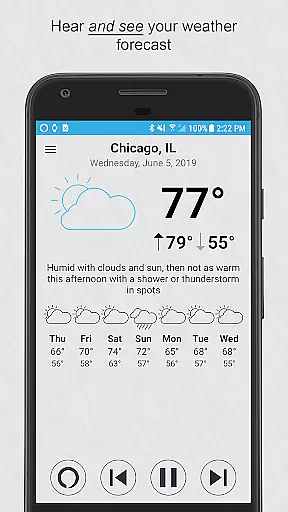
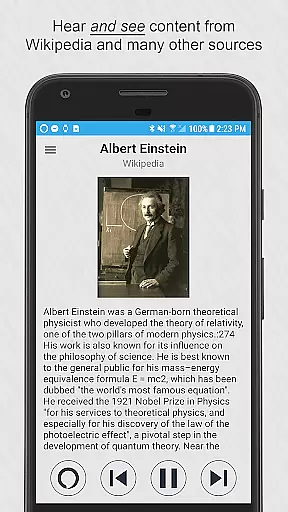
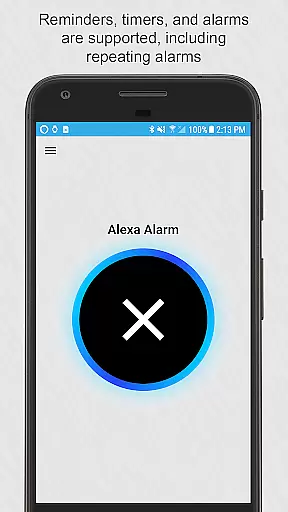
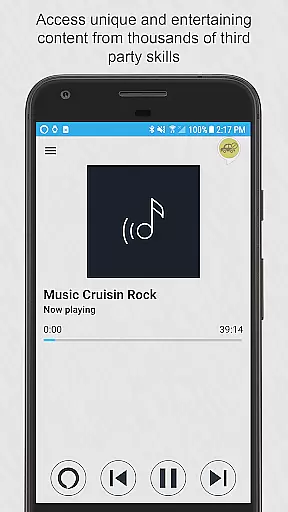

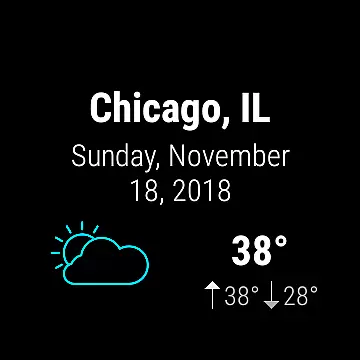
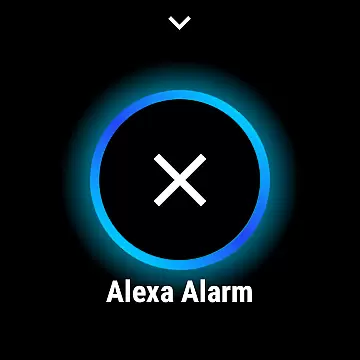

Ultimate Alexa Voice Assistant is a comprehensive voice assistant app that integrates Amazon Alexa's voice service, offering users both audio and visual interactions. It stands out as the first app on Google Play to support Alexa’s Display Card technology, similar to the Amazon Echo Show. This feature allows users to see weather forecasts, news headlines, to-do lists, and more while hearing the information.
The app supports multiple platforms including phones and Wear OS watches. For watches without speakers, it connects to the paired phone's speaker. Users can activate Alexa through various methods such as saying the wake word, tapping a button, or using the Google Assistant. The Pro version offers additional activation options like shaking the phone or using a Samsung Bixby button.
This app is valuable for users seeking an all-in-one voice assistant that provides extensive functionality across different devices and scenarios.
Ultimate Alexa Voice Assistant boasts a wide array of features designed to enhance user interaction and convenience. One of its standout capabilities is the support for Alexa’s Display Card technology, which enriches the user experience by providing visual content alongside voice responses. This includes weather forecasts, news updates, and various informational displays.
The app offers versatile activation methods. Users can wake Alexa by saying the wake word, tapping a button, or even through the Google Assistant. The Pro version extends these options with features like shaking the phone or using a Samsung Bixby button. Additionally, users can set Ultimate Alexa as their default assistant, allowing it to listen continuously for the wake word.
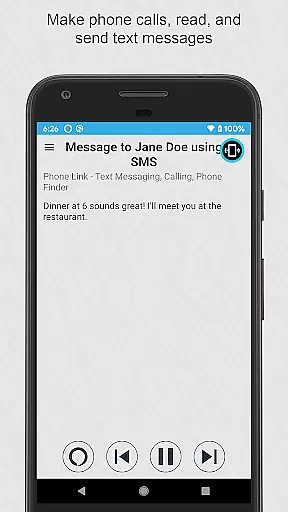
Functionality is further enhanced with features such as making phone calls, sending text messages, controlling smart home devices, and accessing local information. The app also supports music playback from the device and third-party skills, though with some limitations on popular services due to Amazon's restrictions. These robust features make it a powerful tool for managing daily tasks efficiently.
Companion app integration is essential for wearable devices to extend their functionality through a paired smartphone. Ultimate Alexa Voice Assistant excels in this area by offering seamless connectivity between Wear OS devices and Android phones.
The app allows users to access Alexa's full suite of features on their smartwatches, with the phone handling voice processing and audio output when necessary. This ensures a consistent experience whether users are interacting with their watch or phone.
Key functionalities like setting reminders, controlling smart home devices, and accessing information are synchronized across devices. Users can start a task on their watch and complete it on their phone without interruption.
This integration provides practical benefits such as extended battery life for wearables and enhanced processing power from the connected phone, making the overall experience more efficient and reliable.
Wear OS compatibility is crucial for apps targeting smartwatch users. Ultimate Alexa Voice Assistant demonstrates excellent device compatibility across various Wear OS devices and Android smartphones.
The application supports both phone and Wear OS interactions, ensuring that users can activate Alexa through multiple methods including voice commands, tapping the app's interface, or using the Google Assistant to launch it.
For devices without speakers, the app intelligently routes audio responses through the connected phone's speaker. It also offers customization options for wake words and activation methods, accommodating different user preferences and device limitations.
This broad compatibility enhances user convenience by allowing them to choose their preferred interaction method while maintaining consistent functionality across different hardware configurations.
User-friendly interface
Versatile activation methods
Comprehensive feature set
Supports multiple platforms
Visual and audio interaction
Limited music services
Pro version costs extra
Some features region-locked
Requires Phone Link app
Bixby replacement complex

Walking app for weight loss: walk & step tracker, pedometer, indoor treadmill
 4.60
4.60
Highly customizable hybrid watch face for Wear OS, perfect for everyday use.
4.60
Christmas is near, let's count together the days left until Santa comes
4.3
A modern premium sporty hybrid watch face for Wear OS by Ballozi
4.70
The most customizable minimal watch face. For Wear OS 5.0, API 34+ and later
4.70
Connect to your Bluelink equipped Hyundai vehicle from your smartphone.
4.50
Real-time weather radar with temperatures, warnings, hurricanes, and widgets
4.80
Viewer for Wyze/Yi/Eufy/Arlo/ONVIF/RTSP/P2P IP cams w/ adv. features & DIY DVR
4.00
A white realistic classic analog watch face with many customization options.
4.40
Christmas Theme Watch Face for Wear Os
5.00
Digital, flexibly customizable watch face. For Wear OS 5.0, API 34+ and later.
5.00
Easy Voice Recorder is your everyday companion to record important moments.
4.70
Beautiful artistic animated digital watch face, with a customizable layout!
4.40
Find EV charging stations
4.30
Locate your family members by GPS phone location tracker everywhere and anytime
4.30
Elegant animated Christmas tree with multiple customization options
4.20
an Analog Watch Face for winter season with freeze winter background for Wear OS
4.3
Stunning modern digital watch face with 7 complications and strong contrast
4.5
Sleek, highly customizable watch face inspired by Galaxy Watch Circle Dashboard.
4.2


User Reviews