
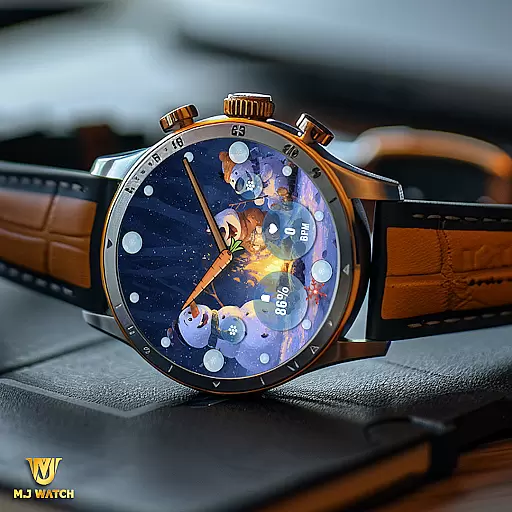
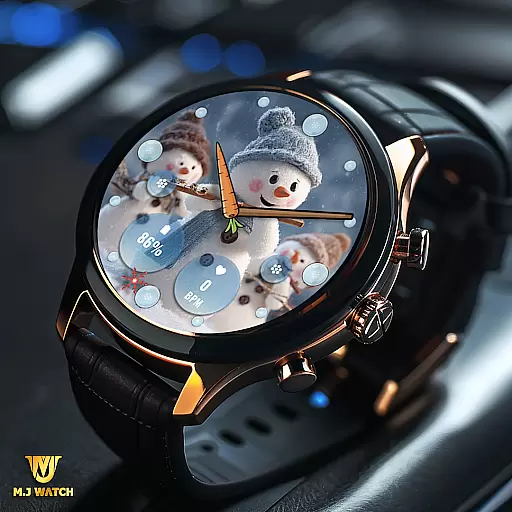
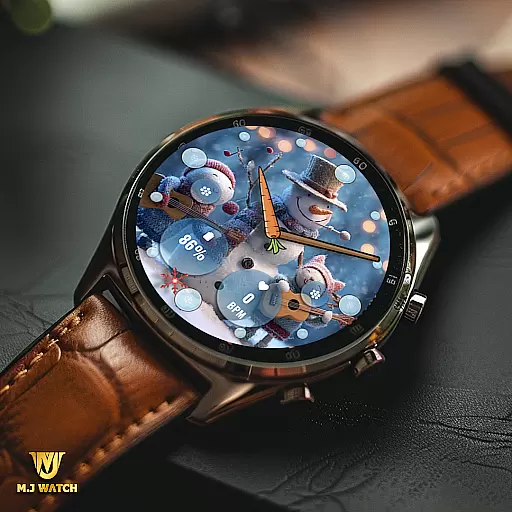
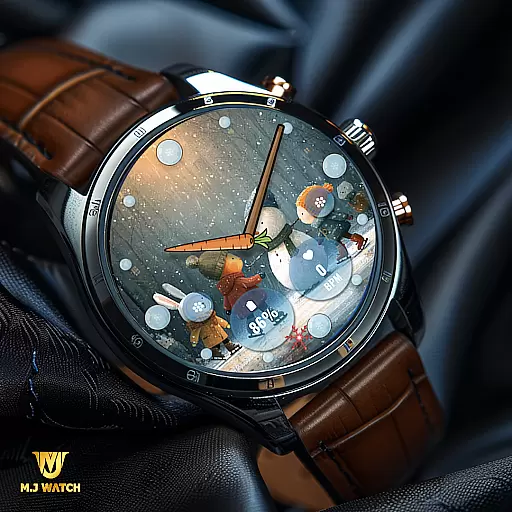
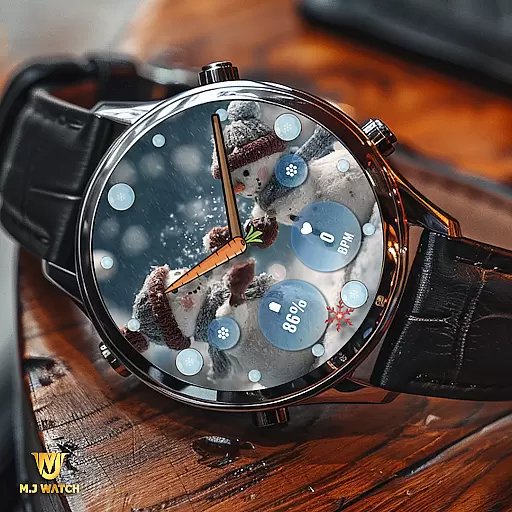
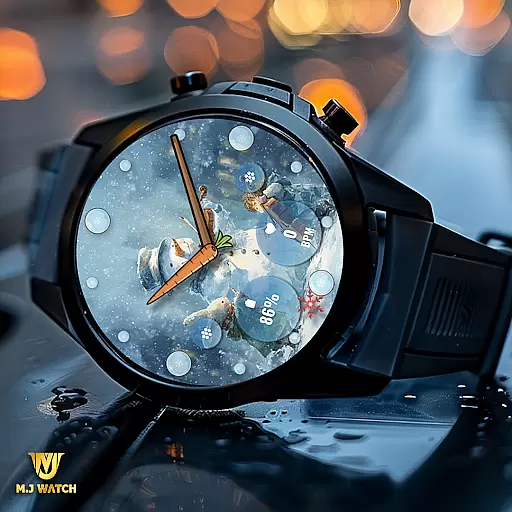
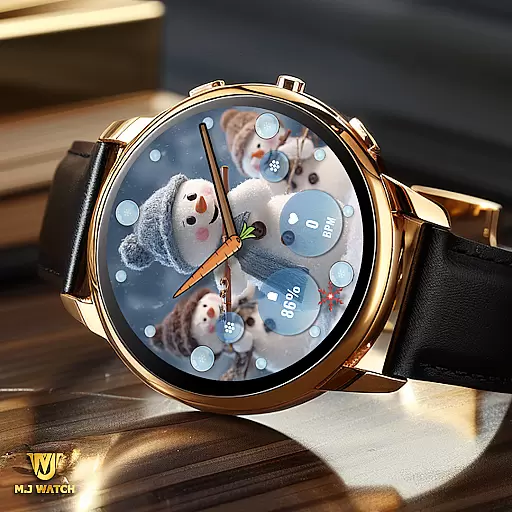
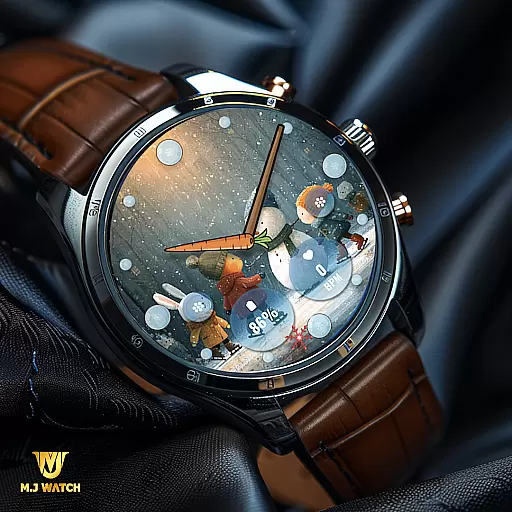
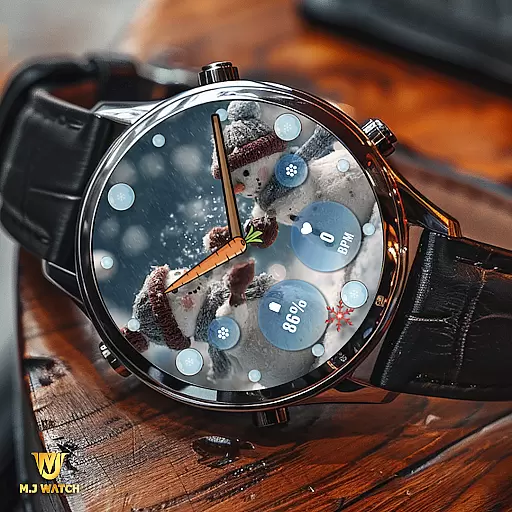
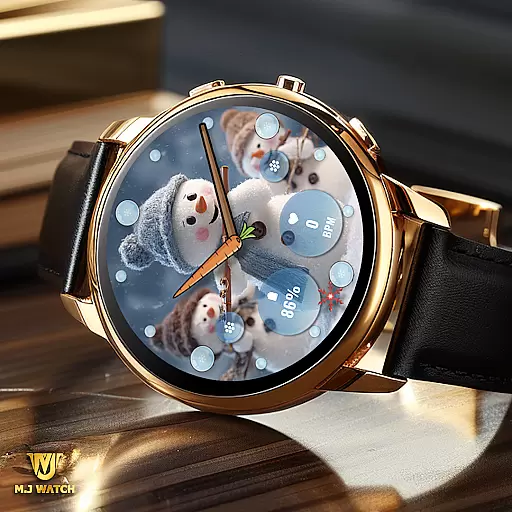
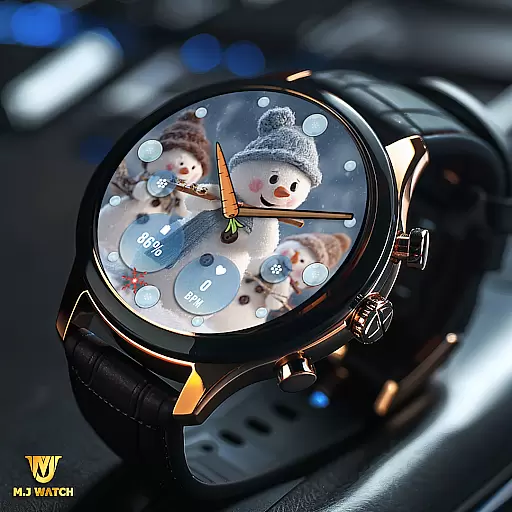
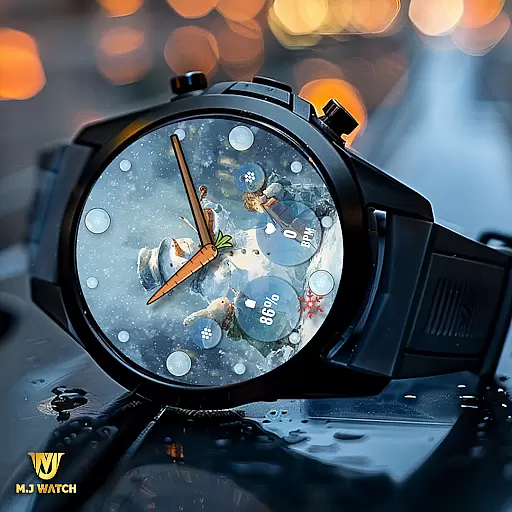
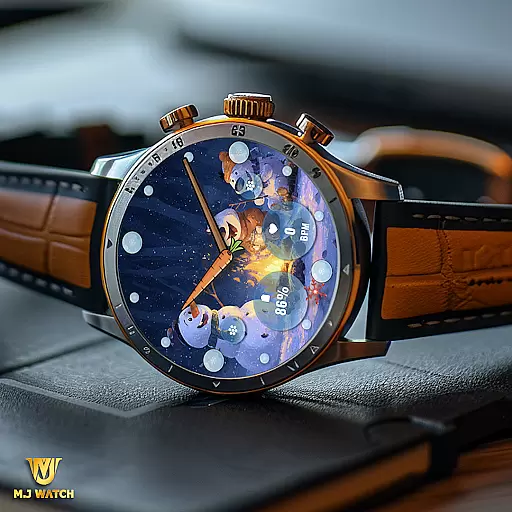
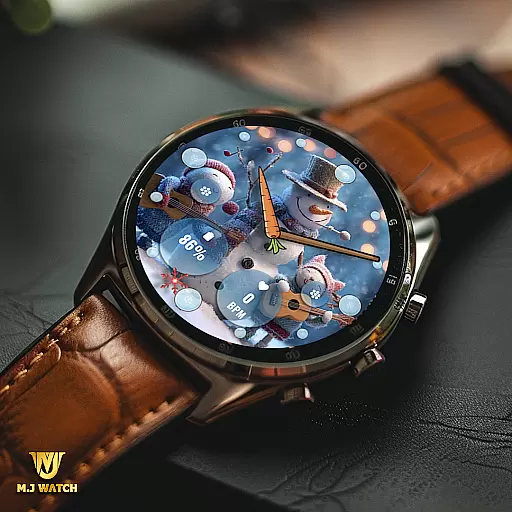
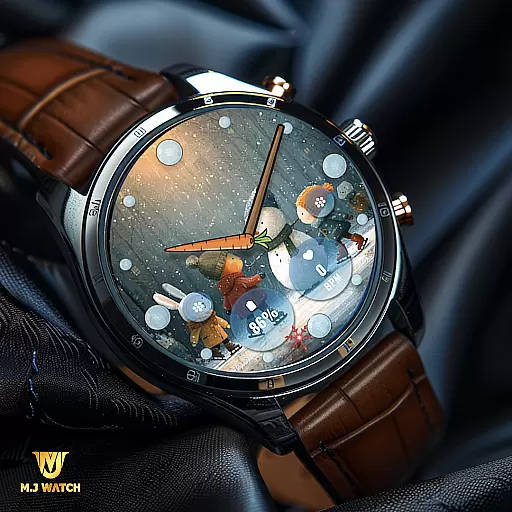
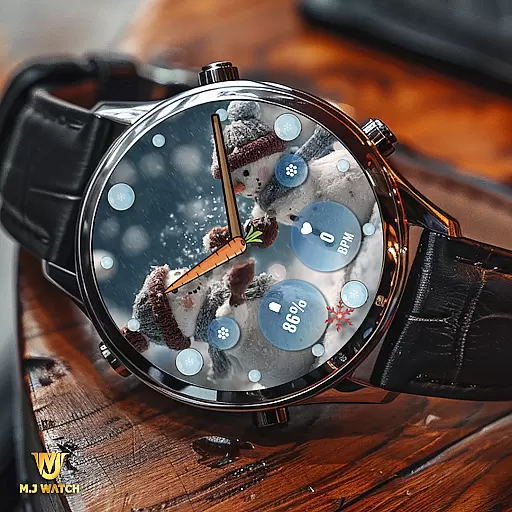
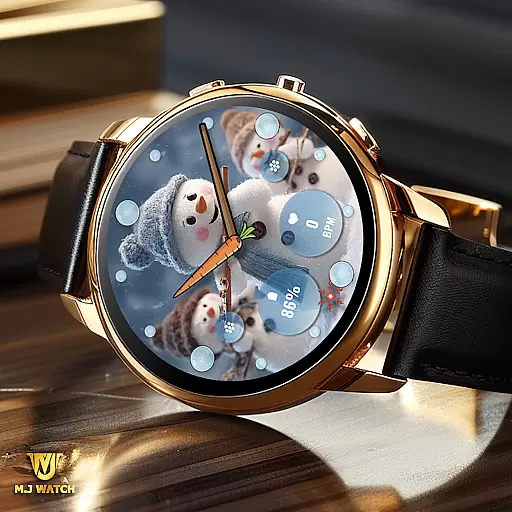
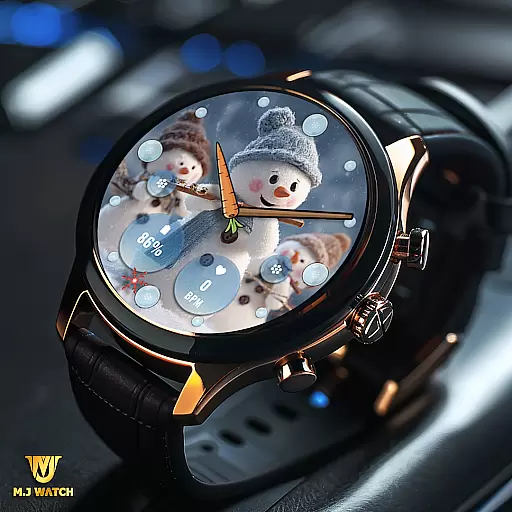
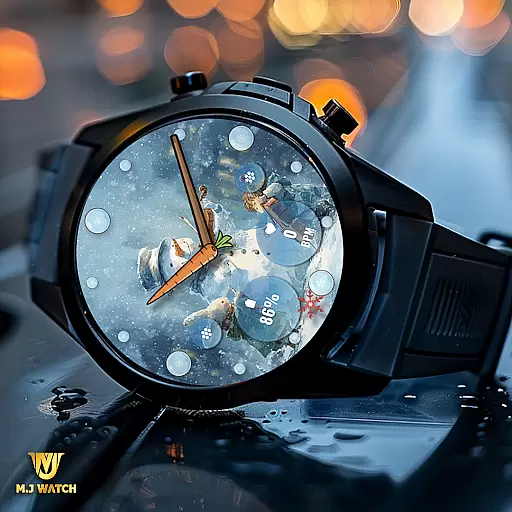
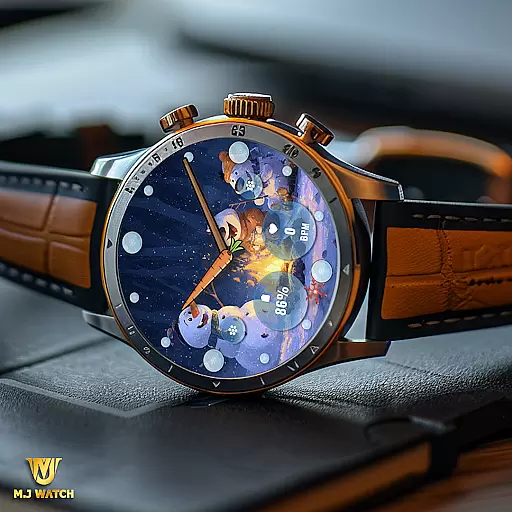
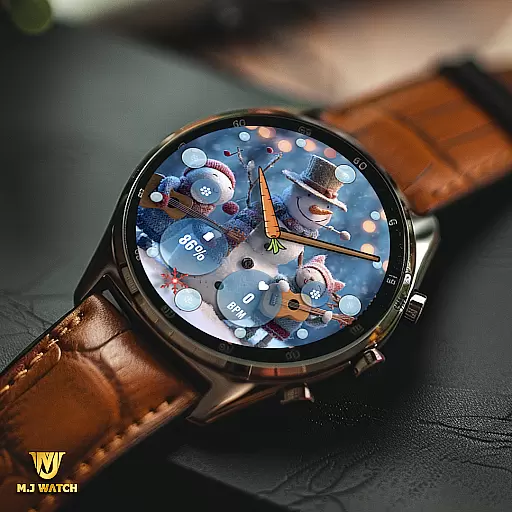
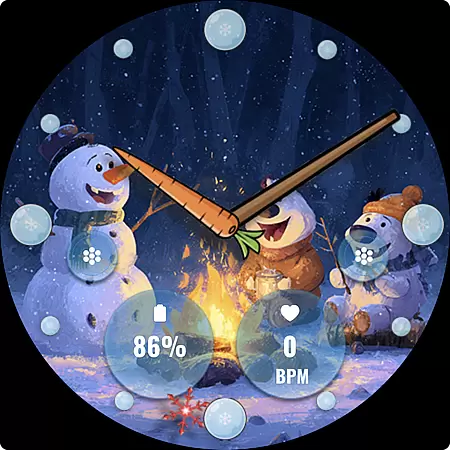
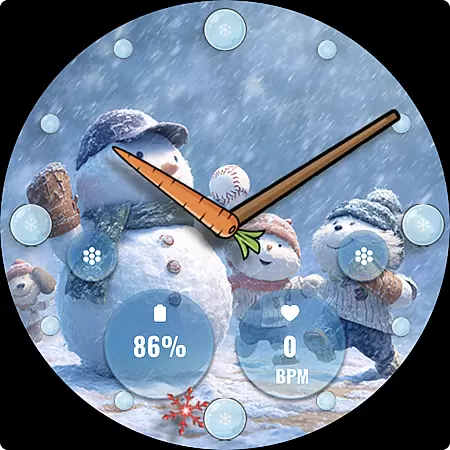
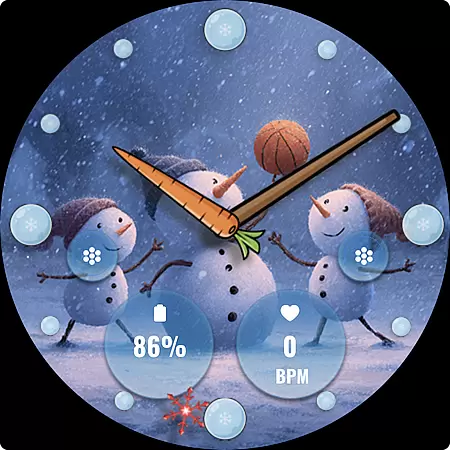
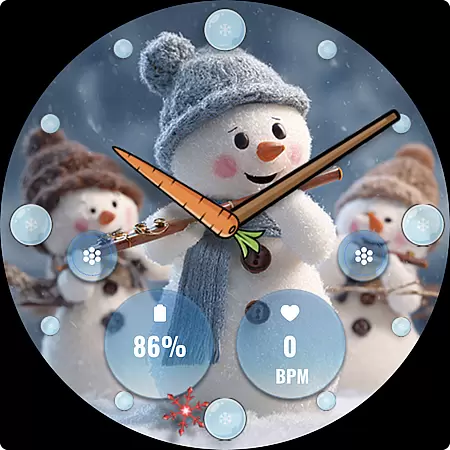
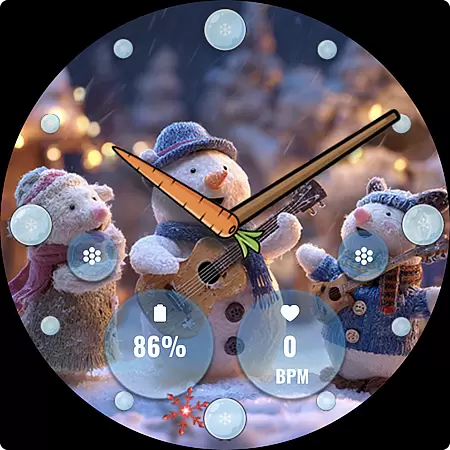
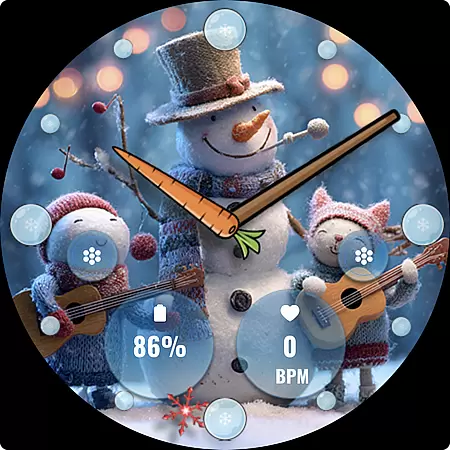
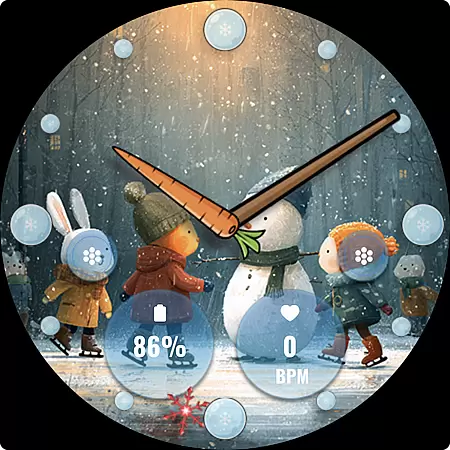
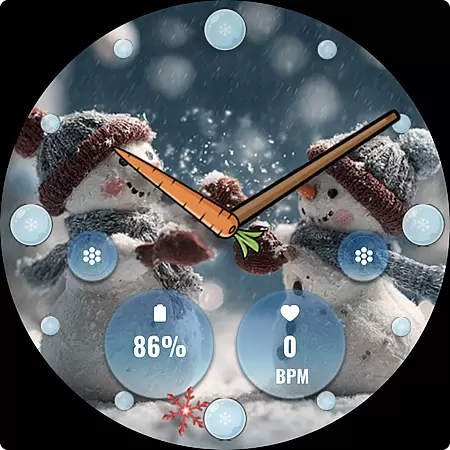
FLW105 Snowman Freeze Winter is a specially designed watch face for Wear OS devices, offering users an immersive winter-themed experience. The interface features a stunning freeze ice background with 10 unique winter images, including charming snowman illustrations that bring festive cheer to your smartwatch.
This analog watch face provides traditional hour, minute, and second hands while incorporating modern functionality through customizable complications and shortcuts. Users can personalize the displayed information and shortcuts by accessing the customization menu, making it both visually appealing and highly functional for daily use.
FLW105 stands out with its rich feature set tailored for winter enthusiasts. The analog design includes finely detailed watch hands for precise timekeeping, complemented by two fully customizable complications. These allow users to display their preferred information, such as weather updates or fitness stats, directly on the watch face.
In addition to complications, FLW105 offers two custom shortcuts that enable quick access to frequently used apps or functions. With 10 beautifully crafted winter-themed backgrounds featuring delightful snowman illustrations, users can enjoy a personalized yet seasonally appropriate aesthetic. All customization options are easily accessible by pressing and holding the screen followed by selecting 'Customize'.
Companion app integration is essential for a seamless wearable experience. FLW105 Snowman Freeze Winter ensures that users can easily synchronize and interact with their Wear OS devices through its companion app.
This watch face offers two custom complications, allowing users to display personalized information directly on their watch face. Users can customize what data they want to see, such as weather updates or fitness stats, ensuring the watch face meets individual needs.
Additionally, it provides two custom shortcuts that enhance user interaction by enabling quick access to frequently used apps or features. This level of customization ensures that users have a tailored experience that fits seamlessly into their daily routines.
The ability to change images and complications via the companion app adds another layer of personalization, making FLW105 not just a timepiece but a versatile tool that adapts to various lifestyles and preferences.
Ensuring compatibility across various Wear OS devices is crucial for delivering a consistent user experience. FLW105 Snowman Freeze Winter is designed to work flawlessly with a wide range of Wear OS smartwatches, providing users with an engaging and visually appealing interface.
This watch face features an analog design with hour, minute, and second hands, offering a traditional yet stylish look. The freeze ice background with snowman pictures creates a festive atmosphere perfect for the winter season, enhancing the visual appeal of any smartwatch.
With ten unique freeze winter images featuring charming snowmen, users can enjoy a variety of backgrounds that keep their watch faces fresh and exciting. These images are carefully crafted to maintain high resolution and clarity, ensuring they look great on all compatible devices.
Moreover, the straightforward customization processu2014press and hold, then press Customizeu2014ensures that users can effortlessly modify settings without needing extensive technical knowledge, thus broadening its accessibility and ease of use across different devices.
Visually Stunning Design
Fully Customizable Features
Unique Winter Theme
Easy Personalization Options
Compatible with Wear OS
Limited to Wear OS
No Digital Time Option
Seasonal Only Appeal
Customization Requires Effort
Battery Consumption Higher

Watch the sharpness of the sky on your wrist..
 3.70
3.70
Current temperature, weather hourly, weather radar by the weather forecast app
4.40
MyNISSAN® lets you remotely control your car from your phone.*
4.50
A heartwarming Christmas scene featuring a cute image of Santa and Rudolf
4.5
Elegant animated Christmas tree with multiple customization options
4.20
Stunning modern digital watch face with 7 complications and strong contrast
4.4
Professional weather radar and more
3.90
A white realistic classic analog watch face with many customization options.
4.40
Want to take charge of your health? Let Google Fit help you reach your goals.
3.50
Christmas Theme Watch Face for Wear Os
5.00
Beautiful, colorful and practical watch face. For Wear OS devices.
5.00
Period, ovulation & pregnancy tracker. Fertility insights & menstrual calendar.
4.90
A realistic hybrid watch face with many customization options.
4.60
Digital watch face. For Wear OS devices.
4.40
Calming & relaxing sounds for sleeping and stress relief. Stay focused all day!
4.20
Watch face designed for Thanksgiving Day. 7 Background Styles included.
3.20
Christmas is near, let's count together the days left until Santa comes
4.3
Sleek, highly customizable watch face inspired by Galaxy Watch Circle Dashboard.
4.1
Hybrid Vibrant Health Watch Face for Wear OS
4.4


User Reviews