
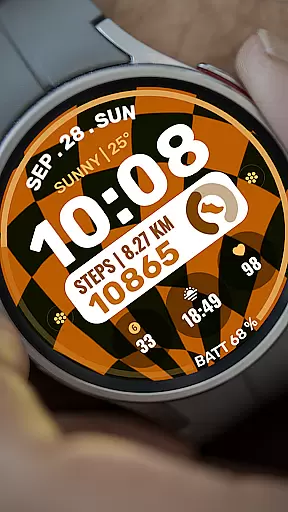
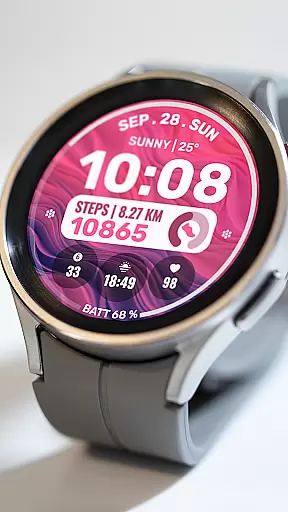
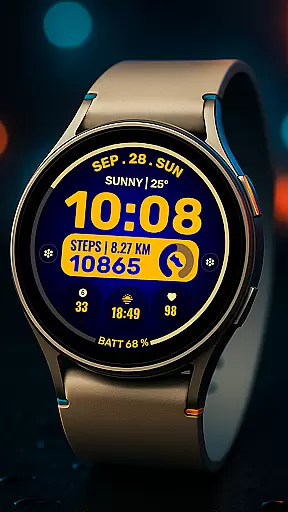
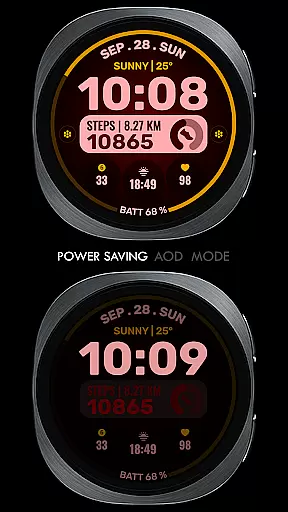
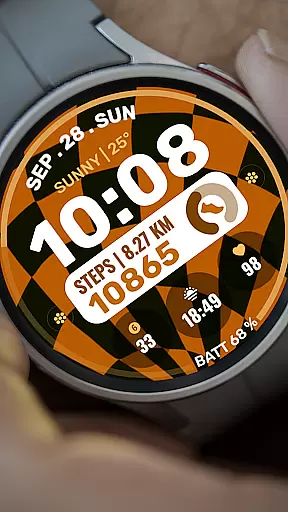
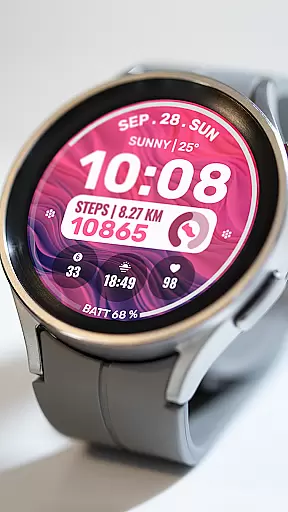
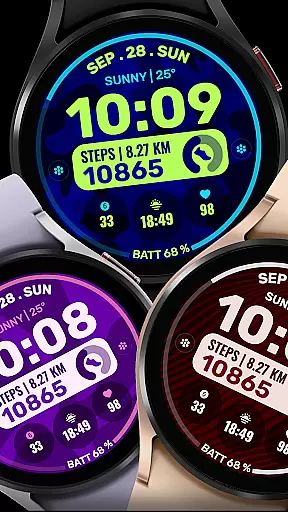
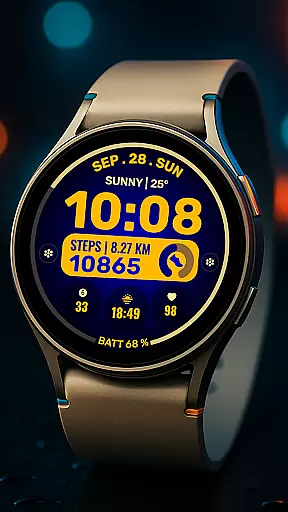
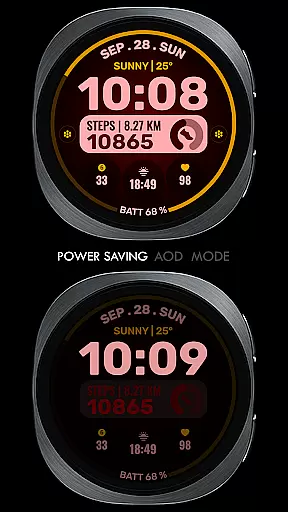
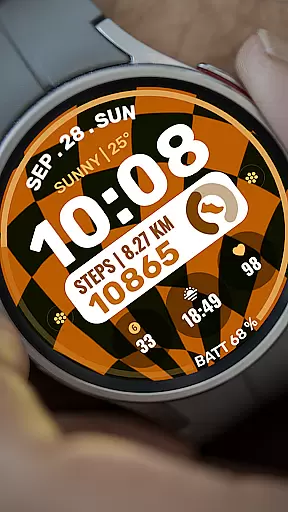
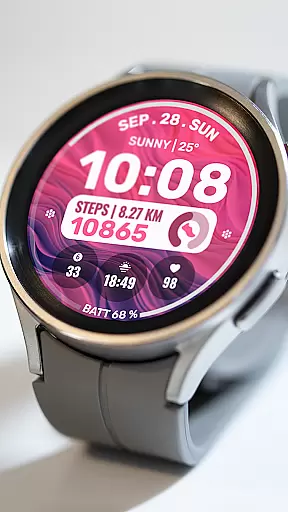
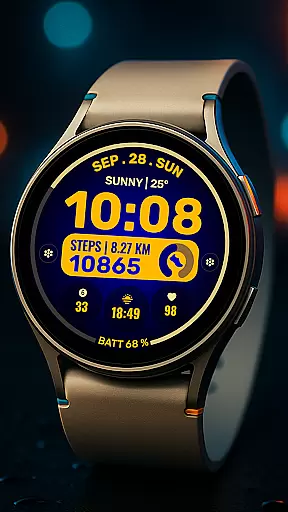
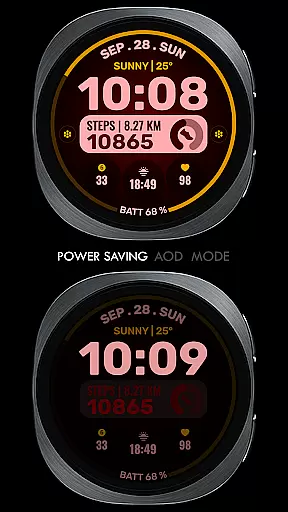
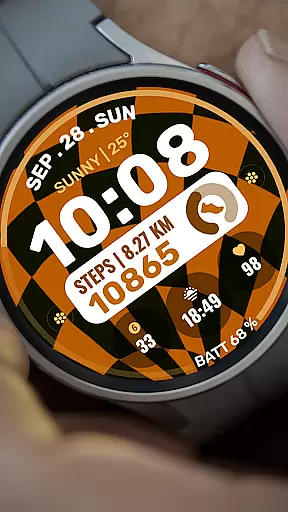
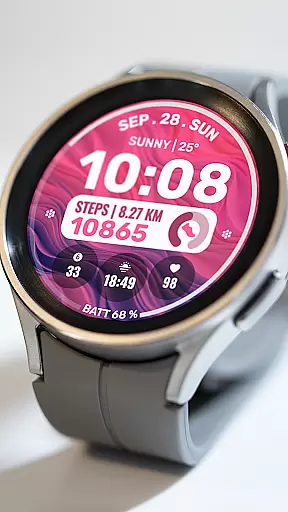
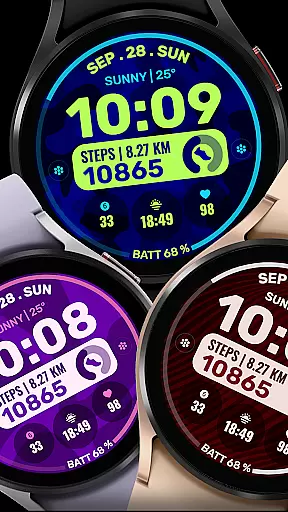
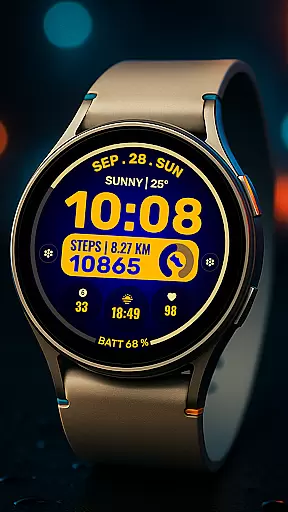
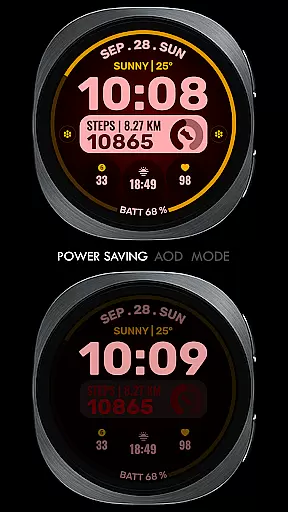
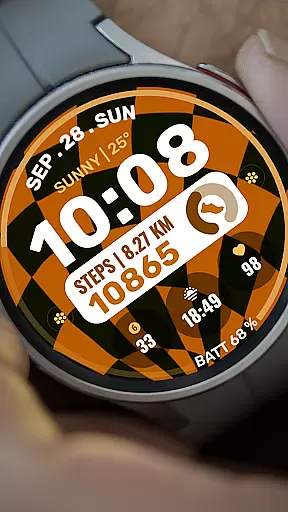
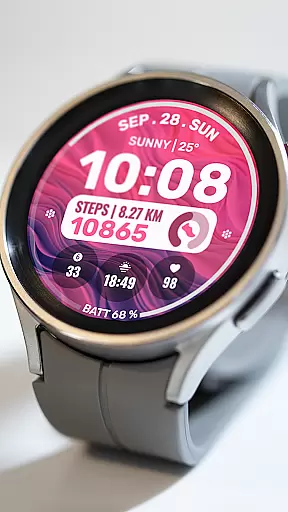
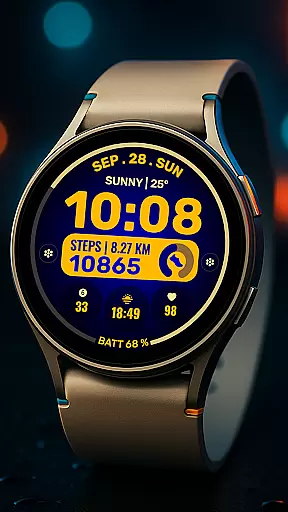
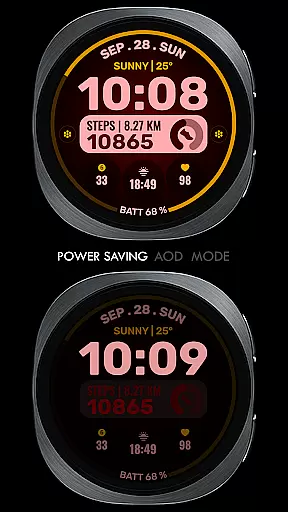
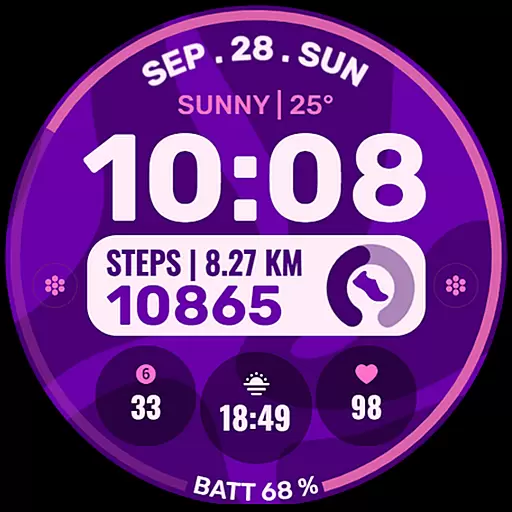
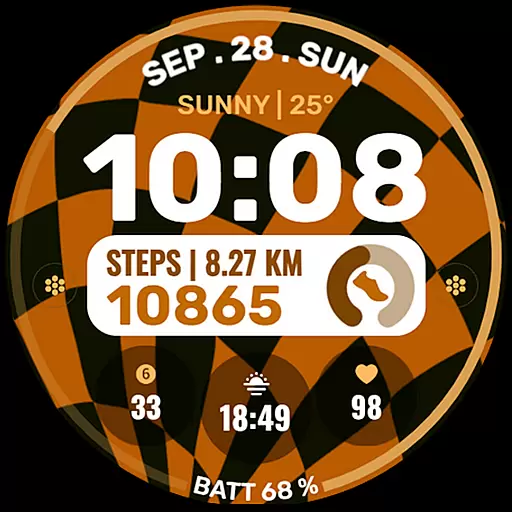
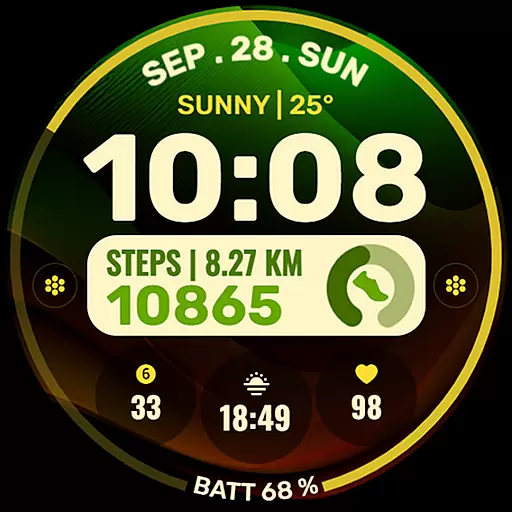
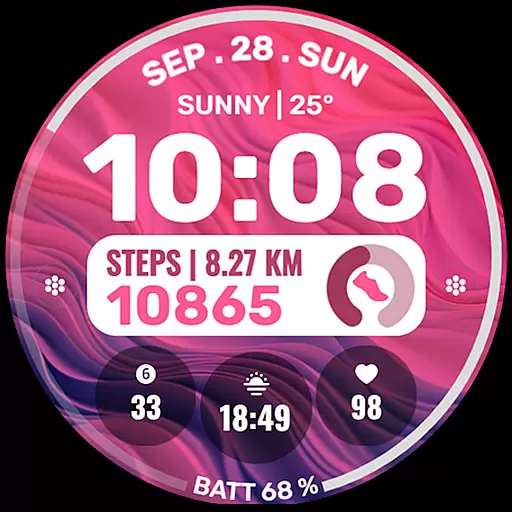
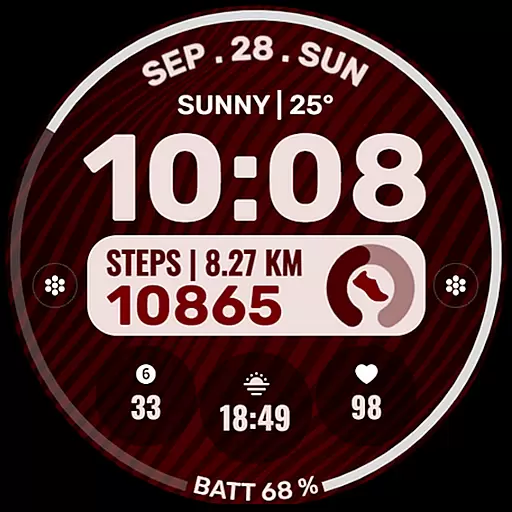
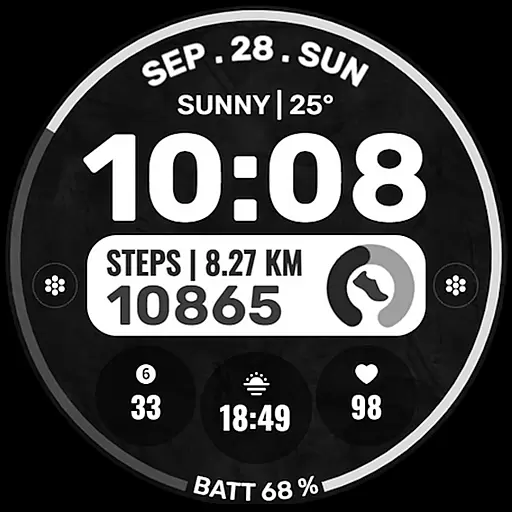
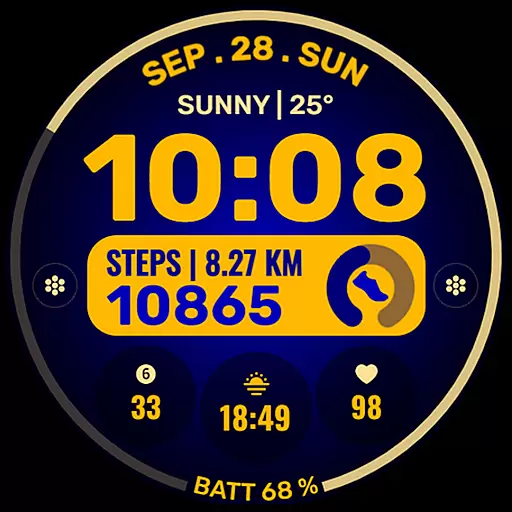
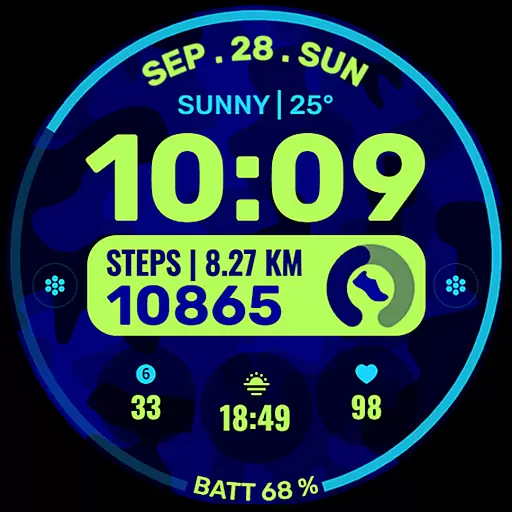
Data Dash is a feature-rich watch face designed for Wear OS devices, offering users an artistic digital clock display alongside advanced customization options. With support for API Level 34+ and Wear OS 4 or later, this application provides a versatile platform for personalizing your smartwatch experience.
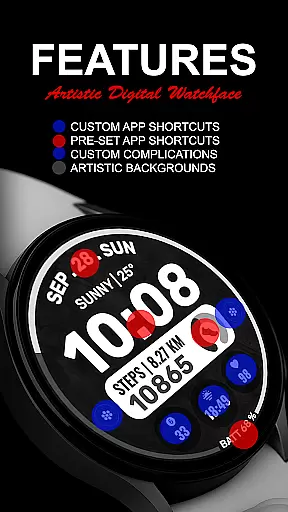
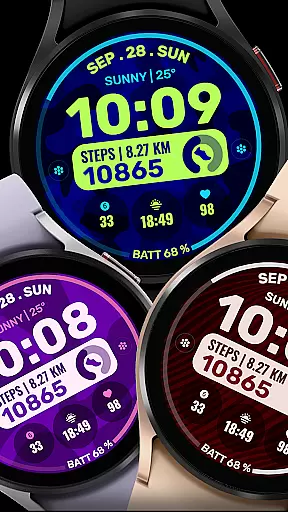
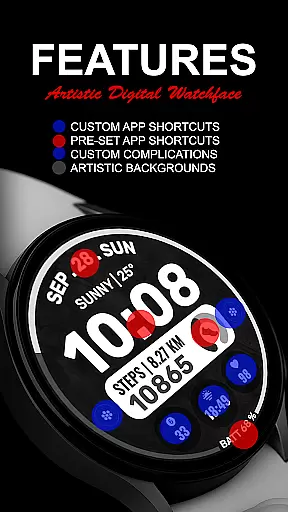
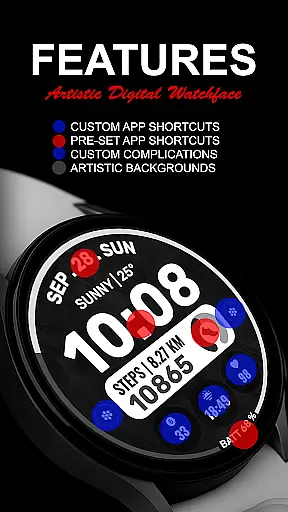
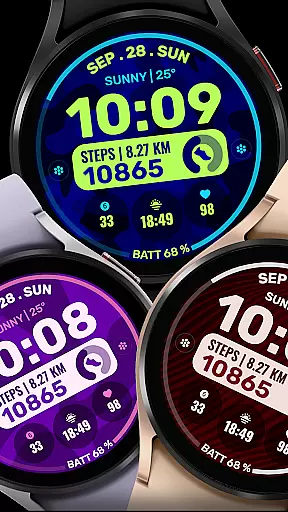
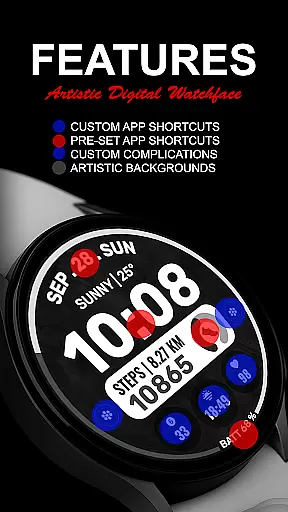
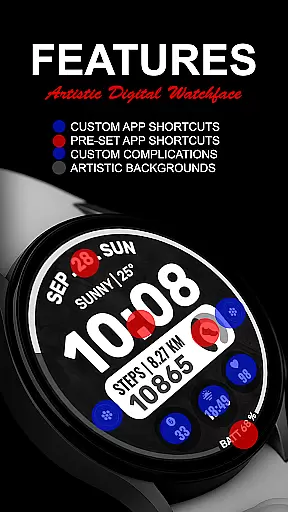
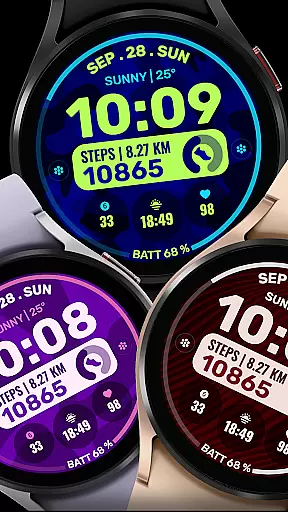
The watch face includes pre-set app shortcuts for essential functions like Alarm, Calendar, Battery, and Steps, while also allowing users to create custom app shortcuts and complications. These features enable you to tailor the display with data such as date, weather, steps, world clock, and more. The ability to customize background and color themes ensures that each user can achieve a unique look that suits their style.
Whether you're looking to enhance productivity or simply want a personalized watch face that stands out, Data Dash offers the tools necessary to create an engaging and functional wearable experience.
Data Dash stands out with its comprehensive feature set tailored for Wear OS users. The artistic digital clock serves as the centerpiece, providing a visually appealing way to check the time. This is complemented by pre-set app shortcuts for frequently used functions such as Alarm, Calendar, Battery, and Steps, ensuring quick access to essential tools.
One of the key innovations is the inclusion of two custom app shortcuts and three customizable complications. These allow users to display a wide range of data including date, weather, step count, world clock, sunrise/sunset times, next appointments, and distance walked. While some complications may require additional third-party installations, this flexibility empowers users to create a truly personalized watch face.
The ability to customize background and color themes adds another layer of personalization. By following simple installation notes and ensuring proper synchronization between phone and watch, users can enjoy a seamless setup process. The application's compatibility with various Wear OS devices makes it a versatile choice for those seeking both functionality and style in their smartwatch experience.
Companion app integration is crucial for a seamless wearable experience. Data Dash ensures that its watch face editor works directly on the Samsung Wearable app, although users may encounter syncing issues with complex designs.
The application supports all Wear OS devices with API Level 34+ and later versions, ensuring broad compatibility. Users can customize their watch faces directly on their devices, which is recommended until Samsung resolves syncing challenges.
By allowing customization directly on the watch, Data Dash provides a reliable solution to potential limitations of companion apps. This approach enhances user satisfaction by offering flexibility and control over the appearance and functionality of their smartwatches.
Device compatibility is a key feature of any Wear OS application. Data Dash supports all Wear OS devices with API Level 34+ and later versions, ensuring that users with newer devices can fully utilize its features.
Some functionalities, like pre-set app shortcuts and custom complications, might not be available on every device due to hardware or software constraints. However, core features such as artistic digital clocks and customizable backgrounds are accessible across supported devices.
This compatibility ensures that users enjoy a consistent experience regardless of their specific Wear OS device. By focusing on broad device support, Data Dash maximizes accessibility and user engagement.
Highly customizable
Artistic design
Wide feature range
User-friendly interface
Regular updates
Complex setup
Limited support
Third-party apps
Battery usage
Premium cost

Diet tracker for weight loss - track calories, food and macros. Simple and easy!
 4.70
4.70
Christmas Theme Watch Face for Wear Os
5.00
MyNISSAN® lets you remotely control your car from your phone.*
4.50
Wear Os Watch Face - Animated Snow Effect & Magic Spark - 6 Scenes
4.10
Easy Voice Recorder is your everyday companion to record important moments.
4.70
Let's celebrate Thanksgiving - Wear Os watch face
4.20
Digital watch face. For Wear OS devices.
4.40
Monitor health with the stress test and pulse checker in the heart rate app.
4.60
Spam call blocker and caller ID for automatic call protection!
4.40
Christmas - Festive - Christmas Village - Winter - Christmas lights
5.00
Period, ovulation & pregnancy tracker. Fertility insights & menstrual calendar.
4.90
Be an elegant and classy secret agent, with this carefully detailed watch face
4.70
Real-time results, stats, schedules and player profiles for all leagues
4.60
Simple, helpful messaging by Google
4.60
Bold weather Digital watchface with forecast & optional animated background
4.40
Locate your family members by GPS phone location tracker everywhere and anytime
4.30
Animated Watch Face and Customizable with 24 Backgrounds. Perfect for Christmas!
3.90
Watch the sharpness of the sky on your wrist..
3.70
Your local weather forecast, storm tracker, radar maps & live weather news
3.40


User Reviews