
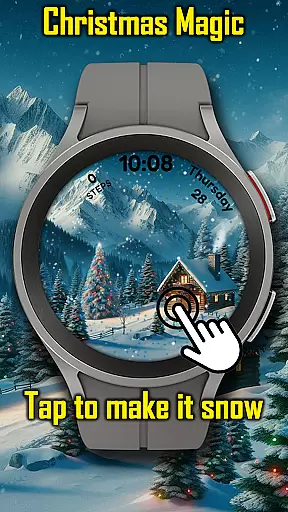
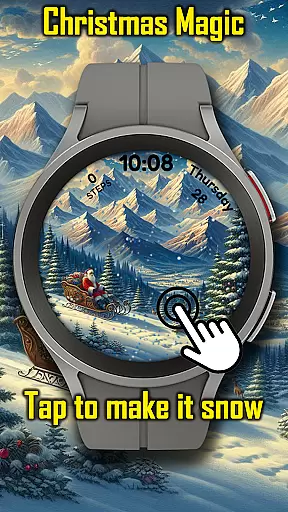
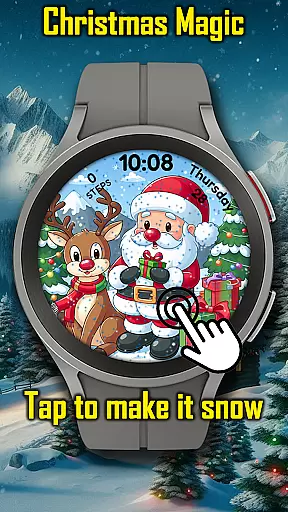
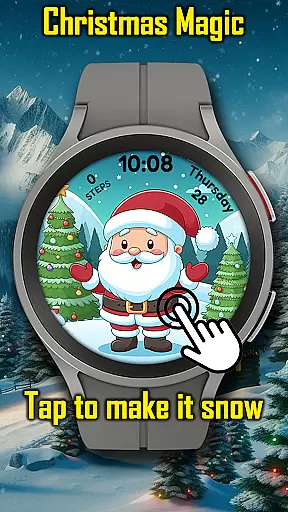
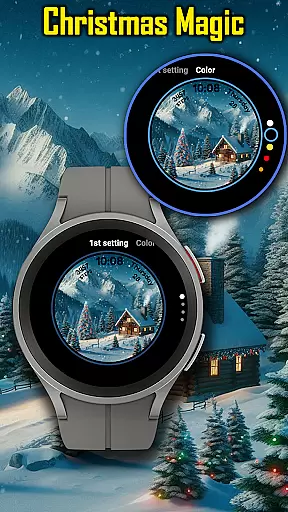
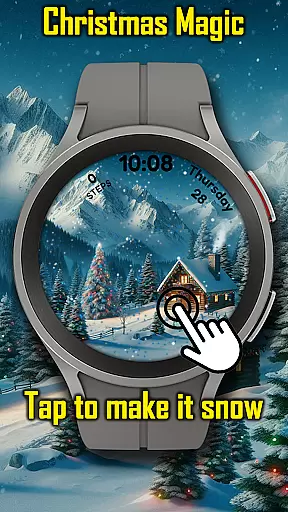
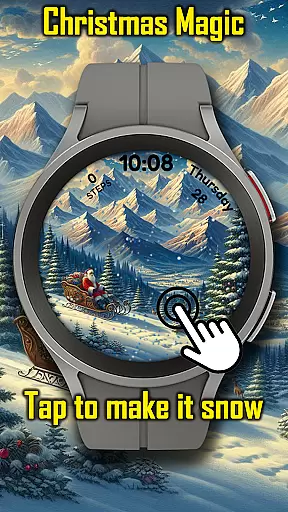
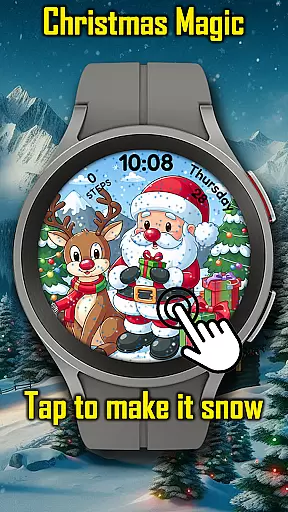
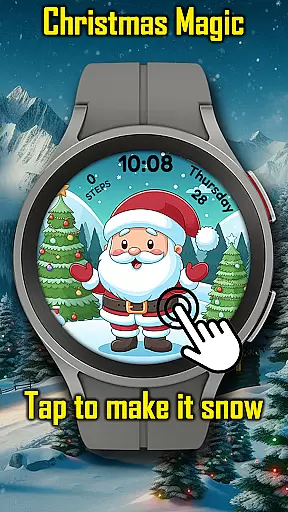
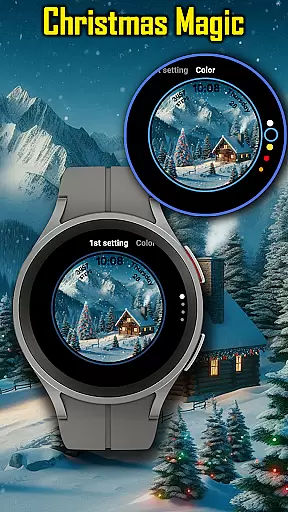
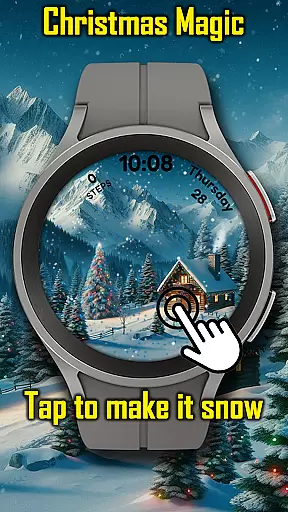
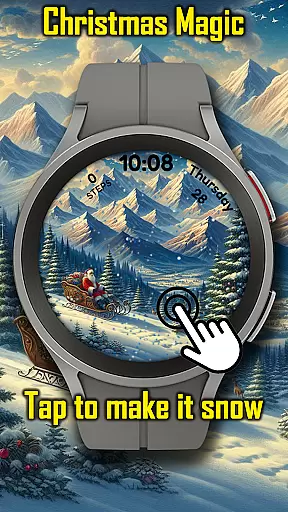
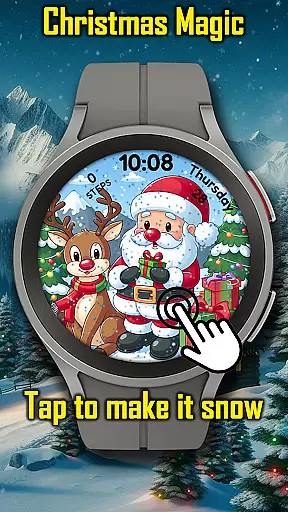
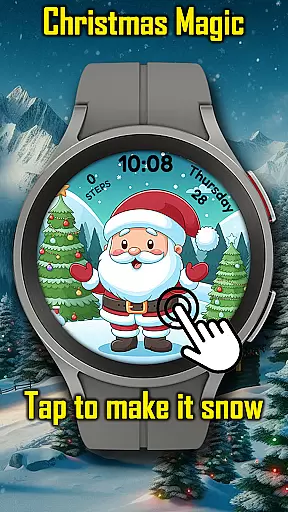
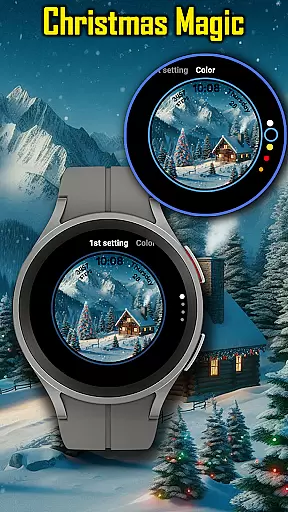

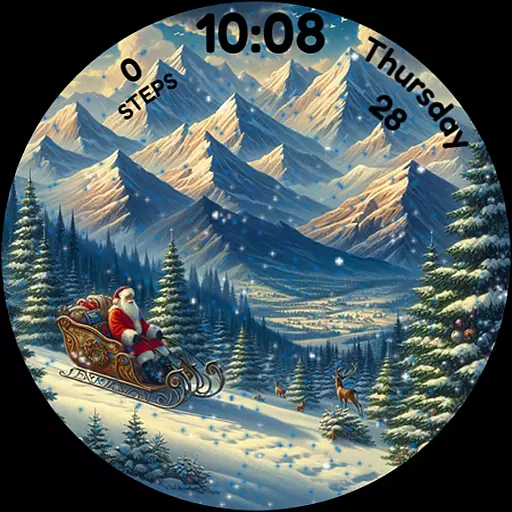
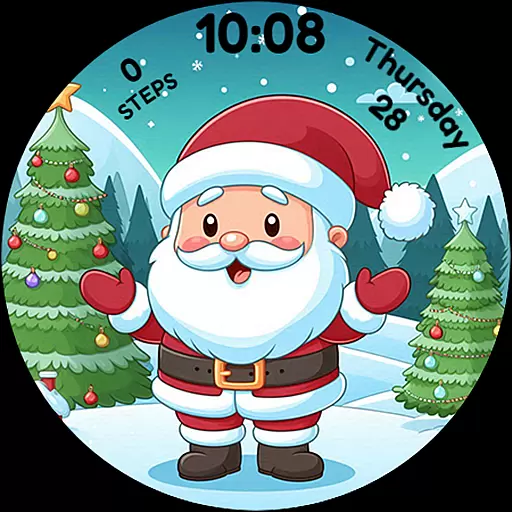
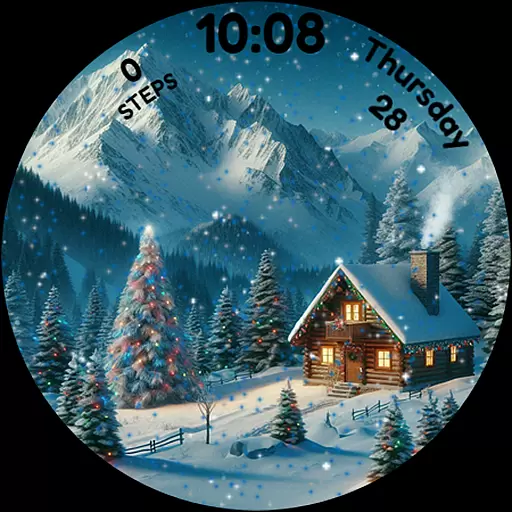
Christmas Magic Watch Face transforms your Wear OS smartwatch into a festive accessory, perfect for holiday enthusiasts. Featuring Santa Claus, Christmas trees, and snowy mountains, it brings animated Christmas scenes to life with customizable colors and snowfall effects.
This watch face is designed to keep the Christmas spirit alive on your wrist. With AOD mode support, users can enjoy both functionality and festivity. Whether you're checking the time or admiring the holiday-themed animations, this app ensures every glance at your watch feels magical.
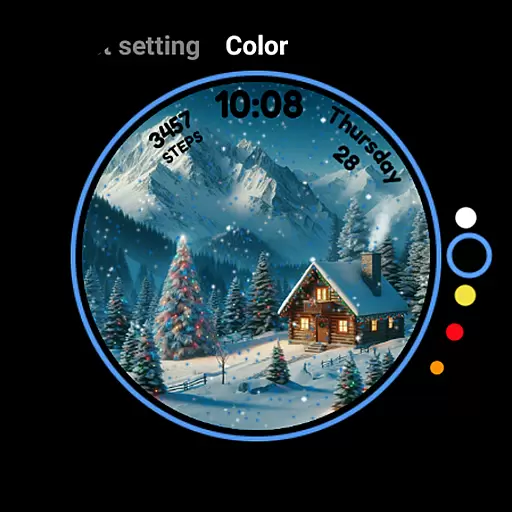
Experience the joy of Christmas with animated scenes that include falling snow activated by touch. The watch face offers customizable colors, allowing users to tailor the appearance to their personal style while maintaining a holiday theme.
With Always-On Display (AOD) mode, your watch remains festive even when not in active use. This feature-rich app combines aesthetics with practicality, ensuring that your Wear OS device not only looks great but also functions efficiently during the holiday season.
For Christmas Magic Watch Face, seamless companion app integration is crucial for an enhanced user experience. This feature ensures that your Wear OS smartwatch and smartphone work in harmony, allowing you to customize watch face settings directly from your phone.
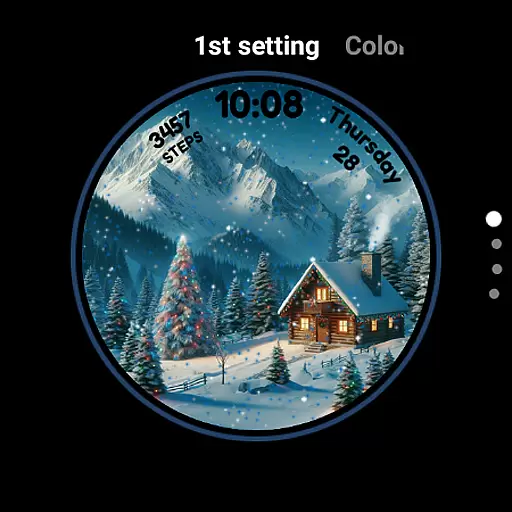
The app provides a user-friendly interface where you can adjust the animated scenes, toggle snowfall effects, and choose customizable colors to match your festive style. These adjustments are then synced in real-time to your smartwatch, ensuring that your watch face is always personalized to your liking.
By leveraging this integration, users benefit from effortless control over their watch face's appearance without needing to interact directly with the watch for every change. This saves time and enhances convenience, making it easier than ever to keep the holiday spirit alive on your wrist.
Ensuring broad compatibility across various Wear OS devices is a cornerstone of the Christmas Magic Watch Face. This compatibility allows users with different smartwatch models to enjoy the festive animations and features without concern for device limitations.
The application supports all major Wear OS devices, providing consistent performance whether you have a Fossil, TicWatch, or any other popular brand. It takes full advantage of the Wear OS platform's capabilities, including AOD mode, to deliver an uninterrupted holiday experience.
With verified compatibility, users can trust that the Christmas-themed design, complete with Santa Claus and snowy mountain backdrops, will appear as intended. This commitment to compatibility guarantees that everyone can partake in the magic of the season, regardless of their specific Wear OS device.
Holiday-themed design
Animated snowfall effect
Customizable colors
AOD mode support
Festive and fun
Limited to Wear OS
Seasonal appeal only
Battery consumption
Basic time display
No additional features

Walking app for weight loss: walk & step tracker, pedometer, indoor treadmill
 4.60
4.60
Watch the sharpness of the sky on your wrist..
3.70
Deck out your Wear OS Watch face with a beautifully decorated pine wreath!
4.50
Wear Os Watch Face - Animated Snow Effect & Magic Spark - 6 Scenes
4.10
Nutrition, Macro tracker: Food, fitness & healthy diet tracking for weight loss
4.60
Real-time results, stats, schedules and player profiles for all leagues
4.60
Professional weather radar and more
3.90
Hybrid Vibrant Health Watch Face for Wear OS
4.2
Premium hybrid watch face with many customizations for Wear OS devices.
4.40
Digital, flexibly customizable watch face. For Wear OS 5.0, API 34+ and later.
5.00
Gym Log & Workout Tracker | Fitness Journal, Training & Weight Lifting Planner
4.90
Period, ovulation & pregnancy tracker. Fertility insights & menstrual calendar.
4.90
Beautiful artistic animated digital watch face, with a customizable layout!
4.40
Bold, Modern Hybrid Watch Face for Wear OS. 10 Colors, Rich Info Display.
4.30
Calming & relaxing sounds for sleeping and stress relief. Stay focused all day!
4.20
Elegant animated Christmas tree with multiple customization options
4.20
Connect, create, and collaborate with Gmail, part of Google Workspace.
4.10
Want to take charge of your health? Let Google Fit help you reach your goals.
3.50
A watch face that fuses motorsport precision with contemporary smartwatch design
4.2


User Reviews