
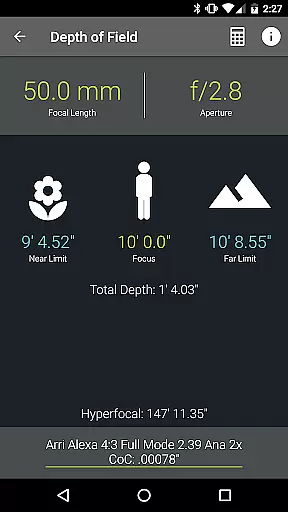
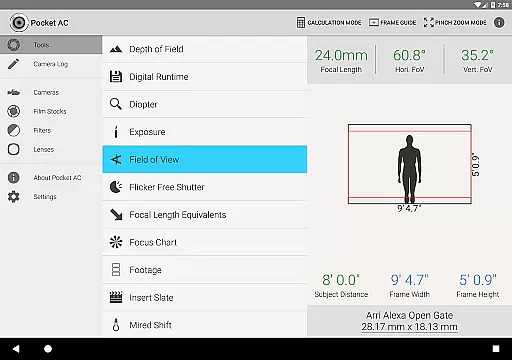
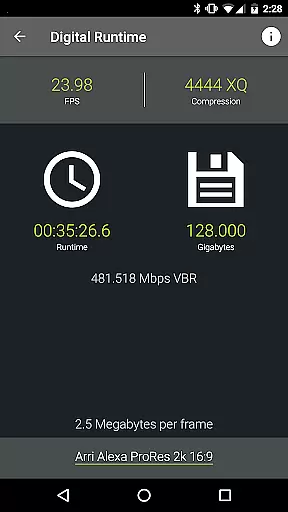
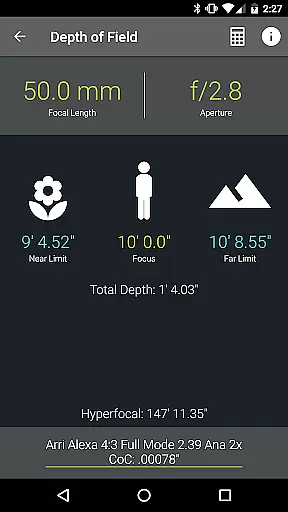
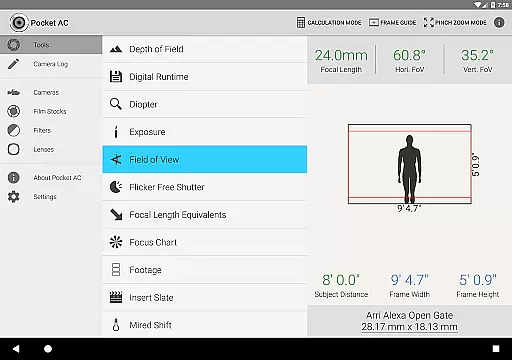
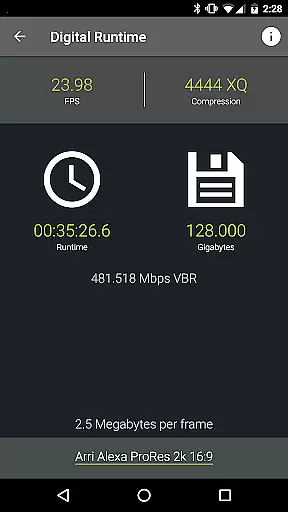
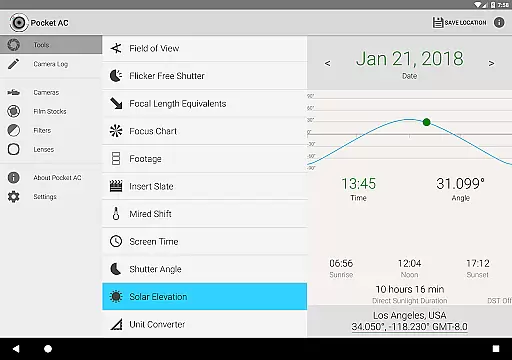
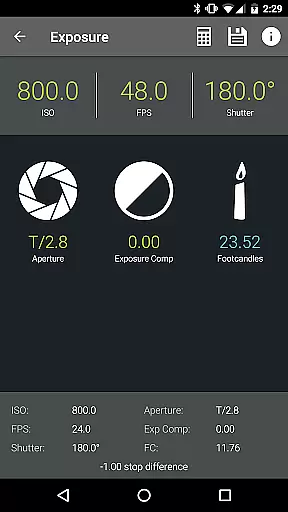
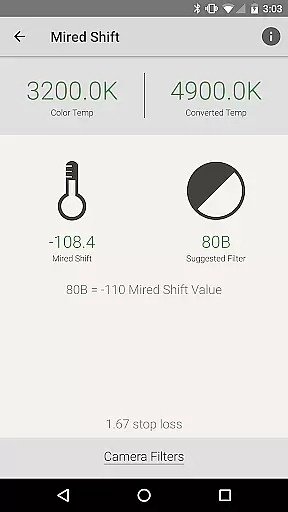
Pocket AC is an essential toolset for cinematographers and videographers, featuring a comprehensive suite of calculators and reference materials. The app provides specialized tools such as Depth of Field, Exposure, and Flicker Free Shutter calculators, alongside detailed camera specifications and lens catalogs.
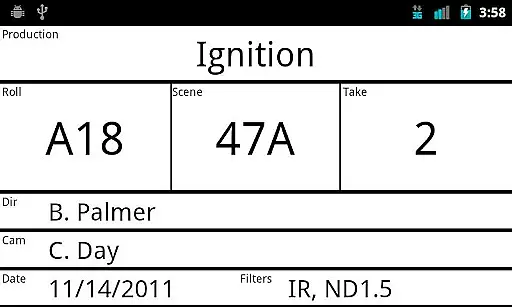
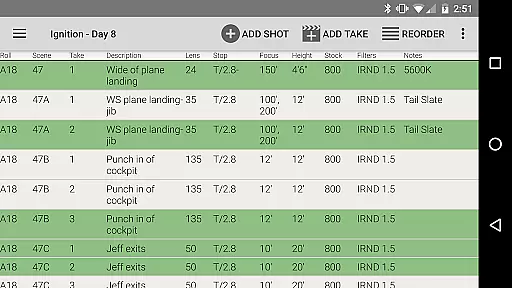
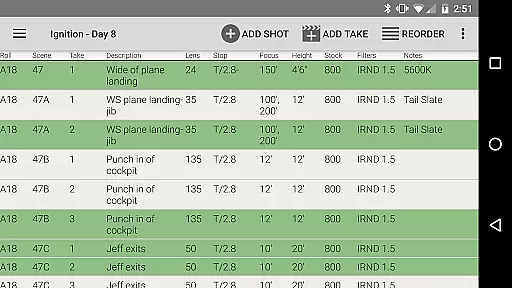
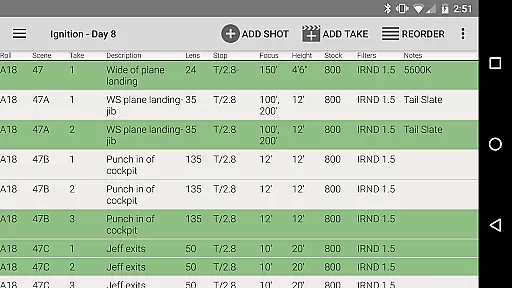
Designed by a camera assistant, this app streamlines production workflows with its Camera Log functionality, allowing users to log shots and export reports in multiple formats. Whether you're working with Arri, Blackmagic, Canon, or Sony cameras, Pocket AC supports a wide range of equipment, making it indispensable for film and video professionals.
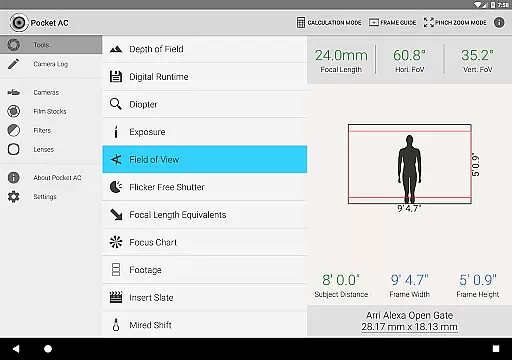
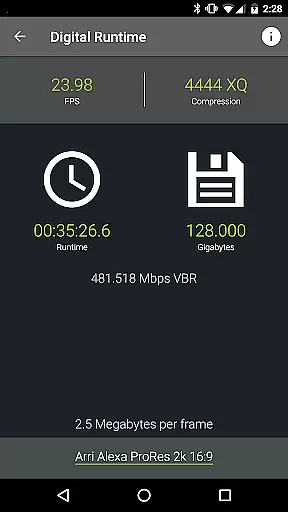
The app boasts an extensive array of features tailored for film production professionals. It includes over 20 specialized calculators like Data Transfer, Digital Runtime, and Mired Shift, as well as interactive tools such as the Field of View preview with focal reducer support.
Reference tables cover more than 140 camera models and 2000 lenses, providing critical information at your fingertips. Additionally, the real-time collaborative Camera Log helps teams stay organized, while customizable presets and multi-cam support enhance productivity on set.
Real-time capture and preview functionality is essential for photographers and videographers who need to ensure their shots are perfectly framed and exposed. Pocket AC offers a comprehensive suite of tools that allow users to simulate and plan their shots with precision.
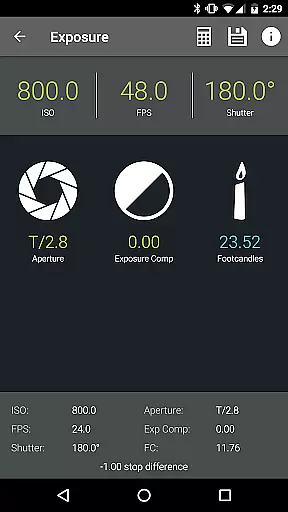
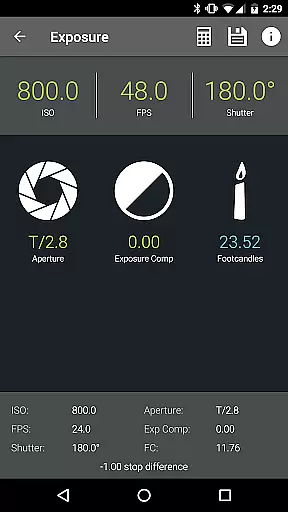
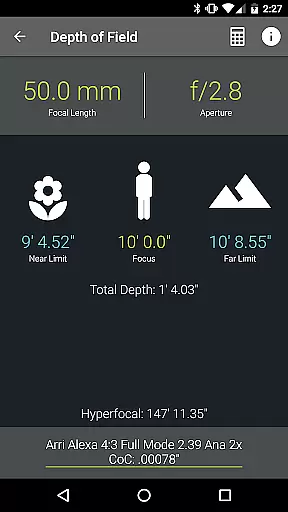
The app includes features like Depth of Field and Split Focus calculators, Exposure settings, and Field of View previews. These tools enable cinematographers to visualize how different lenses and camera settings will affect the final image before they even step onto the set.
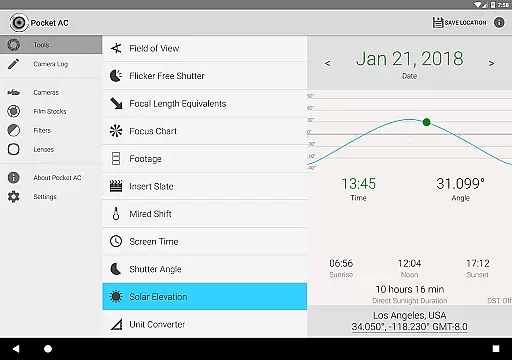
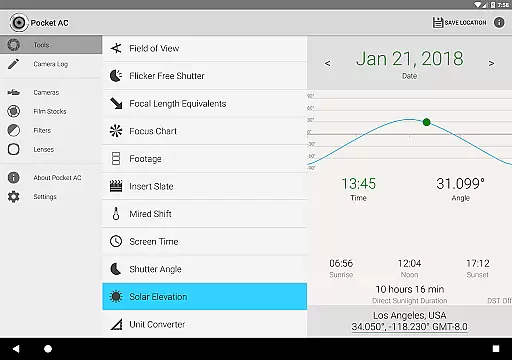
By providing real-time data on critical parameters such as focal length equivalents and solar elevation, Pocket AC empowers users to make informed decisions quickly. This ensures that every shot is captured with the desired aesthetic and technical quality.
Ultimately, the real-time capture and preview capabilities in Pocket AC save time during production and help deliver professional-grade results by allowing detailed planning and precise execution of each shot.
While Pocket AC does not focus on AI beauty enhancements typically found in portrait or selfie apps, it excels in enhancing the natural beauty of cinematography through accurate calculations and reference materials. The app's array of calculators and charts provides the necessary data to achieve optimal visual aesthetics.
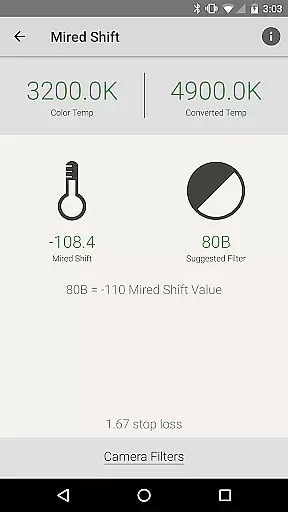
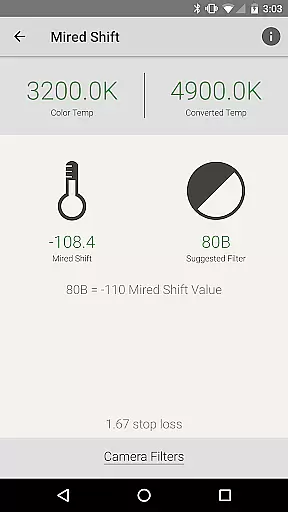
Tools such as the Diopter and Split Diopter calculator, Mired Shift, and Filter Suggestions assist in refining the optical qualities of a shot. These features ensure that the inherent beauty of the scene is captured without artificial enhancements, maintaining authenticity.
Additionally, the app's extensive lens catalog and camera specifications database offer insights into the best equipment choices for specific shooting conditions. This allows videographers to select gear that naturally enhances the visual storytelling without relying on post-production tricks.
By focusing on genuine photographic techniques and providing reliable data, Pocket AC helps cinematographers create visually stunning work that remains true to the original scene, preserving its natural essence.
User-friendly interface
Comprehensive toolset
Wide camera compatibility
Real-time collaboration
Export flexibility
Interface may overwhelm beginners
Some features require technical knowledge
Occasional bugs in beta features
Limited free version capabilities
High learning curve

Gallery show photo, video, slideshow, is perfect 3D effect private photo albums.
 4.80
4.80
[3DSteroid Pro] is a stereoscopic application for Android.
4.30
HD Photo gallery and photo manager to edit, hide private photos, videos & albums
4.0
Photo prints, cards, & gifts at Walgreens. Easy ordering & fast local pickup !
4.80
Create collages easily! Nice pic collage maker & background eraser for Instagram
4.50
Luminar: Photo Editor - easy picture editing with AI
4.20
live datamoshing
4.00
RAW video capture with advanced controls
4.40
PhotoSync Bundle Add-On License. Enables all features and services in PhotoSync.
4.60
Viewfinder, Light meter, Reciprocity failure time, DOF & Bellows Extension
4.60
Discover & download millions of art for The Frame TV or Hisense CanvasTV
4.60
Create AI photos & videos with Enhancer; restore, fix, beautify, enhance photos
4.50
Effortlessly organize, view and share your photos & videos with Gallery app!
4.40
AI portrait generator and polaroid AI selfie, fun AI generated AI photo creator!
4.30
Smart, light, and fast photo and video gallery
4.30
A light meter for true photographers.
4.20
How old age camera Gender Swap App Face Shape Hairstyle App Hair Styler App fun!
4.00
How would you look like with a differently shaped nose, chin or lips?
3.90
Raw Image Viewer. Gallery with support of raw images (.cr3, .cr2, .nef, .raf).
2.00


User Reviews