
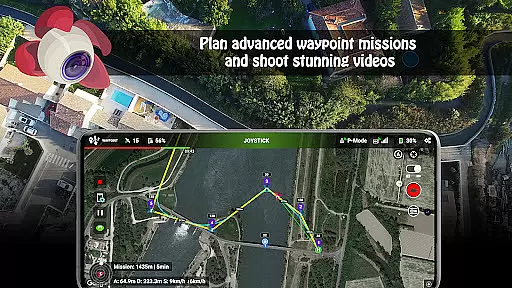
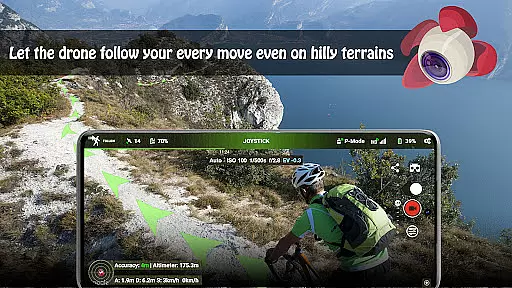
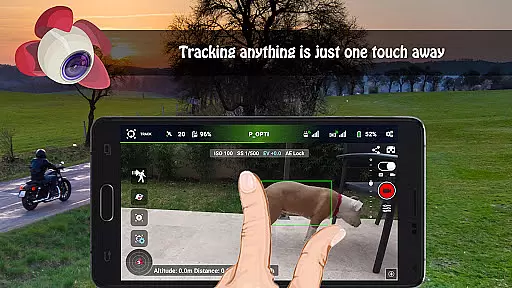
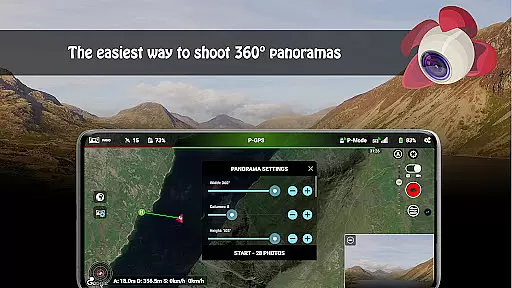
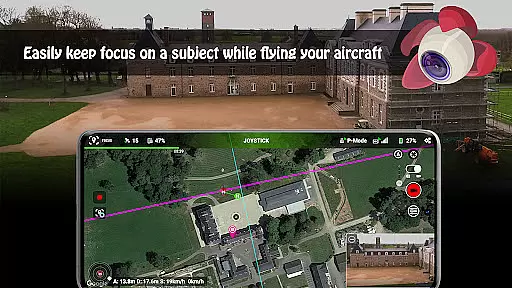
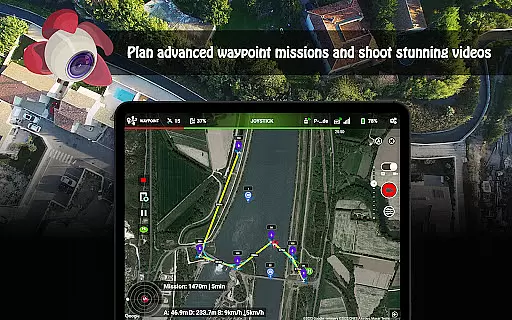
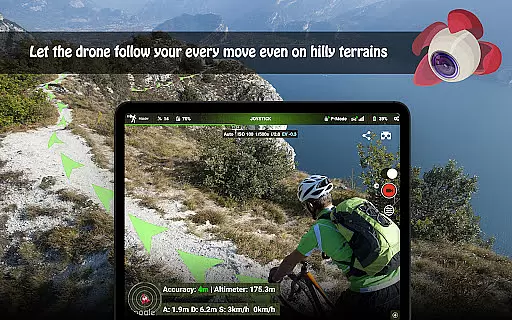
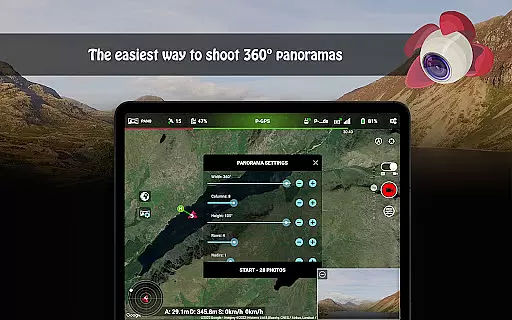
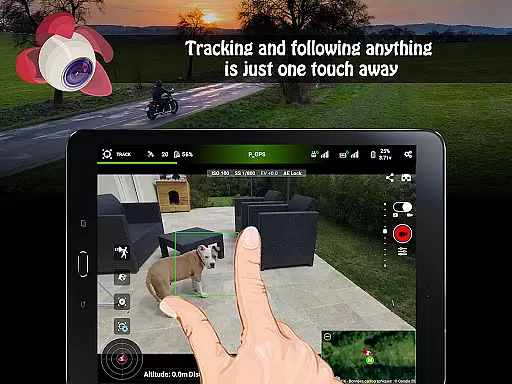
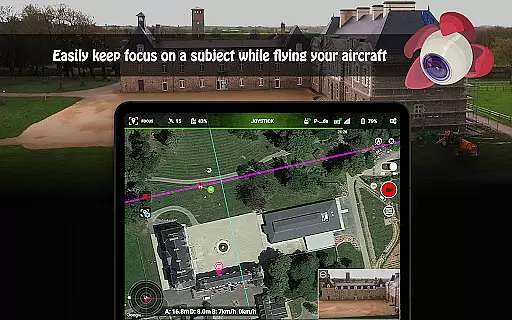
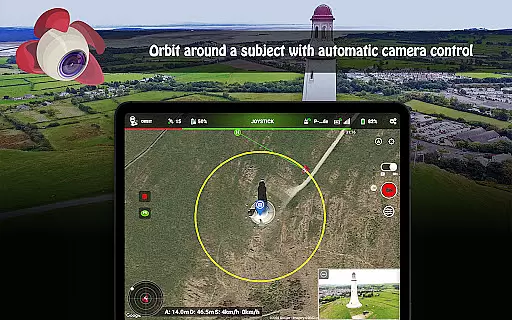
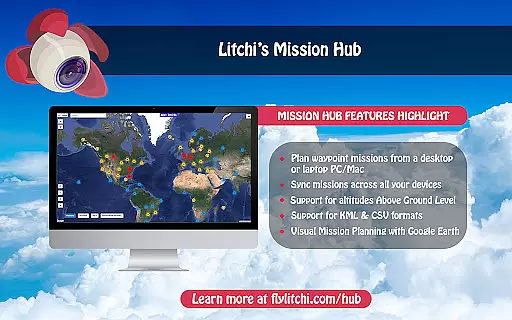
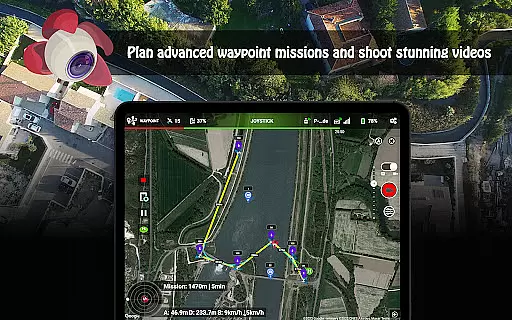
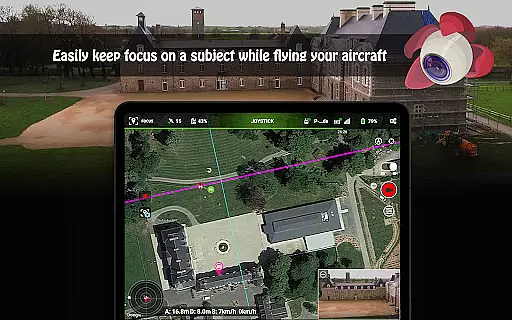
Litchi for DJI Drones is the premier application designed to enhance your drone flying experience. This app unlocks advanced features of compatible DJI drones, offering users an intuitive and powerful flight control system. With Litchi, you can access modes such as Waypoint, Panorama, Track, Follow, VR, and Focus, each providing unique ways to capture stunning aerial footage.
Whether you're a professional photographer or a hobbyist, Litchi's comprehensive suite of tools allows for seamless integration across multiple devices, ensuring that your flight plans sync effortlessly. The app also supports live streaming to platforms like Facebook and offers human-readable flight logs for post-flight analysis. Compatible with a range of DJI models, Litchi is the go-to solution for maximizing your drone's potential.
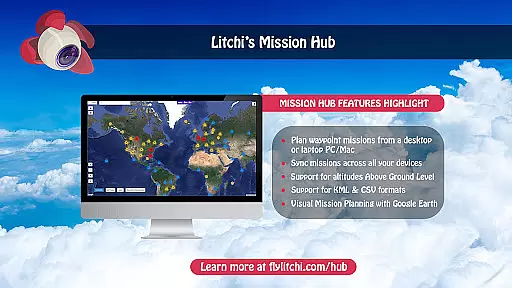
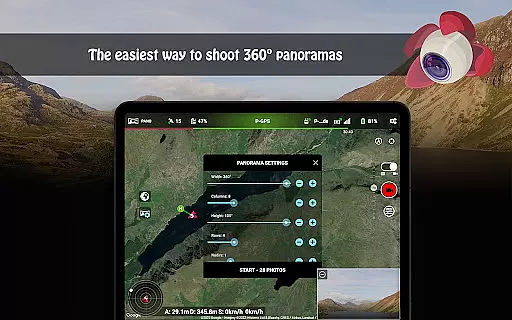
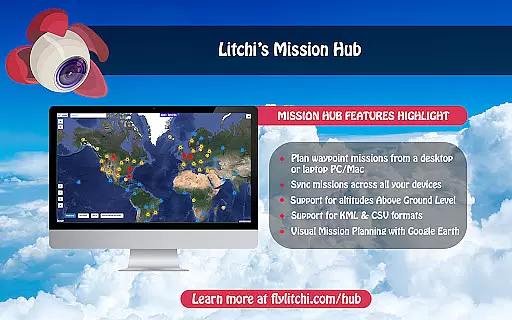
Litchi stands out with its robust feature set tailored for DJI drone enthusiasts. The Waypoint mode provides an intuitive engine for creating complex flight paths, accessible via PC/Mac and mobile devices. Users can capture breathtaking panoramas in horizontal, vertical, and 360 spherical formats, making it ideal for photography projects.
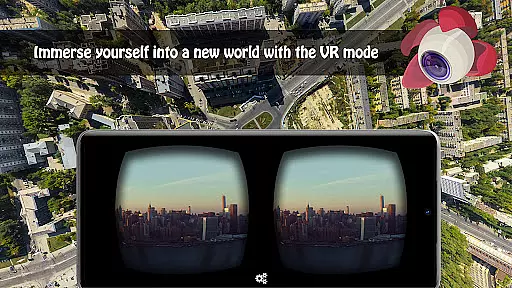
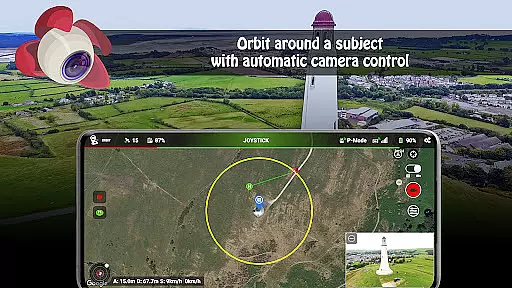
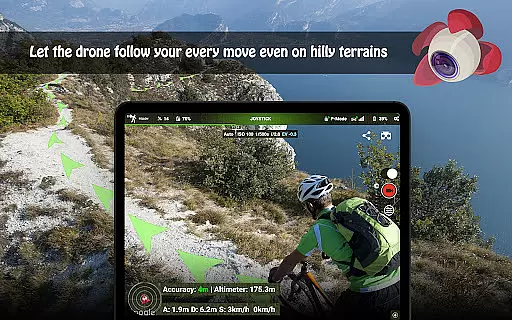
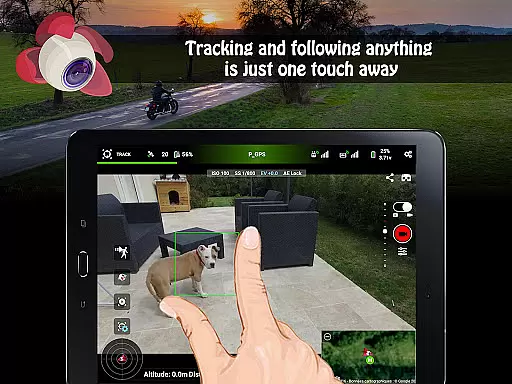
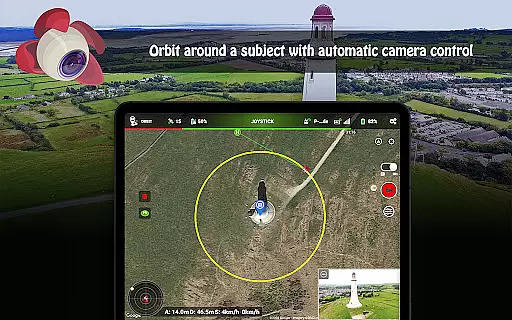
The Track and Follow modes utilize cutting-edge computer vision algorithms, allowing the drone to autonomously follow subjects or maintain framing while in motion. Additionally, the VR mode delivers an immersive FPV experience when paired with compatible goggles. Other notable features include Orbit mode for circling subjects, live video streaming capabilities, and support for bluetooth controllers, all contributing to a versatile and dynamic user experience.
Real-time capture and preview functionality is essential for drone photography, allowing users to frame shots accurately and make necessary adjustments on the fly. Litchi for DJI Drones excels in this area by providing a seamless live feed from the drone's camera directly to the user's device.
The app ensures minimal latency in video transmission, which means photographers and videographers can see exactly what the drone sees almost instantly. This feature is particularly useful when capturing complex shots or navigating challenging environments, as it allows for precise control over the final image composition.
Moreover, Litchi supports various modes such as Waypoint, Panorama, and Orbit, all of which benefit from real-time previews. Users can plan their flights and shots with confidence, knowing that what they see on their screen is what they will get in their final footage. The ability to livestream the drone's video feed to platforms like Facebook adds another layer of immediacy and engagement.
In practical terms, this means users can share their experiences instantly with audiences, whether for professional projects or personal enjoyment. The reliability and quality of Litchiu2019s real-time capture and preview make it an indispensable tool for anyone looking to maximize the potential of their DJI drone.
While primarily known for its robust flight planning and real-time capture capabilities, Litchi also incorporates AI beauty and enhancement features that ensure natural-looking results. These enhancements are subtle yet effective, focusing on improving image quality without compromising authenticity.
The AI algorithms within Litchi work to optimize colors, contrast, and sharpness in real-time, ensuring that every photo or video taken is of the highest standard. This is particularly beneficial for users who want to achieve professional-grade visuals without extensive post-processing. The enhancements are designed to be unobtrusive, maintaining the original scene's integrity while subtly elevating its aesthetic appeal.
For instance, when shooting landscapes or cityscapes, the AI might enhance the vibrancy of greens and blues or bring out details in shadows and highlights. In portrait mode, it could smooth skin tones naturally while preserving facial features' clarity and texture. Such intelligent enhancements help users produce stunning visuals effortlessly.
Ultimately, Litchiu2019s AI beauty and enhancement features empower users to focus more on creativity and less on technical adjustments. By delivering natural-looking enhancements in real-time, the app ensures that every shot not only meets but exceeds expectations, making it a valuable asset for both amateur enthusiasts and seasoned professionals alike.
Intuitive interface
Advanced waypoint planning
Seamless device syncing
Comprehensive feature set
Live streaming options
Incompatible with newer DJI models
Requires internet for initial setup
Premium pricing
Complex for beginners
Separate goggles needed for VR

An interval timer to automate photo taking process for timelapse
 2.90
2.90
All-in-One Editor & AI Photo Enhancer, Collage, Cartoonify, Funny Stickers & BGS
4.10
Natural Beauty, Selfie Retouch
4.30
The #1 app for B&W film developing featuring an advanced darkroom timer.
4.10
See your baby AI baby face generator AI baby maker Face generator babymaker fun!
4.70
AI photo enhancer with Sora 2! Enhance, descratch, and colorize your old photos.
4.50
Collage your moments in one tap: 1000+ layouts, filters, stickers, and texts.
4.90
Use AI Video Generator to turn your words to ai generated videos.
4.50
Photo & Video Gallery app to manage albums and save WA Status easily.
4.70
Create funny photos and videos with the popular Time Warp Scan filter.
4.90
Perfect body tune & face app - photo retouch, makeup, slim body & beautify face.
4.80
Viewfinder, Light meter, Reciprocity failure time, DOF & Bellows Extension
4.60
Easily create custom gifts, cards, photo books & more on the Shutterfly app!
4.60
Transform photos into videos! Create realistic or anime-style images easily!
4.50
HD Camera Pro with HD Video shooting, Panorama, Photo editor , Beauty Camera.
4.50
Movie camera, supports pro recording settings for filming. Try it and be amazed!
4.50
All-in-One Editor & AI Photo Enhancer, Beautify & Retouch, Collage, Cartoonify
4.20
How old age camera Gender Swap App Face Shape Hairstyle App Hair Styler App fun!
4.00
Create amazing frames with up to five photos. Rounded corners, effects and more!
3.60


User Reviews