
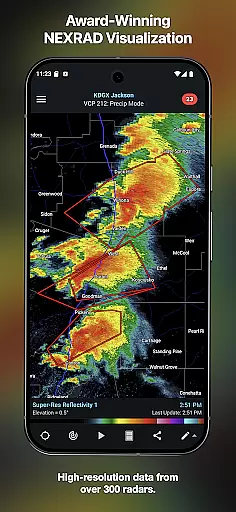
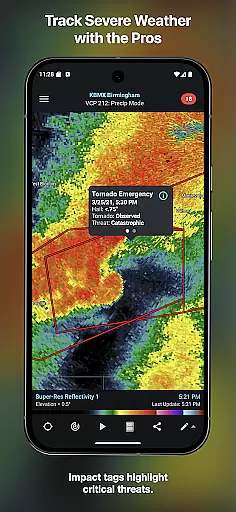
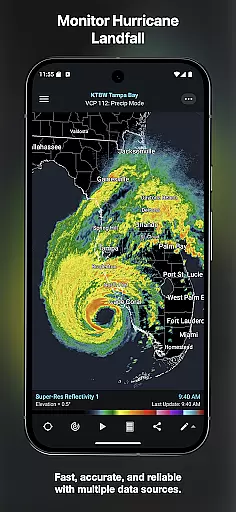
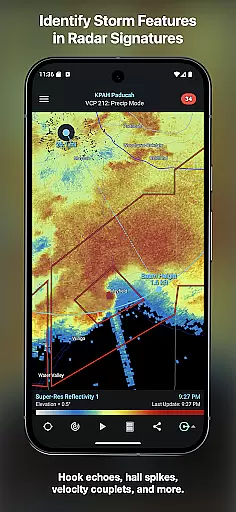
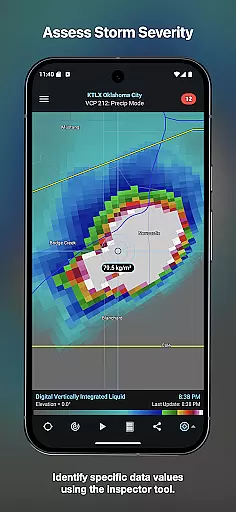
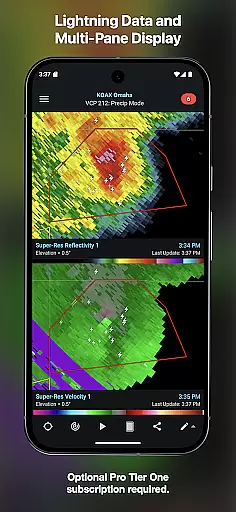
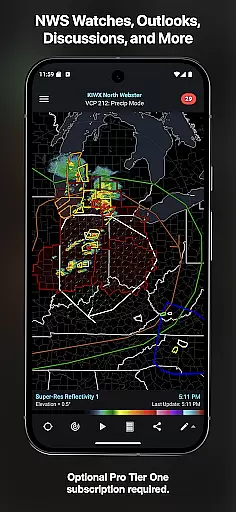
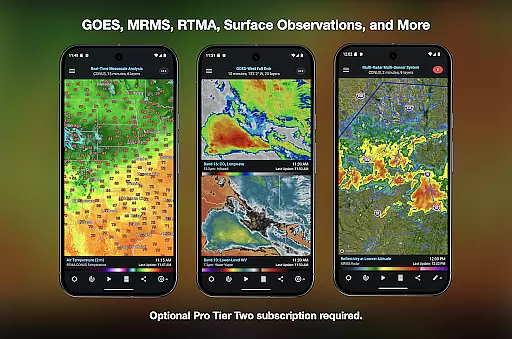
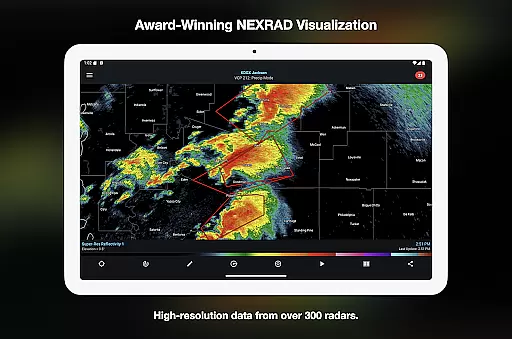
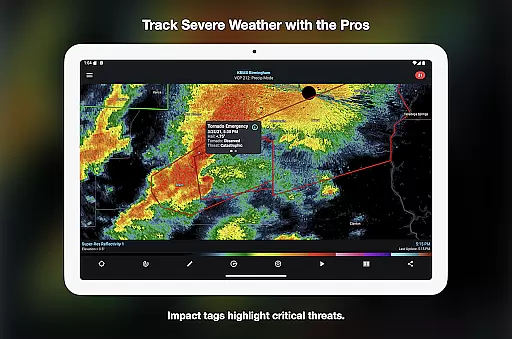
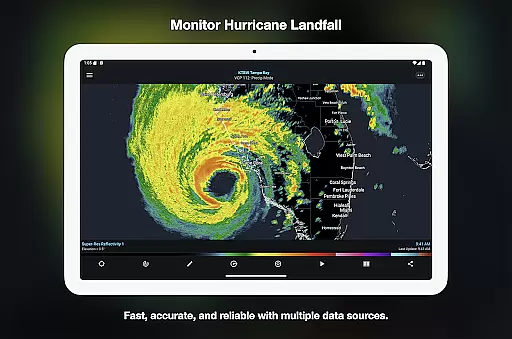
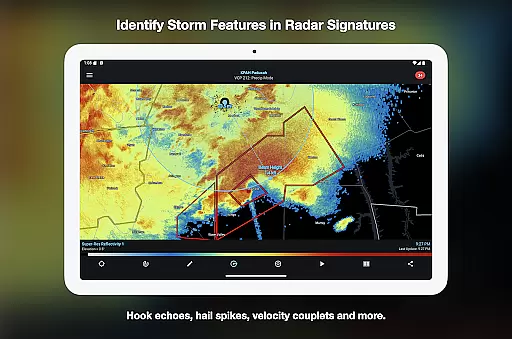
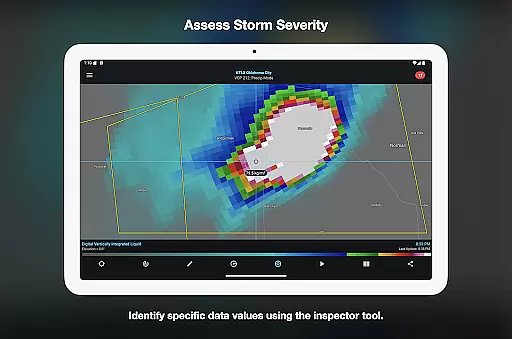

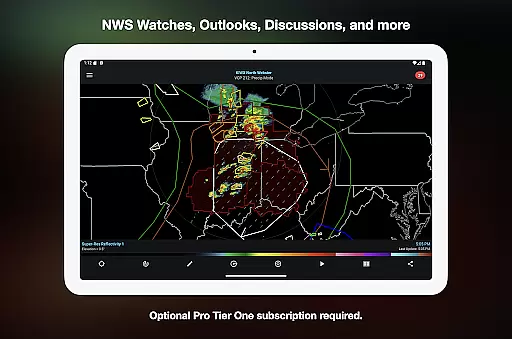
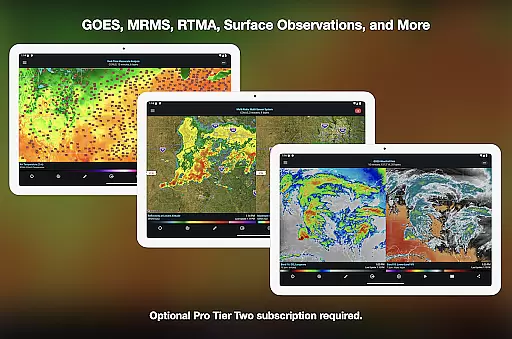
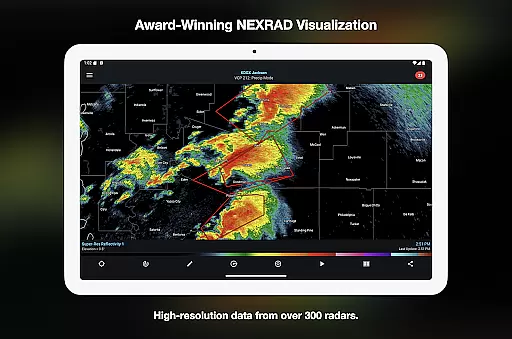
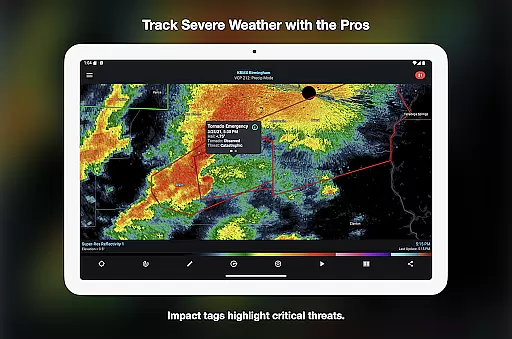
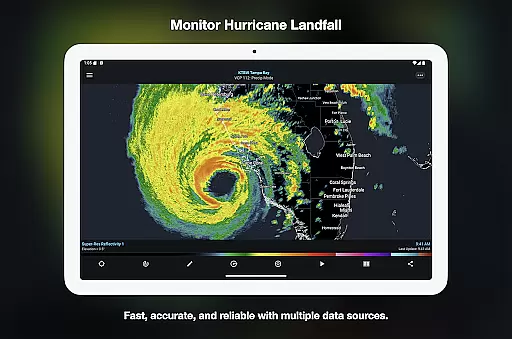
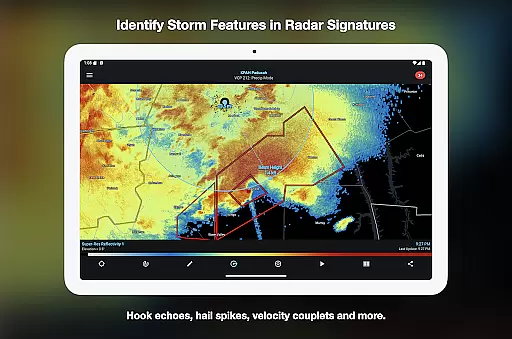
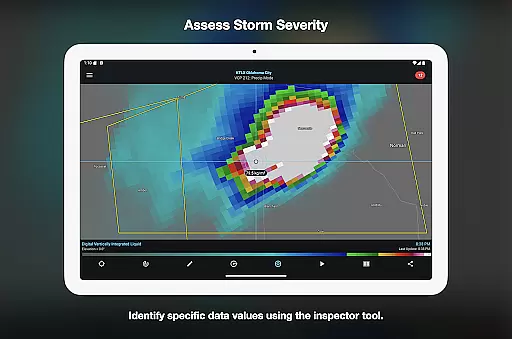
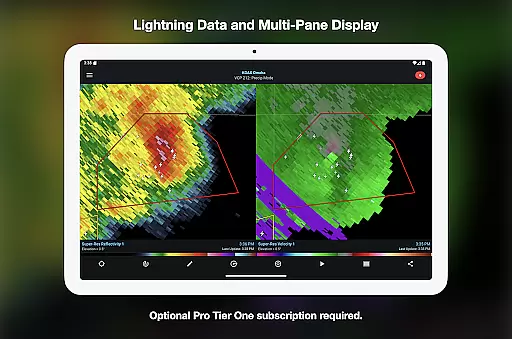
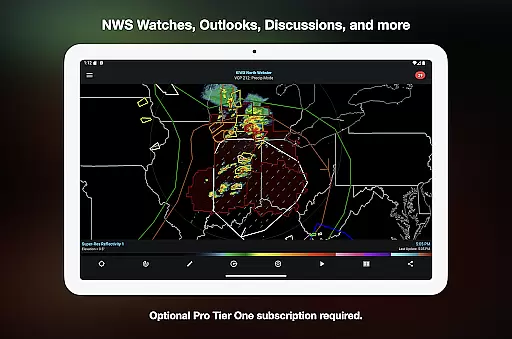
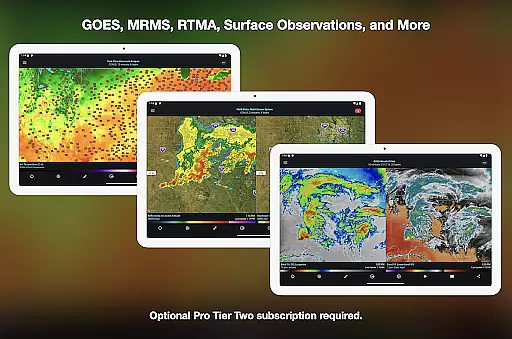
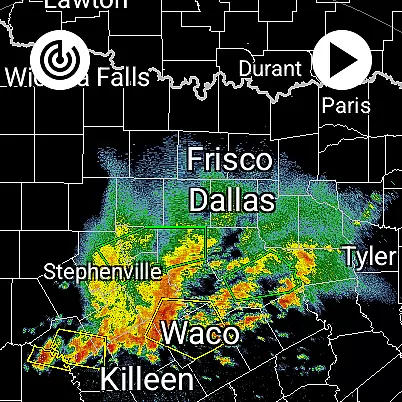
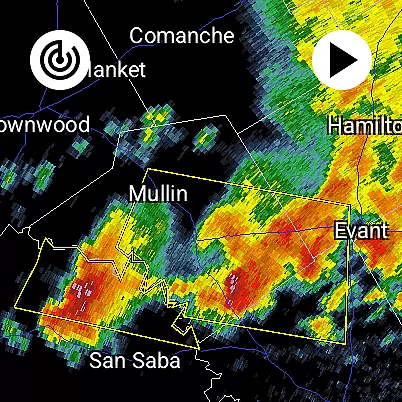
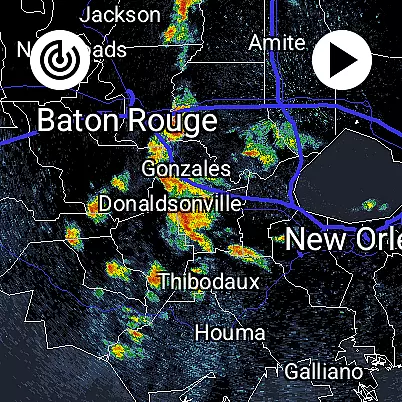
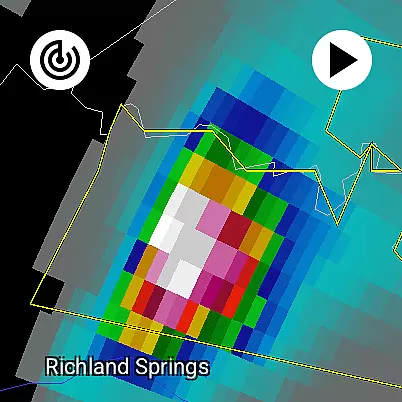
RadarScope is a professional weather visualization tool designed for meteorologists and weather enthusiasts. It provides real-time access to a comprehensive suite of single-site radar data and severe weather products across multiple countries. The app displays native radar data in its original radial format, offering users precise and timely weather information with updates every two to ten minutes.
The initial purchase includes essential features such as 6-frame radar loops, tornado and thunderstorm warnings, storm tracks, and various mapping tools. Optional RadarScope Pro subscriptions unlock advanced capabilities like 30-50 frame radar loops, lightning strike data, satellite imagery, and historical archives. This makes the app suitable for both casual observation and professional analysis.
RadarScope stands out with its ability to display radar data in its original radial format, ensuring accuracy and timeliness. The app supports data from multiple providers and offers extensive coverage across the US, Canada, Guam, Denmark, Finland, and Germany. With built-in tools like the Inspector and distance measurement, users can analyze weather patterns effectively.
For power users, RadarScope Pro tiers provide enhanced functionalities. Tier One adds 30-frame radar loops and severe weather outlooks, while Tier Two expands to 50-frame loops, NEXRAD Level II data, and historical archives. Additional integrations with AllisonHouse, Spotter Network, and mPING enhance reporting and analysis capabilities. These features make RadarScope an indispensable tool for tracking storms and understanding weather dynamics.
Companion app integration is a crucial feature for Android Wear applications like RadarScope. This functionality ensures seamless synchronization between the main mobile application and its wearable counterpart.
RadarScope achieves this by providing a unified experience across devices. Users can access critical weather data on their Wear OS devices, with information automatically synced from the main app. This includes radar loops, severe weather warnings, and other essential meteorological products.
The benefit to users is significant - they can monitor developing weather conditions directly from their wrist without needing to handle their phone. This convenience factor is particularly valuable for meteorologists and storm spotters who need quick access to radar data while in the field.
This integration demonstrates RadarScope's commitment to delivering professional-grade weather visualization across all user devices, maintaining consistent functionality and data availability regardless of which device is being used at any given moment.
Device compatibility is essential for Android Wear applications, ensuring the software functions correctly across various smartwatch models and configurations. For RadarScope, this means delivering a consistent experience on all supported Wear OS devices.
The application is optimized to work seamlessly on different screen sizes and resolutions common to Wear OS devices. It takes advantage of the platform's native features while maintaining reasonable battery consumption levels during extended use.
Users benefit from having reliable access to professional radar visualization tools regardless of their specific Wear OS device model. The universal nature of the app means that meteorologists and weather enthusiasts can choose their preferred hardware without compromising functionality.
This broad compatibility approach enhances RadarScope's value proposition by making its advanced weather tracking capabilities available to the widest possible range of Android Wear users, supporting both phones and larger devices equally well.
Real-time radar updates
Wide geographical coverage
Professional-grade tools
Optional advanced subscriptions
Accurate weather tracking
Higher cost for Pro
Complex for beginners
Limited free features
Subscription auto-renews
Heavy on data usage

Embrace the festive spirit with our Christmas Countdown watchface for Wear OS
 4.10
4.10
Elegant animated Christmas tree with multiple customization options
4.20
Bold, Modern Hybrid Watch Face for Wear OS. 10 Colors, Rich Info Display.
4.30
Kia Access makes getting your vehicle information easier than ever
4.60
The #1 source of faces for your smartwatch!
4.00
Real-time results, stats, schedules and player profiles for all leagues
4.60
Hyper-Realistic Airplane Dashboard Watch Face With 10 Skins and Custom AOD
4.00
Hybrid watch face for Wear OS with customizable complications by Matteo Dini MD
4.70
Back up your contacts & access them anywhere
4.30
Christmas Theme Watch Face for Wear Os
5.00
Be an elegant and classy secret agent, with this carefully detailed watch face
4.70
Current temperature, weather hourly, weather radar by the weather forecast app
4.40
Reliable phone calls with spam protection, caller ID and more helpful features
4.40
Christmas watch face. For Wear OS devices.
4.30
Calming & relaxing sounds for sleeping and stress relief. Stay focused all day!
4.20
Your music, your playlists, and more—offline and unlimited.
4.20
Christmas and New Year - Themed Watchface
4.5
Stylish digital watch face for Wear OS devices with customizable features
4.1
Hybrid Vibrant Health Watch Face for Wear OS
4.1


User Reviews