
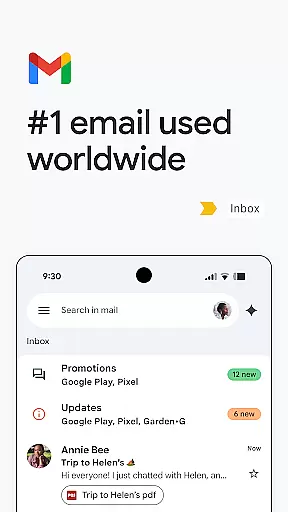
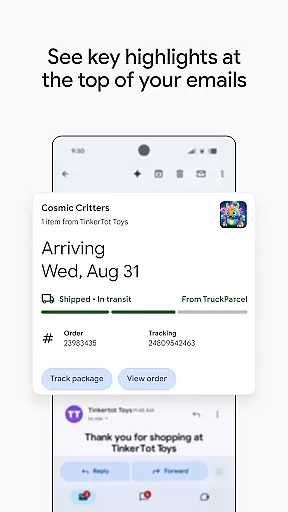
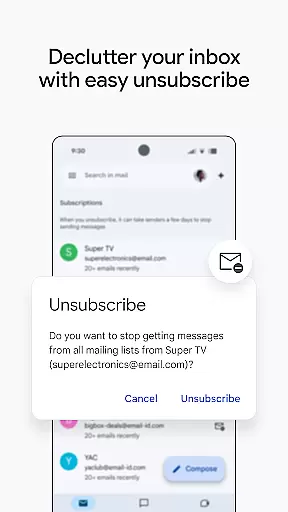
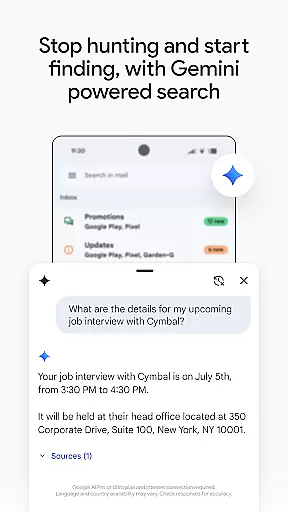
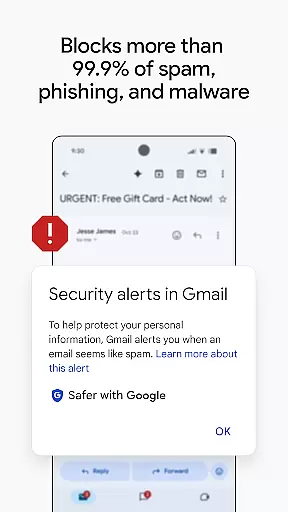
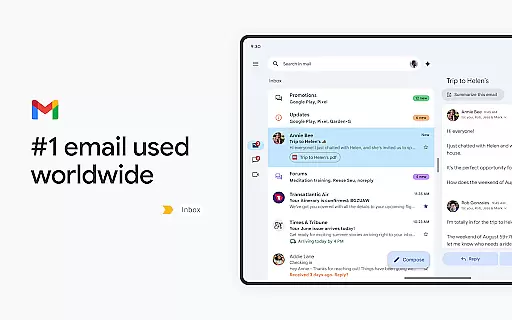
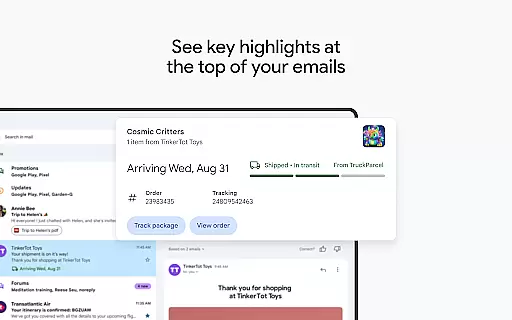
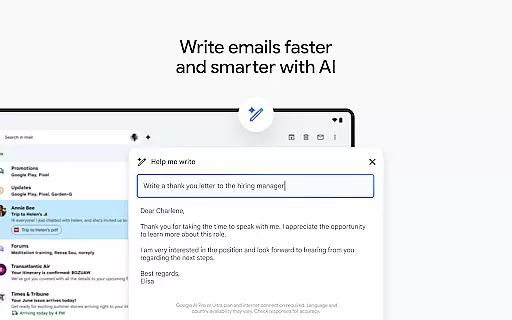
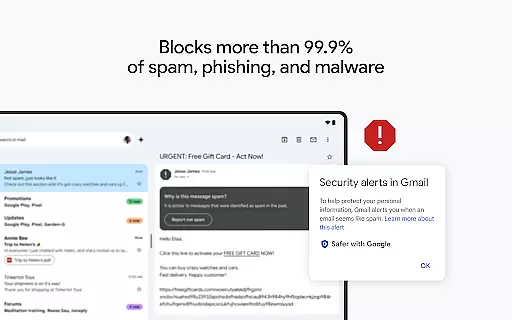
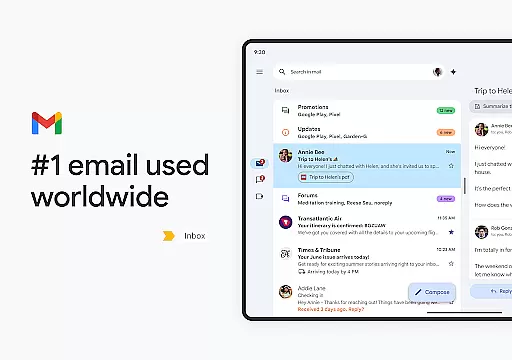
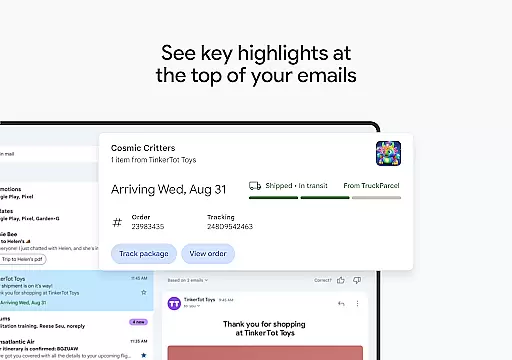
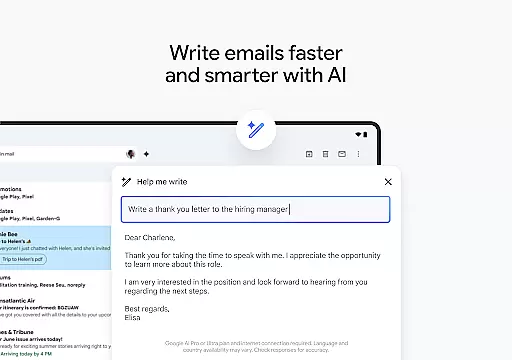
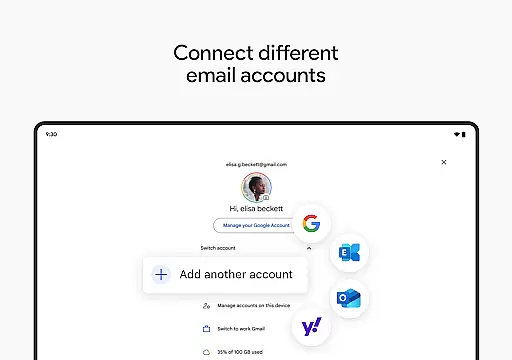
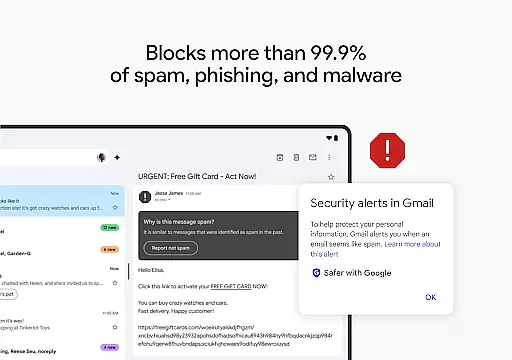
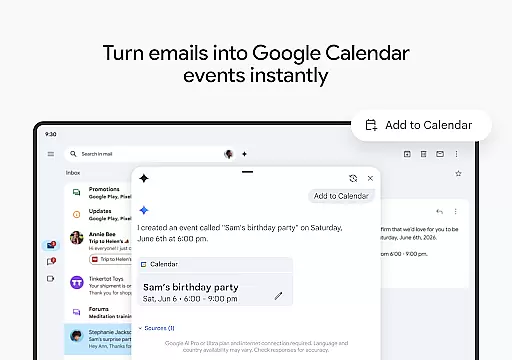
Gmail is the official email application from Google, designed to bring a seamless and secure emailing experience to Android devices. It offers advanced features such as AI-powered writing assistance, powerful search capabilities, and multi-account support. With enhanced security measures that block over 99.9% of spam and phishing attempts, Gmail ensures your communications remain safe.
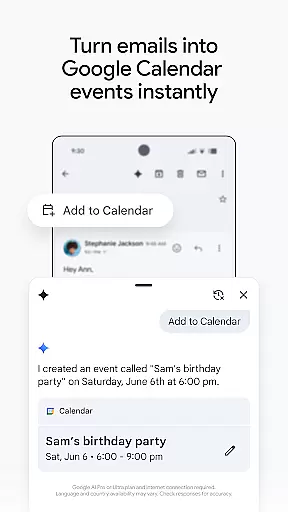
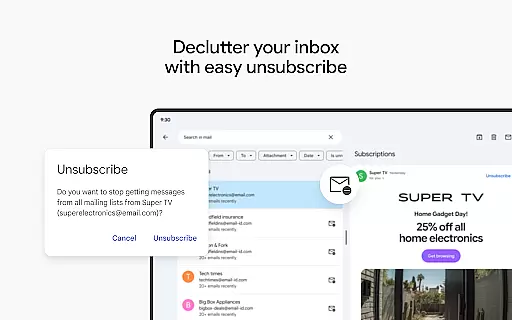
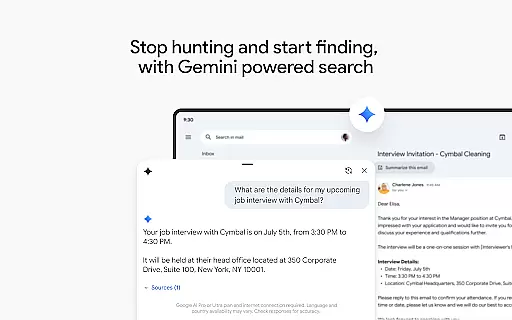
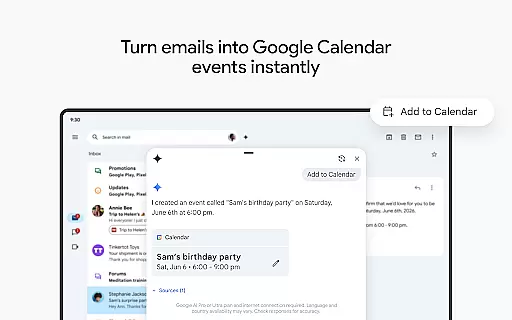
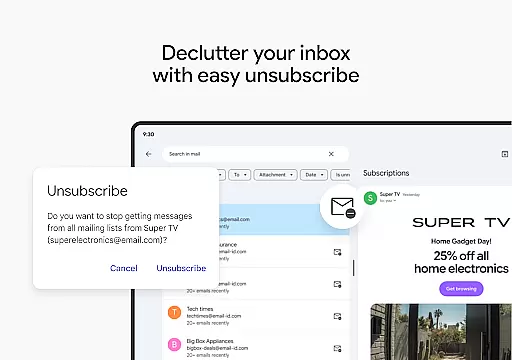
One standout feature is its integration with Google AI, which allows users to write emails faster, organize their inbox efficiently, and even search for specific details across emails or linked Google Drive files. The app also supports Wear OS, enabling users to manage emails directly from their smartwatch. Whether you're unsubscribing from unwanted newsletters or creating calendar invites through Gemini, Gmail provides tools that enhance productivity while maintaining top-tier security standards.
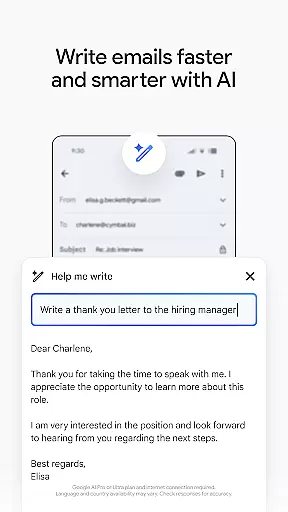
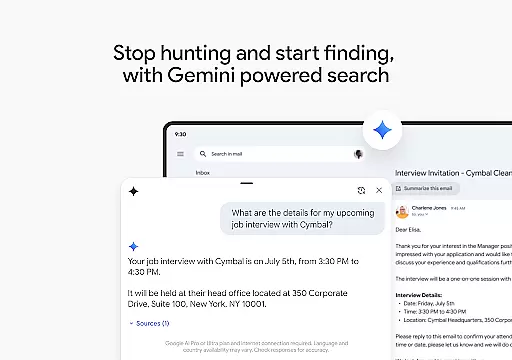
Gmail stands out with its robust set of features tailored for both personal and professional use. The app utilizes Google's AI technology to offer functionalities like 'Help me write,' Smart Reply, and contextual suggestions that make drafting emails quicker and more intuitive. Its powerful search function allows users to find specific emails or content within attachments easily, while the ability to ask Gemini for details adds another layer of convenience.
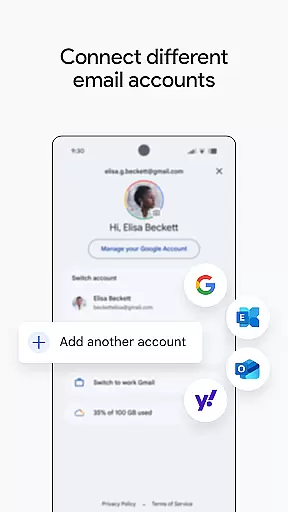
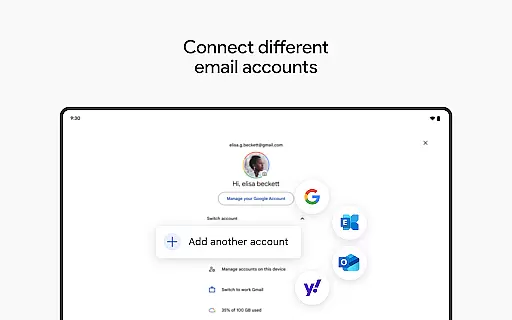
For professionals, Gmail integrates seamlessly into Google Workspace, providing access to premium AI features that boost productivity in collaborative environments. Users can switch between multiple accounts, connect with colleagues via Google Meet or Chat, and manage tasks without leaving the app. Security remains a top priority, with enterprise-grade protections ensuring data privacy and compliance. These comprehensive features make Gmail an indispensable tool for managing modern communication needs effectively.
Companion app integration is a crucial feature for Android Wear applications like Gmail. This functionality allows users to seamlessly sync their emails between their mobile devices and smartwatches.
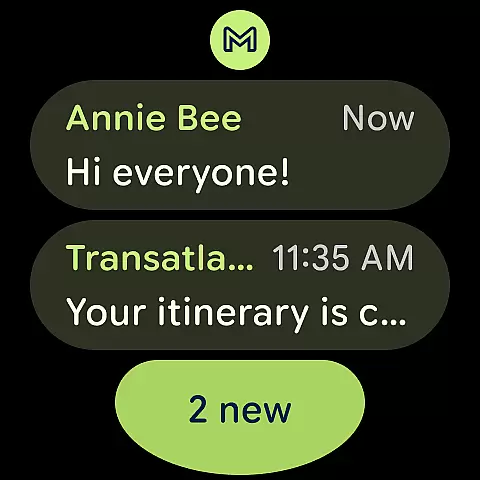
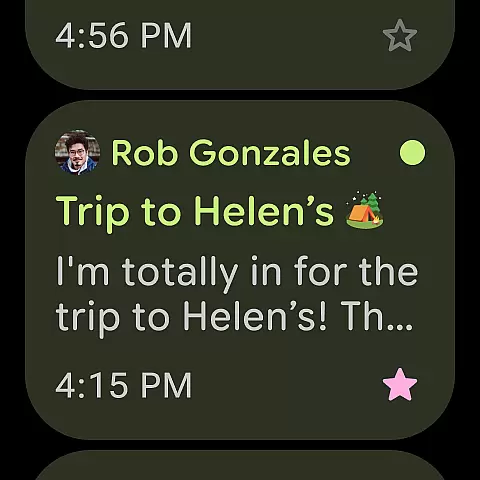
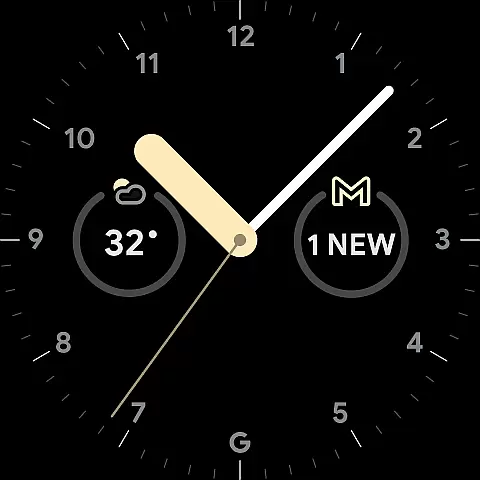
Gmail's companion app integration ensures that all your important emails are accessible right from your wrist. The synchronization process is automatic and real-time, providing users with instant notifications for new emails.
The benefit of this integration is the convenience it offers. Whether you're in a meeting or on the go, you can quickly glance at your watch to read important messages or even send pre-written responses. This saves time and keeps you connected without needing to pull out your phone.
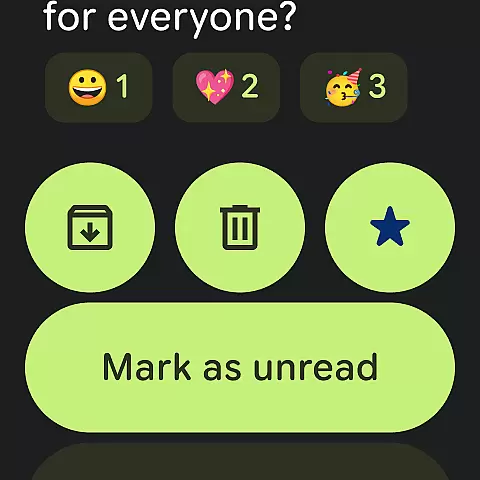
This feature enhances productivity by allowing users to manage their emails efficiently, regardless of their location or activity. With Gmail on Wear OS, staying updated has never been easier.
Wear OS and device compatibility is essential for ensuring that Gmail functions optimally across various smartwatch models. This compatibility guarantees that users have a consistent experience, regardless of their specific device.
Gmail supports a wide range of Wear OS devices, which means that whether you own a Samsung, Fossil, or any other brand, you can enjoy full access to your emails. The application is optimized to work smoothly on different screen sizes and resolutions.
For users, this broad compatibility means they can choose any Wear OS device without worrying about losing functionality. It also ensures that future updates will maintain this level of support, adapting to new devices as they enter the market.
By focusing on extensive device compatibility, Gmail provides a reliable and versatile email management solution for smartwatch users, enhancing both accessibility and user satisfaction.
Advanced AI writing assistance
Robust multi-account support
Powerful search functionality
Enhanced security protections
Seamless Workspace integration
Premium AI requires subscription
Limited offline functionality
Occasional syncing delays
Complexity for new users
High storage usage

A customizable Christmas watch face for Wear OS with a countdown.
 4.20
4.20
Watch the sharpness of the sky on your wrist..
3.70
Christmas watch face. For Wear OS devices.
4.30
Bold, Modern Hybrid Watch Face for Wear OS. 10 Colors, Rich Info Display.
4.30
Your second brain for organizing your life: to-do, calendar, reminder.
4.70
Get helpful reminders, take progress photos and find answers to your questions.
3.90
The Chevron App allows you to pay for fuel from the comfort of your car!
4.80
Fitbit is dedicated to helping people lead healthier, more active lives.
4.10
Toyota app currently supports 2010 or newer vehicles (2018 or newer for Hawaii).
4.50
Real-time weather radar with temperatures, warnings, hurricanes, and widgets
4.80
Diet tracker for weight loss - track calories, food and macros. Simple and easy!
4.70
MyNISSAN® lets you remotely control your car from your phone.*
4.50
Connect to your Bluelink equipped Hyundai vehicle from your smartphone.
4.50
Stylish, Energizing and Modern Watch Face crafted by Dominus Mathias.
4.50
Embrace the holiday spirit with this magical animated watch face!
4.40
Current temperature, weather hourly, weather radar by the weather forecast app
4.40
Animated video-game inspired “secret agent” simulation, right on your wrist!
4.20
A Wintery Snow Globe on Your Wrist; now celebrating Christmas!
4.5
Simple Analog-Digital Watchface For Wear OS 3.0 and Up Smartwatches
4.0


User Reviews