
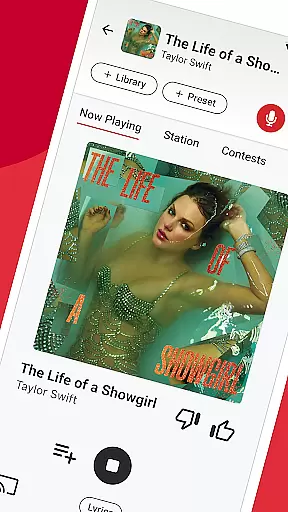

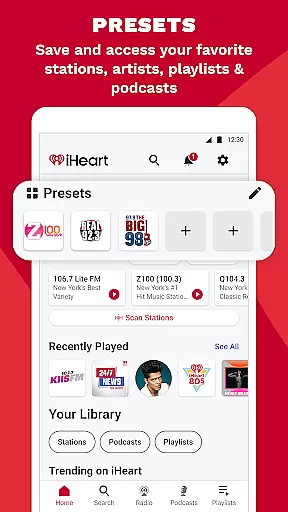
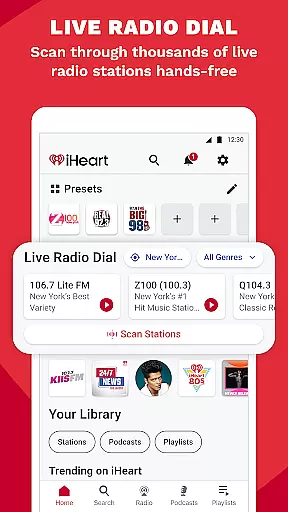

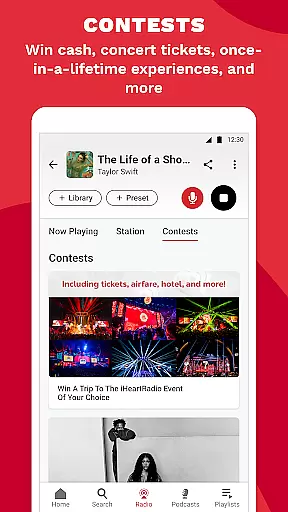
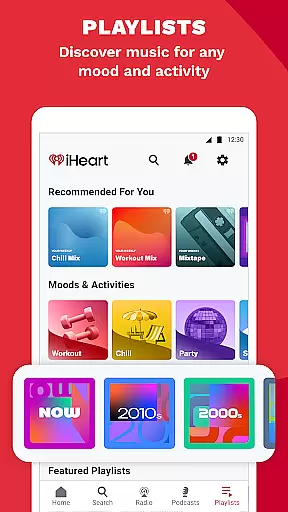

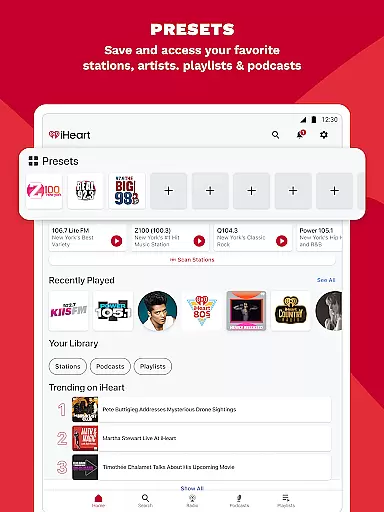
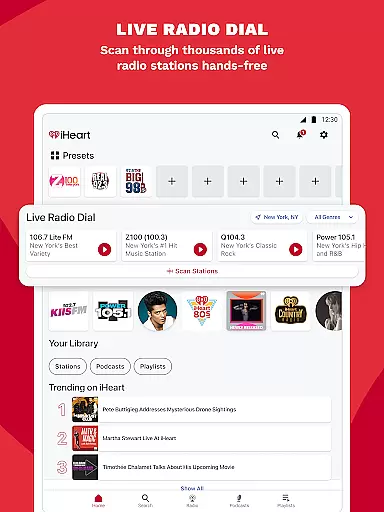
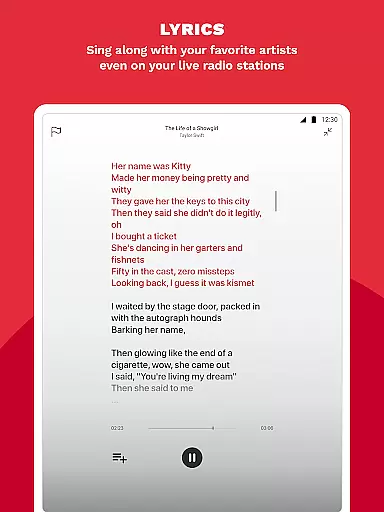
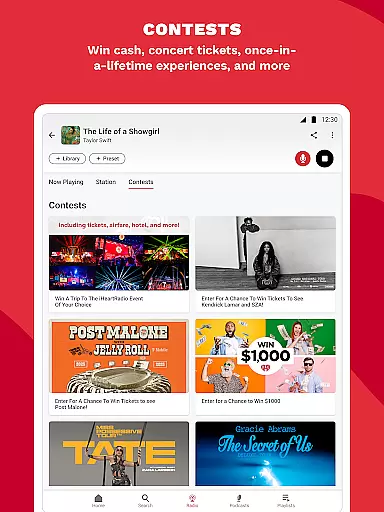
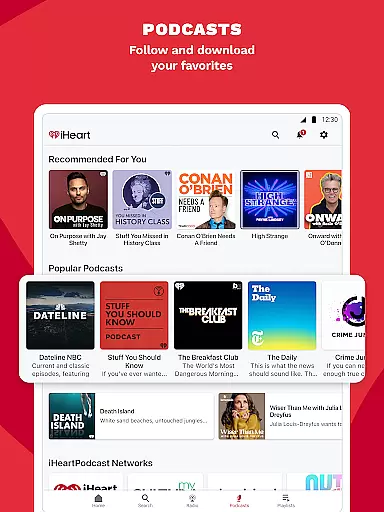
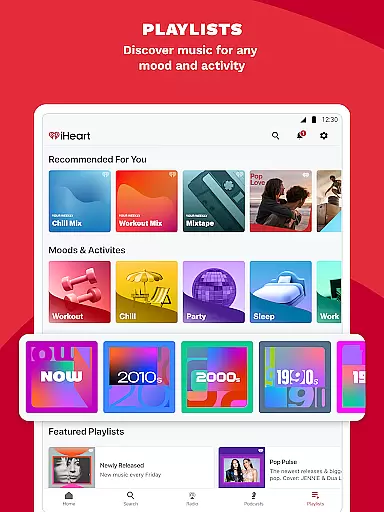
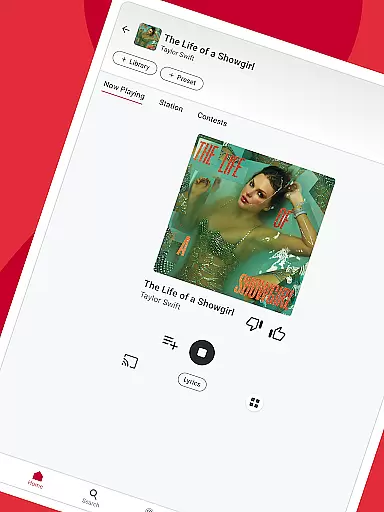

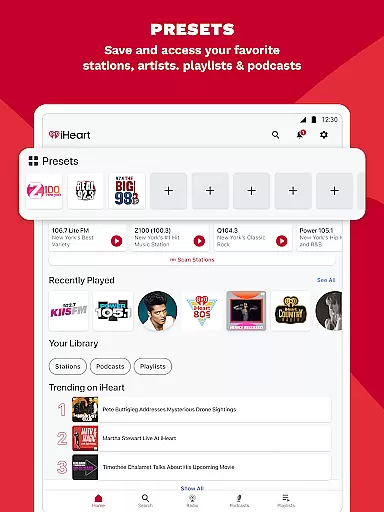
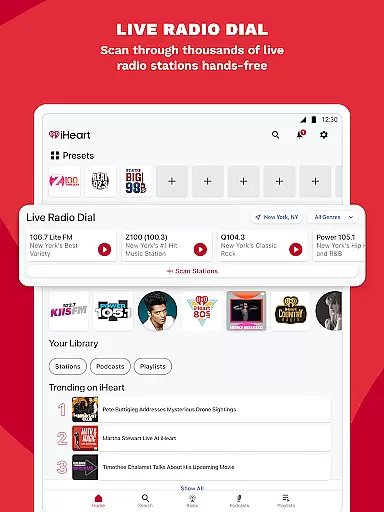
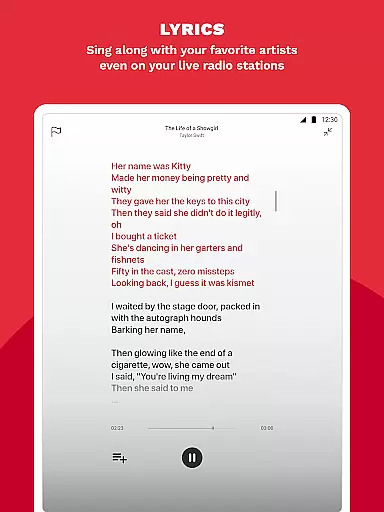
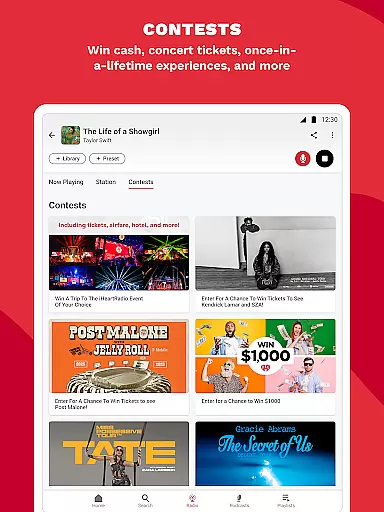
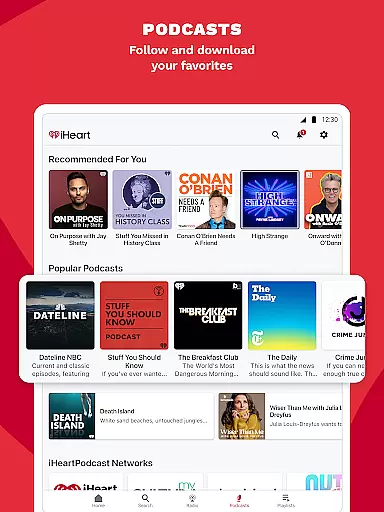
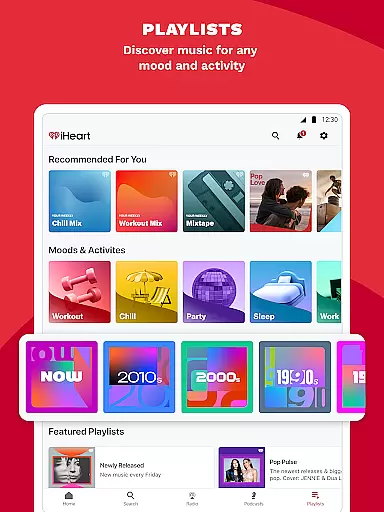
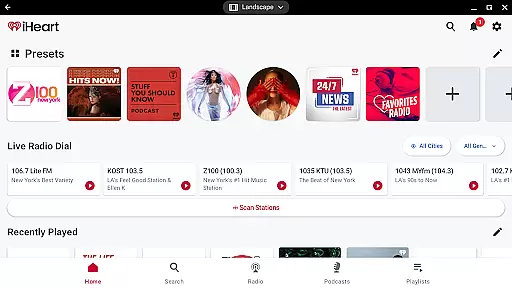
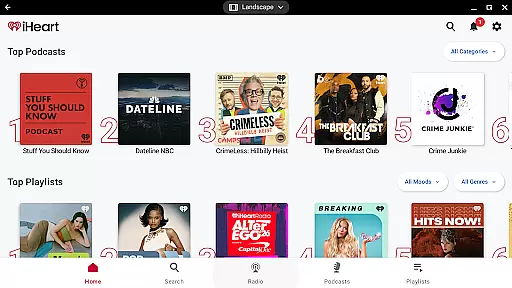
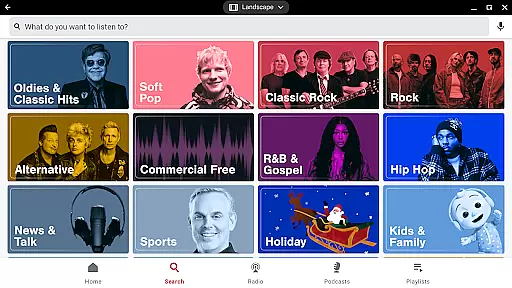
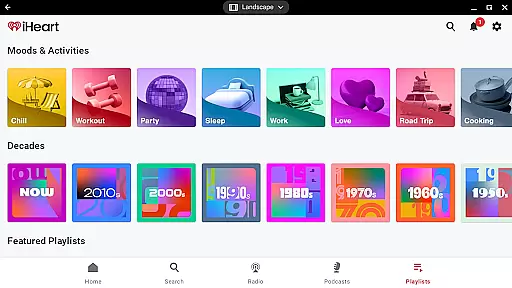
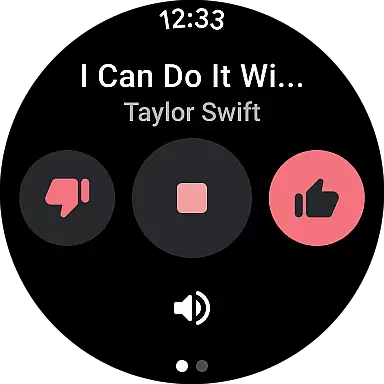
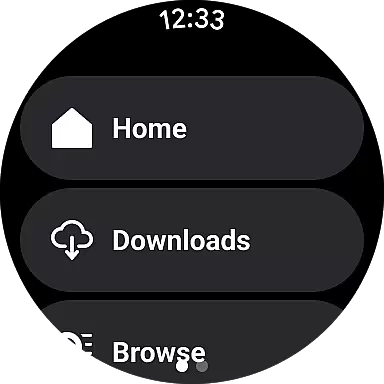
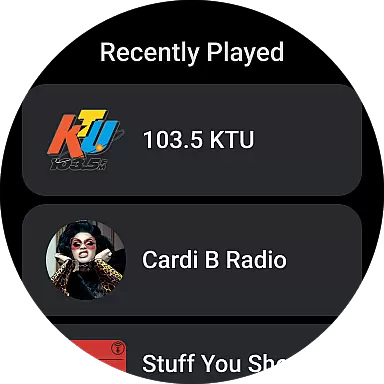
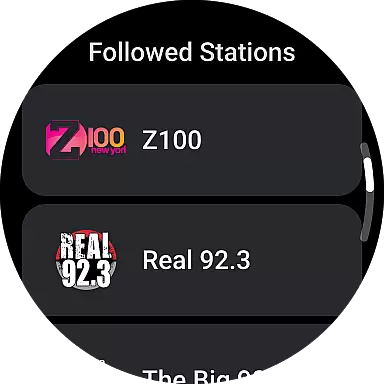
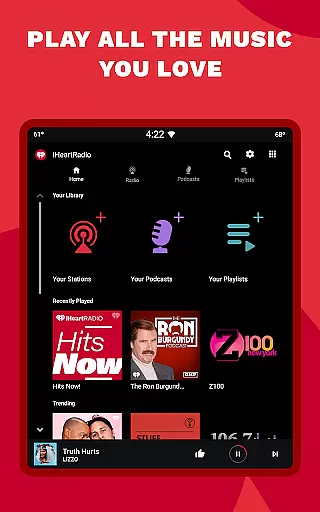
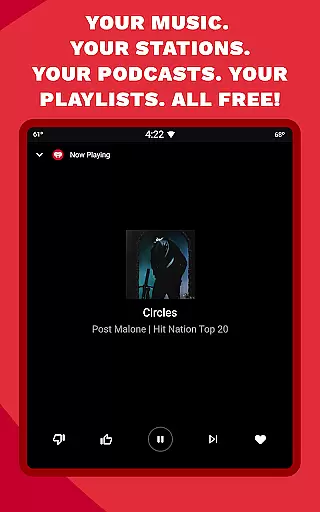
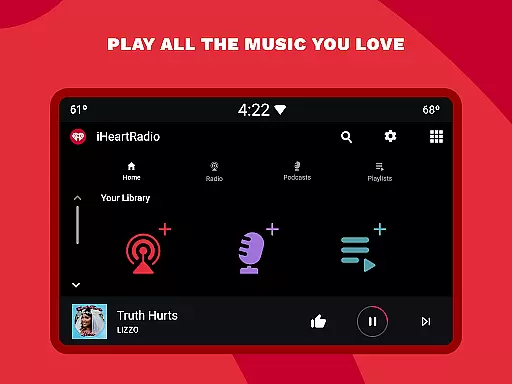
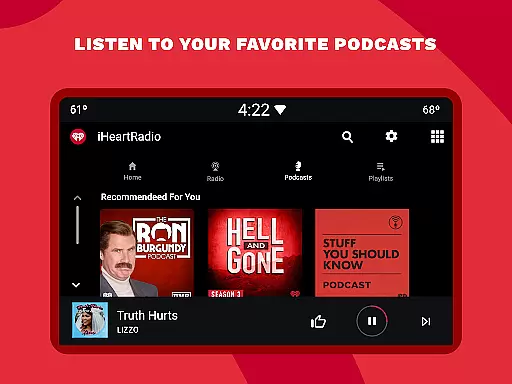
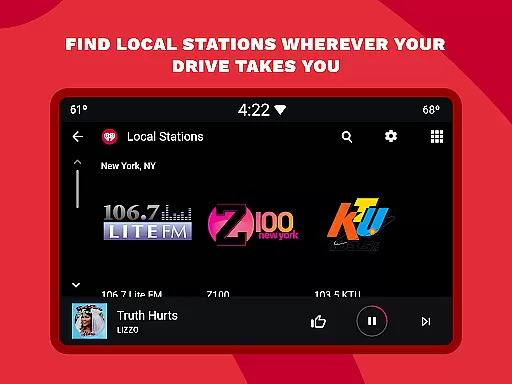
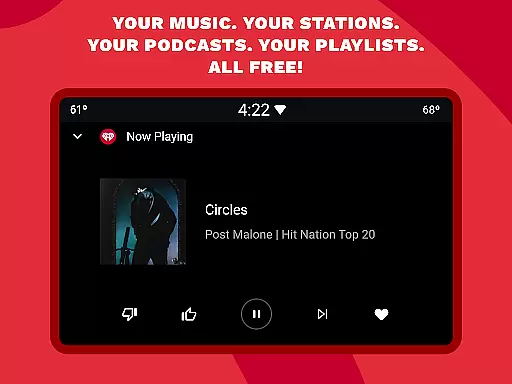
iHeartRadio is a versatile audio app that offers free access to live radio, music playlists, podcasts, and sports content. With over 1000 live radio stations and unlimited music playlists, it caters to every mood and activity.
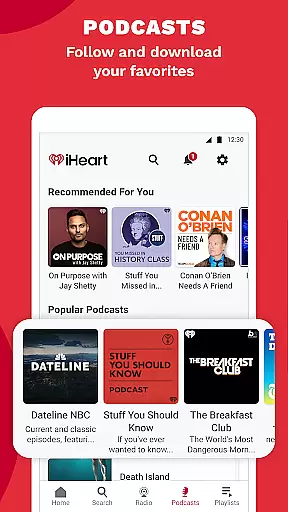
The app stands out with its holiday-themed stations, sports coverage including NFL and NBA, and popular podcasts like 'On Purpose with Jay Shetty'. Users can enjoy ad-free listening through premium subscription options.
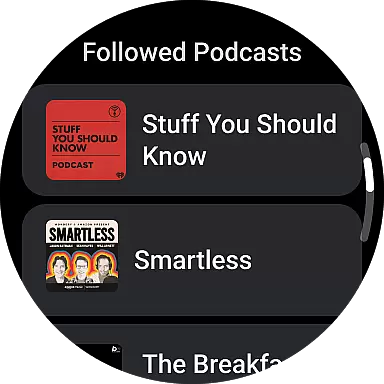
Perfect for commuters and travelers, iHeartRadio brings personalized entertainment to Android Wear devices, allowing users to control their audio experience right from their smartwatch.
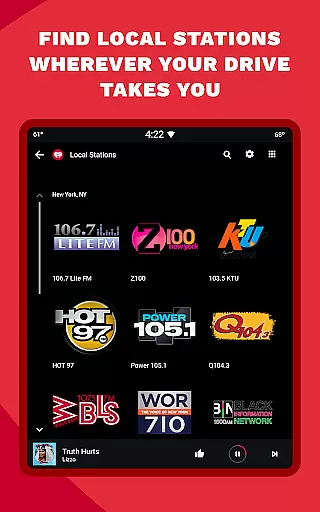
iHeartRadio distinguishes itself through comprehensive audio offerings. The app provides live streaming of local and global radio stations, including AM/FM channels and specialized content like Christmas music stations.
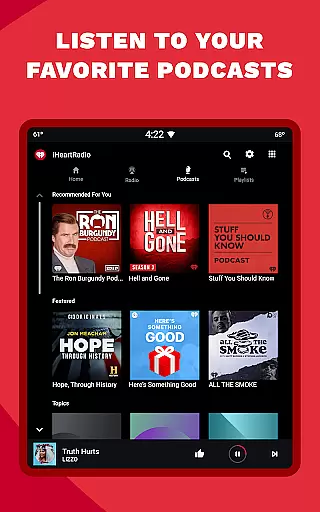
Podcast enthusiasts can explore diverse topics from true crime to sports commentary, with shows from ESPN and NPR. Sports fans can follow live play-by-play broadcasts and engage with sports talk hosts through the Talkback feature.
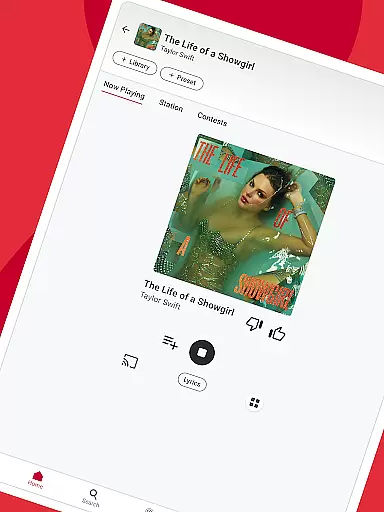
Music lovers benefit from personalized stations, curated playlists, and offline listening options. The Chromecast integration and Wear OS support make it adaptable across various devices, enhancing user accessibility and convenience.
Companion app integration is essential for wearable devices to function seamlessly with smartphones. iHeartRadio ensures that its Android Wear application works in perfect harmony with its smartphone counterpart. This allows users to control their music and podcasts directly from their smartwatch.
The iHeartRadio Android Wear app enables users to access their favorite radio stations, podcasts, and playlists without needing to take out their phone. With just a tap on their watch, they can play, pause, or skip tracks. This seamless integration enhances the user experience by providing quick and easy access to content.
Furthermore, the companion app integration supports offline listening. Users can download their preferred content on their phone and access it through the smartwatch app. This feature is particularly useful when users are engaging in activities like jogging or exercising where carrying a phone might be inconvenient.
By ensuring robust companion app integration, iHeartRadio delivers a consistent and reliable experience across devices. This not only simplifies content management but also enriches the overall usability of the app, making it an indispensable tool for users who enjoy their media on the go.
Device compatibility is crucial for applications designed for wearable technology. iHeartRadio's Android Wear app offers extensive compatibility with various Wear OS devices, ensuring that users can enjoy their favorite content regardless of their smartwatch model.
The app is optimized to work smoothly on different Wear OS devices, offering a consistent user interface and experience. Whether you own a Fossil, TicWatch, or any other Wear OS smartwatch, iHeartRadio provides a seamless experience tailored to each device's specifications.
In addition to supporting a wide range of devices, iHeartRadio ensures that its app takes full advantage of Wear OS features. This includes utilizing voice commands, heart rate monitors, and other sensors to enhance the listening experience. Such optimizations make the app not only functional but also contextually aware.
By focusing on Wear OS/device compatibility, iHeartRadio guarantees that its users receive the best possible performance from their smartwatches. This commitment to compatibility ensures that listeners can enjoy high-quality audio content without worrying about technical limitations, thus enhancing their overall satisfaction with the app.
Extensive radio station selection
Diverse podcast library
Personalized music playlists
Live sports coverage
Offline listening capability
Ad-supported free version
Limited advanced features
Occasional connectivity issues
Premium subscription cost
Interface complexity

MyNISSAN® lets you remotely control your car from your phone.*
 4.50
4.50
Analog watch face with 8 complications and expedition styling
4.5
A watch face that fuses motorsport precision with contemporary smartwatch design
4.3
Kia Access makes getting your vehicle information easier than ever
4.60
sleep, alarm, snoring, stress, healing, focus, sound therapy, circadian rhythm
4.10
The #1 source of faces for your smartwatch!
4.00
Hyper-Realistic Airplane Dashboard Watch Face With 10 Skins and Custom AOD
4.00
Your music, your playlists, and more—offline and unlimited.
4.20
From periods to pregnancy & perimenopause, Flo helps you track it all. Try now.
4.70
A modern hybrid informative watch face for Wear OS designed by BALLOZI
4.80
Be an elegant and classy secret agent, with this carefully detailed watch face
4.70
Hybrid watch face for Wear OS with customizable complications by Matteo Dini MD
4.70
Current temperature, weather hourly, weather radar by the weather forecast app
4.40
A white realistic classic analog watch face with many customization options.
4.40
The ultimate destination for kids ages 3-8 to explore the Marvel Universe!
4.30
Animated Watch Face and Customizable with 24 Backgrounds. Perfect for Christmas!
3.90
Watch face designed for Thanksgiving Day. 7 Background Styles included.
3.20
Christmas and New Year - Themed Watchface
4.2
3 Complications. All shadow on/off. 30 Themes color palette...
4.5


User Reviews