
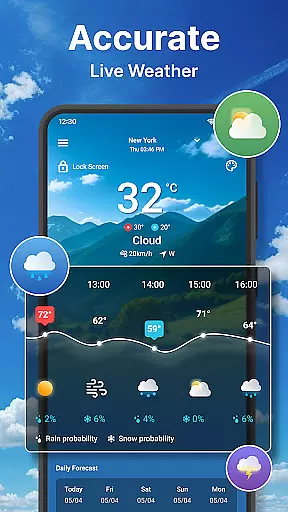
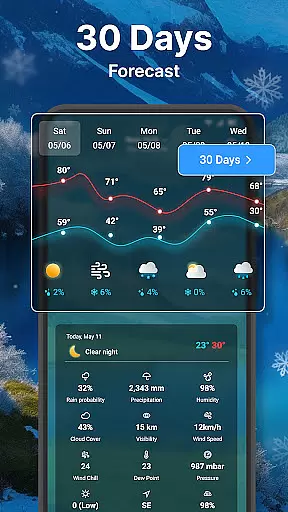
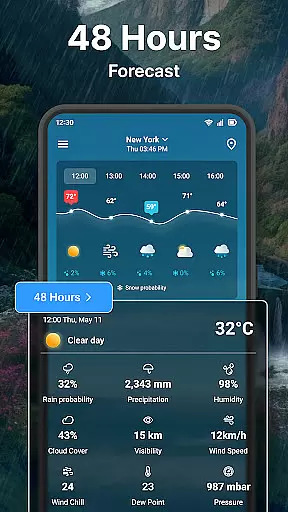
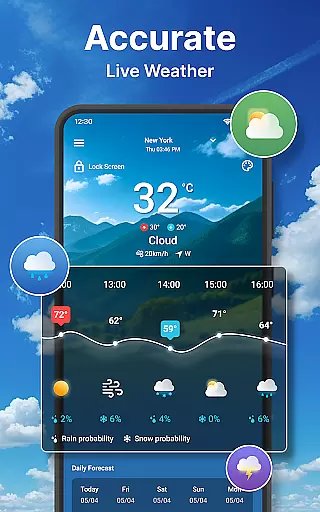
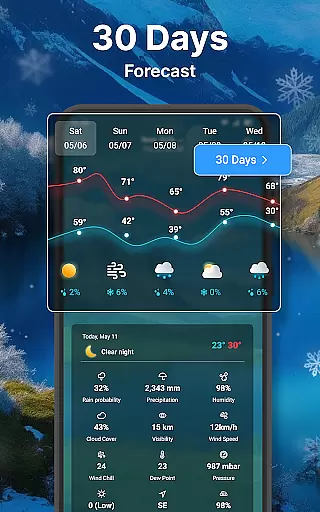
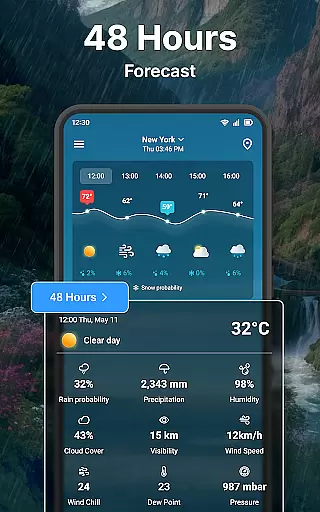
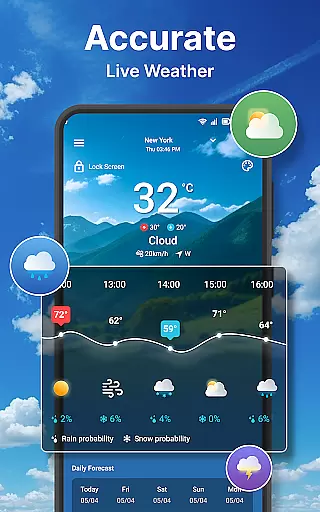
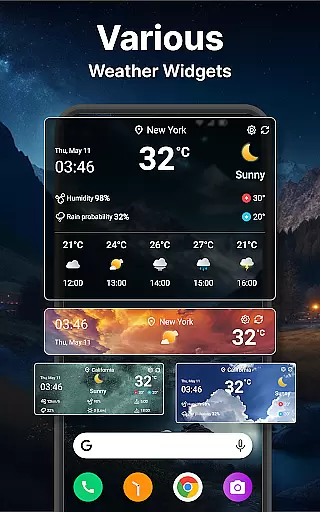
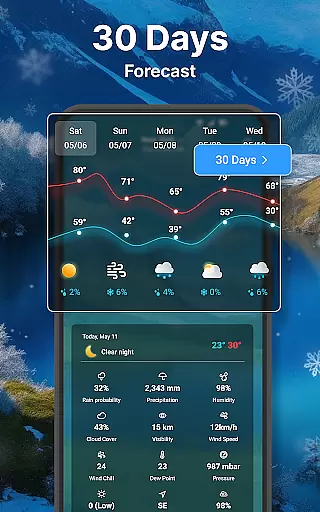
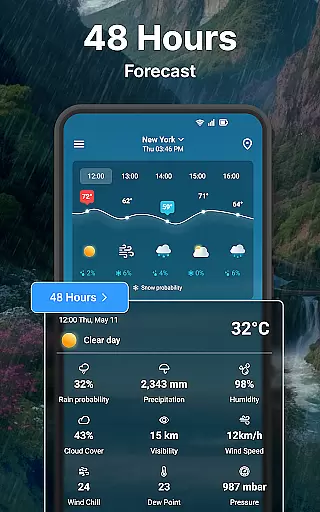
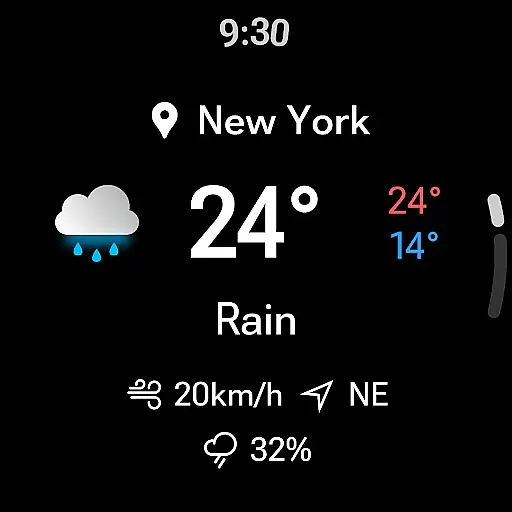
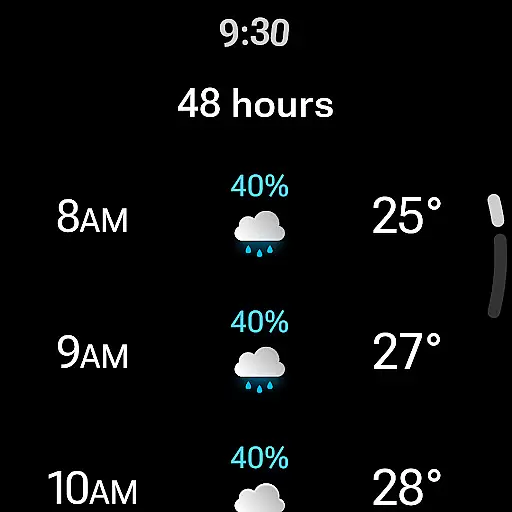
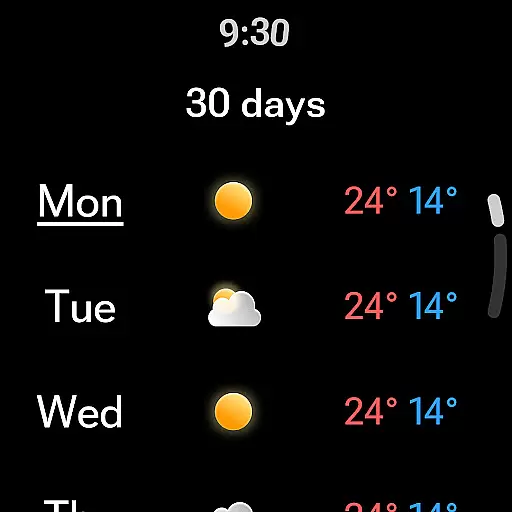
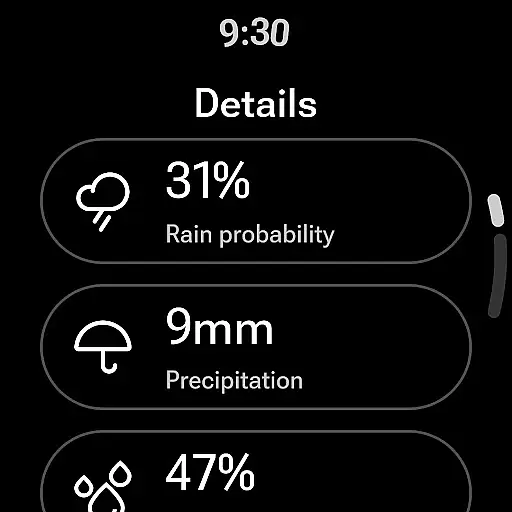
Weather forecast is a comprehensive weather application designed specifically for Android Wear devices, providing users with real-time, hourly, daily, and 7-day weather forecasts. The app features an intuitive weather radar and customizable weather widgets that deliver critical weather information at a glance. With support for Wear OS, users can access detailed weather updates directly from their smartwatch, making it an essential tool for staying informed about changing weather conditions while on the go.
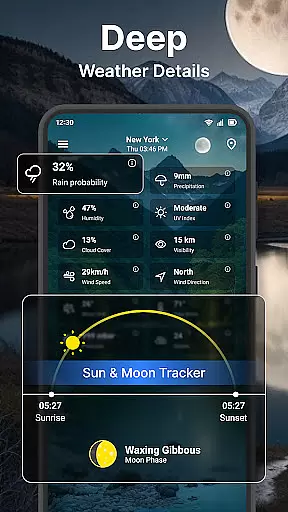
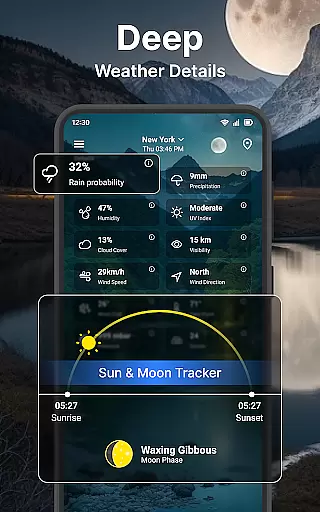
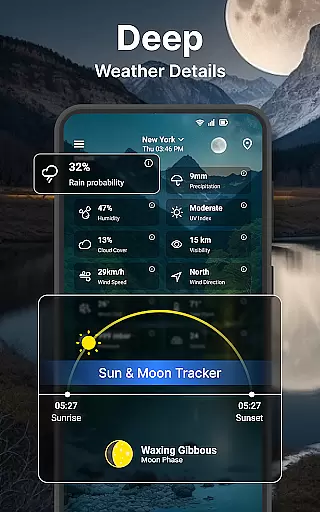
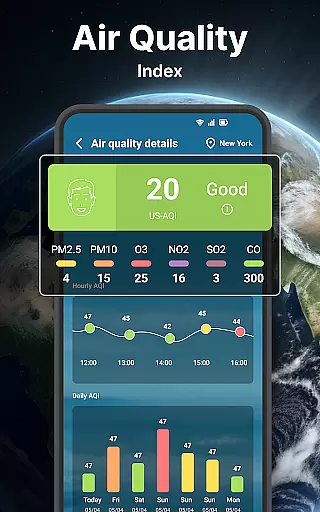
The app goes beyond basic forecasting by offering advanced data such as wind speed and direction, humidity, UV index, and moon phases. Whether you need quick access to current weather conditions or a detailed 7-day outlook, this app provides a seamless experience across your mobile and wearable devices. Its user-friendly interface and robust feature set make it ideal for both casual users and weather enthusiasts alike.
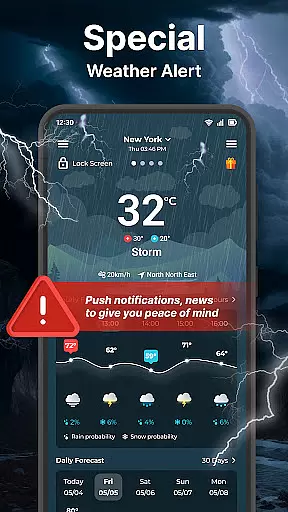
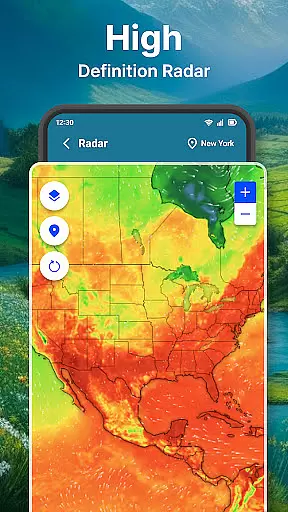
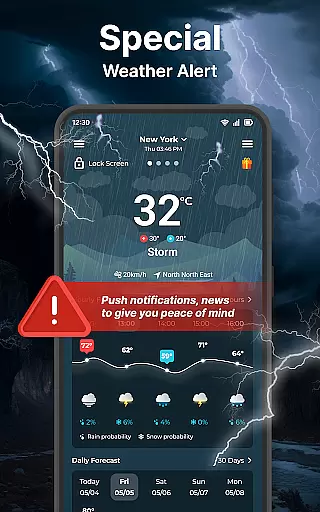
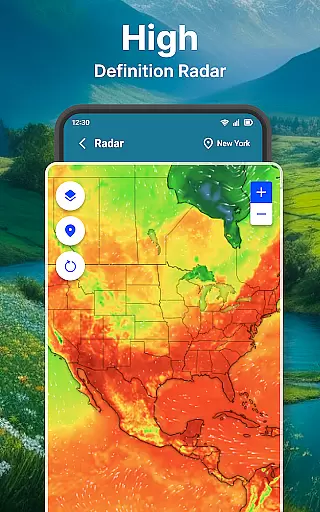
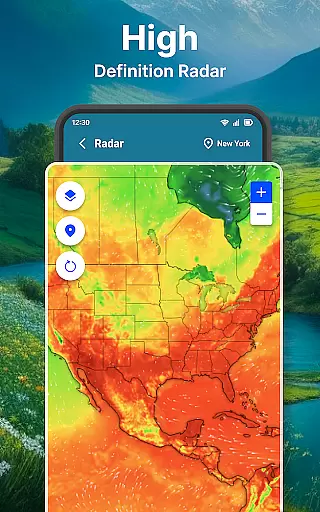
Weather forecast stands out with its diverse range of features tailored to provide an in-depth weather analysis. Users can view animated weather radar maps, including live radar updates for temperature, wind, rain, and cloud coverage. These radar maps are zoomable and offer storm warnings, ensuring users are prepared for severe weather conditions. Additionally, the app supports unlimited location management, enabling users to track weather updates for multiple cities or regions effortlessly.
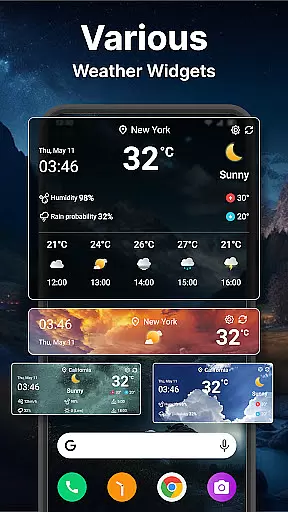
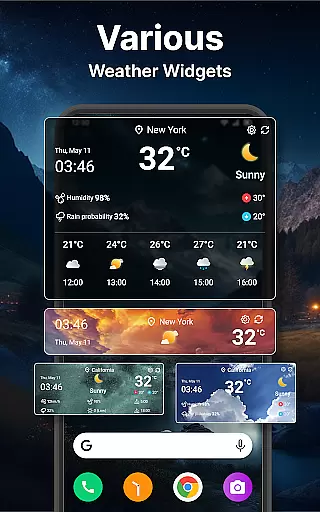
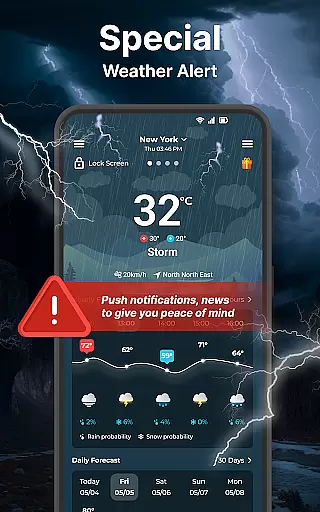
Customization is at the core of the Weather forecast experience. The app offers various widget sizes and display options, allowing users to personalize their home screens with real-time weather updates. It also includes extensive unit settings for temperature, wind speed, pressure, and more, catering to both metric and imperial system users. With features like lock screen notifications, language customization, and Wear OS compatibility, Weather forecast ensures users have access to accurate weather data anytime, anywhere.
Companion app integration is essential for users who want seamless functionality between their mobile devices and wearable technology. The Weather forecast app ensures that all weather data is synchronized in real-time, providing users with up-to-date information whether they are checking their phone or smartwatch.
This app offers a comprehensive set of features that are mirrored on Wear OS devices. Users can access real-time weather conditions, receive hourly and daily forecasts, and view detailed weather information directly from their wrist. This synchronization ensures that no matter where the user is or what device they are using, they have access to the same reliable weather data.
The benefit of this integration is the convenience it offers. With companion app support, users do not need to carry their phones everywhere; instead, they can leave it in their pocket or bag and still stay informed about the weather. This feature enhances the overall user experience by making information more accessible and timely.
Ultimately, the value of companion app integration lies in its ability to provide consistent and accurate weather updates across devices. This means users can make informed decisions about their day, whether they are commuting, traveling, or planning outdoor activities, without needing to compromise on the immediacy or reliability of the information provided.
Device compatibility is crucial when selecting a weather application for your Wear OS devices. The Weather forecast app excels in this area by ensuring broad compatibility with various Wear OS devices, allowing users to enjoy a seamless weather tracking experience regardless of their chosen smartwatch model.
This app supports a wide range of functionalities tailored specifically for Wear OS. From viewing real-time weather conditions to receiving detailed forecasts, users can expect a full suite of features optimized for their wrist-worn devices. The app's interface is designed to be intuitive and easy to navigate, even on smaller screens, ensuring that users can quickly find the information they need.
By prioritizing Wear OS compatibility, the app provides significant advantages to its users. It allows them to receive timely weather alerts and updates without needing to take out their smartphones. This level of accessibility is particularly beneficial during activities such as exercising, hiking, or when users simply prefer leaving their phone behind.
In summary, the Weather forecast app's commitment to Wear OS/device compatibility ensures that users can rely on their smartwatches for accurate and timely weather information. This compatibility enhances user convenience and satisfaction, making it an ideal choice for those seeking a dependable weather solution on their wearable devices.
User-friendly interface
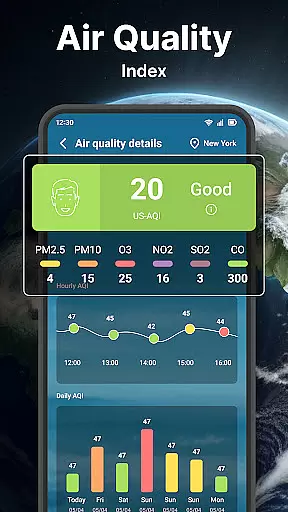
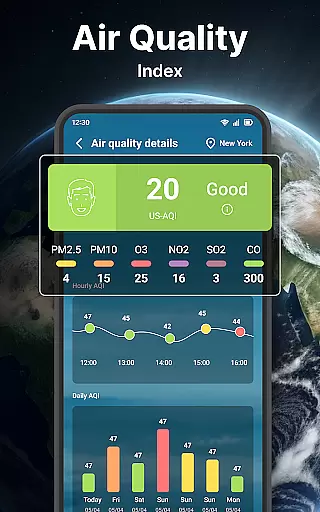
Comprehensive weather data
Live radar updates
Customizable widgets
Wear OS support
Occasional inaccuracies
Ads in free version
Large app size
Limited offline functionality
Notification overload

Christmas is near, let's count together the days left until Santa comes
 4.5
4.5
A Wintery Snow Globe on Your Wrist; now celebrating Christmas!
4.3
MyNISSAN® lets you remotely control your car from your phone.*
4.50
Deck out your Wear OS Watch face with a beautifully decorated pine wreath!
4.50
Digital, flexibly customizable watch face. For Wear OS 5.0, API 34+ and later.
5.00
Real-time results, stats, schedules and player profiles for all leagues
4.60
Minimalistic design modern digital watch face.
4.4
Your music, your playlists, and more—offline and unlimited.
4.20
Your local weather forecast, storm tracker, radar maps & live weather news
3.40
A realistic hybrid watch face with many customization options.
4.60
Beautiful artistic animated digital watch face, with a customizable layout!
4.40
Bold, Modern Hybrid Watch Face for Wear OS. 10 Colors, Rich Info Display.
4.30
Let's celebrate Thanksgiving - Wear Os watch face
4.20
Snowflake Rose Gold Watch Face - Digital, modern, & sleek with GYRO effect.
4.10
Hyper-Realistic Airplane Dashboard Watch Face With 10 Skins and Custom AOD
4.00
A digital watch face that celebrates Christmas.
4.00
A heartwarming Christmas scene featuring a cute image of Santa and Rudolf
4.2
A watch face that fuses motorsport precision with contemporary smartwatch design
4.3
3 Complications. All shadow on/off. 30 Themes color palette...
4.0


User Reviews