
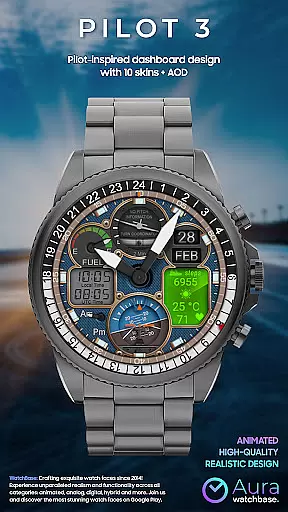
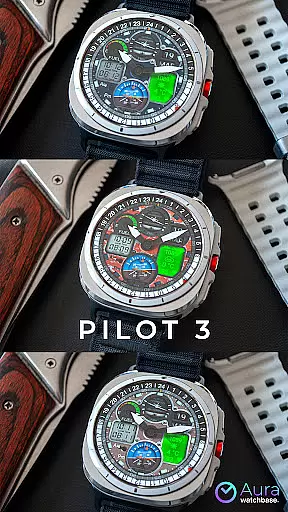
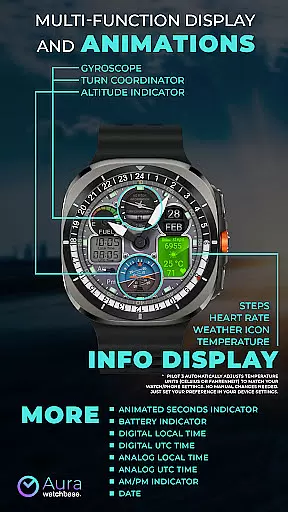
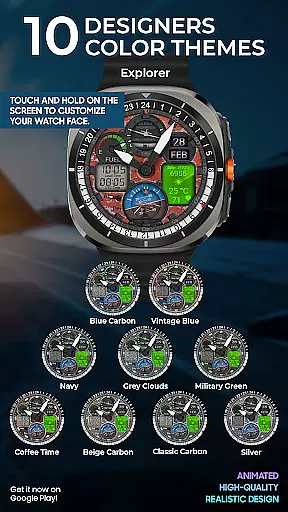
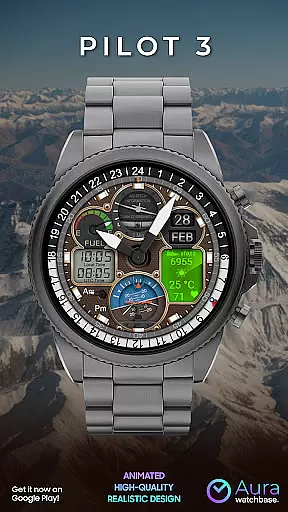
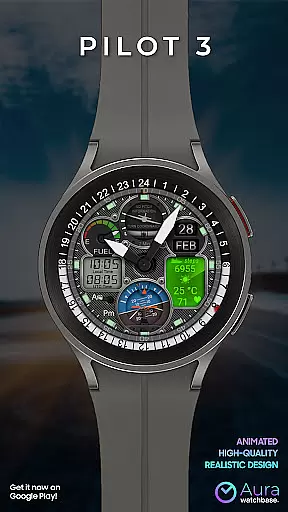
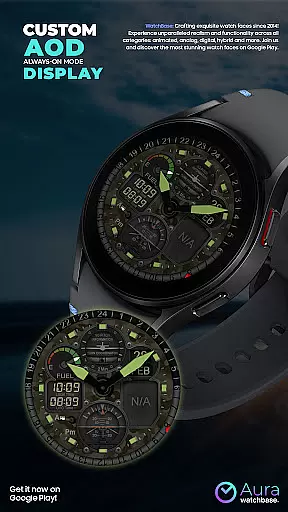
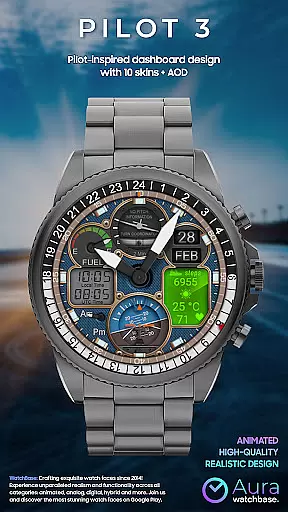
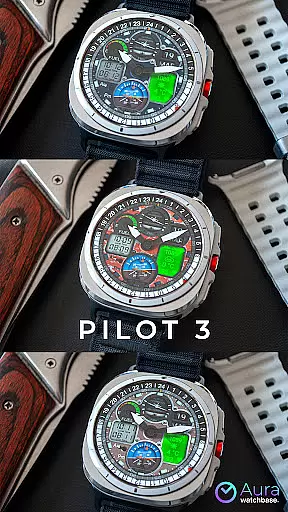
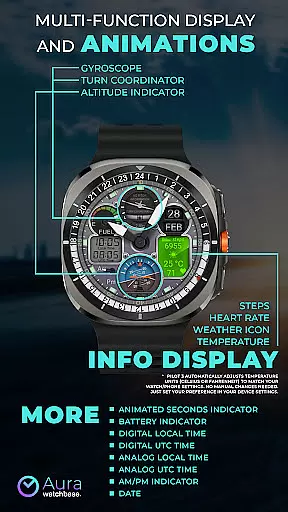
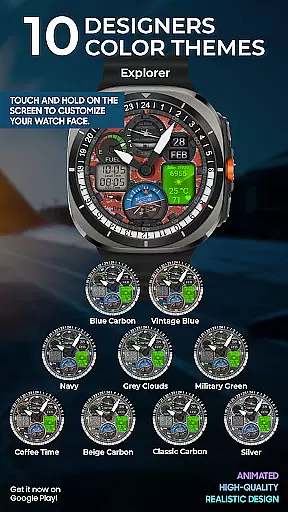
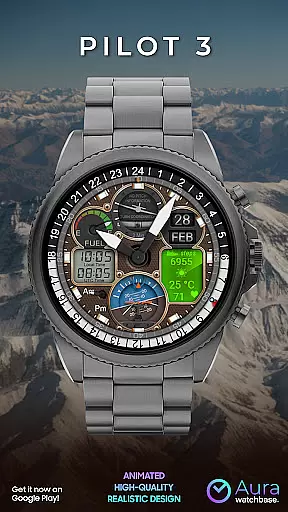
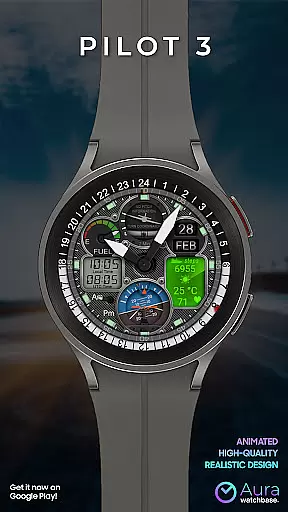
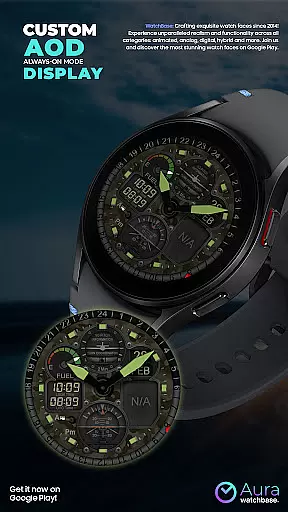
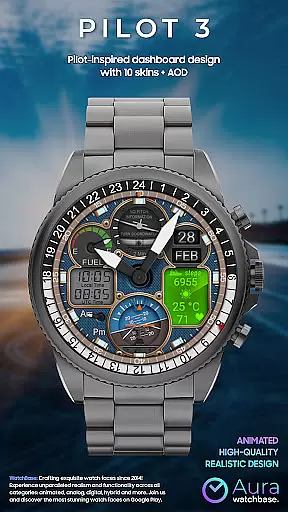
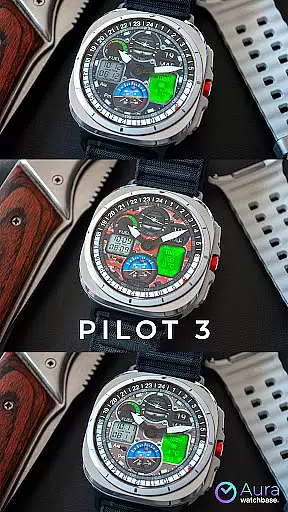
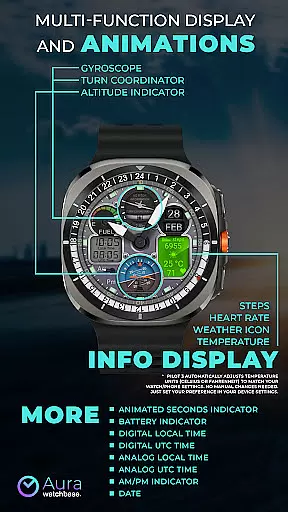
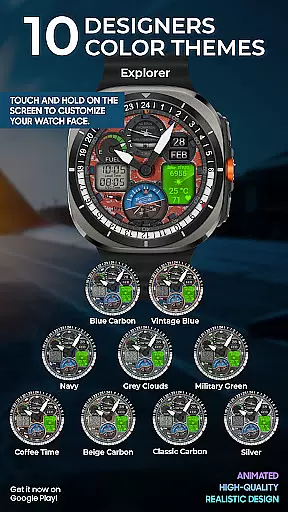
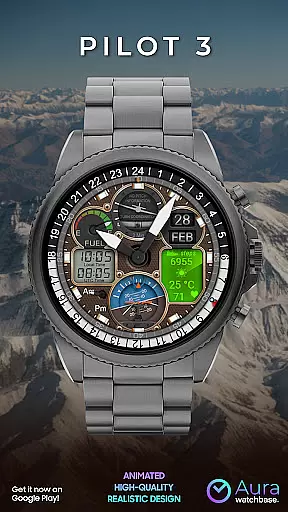
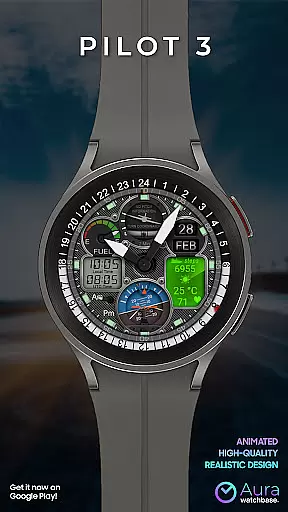
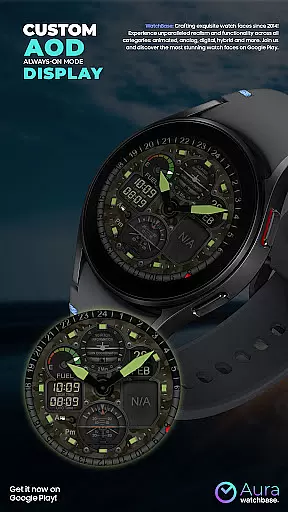
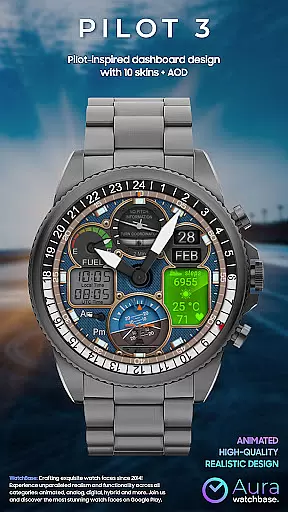
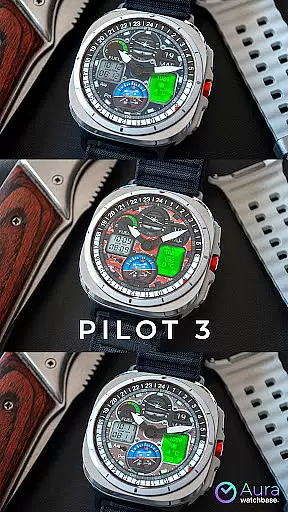
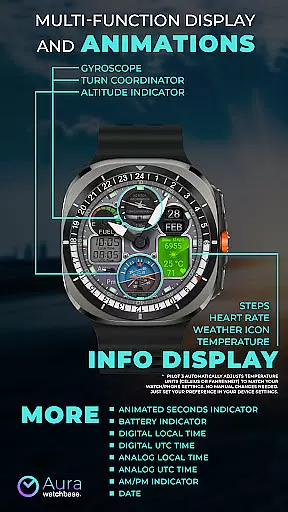
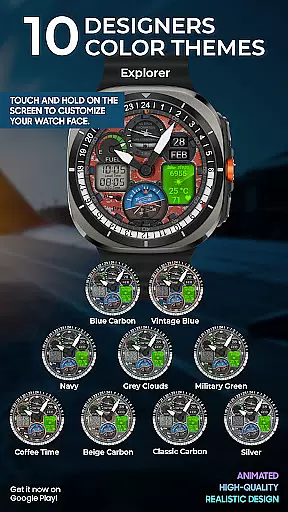
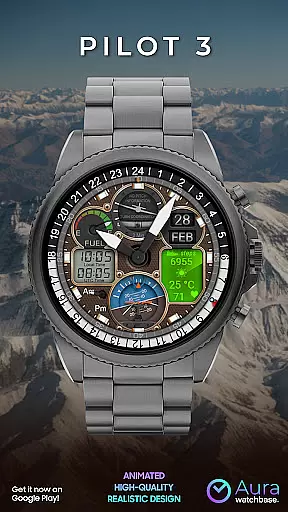
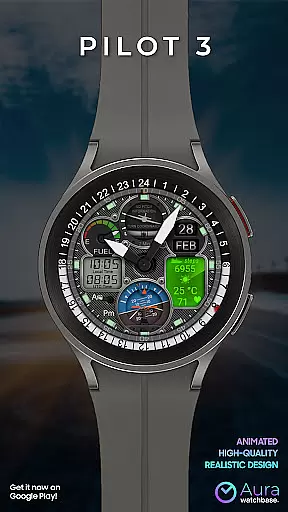
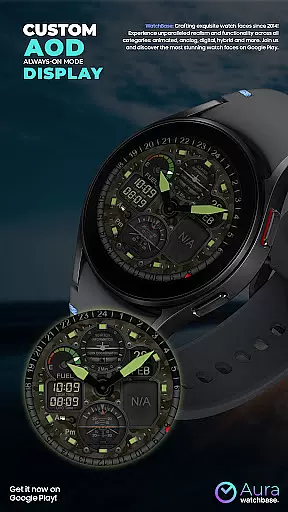
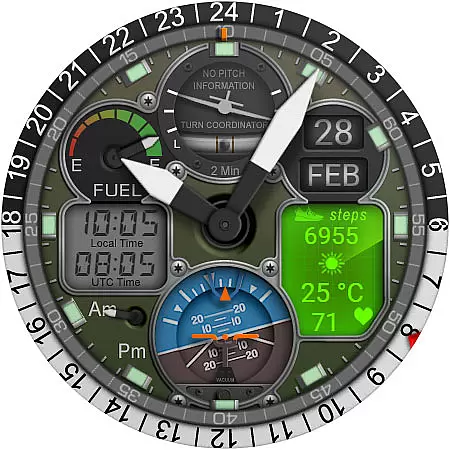
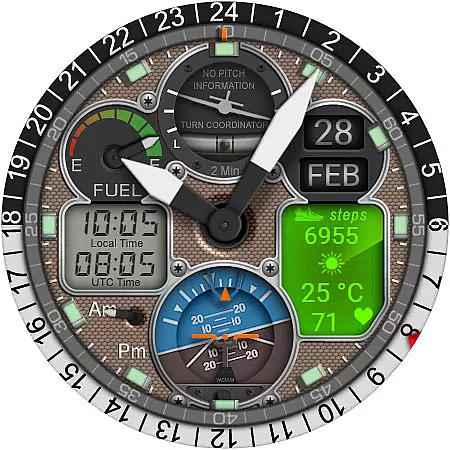
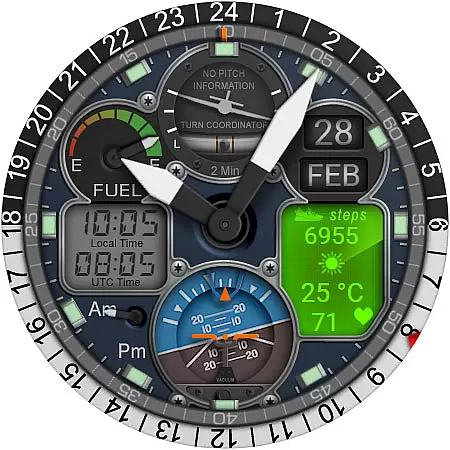
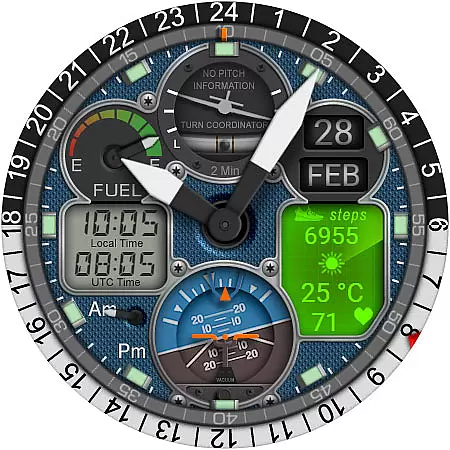
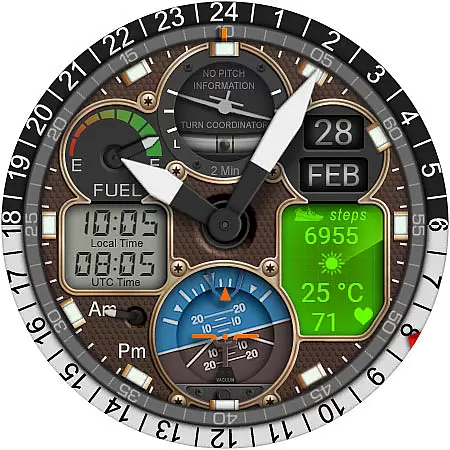
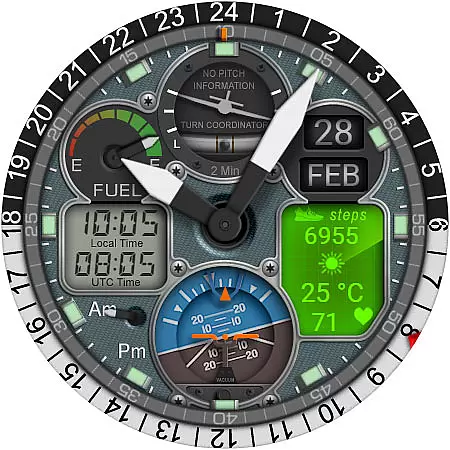
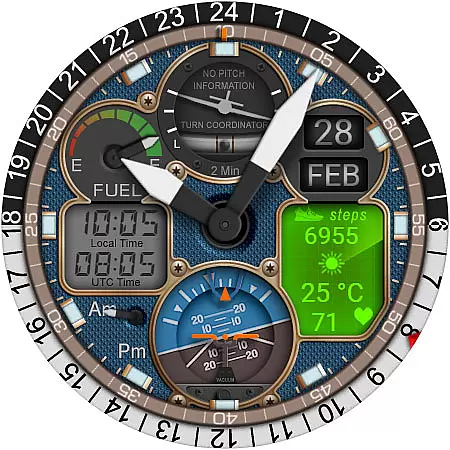
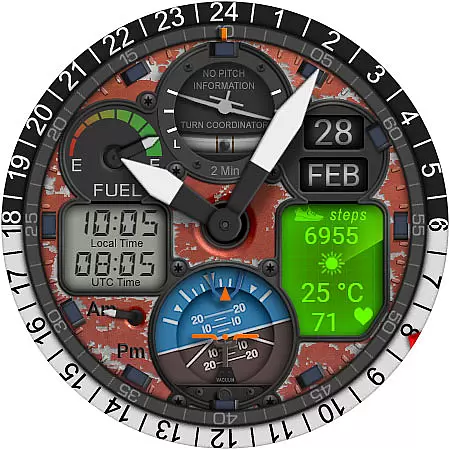
WB PILOT 3 Animated Watch Face brings the thrill of aviation to your Wear OS smartwatch. Designed for devices running Wear OS 5 and higher, this hybrid watch face combines stunning graphics with functional features. The animated elements like Turn Coordinator, Altitude Indicator, and Gyroscope create an immersive cockpit experience while providing essential timekeeping functions.
This watch face offers both digital and analog time displays, along with useful information such as battery level, date, steps, heart rate, and weather conditions. With 10 customizable skins and automatic temperature unit adjustment based on your device settings, it provides both personalization and convenience. Whether you're an aviation enthusiast or simply appreciate sophisticated design, WB PILOT 3 delivers a unique smartwatch experience.
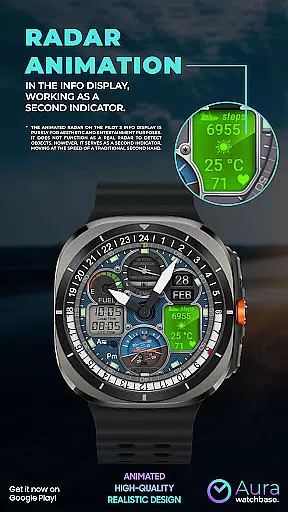
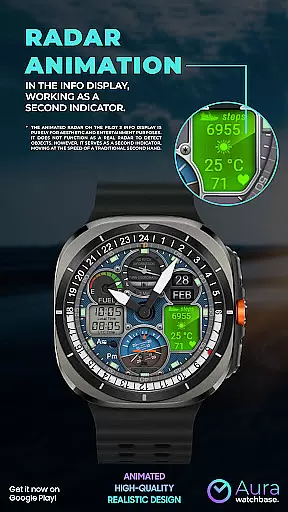
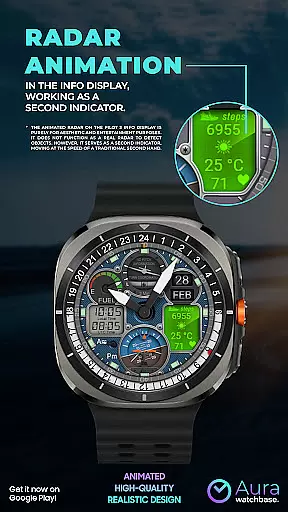
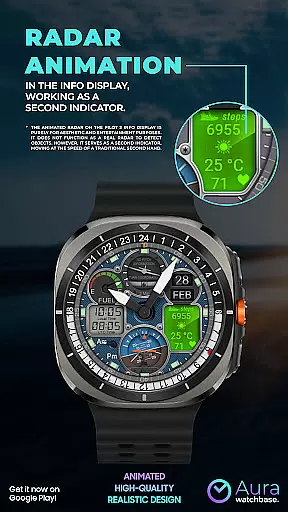
The WB PILOT 3 stands out with its comprehensive feature set tailored for both functionality and aesthetics. The watch face includes 10 distinctive skins, allowing users to personalize their smartwatch display while maintaining the signature aviation theme. Its animated elements aren't just visually appealing - they serve practical purposes too, with the animated radar doubling as a second hand indicator.
Users can view time in multiple formats including digital/analog local time and UTC time displays. The hybrid design caters to different preferences, showing both digital and analog representations simultaneously. Additional features include AM/PM indicators, battery status, date display, and an information panel showing steps, heart rate, weather icon, and temperature. The automatic temperature unit adjustment ensures seamless integration with your device's regional settings.
These features are not only visually impressive but also enhance usability. The clear time displays and informative panels provide quick access to essential data, while the customizable options allow users to tailor their watch face to specific needs and preferences. This combination of form and function makes WB PILOT 3 a standout choice among Wear OS watch faces.
Companion app integration is crucial for a seamless smartwatch experience. The WB PILOT 3 Animated Watch Face utilizes a dedicated phone app to simplify the installation and customization process. This ensures that users can easily access and manage their watch face settings directly from their mobile device.
Through the companion app, users can conveniently install the watch face by simply tapping the install button. The app provides clear instructions and guidance, making the setup process straightforward even for less tech-savvy individuals. This eliminates the frustration of not being able to locate the watch face after purchase.
The integration also addresses common synchronization issues between the phone and the watch. If users encounter any problems with applying the purchased watch face, the companion app helps resolve these issues by prompting necessary actions such as restarting the watch or waiting for synchronization to complete.
This robust companion app support significantly enhances user satisfaction by providing a reliable bridge between the phone and the Wear OS device, ensuring that customers can fully enjoy the advanced features of their animated watch face without technical hindrances.
Device compatibility is a fundamental aspect of any Wear OS application. The WB PILOT 3 Animated Watch Face is specifically designed to work with devices running Wear OS 5 and higher, guaranteeing optimal performance on supported smartwatches. This targeted compatibility ensures that users can take full advantage of the watch face's advanced features.
The watch face incorporates various elements that are perfectly optimized for Wear OS devices, including animated graphics, hybrid time displays, and informational widgets. These features have been carefully engineered to function smoothly within the Wear OS environment, providing an engaging and informative user experience.
Furthermore, the watch face automatically adapts to user preferences set in their device settings, such as temperature units (Celsius or Fahrenheit). This intelligent adaptation demonstrates the thoughtful design approach taken to ensure seamless integration with Wear OS devices.
By focusing on specific Wear OS versions, the developers have created a product that maximizes hardware capabilities while maintaining stability and reliability. This deliberate compatibility choice helps prevent potential performance issues and ensures that users receive the best possible experience from their smartwatch investment.
Stunning aviation-themed design
Wide compatibility with Wear OS 5+
Extensive customization options
Automatic temperature adjustment
Comprehensive information display
Limited to Wear OS 5+
Potential sync issues
Complex installation process
No real radar functionality
May drain battery faster

Precision analog watch face with 7 complications and style options
 4.3
4.3
3 Complications. All shadow on/off. 30 Themes color palette...
4.5
Structured watch face with seven complications and modular UI elements
3.90
Period, ovulation & pregnancy tracker. Fertility insights & menstrual calendar.
4.90
The Chevron App allows you to pay for fuel from the comfort of your car!
4.80
A realistic hybrid watch face with many customization options.
4.60
Fitbit is dedicated to helping people lead healthier, more active lives.
4.10
From periods to pregnancy & perimenopause, Flo helps you track it all. Try now.
4.70
Toyota app currently supports 2010 or newer vehicles (2018 or newer for Hawaii).
4.50
Simple, helpful messaging by Google
4.60
Fast and smart typing with Emojis, GIFs, and more
4.50
Deck out your Wear OS Watch face with a beautifully decorated pine wreath!
4.50
Christmas watch face. For Wear OS devices.
4.30
Elegant animated Christmas tree with multiple customization options
4.20
Let's celebrate Thanksgiving - Wear Os watch face
4.20
sleep, alarm, snoring, stress, healing, focus, sound therapy, circadian rhythm
4.10
Christmas and New Year - Themed Watchface
4.1
Contemporary digital watch face with five complications
4.2
Simple Analog-Digital Watchface For Wear OS 3.0 and Up Smartwatches
4.1


User Reviews