
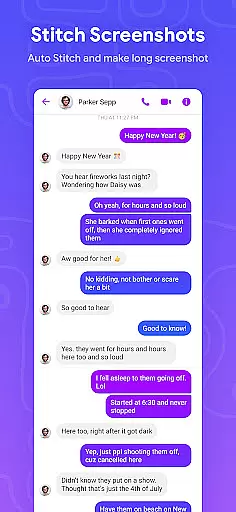
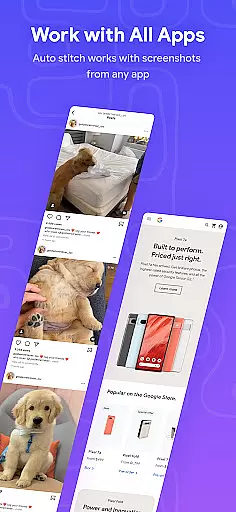



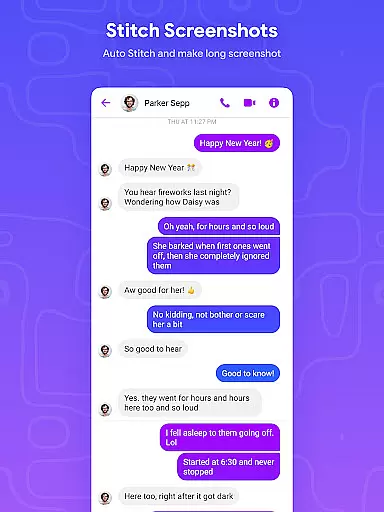
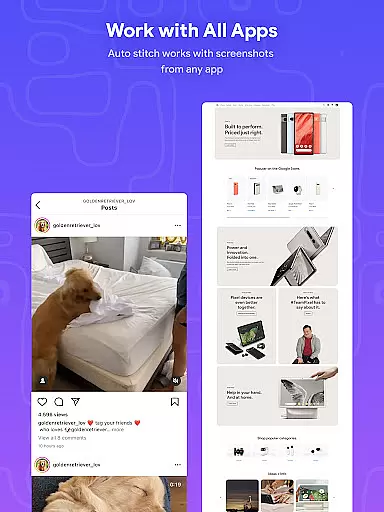
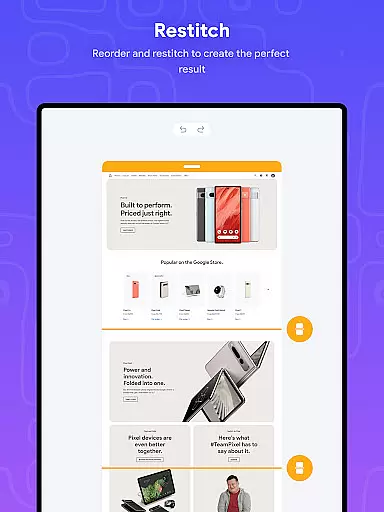
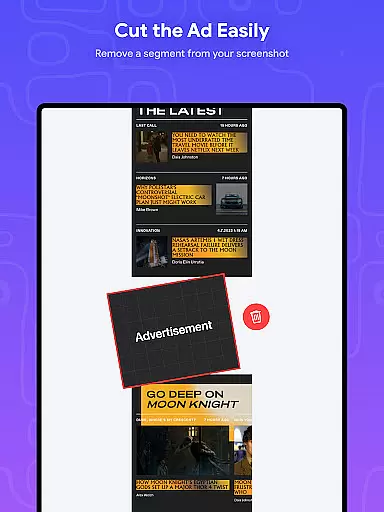
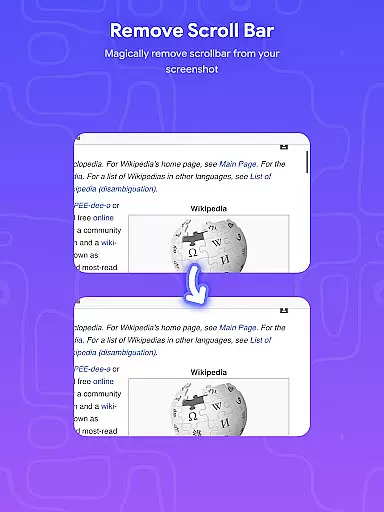
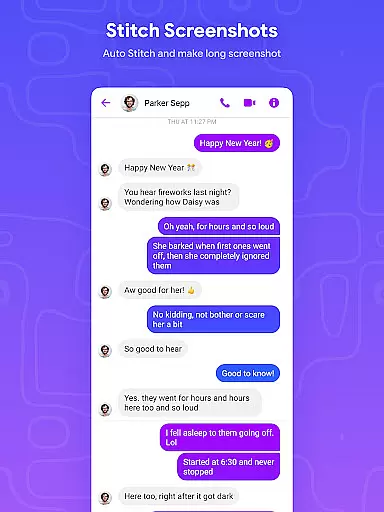
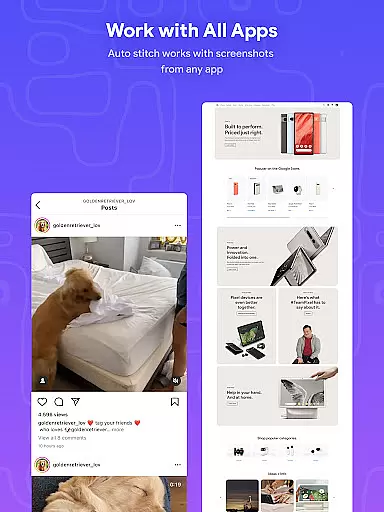
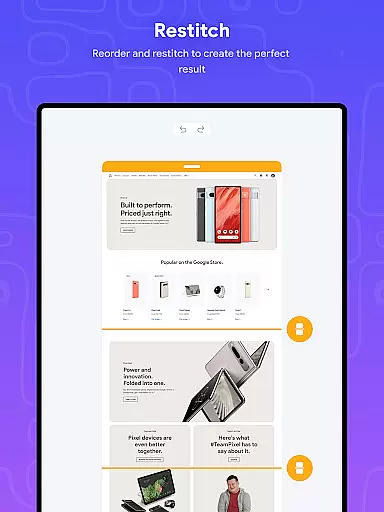
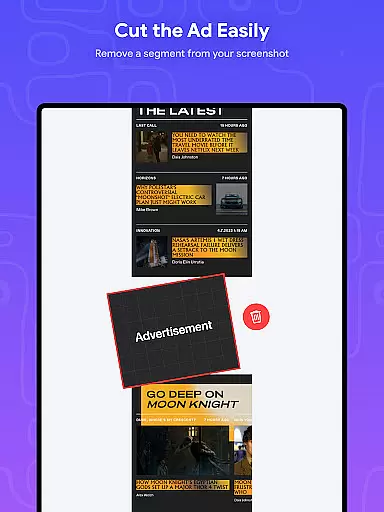
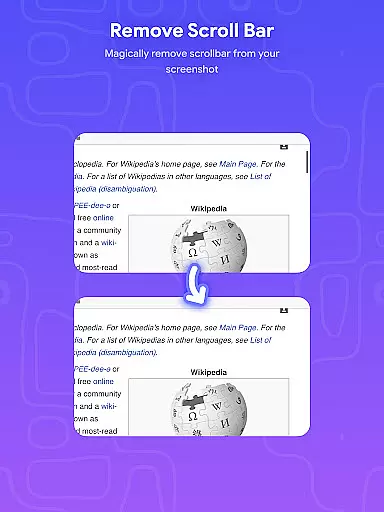
Stitch Photos is an innovative photo stitching app designed for users who want to create seamless panoramas and document scans with ease. Powered by advanced AI technology, the app automatically recognizes and stitches screenshots or long website captures both vertically and horizontally.
The app's standout feature is its ability to produce high-resolution images while maintaining a user-friendly interface. Whether you're capturing majestic landscapes or creating long screenshots of web pages, Stitch Photos ensures that every detail is preserved in a flawless panorama. This makes it an ideal tool for designers, photographers, and anyone needing to compile large-scale visuals without compromising quality.
With Stitch Photos, you can effortlessly stitch multiple images into one cohesive piece, eliminating the need for manual alignment. The app also supports direct sharing via social media, making it easy to showcase your work. Its intuitive design and powerful functionality make it a must-have for anyone involved in creative projects or detailed documentation.
Stitch Photos offers a comprehensive suite of features tailored to enhance your photo stitching experience. One of its primary capabilities is the automatic stitching of photos both vertically and horizontally, allowing users to create expansive panoramas with minimal effort. This feature is particularly useful for capturing wide landscapes or elongated web pages.
In addition to its core stitching function, the app provides high-resolution saving options, ensuring that the final output meets professional standards. The seamless integration of long screenshot or website captures further enhances its utility, enabling users to compile extensive content into a single, cohesive image. The user-friendly interface guarantees a hassle-free experience, even for those new to photo stitching.
Another notable feature is the one-touch stitching capability, which simplifies the entire process. Users can effortlessly create a seamless image and share it directly via social media or other platforms. This combination of advanced technology and ease of use makes Stitch Photos a standout choice in the realm of photo stitching applications.
In the realm of digital creativity, having access to comprehensive tools is essential for bringing artistic visions to life. Stitch Photos rises to this occasion by offering a suite of creative features powered by advanced AI technology. This app allows users to automatically stitch photos both vertically and horizontally, creating seamless panoramas or document scans with minimal effort.
The application's automatic stitching capability extends to long screenshots or website captures, ensuring high-resolution outputs that preserve every detail. Whether you're capturing majestic landscapes or compiling extensive web pages, Stitch Photos ensures precision and quality in every stitch. The intuitive interface further enhances the user experience, providing hassle-free navigation through its robust feature set.
By leveraging these powerful tools, users can effortlessly produce professional-grade images. From panoramic vistas to elongated web content, Stitch Photos empowers creators to push the boundaries of their artistry without being hindered by technical limitations.
Flexibility in canvas and format options is crucial for accommodating diverse creative projects. Stitch Photos excels in this area by supporting various stitching orientations and resolutions, catering to a wide array of artistic needs. Users can seamlessly stitch images both vertically and horizontally, adapting the canvas to suit their specific project requirements.
The appu2019s ability to handle long screenshots or entire website captures with high-resolution output ensures that no detail is lost in translation. This adaptability makes it an invaluable tool for artists who demand precision and clarity in their work. Additionally, the straightforward sharing functionality via social media platforms adds another layer of convenience for distributing finished pieces.
With Stitch Photos, creatives are not confined by rigid format restrictions. Instead, they enjoy the freedom to experiment with different compositions and styles, knowing that the app will deliver consistent results across all their endeavors.
User-friendly interface
High-resolution output
AI-powered stitching
Seamless panorama creation
Direct social media sharing
Limited customization options
Occasional processing delays
Requires stable internet
Subscription fees apply
Not suitable for complex edits

Learn how to draw with step-by-step tutorials, fun lessons & multiplayer drawing
 4.70
4.70
Sketch, trace and master AR drawing with awesome anime art!
3.30
Custom Character Creator & PFP Maker!
4.20
Draw anime & manga drawing, art with templates to create stunning picture!
4.50
Your Essential Color Theory Guide: Red, Yellow, Blue (RYB)
4.5
AR Anime Drawing: How to draw anime with AR drawing & sketching apps!
4.00
Image resizer to resize, crop, rotate, flip, change dpi photo or picture in bulk
4.60
Art of Combination Wear OS Watch faces (for Wear OS 5+ devices)
3.90
Create Logos, Tattoos, AI Art & more with our AI Photo Generator & Design Editor
4.20
Passport size photo maker, create ID photo and visa photo in seconds
4.80
Create stunning art with AI.
4.80
Mobile pixel art editor. Simple. Fast. Portable.
4.80
Video AI: Revolutionize Your Content Creation with Advanced Video Generation
4.50
Beauty Camera - Selfie Camera is the ultimate beauty camera and selfie app
4.30
OneUI 8.5 icons ✨ Smooth, modern & based on the latest Play Store design ??
4.10
Floor Plan Creator lets you create, edit and share floor plans.
4.00
Experience next-gen icons with a modern liquid glass look.
3.60
Draw anime easily with AR guidance, sketch templates & trace tools!
3.10
Premium version of Shimeji-ee app with no ads & no limit active shimeji
4.4


User Reviews