
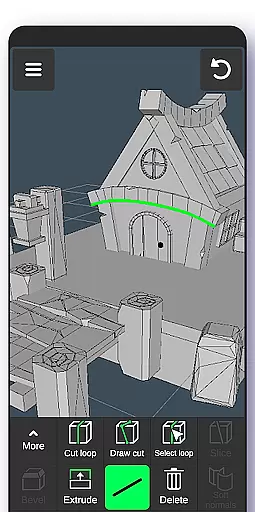
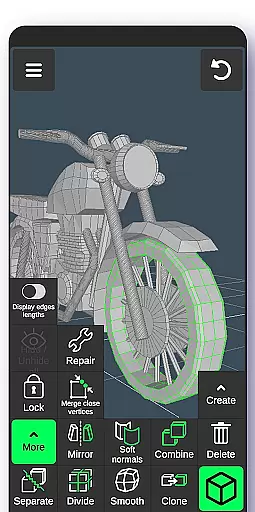
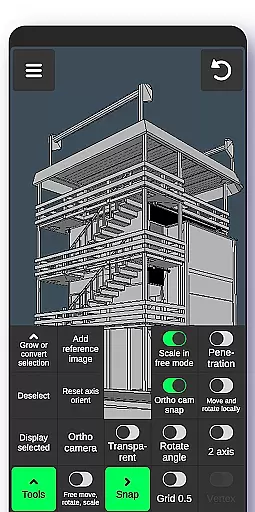
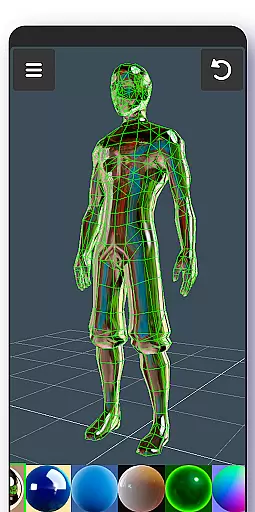
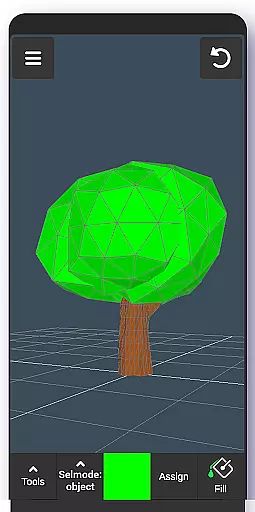
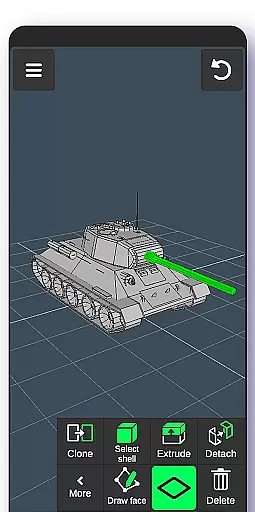
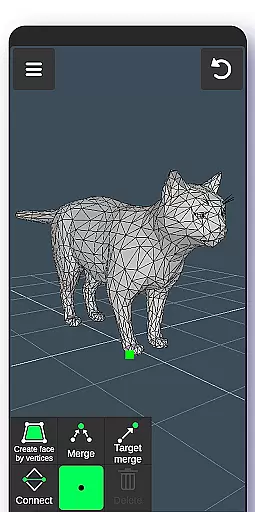
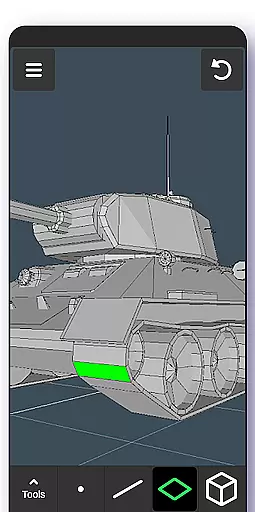
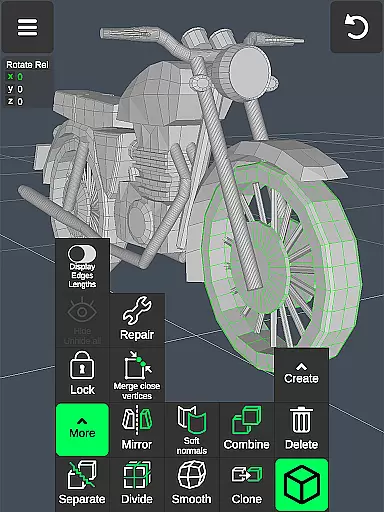
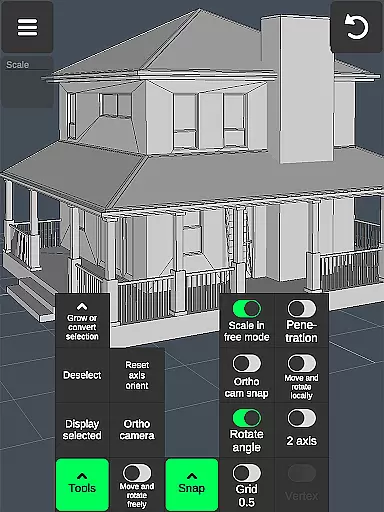
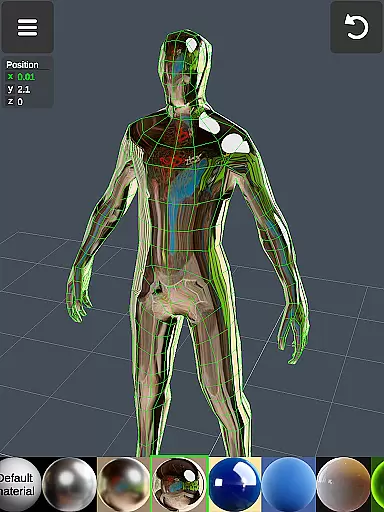
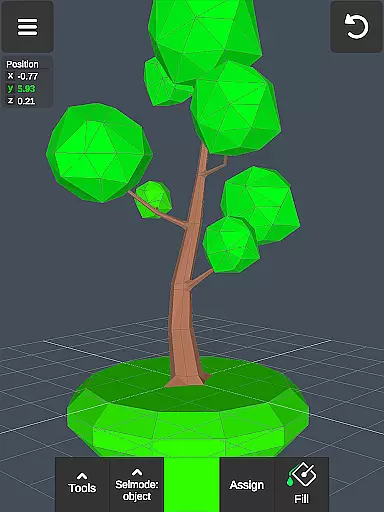
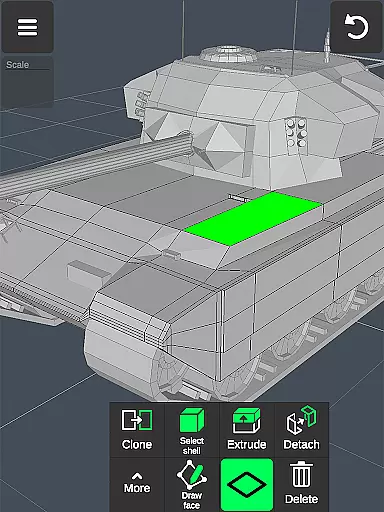
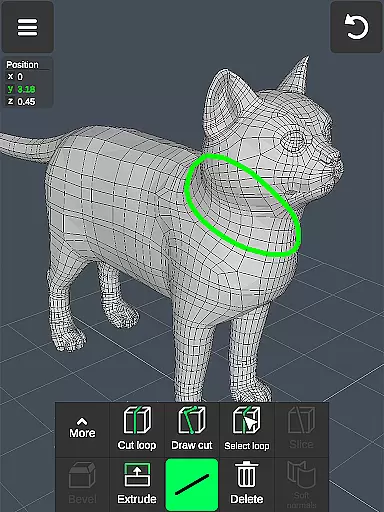
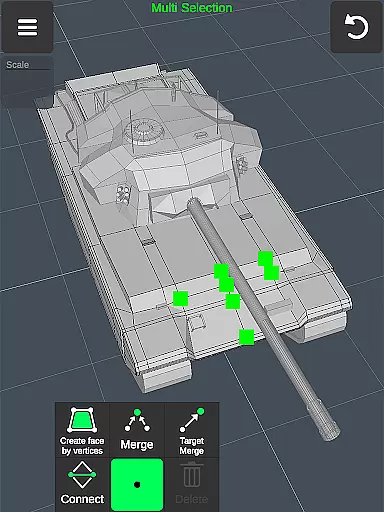
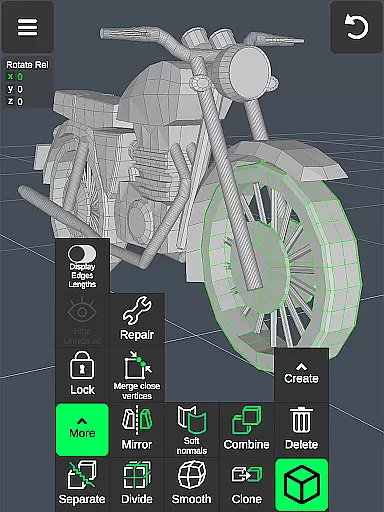
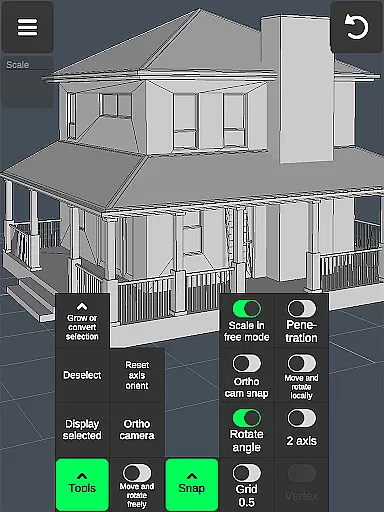

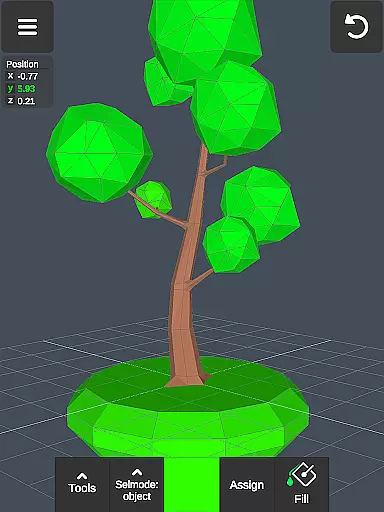
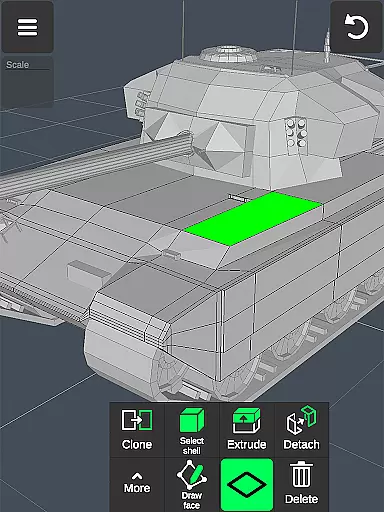
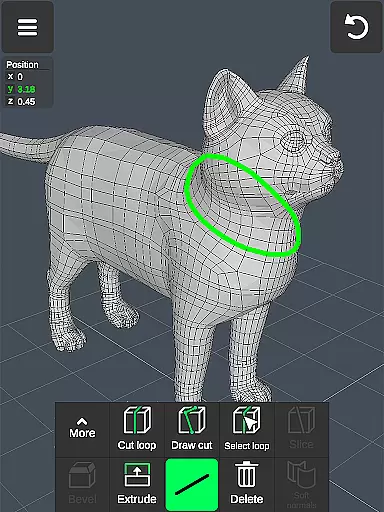
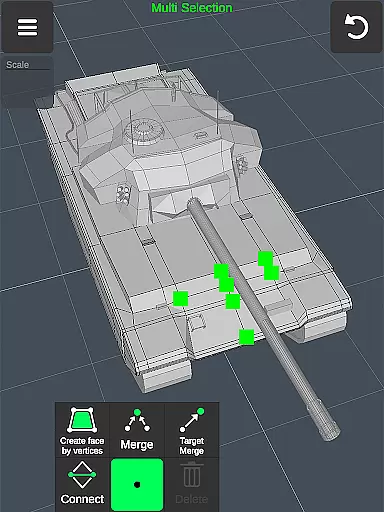
3D Modeling App is a comprehensive mobile solution for 3D creation, enabling users to design 3D models, objects, characters, and environments directly on their devices. The app supports various professional use cases, from graphic design and engineering to game development and industrial applications.
With intuitive gesture controls and a robust set of tools, the app allows precise manipulation of vertices, edges, and faces. Users can create detailed 3D geometries, apply materials, and utilize sculpting tools with adjustable brush settings. The app also features advanced display options and supports file import/export in multiple formats.
This versatile application is particularly valuable for professionals who need a portable yet powerful 3D modeling solution. Whether you're an automotive engineer designing car components or a game developer creating immersive worlds, this app provides the necessary tools to bring your ideas to life efficiently.
The app offers an extensive collection of features that cater to different aspects of 3D modeling. Its fast workflow system enables users to manipulate 3D objects and camera views using simple gestures, while quick tool switching maintains productivity. The vertex, edge, and face tools provide granular control over 3D geometry modifications.
Advanced object manipulation capabilities include combining/separating objects, cloning, mirroring, and smoothing. The sculpting tools offer artistic freedom with move, push, pull, and smooth functions, all with adjustable brush parameters. Display tools provide essential information about the model's geometry and allow customization of the workspace view.
Additional professional-grade features include orthographic camera support, precise value setting for transformations, and various snapping options. The app automatically saves work progress and supports exporting/importing .obj files compatible with major 3D modeling and CAD software, making it a valuable tool for both mobile and desktop-based workflows.
Creative tool completeness is a crucial aspect of any professional-grade 3D modeling application. The 3D Modeling App offers an extensive suite of tools that cater to various aspects of 3D creation, ensuring users have everything they need at their fingertips.
From vertex, edge, and face tools to object and sculpting tools, the app provides a comprehensive toolkit for detailed 3D work. Users can merge, connect, extrude, clone, smooth, and more, allowing for intricate manipulation of 3D geometries with precision.
The inclusion of display tools such as grid settings, wireframe views, and axis controls empowers users to fine-tune their creations with accuracy. Additionally, coloring options like vertex color painting and the ability to apply up to 20 materials enhance the visual fidelity of models.
This complete set of creative tools ensures that professionals in fields ranging from game design to industrial engineering can execute their visions without compromise, making the 3D Modeling App an indispensable asset in their digital toolkit.
Canvas and format flexibility are essential for accommodating diverse project requirements and ensuring seamless integration with other software ecosystems. The 3D Modeling App excels in this area by providing versatile solutions for both canvas manipulation and file compatibility.
Users can freely move vertices, edges, faces, and objects without being constrained by grid snaps, offering unparalleled freedom in shaping their 3D models. The app also supports orthographic camera views and precise value inputs for moving, rotating, and scaling elements, which enhances control over the creative process.
In terms of format flexibility, the app allows exporting and importing .obj files, which are compatible with major 3D modeling and CAD software such as 3ds Max, Maya, Blender, AutoCAD, and SolidWorks. This interoperability ensures that projects started in the 3D Modeling App can be further refined or utilized across different platforms.
With these robust features, the 3D Modeling App not only meets but exceeds the expectations of creatives who demand adaptability and versatility in their choice of digital canvas, empowering them to bring their ideas to life without technical limitations.
User-friendly interface
Comprehensive toolset
Professional-grade features
Wide format compatibility
Intuitive gesture controls
Steep learning curve
High system requirements
Limited free features
No real-time collaboration
Occasional performance issues

Custom Character Creator & PFP Maker!
 4.20
4.20
Digital Drawing: Draw & Paint
4.10
Create color palette from Image, RGB & RYB Color wheel harmonies, Color Scheme
4.50
Draw glowing spinners, relax, and spin your creative art
4.60
2D animation studio for Android tablets - unlimited layers, infinite timeline
4.70
Video AI: Revolutionize Your Content Creation with Advanced Video Generation
4.50
Create Logos, Tattoos, AI Art & more with our AI Photo Generator & Design Editor
4.20
Just trace a projected picture on paper and color! Draw & Paint with AR drawing
4.40
Draw, fidget, and spin glow art! Relax and express your creativity with a finger
4.60
Make your phone cooler and have a fantastic experience
4.80
Create stunning art with AI.
4.80
The ultimate tool for creating animations
4.60
The perfect place to start sketching! Use Sketchbook to draw and paint sketches.
4.50
Create and Design Custom Logos in Seconds with AI-Powered Tools!
4.40
800+ Drawing, Painting Lessons App to Practice, Sketch & Paint Art.
4.30
Unleash the artist in you with our AR drawing and tracing tool for photo drawing
4.10
Floor Plan Creator lets you create, edit and share floor plans.
4.00
Experience next-gen icons with a modern liquid glass look.
3.60
AI Assistant, powered by ChatGPT GPT-4 & GPT-4o. Your intelligent companion.
3.50


User Reviews