
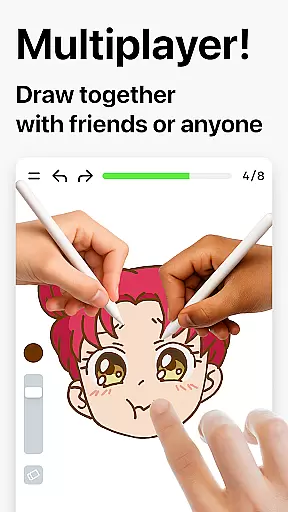
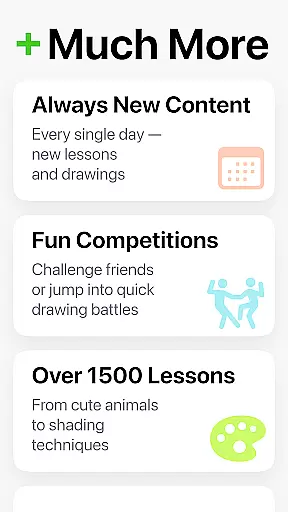
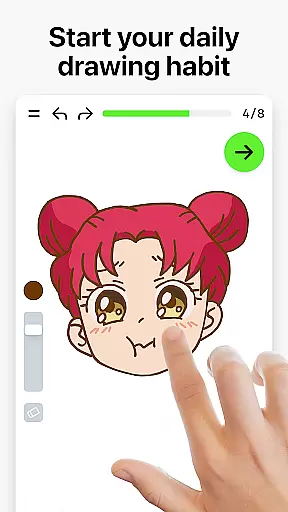

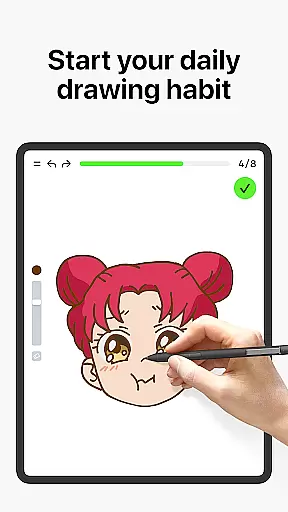
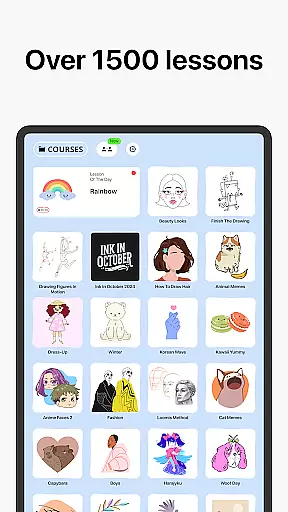

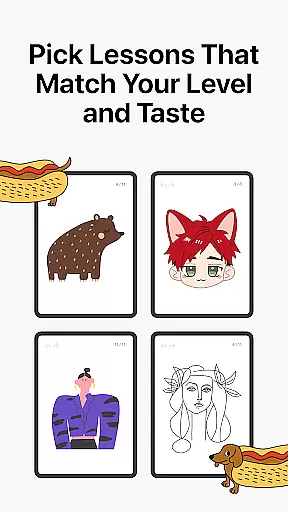
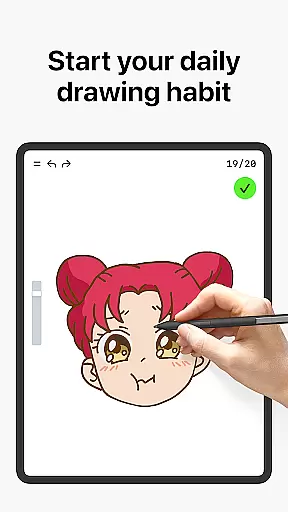
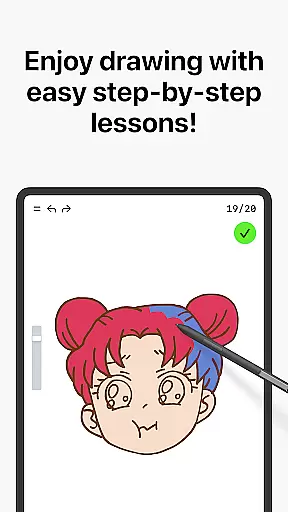
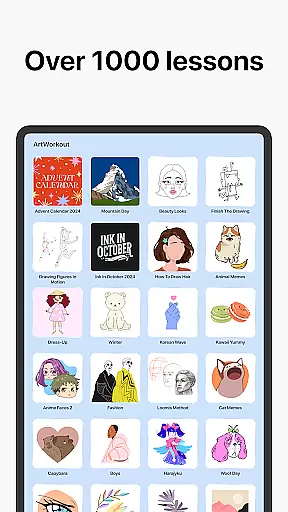

Learn how to draw is an innovative art education app designed for all ages and skill levels. The app combines over 1000 step-by-step drawing tutorials with a unique multiplayer mode, allowing users to draw and trace together in real time. Whether you're a beginner learning the basics or an experienced artist looking for daily warm-up exercises, this app provides a complete package for artistic growth.
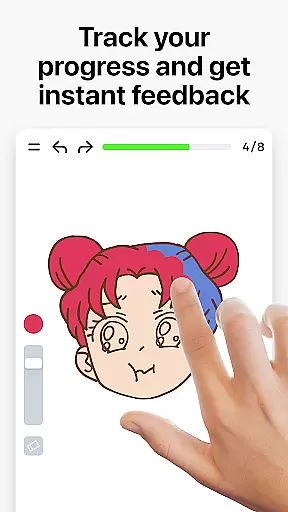
The app's dynamic tutorials are broken down into simple steps, while its scoring system tracks your progress and accuracy. With interactive courses covering various techniques like sketching, painting, and doodling, Learn how to draw creates a stress-free learning environment. Additionally, weekly new lessons and community engagement through Discord and Telegram ensure continuous improvement and user interaction.
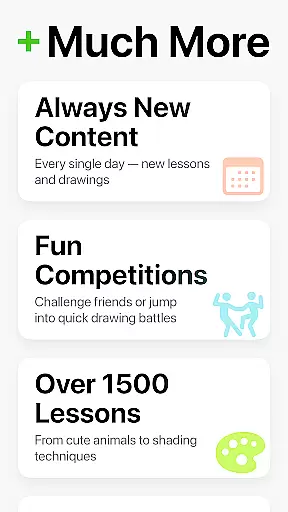
Learn how to draw stands out with its comprehensive features tailored for both beginners and professional artists. The app offers over 1000 dynamic tutorials, each divided into 10-30 manageable steps, making it easy to follow and master different techniques. Its unique multiplayer mode allows users to collaborate or compete with others globally, fostering a creative and engaging environment.
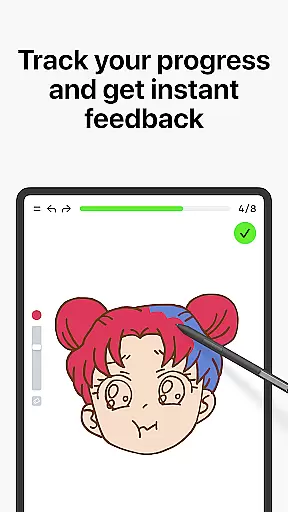
Beyond basic tutorials, the app evaluates stroke accuracy and quality, providing meaningful feedback to improve skills. The scoring system measures progress, while themed courses cover diverse topics from holiday themes to cultural inspirations. With weekly updates and active community channels on Discord and Telegram, Learn how to draw ensures users stay motivated and connected.
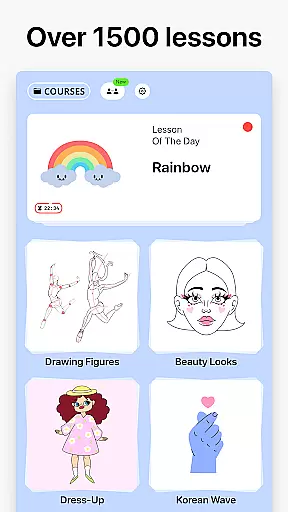
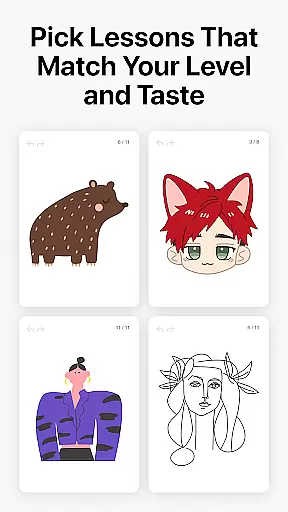
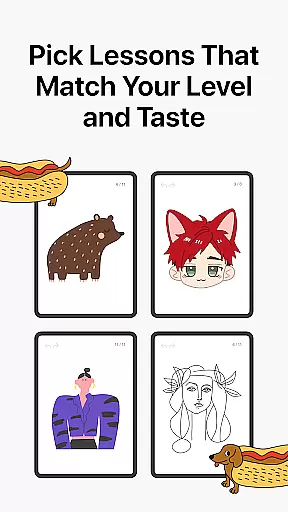
In the realm of digital art, having access to comprehensive creative tools is essential for both beginners and professionals. ArtWorkout offers an extensive suite of over 1000 step-by-step tutorials that cover a wide range of techniques including sketching, painting, and drawing. This vast library ensures that users can explore various artistic methods and find the perfect lesson that matches their current skill level and interests.
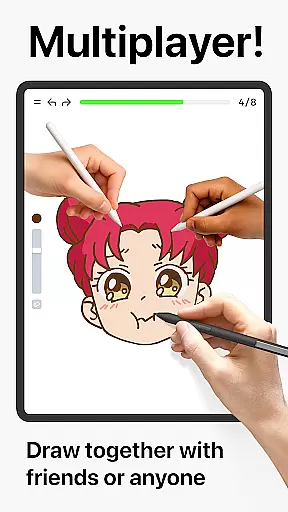
What sets ArtWorkout apart is its unique multiplayer mode, allowing artists to draw and trace together with friends or other users in real time. This collaborative feature not only enhances the learning experience but also fosters a sense of community among users who can now share their creative journey. By engaging in friendly challenges or co-learning sessions, artists can refine their skills while enjoying the process of creating art alongside others.
The app's interactive courses span multiple disciplines such as doodling, sketching, drawing, painting, and even handwriting. Each course is designed to provide clear evidence of improvement through its innovative scoring system, which tracks user progress meticulously. Whether you're picking up a brush for the first time or looking to perfect your technique, ArtWorkout provides all the necessary tools to facilitate growth and mastery in digital art.
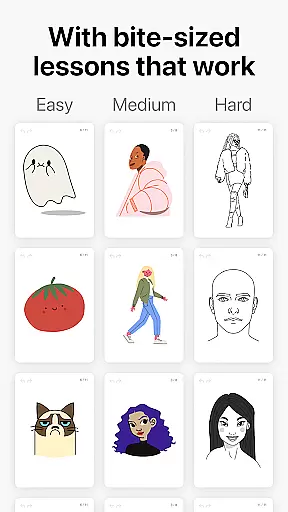
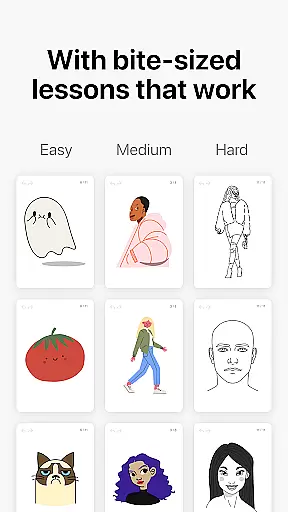
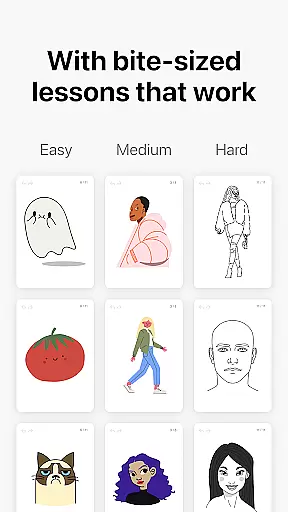
Flexibility in canvas and format options is crucial for artists who wish to express their creativity without limitations. ArtWorkout addresses this need by offering dynamic tutorials that are broken down into 10-30 simple steps, enabling users to master various techniques at their own pace. The bite-sized lessons make it easy for anyone to start drawing, regardless of their previous experience or skill level.
ArtWorkout stands out with its ability to measure accuracy and evaluate stroke quality, providing immediate feedback that helps users improve their craft. This feature goes beyond typical line tracing apps by analyzing how steady, clean, and expressive each stroke is. Such detailed feedback empowers artists to refine their technique continuously, making every practice session more meaningful.
Moreover, the app includes weekly releases of new lessons inspired by global cultures and time-limited holiday events. This ensures that there is always fresh content available, keeping the learning experience engaging and relevant. With ArtWorkout, users have the freedom to experiment with different styles and formats while receiving structured guidance that supports their artistic development over time.
User-friendly interface
Comprehensive tutorials
Real-time multiplayer
Progress tracking system
Active community support
Limited advanced tools
Occasional bugs
Internet required
Premium content locked
Steep learning curve

Design your dream room with AI. Get decor ideas & plan home interiors
 3.90
3.90
Sketch, trace and master AR drawing with awesome anime art!
3.30
Sketch, plan, take notes and illustrate on an infinite canvas.
4.20
Meet the magic aı 3d photo generator and smart AI video generator app.
3.20
Create color palette from Image, RGB & RYB Color wheel harmonies, Color Scheme
4.50
Your homescreen as an elegant glass with customized blur, lighting, and visuals.
3.70
OneUI 8.5 icons ✨ Smooth, modern & based on the latest Play Store design ??
4.10
Draw, fidget, and spin glow art! Relax and express your creativity with a finger
4.60
Unleash your inner artist! Sketchar: AR Drawing for Limitless Creativity
4.40
Create stunning art with AI.
4.80
Make your phone cooler and have a fantastic experience
4.80
Digital, Abstract, Classic - all types of color wheels in one app!
4.60
Turn your drawings into flipbook-style animations with simple creative tools
4.60
Draw Trace image sketch by, AR art projector app, Easy to trace any image.
4.50
Digital Drawing: Draw & Paint
4.10
Design unique, funny and adorable cat stickers that reflect your own style!
3.80
Apply cartoon, caricature, and portrait effects to make your photos stand out!
3.60
Art of Combination Wear OS Watch faces
4.5
Art of Combination Wear OS Watch faces
4.5


User Reviews