
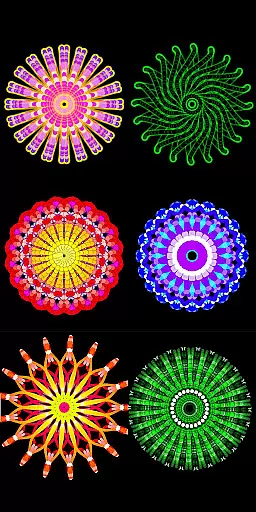
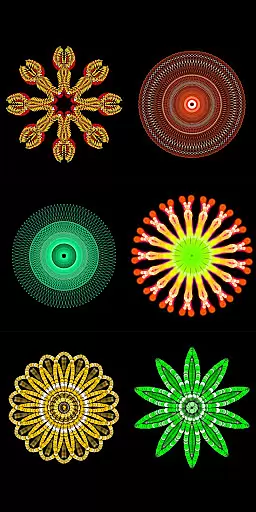
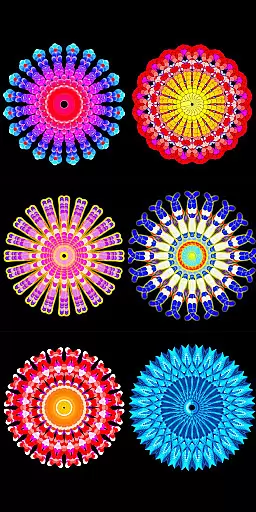
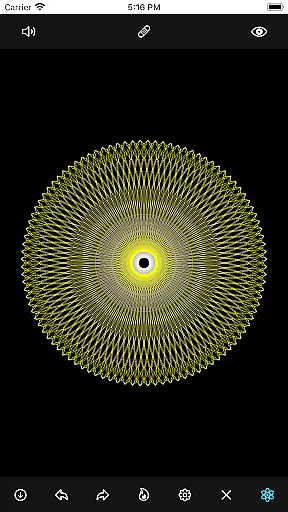
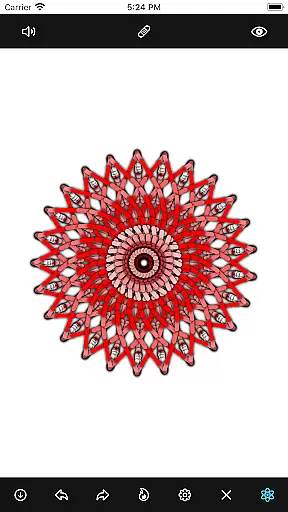
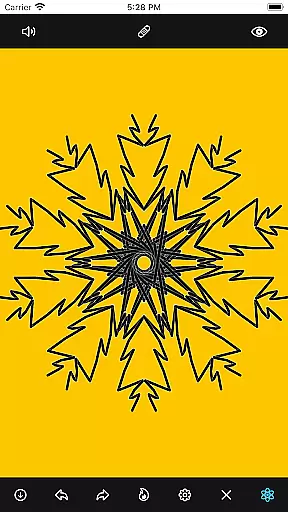
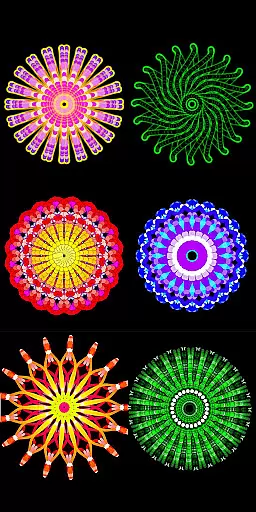
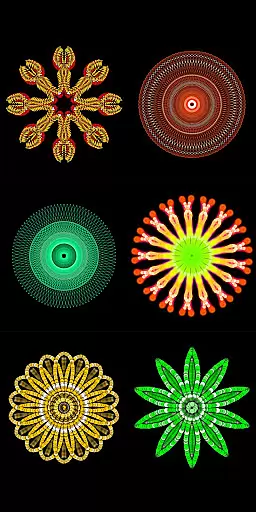
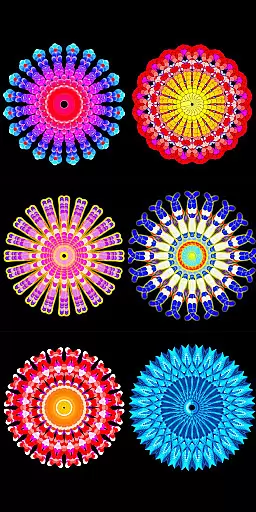
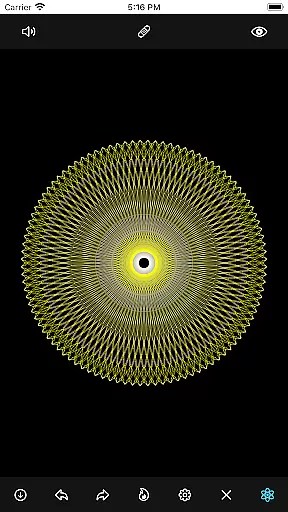
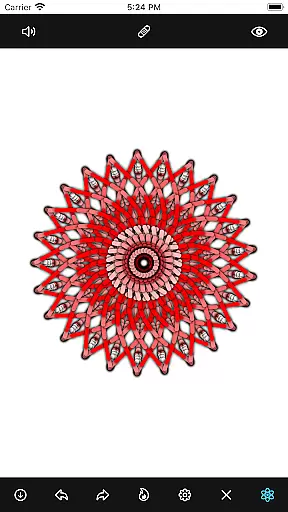
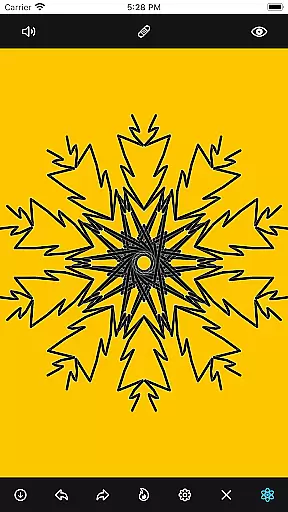
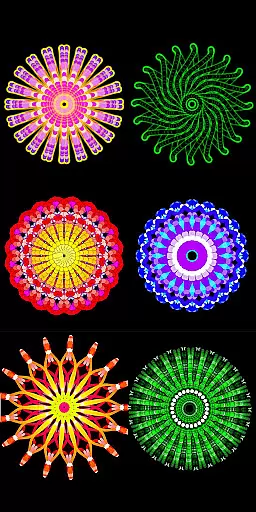
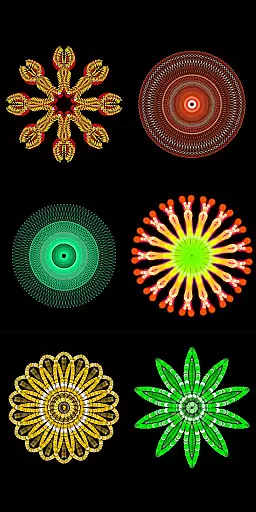
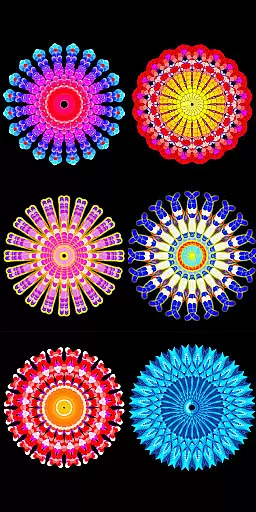
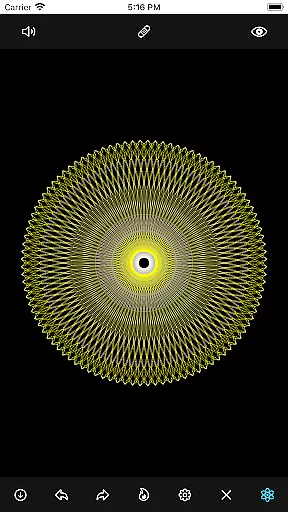
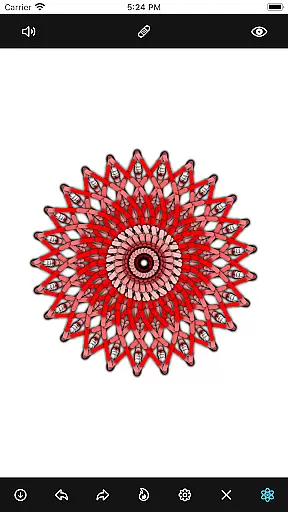
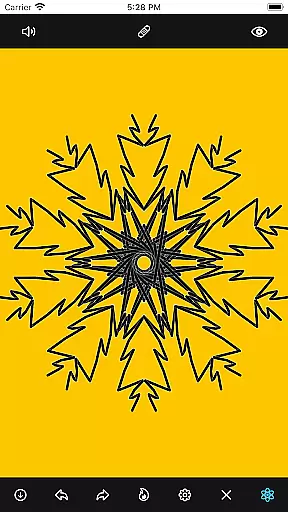
Mandala Maker 360 is a creative tool designed for both beginners and experienced artists to create stunning mandala drawings with ease. The app offers an intuitive interface that allows users to generate intricate designs in just a few steps, making it perfect for art projects or mindfulness exercises.
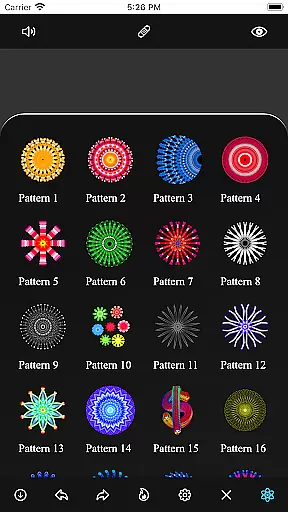
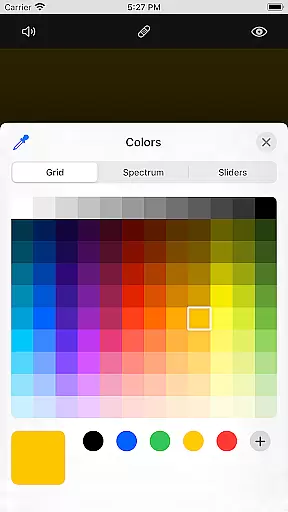
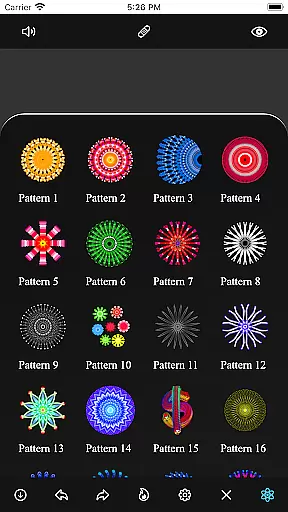
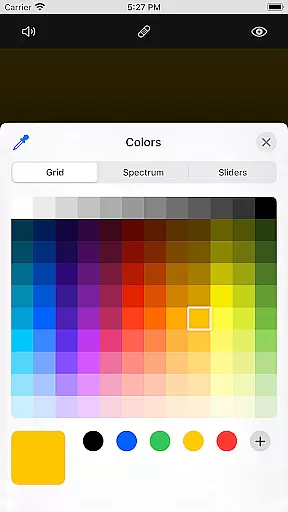
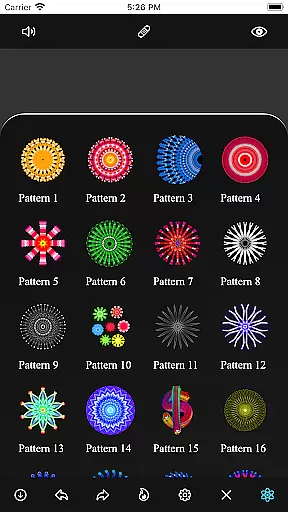
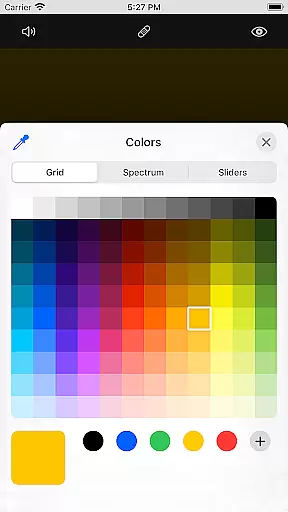
With extensive customization options, users can modify canvas symmetry, background colors, brush settings, and even apply shadows. The app also includes over 50 predefined patterns and images, providing a versatile platform for artistic expression. Whether you're looking to enhance your design skills or simply relax through drawing, Mandala Maker 360 delivers a comprehensive solution.
The app's ability to transform images into mandalas adds another layer of creativity, allowing users to incorporate personal photos or other visuals into their artwork. This feature makes it especially valuable for those seeking unique ways to express themselves artistically.
Mandala Maker 360 stands out with its robust set of features tailored for mandala creation. Users can customize every aspect of their canvas, including symmetry settings, background color, and center positioning. The touch-based center alignment and mirroring options provide precise control over the design process.
The app offers advanced brush customization, featuring multiple styles, color types, and random color selection. Artists can adjust brush sizes and types to achieve the desired effect. Additionally, the shadow properties allow for dynamic visual depth, with options to apply random shadows and select from various sizes and colors.
Image customization is another highlight, with over 50 images available for drawing. Users can modify image dimensions and sizes to fit their compositions perfectly. Predefined patterns offer further inspiration, enabling users to experiment with different artistic styles and techniques.
Mandala Maker 360 offers a comprehensive suite of creative tools that cater to both beginners and advanced artists. The application provides extensive customization options, allowing users to modify canvas symmetry, background color, brush settings, and even apply shadows. This level of detail ensures that every mandala drawing can be as unique and intricate as the user desires.
One of the standout features is the ability to use over 50 predefined patterns and images for drawing. This not only simplifies the creation process but also inspires users with different artistic ideas. Additionally, the app supports image import, enabling artists to incorporate personal images into their mandala designs, thus further expanding the creative possibilities.
The brush customization feature is particularly noteworthy, offering multiple brush styles, color types, and sizes. Users can also opt for random color selection, which adds an element of surprise and creativity to each project. These robust tools collectively ensure that Mandala Maker 360 meets the needs of diverse artistic expressions.
Flexibility in canvas and format options is crucial for digital art applications, and Mandala Maker 360 excels in this area. Users have the freedom to change the canvas center, apply mirroring effects, and adjust symmetry settings. Such features provide complete control over the drawing space, making it easier to create balanced and aesthetically pleasing mandalas.
In addition to canvas adjustments, the app allows users to modify image sizes and dimensions. This means that whether you're working with predefined patterns or imported images, you can tailor them to fit your specific design requirements. The ability to customize these elements ensures that each piece of art remains unique and personal.
Moreover, the option to change the background color and apply shadows adds another layer of depth to the artwork. Shadows can be customized in size and color, giving users the power to enhance the visual impact of their creations. With these flexible canvas and format options, Mandala Maker 360 empowers artists to bring their visions to life without limitations.
User-friendly interface
Extensive customization options
Over 50 predefined patterns
Advanced brush settings
Image-to-mandala transformation
Limited free features
Occasional performance lags
In-app purchases required
Steep learning curve
Ads may disrupt workflow

Discover Cartoon Dream : Unleash Your Creativity with CuttingEdge AI
 4.50
4.50
Digital illustration drawing & painting pad app to paint Anime and Manga art
4.50
Minecraft & Roblox Clothes
4.70
Get creative and make art with your Sesame Friends!
4.00
Photo stitcher for automatically screenshot stitching into a long screenshot
4.70
Retouch photos. Create or edit images. Endless capabilities.
2.70
Turning simple sketches into captivating tales filled with life and motion
3.90
AI Tattoo Generator: Create Tattoo Designs & Get Ideas! Ink & Stencil Maker
4.50
How to draw anime step by step for beginner easily by AR drawing sketch & paint.
3.60
Image resizer to resize, crop, rotate, flip, change dpi photo or picture in bulk
4.60
Digital, Abstract, Classic - all types of color wheels in one app!
4.60
Draw, fidget, and spin glow art! Relax and express your creativity with a finger
4.60
Create color palette from Image, RGB & RYB Color wheel harmonies, Color Scheme
4.50
Photo blender app to create overlay photos & double exposure.
4.40
AI generated images & photos, turn your words into drawing, painting & pictures.
4.30
OneUI 8.5 icons ✨ Smooth, modern & based on the latest Play Store design ??
4.10
Design your dream room with AI. Get decor ideas & plan home interiors
3.90
AI Face Swap, Video Effects Editor, Realtime Morph, Funny Video FX,AI Filters
3.70
Inky runs Inkscape on Android devices and Chromebooks
2.90


User Reviews