
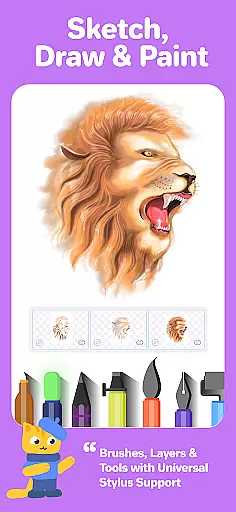
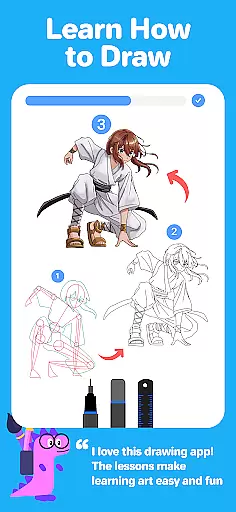
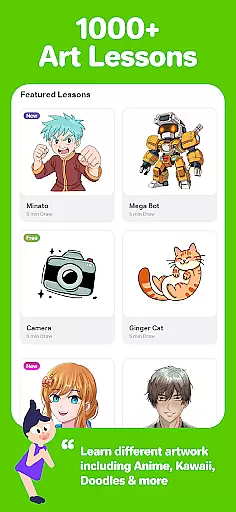
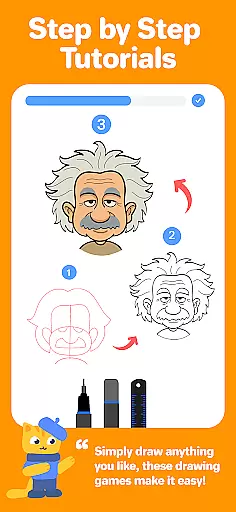
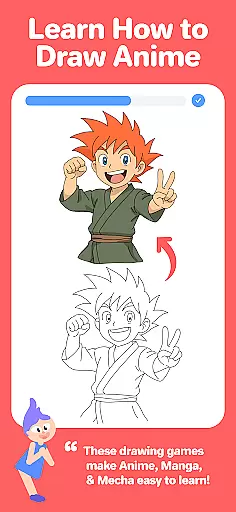
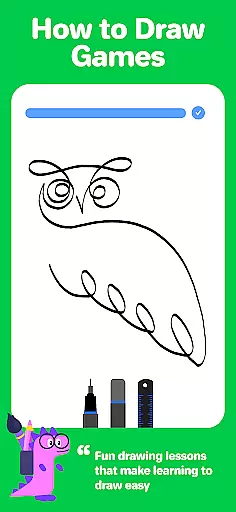
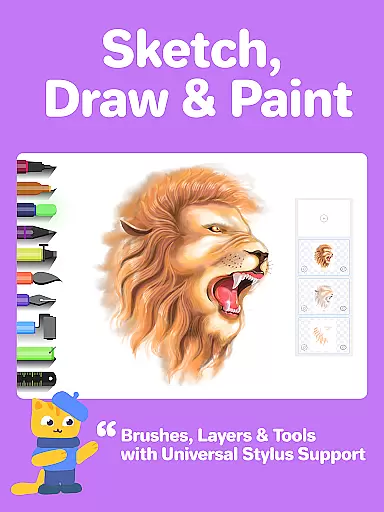
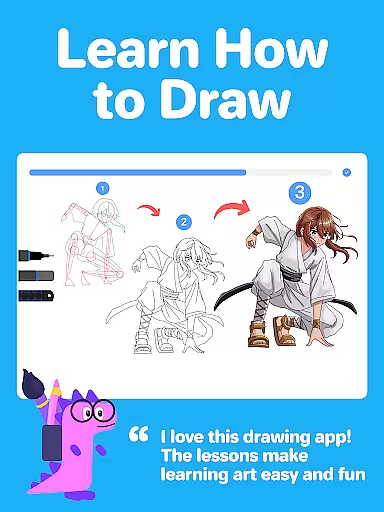
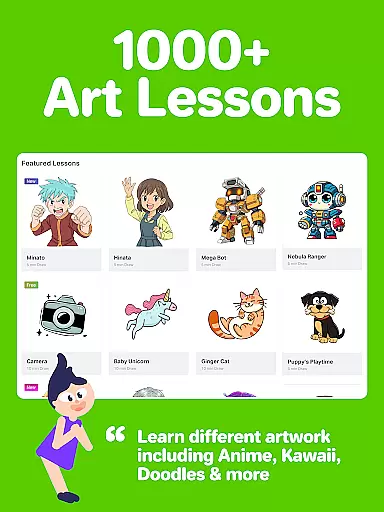
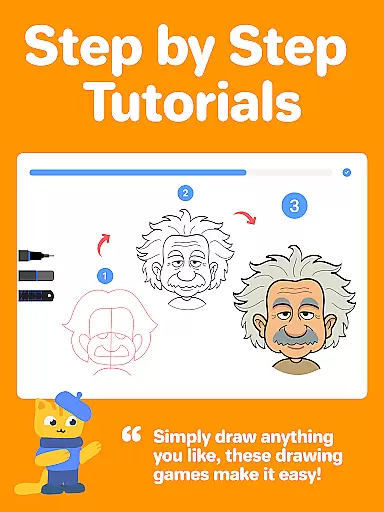
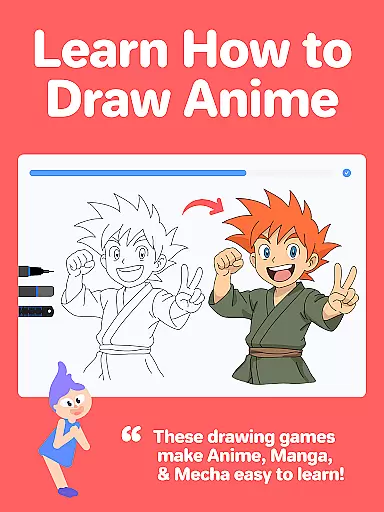
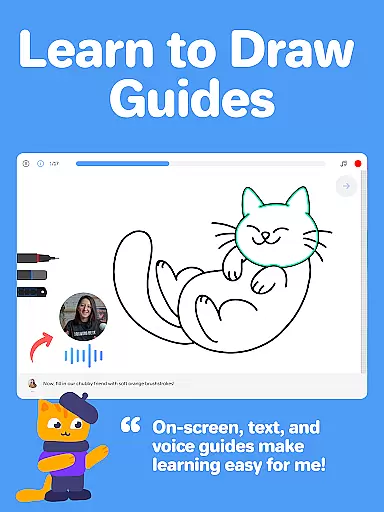
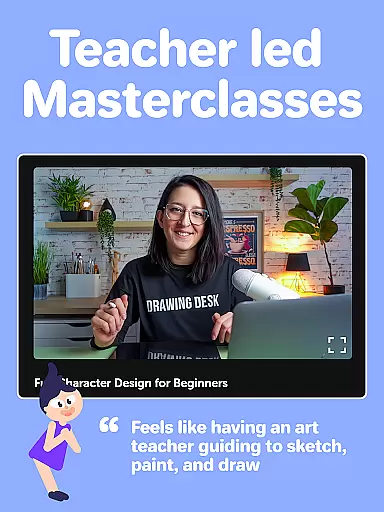
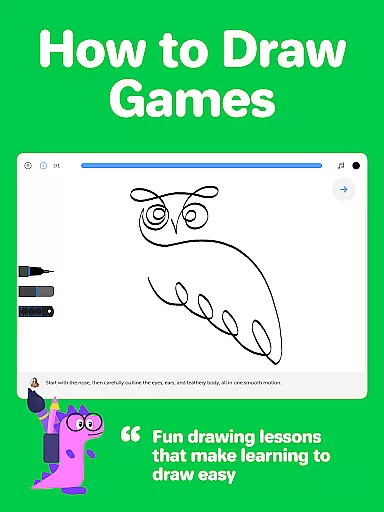
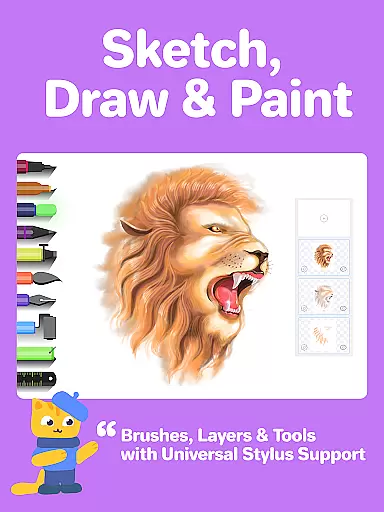
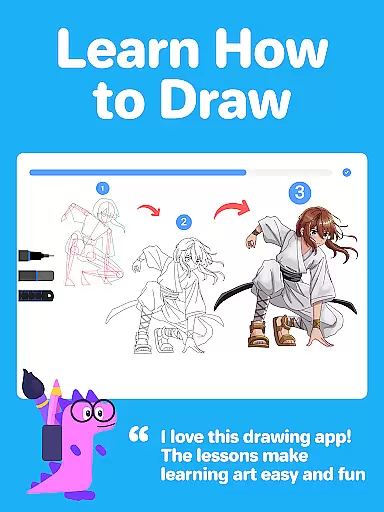
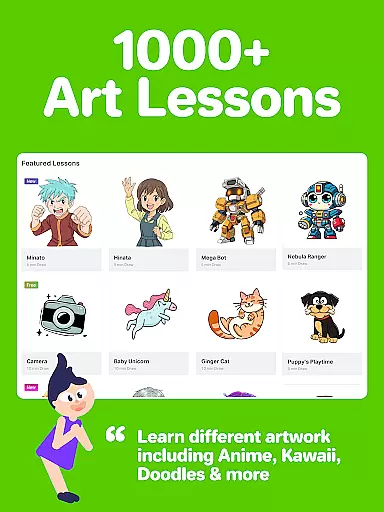
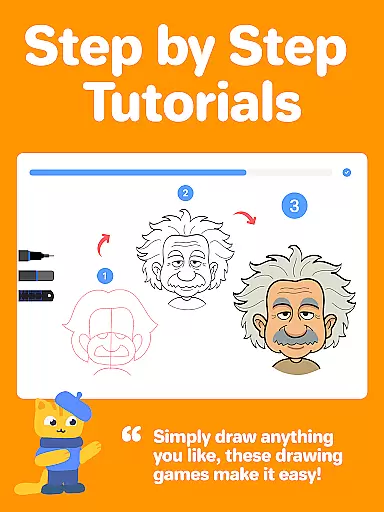
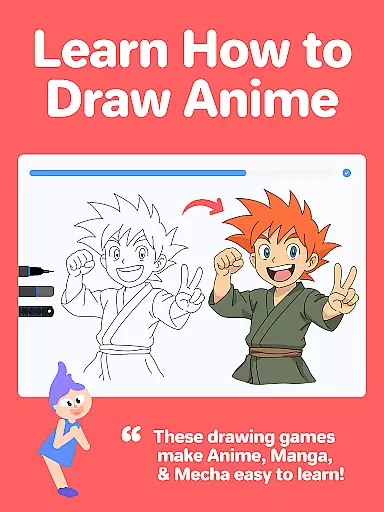
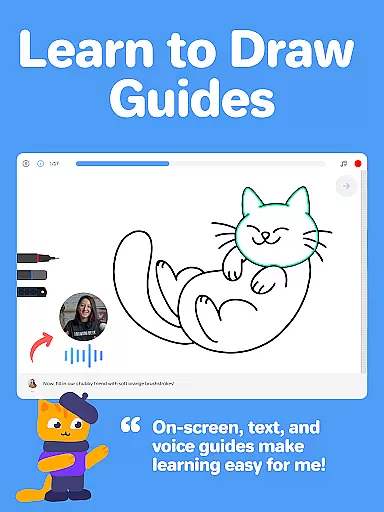
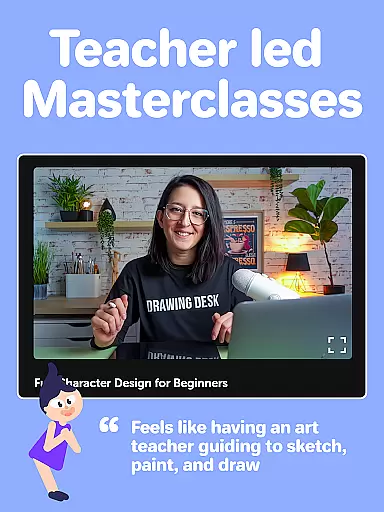
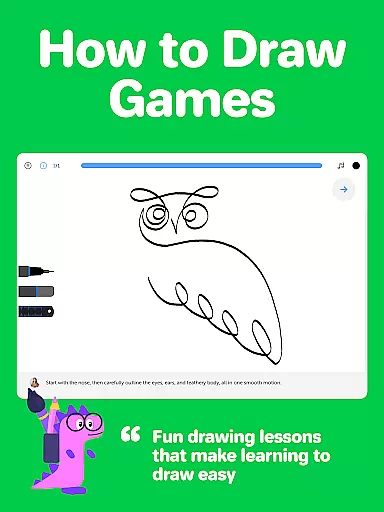
Drawing Desk is a premier digital art application designed for both beginners and advanced artists. With over 70 million users worldwide, this app offers an extensive suite of drawing and painting tools including pencils, crayons, watercolor brushes, and more. It provides a platform to learn and practice art skills with 1000+ step-by-step drawing lessons covering various styles such as Anime, Manga, and Kawaii.
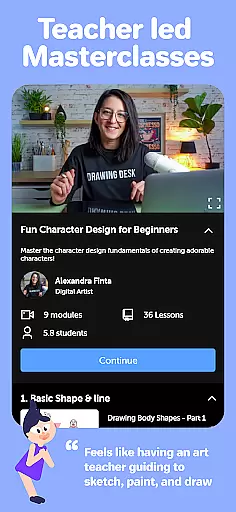
One of the standout features of Drawing Desk is its structured learning paths. Users can select an artistic goal and receive a personalized plan with curated lessons. Additionally, Masterclasses conducted by professional artists offer comprehensive guidance from basic techniques to advanced digital art tips. The app also incorporates AI-powered tools like Sketch to Art AI and Auto Colorize, enhancing the creative process.
This app is ideal for anyone looking to explore their artistic abilities on their mobile devices. Whether you're sketching for fun or honing your professional skills, Drawing Desk provides all the necessary tools in one place, making it a versatile choice for digital artists.
Drawing Desk boasts an impressive array of features tailored for digital artists. The app includes 25+ sketch tools such as pens, pencils, crayons, neon markers, watercolor brushes, and smudge tools. These instruments allow users to create detailed and vibrant artworks. Advanced functionalities like unlimited layers, quick shape drawing, symmetry tools, and instant shapes enhance the creative experience further.
In addition to its robust toolset, Drawing Desk offers AI-powered features that streamline the artistic process. Tools like Auto Colorize enable users to color their sketches rapidly, while AI functions can remove backgrounds or unwanted objects from images. The app also supports various canvas sizes and provides color palettes and gradients, catering to diverse artistic needs.
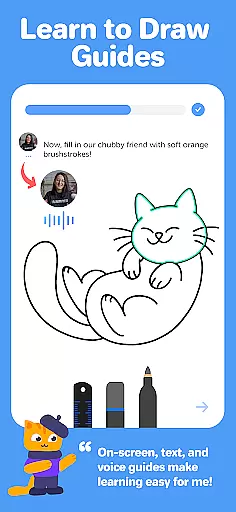
The inclusion of interactive drawing games and Masterclasses ensures that users can learn effectively. Each lesson comes with on-screen guides, text, and voice instructions, making it accessible for all skill levels. This combination of powerful tools and educational content positions Drawing Desk as a top choice for digital art enthusiasts.
Creative tools are the backbone of any digital art application, and Drawing Desk excels in this area. The app offers a comprehensive suite of over 25 sketch tools including pen, pencil, crayon, neon, watercolor brush, ink, smudge, eraser, and fill bucket. These tools cater to both beginners and advanced artists, allowing them to explore various drawing techniques.
In addition to traditional tools, Drawing Desk provides unique features such as Quick Shapes, symmetry tools, and over 200 instant shapes for users to incorporate into their artwork. The inclusion of color palettes, gradients, and a fill bucket with more than 125 textures further enhances the creative possibilities. Artists can work on different canvas sizes, utilize unlimited layers, and experiment with diverse artistic styles without limitations.
The app also integrates AI-powered tools that elevate the creative process. Users can leverage Sketch to Art AI, Text to Art AI, and Auto Colorize features to transform sketches into artworks within seconds. Other AI tools allow for background removal and object elimination from photos and drawings, streamlining the editing process and enabling artists to focus on their vision.
Flexibility in canvas and format options is crucial for digital artists who require precision and adaptability in their work. Drawing Desk addresses this need by offering various canvas sizes, catering especially to users of tablet devices. This feature allows artists to choose the perfect dimensions for their projects, whether they are working on detailed illustrations or expansive designs.
The app supports unlimited layers, a fundamental feature for complex digital artwork. Layers enable artists to manage different elements of their composition independently, providing greater control over edits and refinements. This capability ensures that users can create intricate and multifaceted pieces without being constrained by the limitations of a single-layer workspace.
Drawing Desk's compatibility with multiple formats enhances its versatility. Artists can seamlessly export their work in various file types, ensuring that their creations are suitable for both digital and print media. This flexibility empowers users to produce professional-grade illustrations and art while maintaining the integrity of their original vision across different platforms and mediums.
User-friendly interface
Extensive drawing tools
AI-powered features
Structured learning paths
Professional Masterclasses
Some features may require purchase
Advanced tools can be complex
Occasional performance issues
Limited offline functionality
Subscription model

The ultimate tool for creating animations
 4.60
4.60
Floor Plan Creator lets you create, edit and share floor plans.
4.00
Image/ Text to Video Generator
4.40
Digital illustration drawing & painting pad app to paint Anime and Manga art
4.50
AI Face Swap, Video Effects Editor, Realtime Morph, Funny Video FX,AI Filters
3.70
Logo Generator powered by AI: Create stunning logos effortlessly!
4.70
Novices can also easily complete diamond painting masters
4.70
Unleash the artist in you with our AR drawing and tracing tool for photo drawing
4.10
Draw, fidget, and spin glow art! Relax and express your creativity with a finger
4.60
Create stunning art with AI.
4.80
Passport size photo maker, create ID photo and visa photo in seconds
4.80
Learn how to draw with step-by-step tutorials, fun lessons & multiplayer drawing
4.70
Convert image to JPG PNG HEIC PDF, support almost all kinds of image formats
4.70
Turn your drawings into flipbook-style animations with simple creative tools
4.60
Bring One UI 8.5 Icons to life -elegant dark icons with a modern, premium touch.
4.30
Customizable Outlined Fonts. Watch Face Format. Battery friendly Digital Clock.
4.20
Sketch, plan, take notes and illustrate on an infinite canvas.
4.20
Design unique, funny and adorable cat stickers that reflect your own style!
3.80
Vidu is an AI video generator made for creators and aspiring makers.
3.30


User Reviews