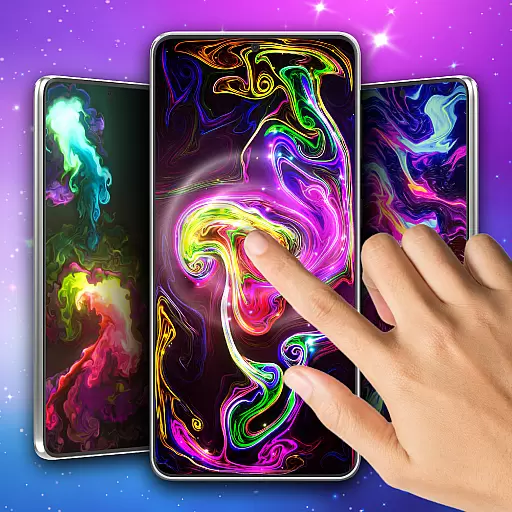
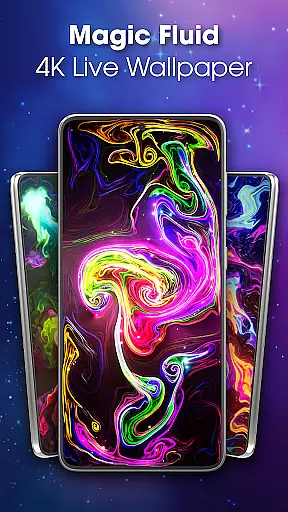
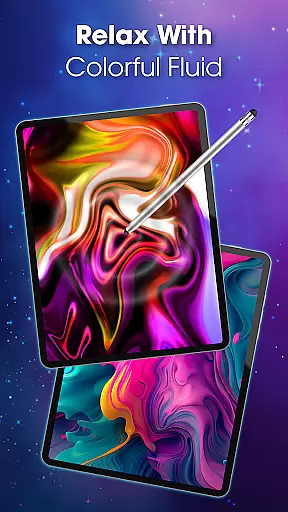
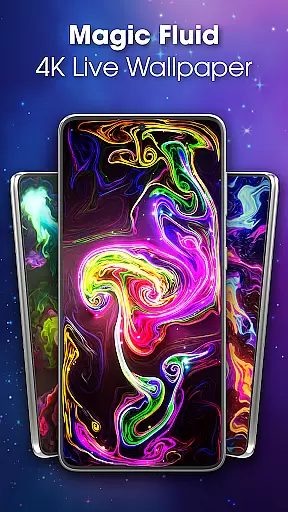
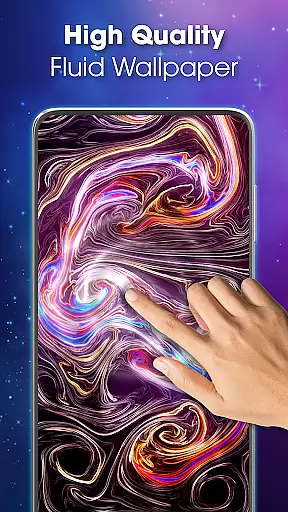
Magic Fluid Live Wallpaper 4D is an innovative personalization app that transforms your device's screen into a mesmerizing canvas of fluid animations. With its interactive design, users can engage with colorful liquid effects that respond to touch and swipe gestures.
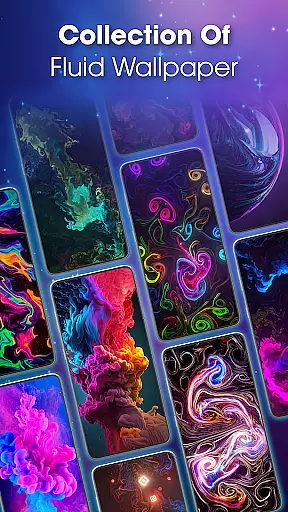
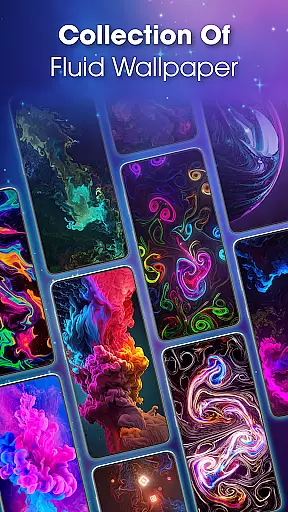
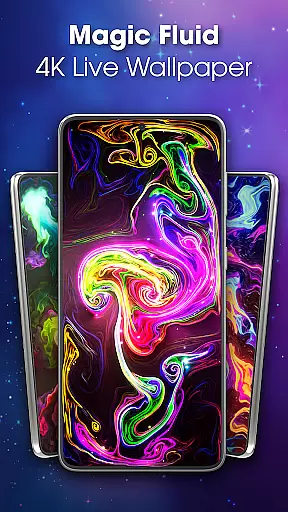
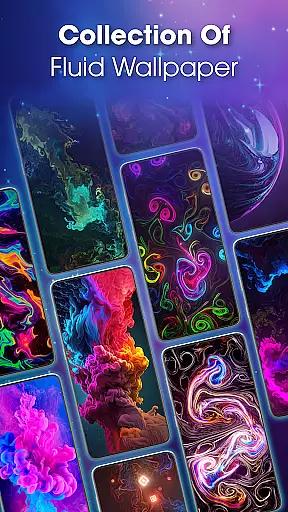
The app offers a diverse gallery of 4K quality wallpapers featuring abstract art, nature-inspired themes, and futuristic designs. Users can customize their experience by adjusting color schemes, flow speeds, and fluid dynamics to create unique, mood-enhancing wallpapers. Whether you're looking to relax or simply beautify your screen, this app provides both aesthetic pleasure and creative control.
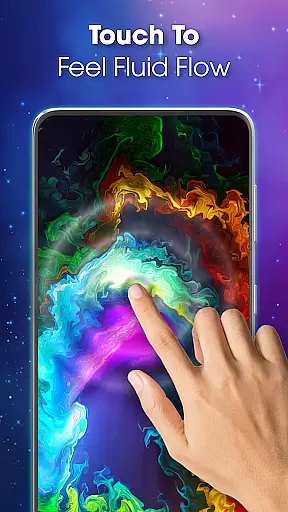
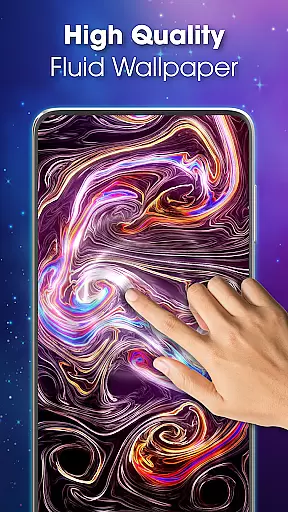
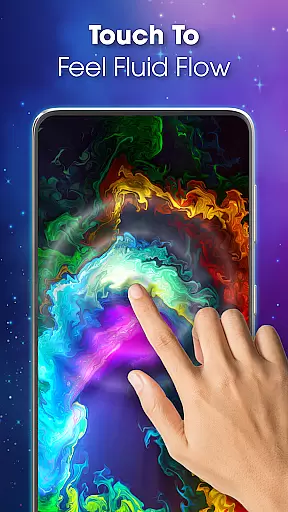
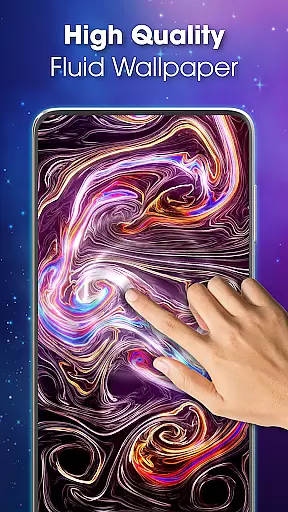
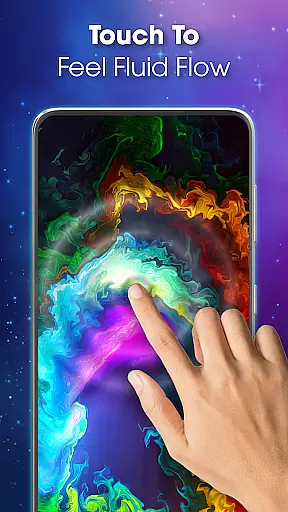
Magic Fluid Live Wallpaper 4D stands out with its advanced fluid simulation technology, delivering smooth and vibrant animations. The app allows real-time interaction, where every touch and swipe creates a magical flow of colors across the screen.
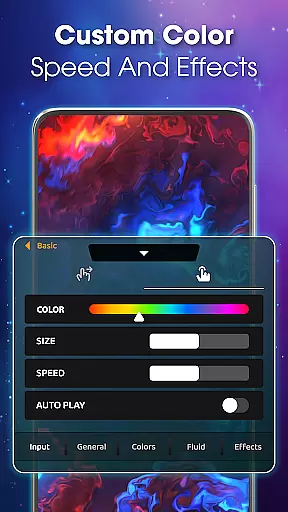
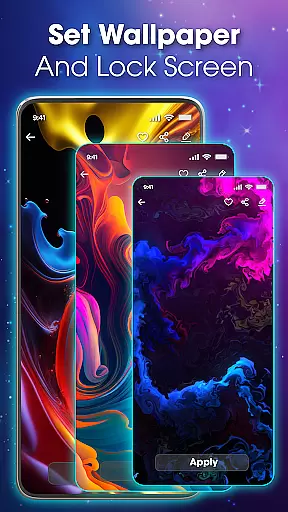
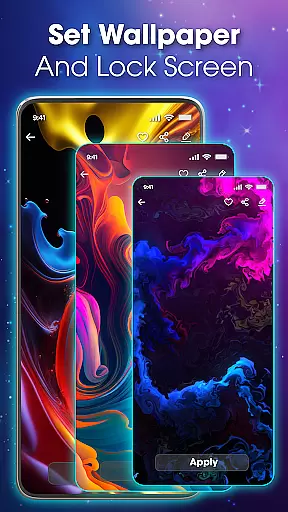
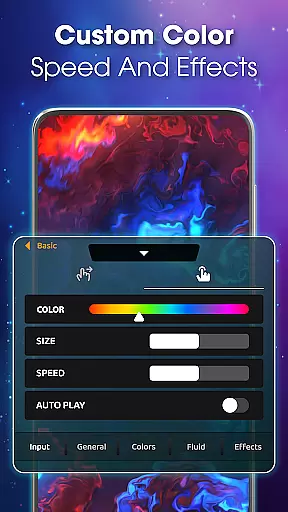
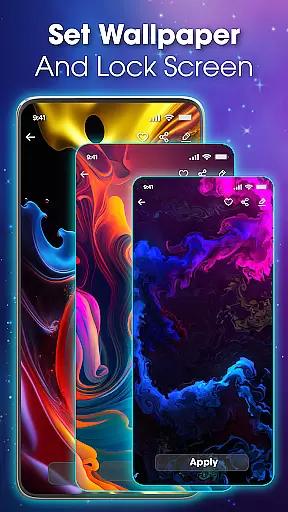
Customization options are abundant, enabling users to tailor the wallpaper's behavior and appearance. From altering fluid viscosity to choosing from a spectrum of colors, the app ensures each user's screen is truly one-of-a-kind. Additionally, the app supports setting different wallpapers for the home and lock screens, providing versatility in personalization.
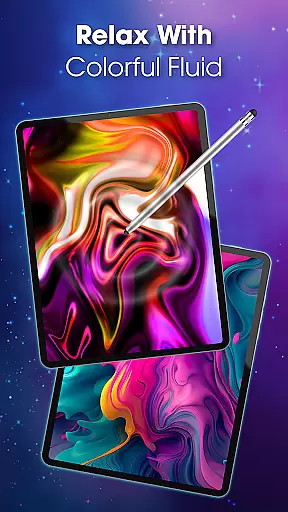
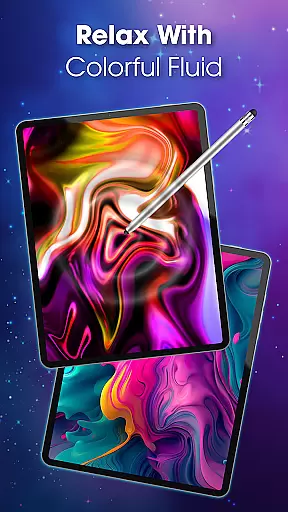
Beyond aesthetics, the app serves as a tool for relaxation, allowing users to immerse themselves in the soothing motion of fluids. Regular updates introduce new themes and effects, keeping the content fresh and engaging for users who seek dynamic screen experiences.
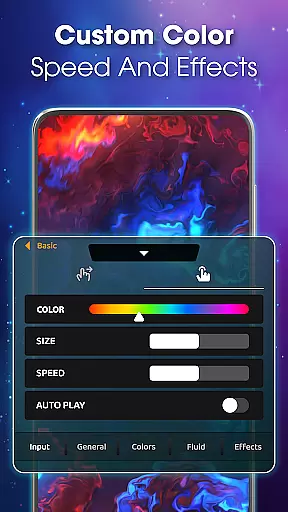
Customization is at the heart of Magic Fluid live wallpaper 4D, offering users a rich palette of options to tailor their experience. The app allows you to modify color schemes, adjust flow speeds, and tweak fluid dynamics to create a personalized touch wallpaper that resonates with your current mood or style preference.
The level of customization extends beyond mere aesthetics. Users can experiment with special effects and various fluid theme designs, ensuring that their live wallpaper is not just a background but an expression of personal creativity. Whether you're in the mood for vibrant contrasts or soft blends, this app caters to all tastes.
Moreover, the app's interactive nature means that every swipe or touch on the screen translates into a unique animation of colorful fluids. This dynamic interaction ensures that your device's look remains fresh and engaging, reflecting the user's individuality through a living canvas that evolves with use.
Magic Fluid live wallpaper 4D excels in theme compatibility, ensuring that its stunning 4K quality interactive wallpapers work seamlessly across different devices and screen resolutions. The app's fluid themes are designed to adapt to various screen sizes without losing visual fidelity, providing a consistent experience whether on a phone or tablet.
Beyond resolution adaptability, the app offers an extensive gallery of themes ranging from abstract art to nature-inspired designs. This diversity guarantees that there's a theme for everyone, accommodating different aesthetic preferences while maintaining optimal performance and appearance.
Setting these high-quality themes as your main or lock screen is straightforward thanks to the appu2019s user-friendly interface. With just a few taps, you can preview and apply your chosen fluid theme, enjoying a hassle-free customization process that enhances your deviceu2019s visual appeal without compromising functionality.
Stunning 4K visuals
Highly customizable settings
Interactive touch response
User-friendly interface
Regular content updates
May drain battery faster
Not suitable for older devices
Limited free options
Occasional performance lags
Subscription required for full access

Beautiful realistic hybrid watch face with numerous customization options.
 4.50
4.50
Wear Os Watch Face - Seasonal - Animated Snow Effect - 9 Animals
4.20
Make your phone look simple & luxury, like iDevice
4.60
Themes - Widget & Wallpaper: Customize home screen, icon changer w unique themes
4.30
Bring adorable pets to life on your screen. Playful, interactive and full of fun
4.60
Romantic Kiss Stickers App. Start romantic messaging now!
4.30
Launcher OS™ Pro without ads help make your phone simple and pretty
4.30
Your home screen, just the way you like it.
4.30
set a new experience for the Android mobile phone
4.20
100+ Stylish Fonts, Emojis, Symbols keyboard for Instagram & TikTok!
4.80
Classic analogue watch face. For wear os devices.
4.60
Glass style colourful icons with a One UI look and feel
4.60
Ultra realistic high quality analog watch face for Wear OS.
4.60
Handcrafted pixel art icons, widgets & wallpapers
4.60 4.50
4.50
Unleash Your Creativity and Connect with Loved Ones with Lockscreen Drawing!
4.20
More than 3000+ themes and 9000+ wallpapers for everybody!
4.10
Adorable pets roam and play right on your phone screen!
3.30
Capture moments that pass like a storm, second by second.
4.4


User Reviews