
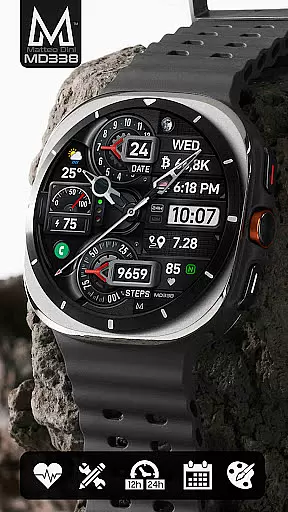
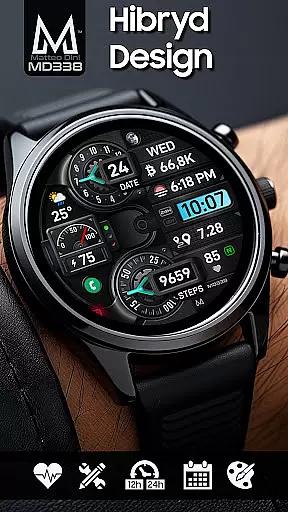
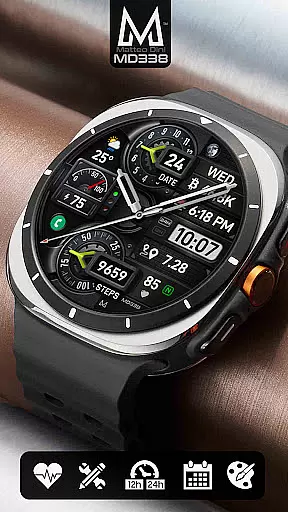
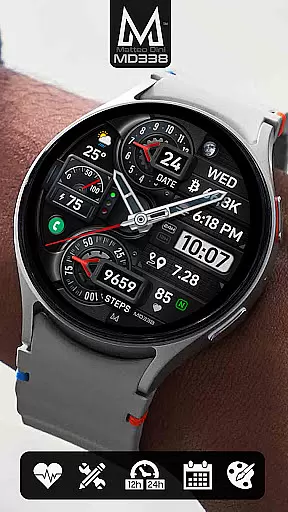
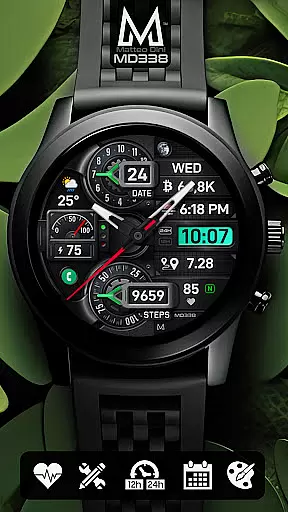
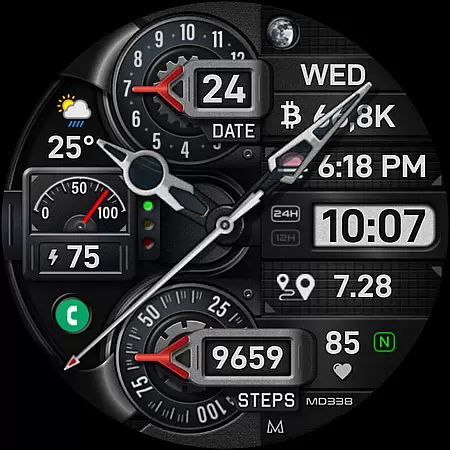
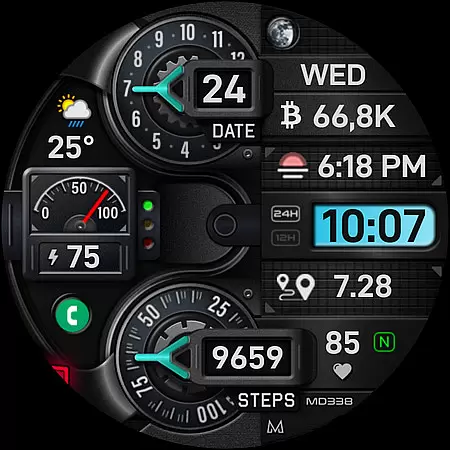
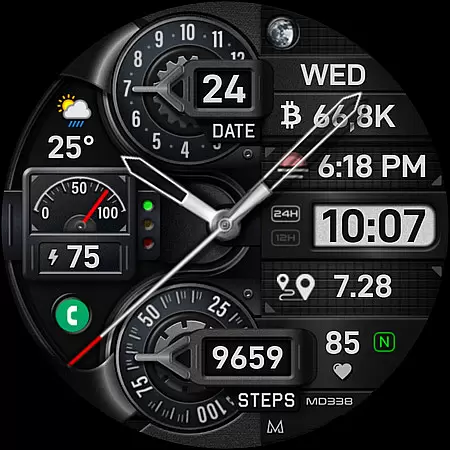
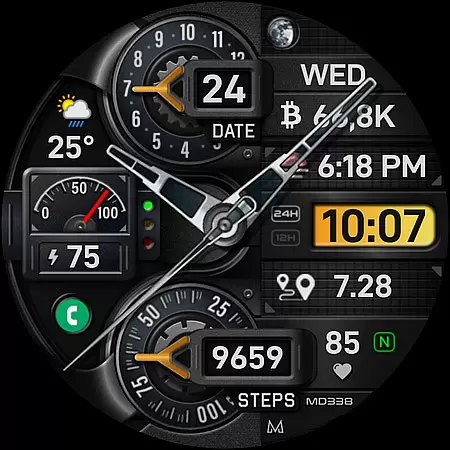
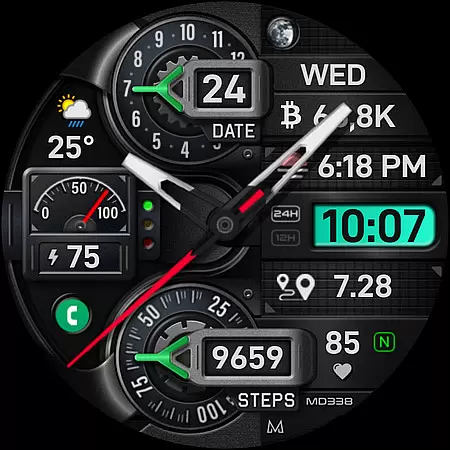
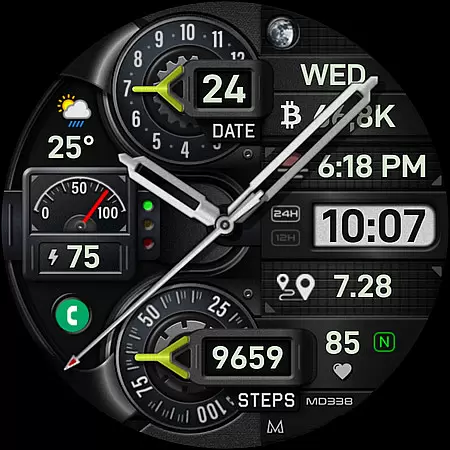
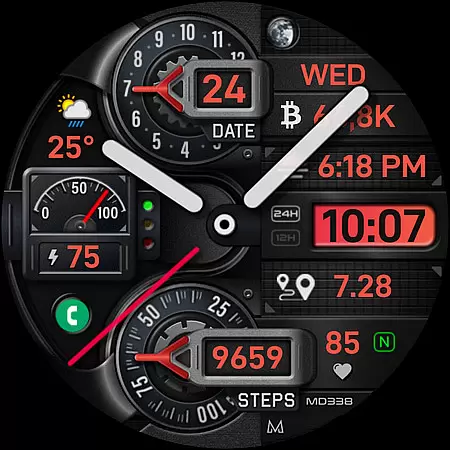
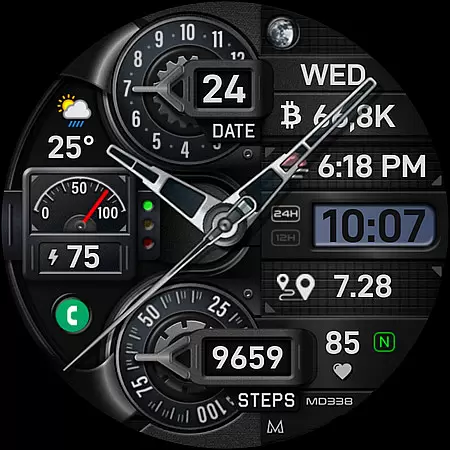
MD338 Hybrid watch face is an advanced digital interface designed for Wear OS devices, offering a customizable and feature-rich user experience. This watch face supports all Wear OS devices with API Level 33+ and includes options like 4 preset app shortcuts, 1 customizable shortcut, and 4 customizable complications that display data such as weather, health metrics, and more.
The watch face stands out with its hybrid design, combining analog hands with digital features. Users can personalize it with up to 1 million color combinations, sync time formats with their phone, and access essential functions like heart rate monitoring, step tracking, and always-on display modes. Its compatibility with Samsung Galaxy Watches and other Wear OS devices makes it versatile for tech-savvy users.
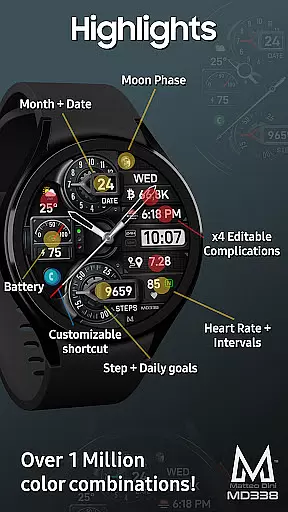
MD338 Hybrid watch face offers a comprehensive set of features tailored to enhance usability and personalization. With 4 preset app shortcuts (Calendar, Battery, Measure Heart Rate, Set Alarm) and 1 customizable shortcut, users can quickly access frequently used functions. The inclusion of 4 customizable complications allows users to display preferred data such as weather, barometer readings, or fitness metrics directly on the watch face.
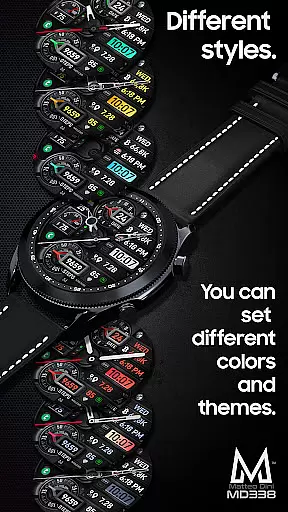
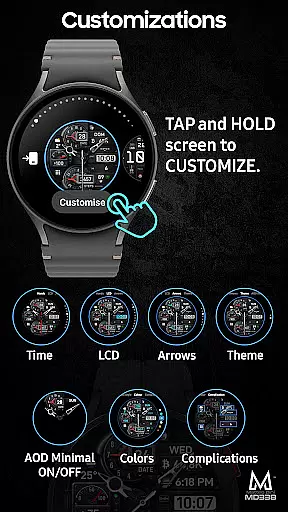
Customization is a core aspect of this watch face, featuring 9 sets of hands, date and month displays, battery monitoring, and heart rate tracking. Users can choose from extensive color options for LCD, arrows, themes, and general appearance. Additionally, the always-on display mode provides two viewing options: minimal and full. These features collectively ensure both aesthetic appeal and functional utility, making it ideal for users seeking a personalized smartwatch experience.
Companion app integration is essential for a seamless wearable experience. The MD338 Hybrid watch face offers users the ability to customize their watch directly on their Wear OS device, bypassing potential issues with the Samsung Wearable app's editor. This ensures that complex designs and features remain accessible even when facing compatibility challenges.
The customization process is straightforward. Users can tap and hold the screen on their watch, then select 'customize' to personalize various elements of the watch face. This direct approach eliminates the need for third-party apps to adjust settings, providing a more reliable and user-friendly experience.
This level of integration allows users to take full advantage of the watch face's features, including app shortcuts, complications, and color combinations. By interacting directly with the watch, users can tailor their experience to suit their preferences without being hindered by external software limitations.
Overall, the MD338 Hybrid watch face demonstrates how effective companion app integration can enhance user satisfaction. With intuitive controls and extensive customization options, it ensures that users can enjoy a personalized and functional wearable experience.
Device compatibility is a critical factor for any Wear OS application, and the MD338 Hybrid watch face excels in this area. Supporting all Wear OS devices with API Level 33+ (Wear OS 4 and later versions), it ensures broad accessibility across a range of smartwatches, including Samsung Galaxy Watch 4-8, Ultra, and Pixel Watch models.
This wide compatibility means that users with different devices can enjoy the same high-quality experience. Whether syncing time formats with phone settings or utilizing health metrics like heart rate and step tracking, the watch face provides consistent performance across supported devices.
In addition to basic functionality, the MD338 Hybrid watch face offers advanced features such as customizable complications and app shortcuts. These features are designed to work seamlessly on all compatible devices, providing users with a versatile and adaptable interface regardless of their specific Wear OS device.
By prioritizing Wear OS and device compatibility, the MD338 Hybrid watch face ensures that users can fully leverage their smartwatch's capabilities. This commitment to compatibility enhances user satisfaction and expands the potential user base for this innovative watch face.
Highly customizable
Versatile complication options
Supports latest Wear OS
Hybrid design combines analog and digital
Extensive color combinations
Complex setup for beginners
Compatibility issues with older devices
Limited without additional apps
Requires careful customization
Preset shortcuts may not suit all users

"PER27 Galaxy Digital" is a digital Wear OS watch face designed by PERSONA
 4.10
4.10
Gym Log & Workout Tracker | Fitness Journal, Training & Weight Lifting Planner
4.90
Walking app for weight loss: walk & step tracker, pedometer, indoor treadmill
4.60
Analog watch face with 8 complications and expedition styling
4.1
Sleek, highly customizable watch face inspired by Galaxy Watch Circle Dashboard.
4.1
Bold, Modern Hybrid Watch Face for Wear OS. 10 Colors, Rich Info Display.
4.30
Get helpful reminders, take progress photos and find answers to your questions.
3.90
Real-time weather radar with temperatures, warnings, hurricanes, and widgets
4.80
Premium hybrid watch face with many customizations for Wear OS devices.
4.40
The most customizable minimal watch face. For Wear OS 5.0, API 34+ and later
4.70
Gym & home workout plans with strength training, exercise tracking, HIIT & more.
4.60
Embrace the holiday spirit with this magical animated watch face!
4.40
Christmas watch face. For Wear OS devices.
4.30
Your music, your playlists, and more—offline and unlimited.
4.20
sleep, alarm, snoring, stress, healing, focus, sound therapy, circadian rhythm
4.10
Your local weather forecast, storm tracker, radar maps & live weather news
3.40
Watch face designed for Thanksgiving Day. 7 Background Styles included.
3.20
Stunning modern digital watch face with 7 complications and strong contrast
4.4
Simple Analog-Digital Watchface For Wear OS 3.0 and Up Smartwatches
4.0


User Reviews