
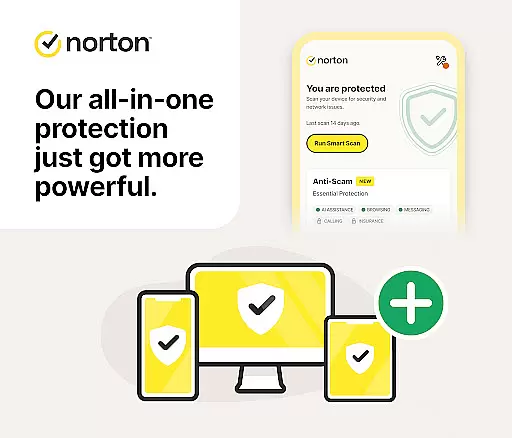





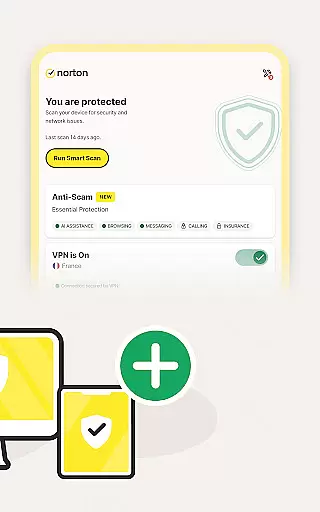




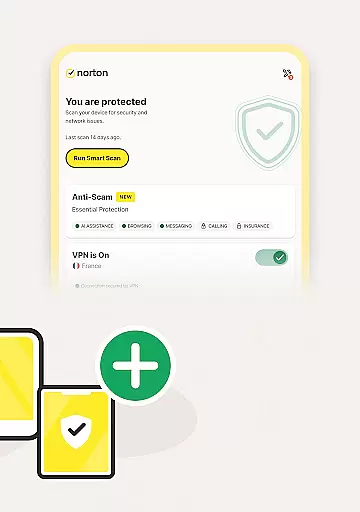
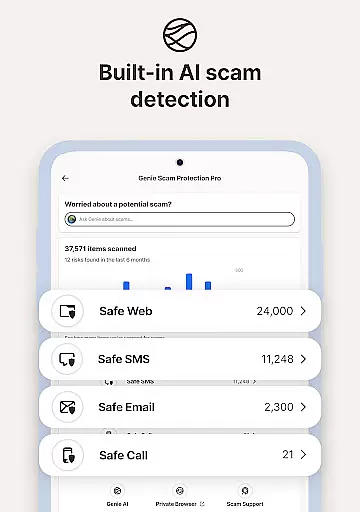



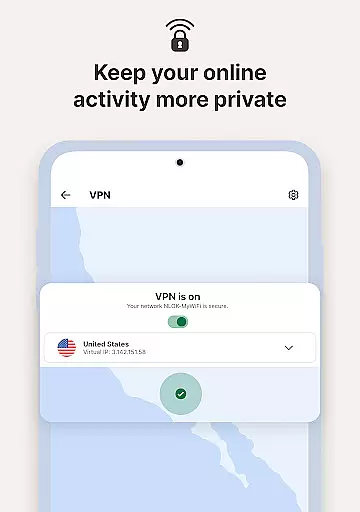
Norton 360 Antivirus & Security is a comprehensive mobile security application designed to protect your device from various online threats. The app features AI-powered malware protection, a virus scanner and cleaner, and a built-in VPN for maintaining privacy while browsing the internet. It also provides scam protection across multiple communication channels including email, web, phone calls, and SMS.
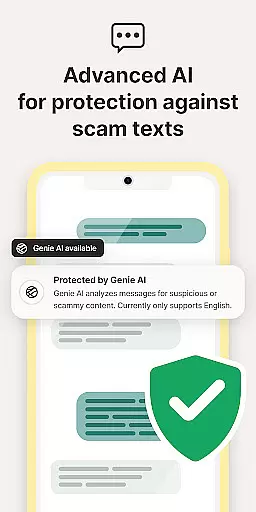
With Norton Genie, an AI assistant integrated into the app, users can get answers to their cyber safety questions and identify potential scams in messages and YouTube videos. Additional features include App Security for real-time malware alerts, WiFi Security for scanning potentially vulnerable networks, and Safe SMS which filters out spam messages that may contain phishing attacks.
This tool is particularly useful for individuals who frequently shop or browse online, as it offers holistic coverage against sophisticated scams and ensures secure connections through bank-grade encryption provided by its VPN service. The app's proactive approach helps keep personal information safe from cybercriminals, making it an essential utility for safeguarding digital life.
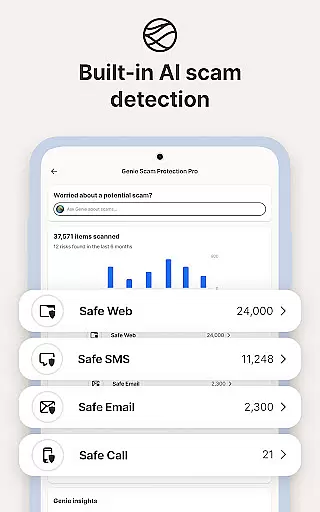
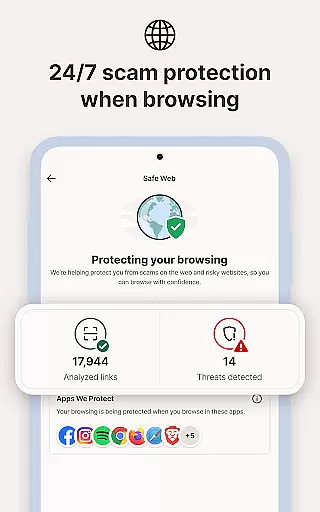
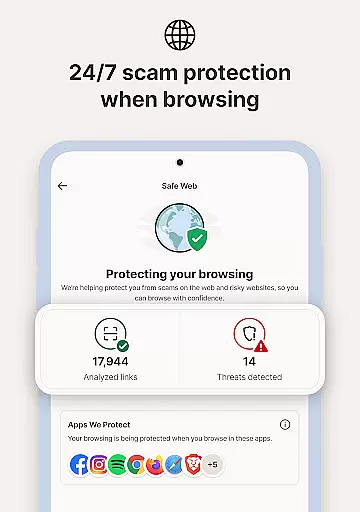
Norton 360 Antivirus & Security stands out with its advanced suite of features tailored to provide robust protection for mobile devices. One of the key highlights is Scam Protection Pro, which uses AI technology to offer comprehensive coverage against scams via email, web, phone calls, and SMS. This feature includes Safe Web that checks visited pages for scams, Safe Call that blocks unwanted calls, and Safe Email that monitors your inbox around the clock.
The app also boasts Norton Genie, an innovative AI assistant capable of answering cybersecurity questions and identifying scams within messages and YouTube videos. For those concerned about privacy while using public Wi-Fi, the built-in VPN ensures secure connections with bank-grade encryption. Moreover, App Advisor scans both new and existing apps to prevent threats like malware and ransomware, enhancing overall device security.
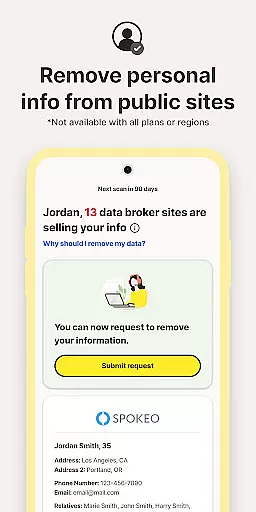
Additional functionalities such as Ad Tracker Blocker help maintain user privacy by blocking ads on different platforms. Dark Web Monitoring adds another layer of security by alerting users if their personal information is found on the dark web. These features collectively ensure that Norton 360 not only protects against current threats but also adapts to emerging challenges in cybersecurity, offering peace of mind to its users.
Norton 360 Antivirus & Security stands out for its precision and effectiveness in delivering core security functions. The app employs advanced AI-powered malware protection to detect and eliminate threats in real-time, ensuring your device remains safeguarded against viruses and other malicious software.
The inclusion of a virus scanner and cleaner provides users with the ability to identify and remove harmful apps promptly. This proactive approach not only enhances device safety but also optimizes performance by clearing unwanted files and applications.
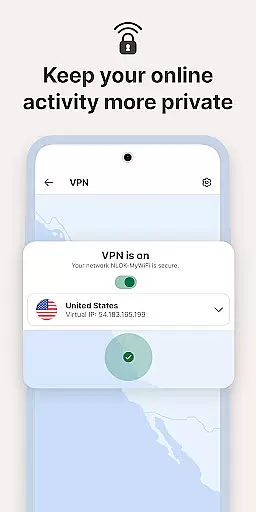
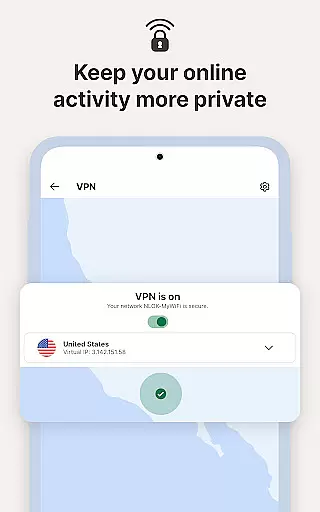
Additionally, Norton's built-in VPN feature offers bank-grade encryption, securing your online activities and private information. Whether you're browsing, shopping, or streaming, the app ensures a secure connection, protecting your data from potential cyber threats.
By combining these robust functionalities, Norton 360 delivers an effective solution for maintaining mobile security, giving users peace of mind while navigating the digital landscape.
A user-friendly interface is crucial for any security application, and Norton 360 Antivirus & Security excels in providing an intuitive experience. The app's design emphasizes ease of use, allowing even those with limited technical knowledge to navigate its features effortlessly.
Upon opening the app, users are greeted with a clean layout that organizes essential tools like the virus scanner, VPN, and WiFi security checks into easily accessible sections. This logical arrangement ensures that users can quickly find and utilize the protection they need without unnecessary complexity.
Moreover, Norton Genie, the AI assistant, adds another layer of simplicity by answering cybersecurity questions and helping identify potential scams within messages and videos. Its presence streamlines the process of staying informed and vigilant against emerging threats.
Overall, Norton 360 combines powerful security features with an intuitive interface, making it simple for users to maintain their device's safety without feeling overwhelmed by technical jargon or complicated settings.
Advanced AI protection
Comprehensive scam coverage
Real-time malware alerts
Secure VPN service
Proactive call blocking
Subscription required
Limited free trial
Country restrictions apply
Automatic renewal
Premium pricing

Transfer Files, APK from Phone to Watch & Install.
 4.1
4.1
Amateur Radio app for APRS: Track friends, exchange messages, get tactical info.
3.90
Effortlessly run ADB commands directly on your device without a PC.
4.20
Detect hidden spy camera with advanced scanning {{ Premium version }}
4.00
Monitor car performance in real time and troubleshoot malfunctions.
4.80
Making emulation easy for everyone!
4.30
The one-and-only remote control for PC, Mac, and Linux
4.70
Fast Video Downloader, Movie Downloader, Torrent Downloader & Adblock Browser
4.70
Download any file easily and quickly with Downloader
4.2
Optimize your WiFi network, turn your phone into Wifi Analyzer
4.70
Connect instantly to a fast, encrypted VPN with one tap
4.60
Canon PRINT is a companion app for your Canon printer.
4.60 4.50
4.50
Carry a FTP server in your pocket and avoid USB cables for file transfer
4.20
Automate everything from settings to photos, SMS to speech. ADC2 prize winner.
4.10
A convenient photo, video, and file recovery tool.
4.00
Introducing Smart Printer, your ultimate destination for printing solutions!
4.00
Smart and comfortable browsing experience.
3.80
Unlock your Essential Key. Create custom shortcuts to your favorite apps!
4.1


User Reviews