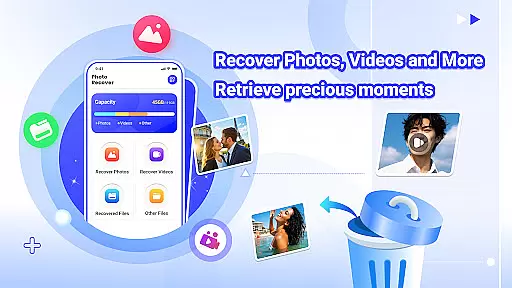
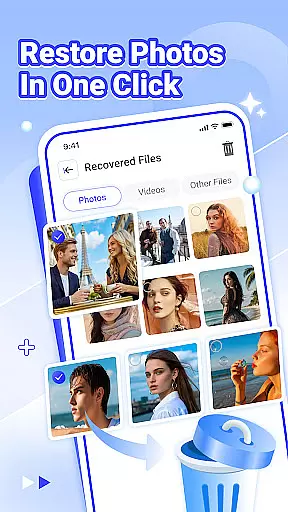
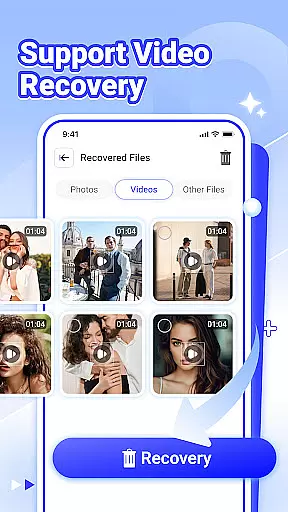
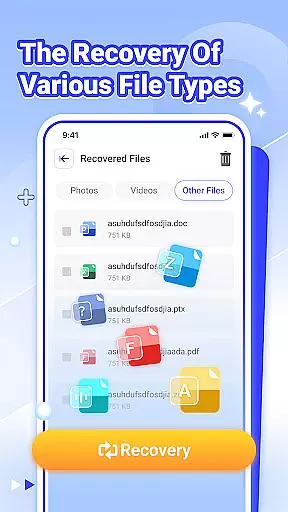
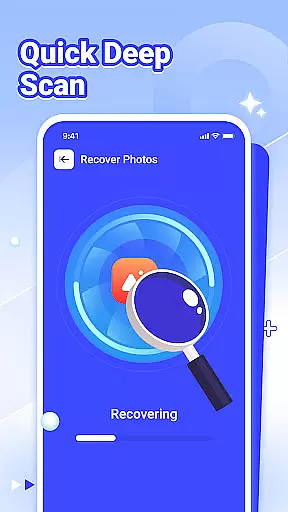
Photo Recover is a powerful file recovery tool designed to help users retrieve lost photos, videos, and other important files. The app's core functionality lies in its ability to recover deleted media and documents through an intuitive interface.
Key features include dedicated recovery options for photos, videos, and various file types. Users can also preview recovered content before final restoration. The app works entirely offline, ensuring privacy and security during the recovery process.
This application is particularly useful for individuals who have accidentally deleted important files or need to recover data from damaged storage devices. It provides peace of mind knowing that lost memories and crucial documents might be retrievable.
The app offers several advanced features that set it apart from basic recovery tools. Its multi-format support covers all major file types, including JPEG, PNG, MP4, DOCX, and PDF formats.
A unique aspect is its smart scanning technology, which analyzes storage sectors to locate recoverable files. The app implements sophisticated algorithms to ensure maximum recovery rates while maintaining file integrity. Additionally, the built-in preview function allows users to verify recovered content before proceeding with restoration.
Other notable features include detailed recovery reports, customizable scan parameters, and automatic organization of recovered files. These capabilities provide users with both control and convenience when managing their data recovery needs.
Photo Recover offers a reliable solution for retrieving accidentally deleted files, focusing on accuracy and effectiveness in its core functions. The app specializes in recovering photos, videos, and various file types by scanning your device's storage thoroughly.
The recovery process is straightforward, requiring just a few taps to restore precious moments captured in images or important data stored in documents. Its ability to identify cached files deleted by other apps adds an extra layer of utility, ensuring comprehensive coverage during the recovery process.
While the success rate depends on factors like device model and storage medium, Photo Recover maximizes the chances of retrieving lost files locally without compromising user privacy. This ensures that sensitive information remains secure while providing users with peace of mind when attempting to recover valuable content.
The interface of Photo Recover is designed to be simple and intuitive, making it accessible even for users who may not be tech-savvy. With clear navigation paths and minimalistic design elements, the app allows users to initiate the recovery process quickly and efficiently.
Each feature, from photo recovery to viewing recovered files, is presented in a way that eliminates confusion and reduces learning time. Users can easily review what has been retrieved, ensuring no critical data goes unnoticed during the restoration process.
This focus on usability extends beyond aesthetics; it enhances overall productivity by streamlining tasks into manageable steps. Whether restoring a single image or multiple file types, Photo Recover ensures that every action feels natural and intuitive, contributing to a seamless user experience.
User-friendly interface
Multi-format support
Offline operation
Preview functionality
Quick scanning
Recovery not guaranteed
Device limitations
Premium features locked
Technical knowledge required
Performance varies

pdf merge, word to pdf, jpg to pdf, edit pdf, convert to pdf and much more!
 4.20
4.20
Quickly switch to an encrypted DNS server on Android TV
4.50
Learn the vast amount of system information about device and monitor it's state
4.70
A non-root local ADB shell client. READ BELOW!
3.40
Powerful collection of electronics tools and reference.A must for any enthusiast
4.90
Screen Mirroring with sound for Samsung TV, LG TV, Sony TV, Smart TV and Browser
4.20
NFC Tools can read and write NFC tags.
4.70
Automate everything from settings to photos, SMS to speech. ADC2 prize winner.
4.10
Fun lie-detection pranks for friends and parties.
3.80
Change your GPS location instantly. Simulate routes anywhere in the world.
4.90
Bedrock Together: Join any bedrock server on Xbox/PS
4.80
ADB support Android 4.X-Android 13(Support wireless pair mode).No root required!
4.70
App to pay for FUTO Keyboard
4.60 4.50
4.50
eXtended Permission Manager - a small app to manage permissions and AppOps
4.50
With videos, electrical calculators, and built-in ebook, Ugly’s has your answer.
4.50
The Ultimate Bluetooth Keyboard & Mouse. Securely control your PC, Mac, and more
4.50
View detailed information about your Nissan Leaf the dealer never shows you.
4.10
Smart and comfortable browsing experience.
3.80


User Reviews